
linkedn't
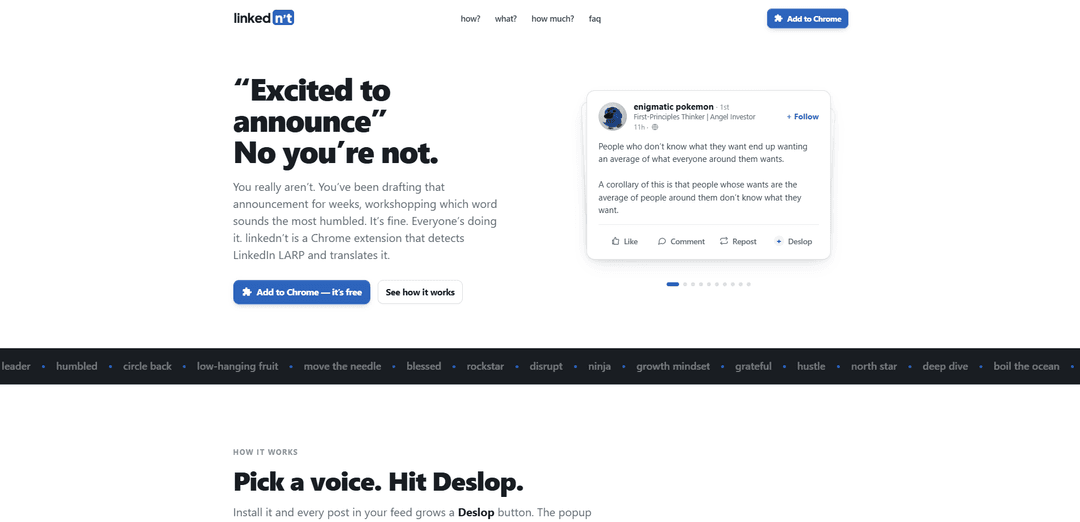
linkedn't is a Chrome extension that detects LinkedIn “slop” (LARP-y corporate speak) and rewrites posts into plain English with adjustable bluntness, directly inside your LinkedIn feed.
https://linkednt.com/?ref=producthunt
Product Information
Updated:Jul 15, 2026
What is linkedn't
linkedn't is a “LinkedIn slop translator” built to cut through the mass-produced, vaguely AI-flavored corporate speak that dominates LinkedIn. Instead of leaving you to decode humblebrags, grindset monologues, and performative announcements, it translates the performance into what it’s really saying—right on the page. It’s designed as a lightweight Chrome extension for linkedin.com/feed, with a simple goal: make LinkedIn posts readable, honest, and entertaining without changing what you see for anyone else.
Key Features of linkedn't
linkedn't is a Chrome extension that adds a “Deslop” button to LinkedIn posts and rewrites them from corporate, performative “LinkedIn LARP” into plain English (or sharper group-chat-style commentary). It runs in your browser, lets you choose how blunt the translation should be, and offers multiple ways to use it—30 free rewrites after sign-in, pay-as-you-go credit packs, or bringing your own API key to route rewrites directly to your own provider without using linkedn't servers.
In-feed “Deslop” button: Automatically injects a Deslop control on each LinkedIn feed post so you can translate the text in-place without copying or leaving the page.
Tone/voice selector (bluntness levels): Lets you pick how mean or direct the rewrite should be—ranging from safe plain-English translations to harsher group-chat commentary.
Inline replace + “Show original” toggle: Replaces the post right where it appears in your feed and allows you to revert back to the original wording when you want to compare.
Privacy-forward operation: Everything happens on your screen; the original poster is not notified. With BYO API key, text goes straight from your browser to your chosen provider; with credits, the service keeps a hash for caching rather than storing the full text.
Flexible pricing (no subscription): Includes 30 free rewrites, then offers small credit packs (starting around $4) or a bring-your-own-key option to avoid using linkedn't credits and servers.
“LinkedIn slop” detection and translation: Targets mass-produced corporate speak and “thought-leader” tropes, translating common patterns (humblebrags, layoffs-as-new-chapters, hustle posts) into clearer intent.
Use Cases of linkedn't
Recruiting & HR signal-check: Helps recruiters and candidates quickly decode euphemistic posts (e.g., layoffs, “we’re hiring rockstars,” culture claims) into more realistic meaning before engaging.
Sales & partnership due diligence: Gives sales teams and BD leaders a faster read on prospect posts by stripping hype and buzzwords, making it easier to identify real announcements vs. posturing.
Career coaching & job searching: Assists job seekers and coaches in interpreting common LinkedIn narratives (promotions, departures, “new chapter” updates) and responding with appropriate outreach.
Marketing/content clarity training: Useful for content teams as a “buzzword lint roller” to spot empty phrasing and rewrite posts into clearer, more human language before publishing.
Media, research & community moderation: Helps analysts, journalists, and community managers quickly summarize or sanity-check trend posts by converting performative language into straightforward claims.
Everyday feed cleanup for professionals: For anyone who reads LinkedIn regularly, it reduces cognitive load by turning cliché-heavy posts into concise interpretations, improving scanning and comprehension.
Pros
Works directly in the LinkedIn feed with one-click translations and an easy “Show original” comparison toggle.
Privacy-conscious design (poster not notified; BYO key can keep text off linkedn't servers).
Flexible, non-subscription pricing: free starter rewrites plus credit packs or BYO API key.
Cons
Limited to LinkedIn in the browser (Chrome extension); not positioned as a cross-platform or mobile solution.
Blunt translations can create social/professional risk if users paste them into comments or messages.
Effectiveness depends on the quality of the underlying rewrite model and may oversimplify nuance or misread intent.
How to Use linkedn't
1. Install linkedn’t: Go to https://linkednt.com/ and install the linkedn’t Chrome extension.
2. Sign in to unlock free rewrites: Sign in so you can use your first 30 rewrites for free.
3. Open your LinkedIn feed: Navigate to linkedin.com/feed in Chrome. The extension works directly on LinkedIn posts in your feed.
4. Find the “Deslop” button on a post: Once installed, each post in your feed will show a “Deslop” button added by the extension.
5. Click “Deslop” to translate the post: Click the “Deslop” button to open the translation popup and generate a plain-English rewrite of the post.
6. Choose a translation voice (bluntness level): In the popup, pick how blunt you want the translation—ranging from safer plain English to more group-chat-style commentary.
7. Replace the slop with the translation (and toggle back if needed): After translating, the rewrite replaces the post in place. Use “Show original” to bring the original LinkedIn text back.
8. Optional: Pin it once for faster use: Use the extension’s “Pin it once” option so the tool is readily accessible while you scroll your feed.
9. Manage usage after the free rewrites: After the first 30 rewrites, either buy credit packs (starting around $4) or use your own API key to avoid using linkedn’t servers.
10. Optional: Use your own API key for privacy/control: If you plug in your own API key, the post text goes straight from your browser to your provider and does not go through linkedn’t servers.
11. Use caution when sharing translations publicly: The extension runs in your browser and the original poster won’t be notified, but pasting translated text into LinkedIn comments can still cause social/professional issues.
linkedn't FAQs
linkedn't is a Chrome extension that detects “LinkedIn slop” (performative, corporate-speak posts) and translates it into plain English directly in your LinkedIn feed.
linkedn't Video
Popular Articles

Vosko AI: Localize and Dub Videos for Global Audiences
Oct 15, 2026

Atoms: A Multi-Agent AI Platform That Transforms Ideas into Launch-Ready Products
Oct 13, 2026

Nano Banana SBTI: What It Is, How It Works, and How to Use It in 2026
Apr 15, 2026

Atoms Review — The AI Product Builder Redefining Digital Creation in 2026
Apr 10, 2026
Latest AI Tools Similar to linkedn't
WordLimit AI
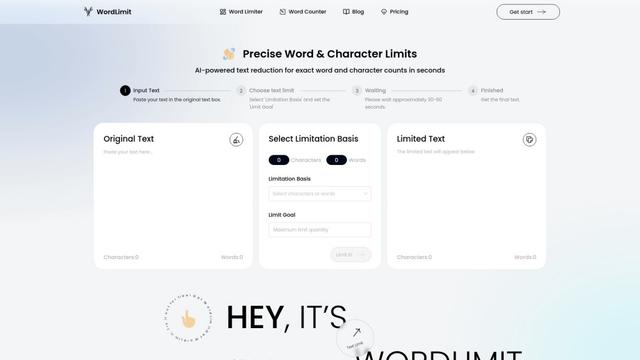
WordLimit is the world's first intelligent text reduction tool that precisely adjusts word and character counts while preserving essential information and the original human writing style.

ResumeSet
ResumeSet is a free AI-powered resume builder that creates tailored, ATS-optimized resumes in minutes by transforming any job listing into a professionally formatted resume with no credit card required.
Writers-Copilot
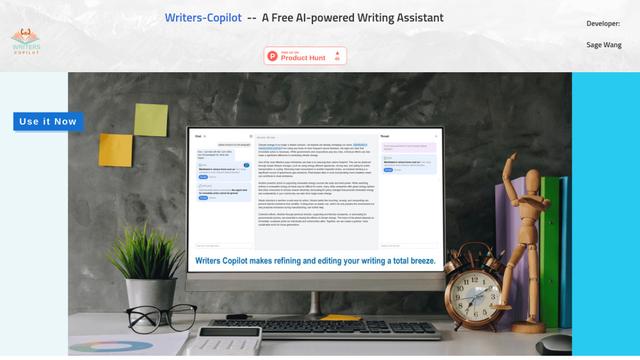
Writers-Copilot is a free AI-powered writing assistant that provides intelligent editing suggestions, real-time feedback, and content improvement capabilities to enhance writing quality and efficiency.

Humanize AI
Humanize AI is a leading free online platform that transforms AI-generated text into natural, human-like content by eliminating robotic undertones while bypassing all AI detection tools.
Popular AI Tools Like linkedn't
MailMood - AI Email Rewriter
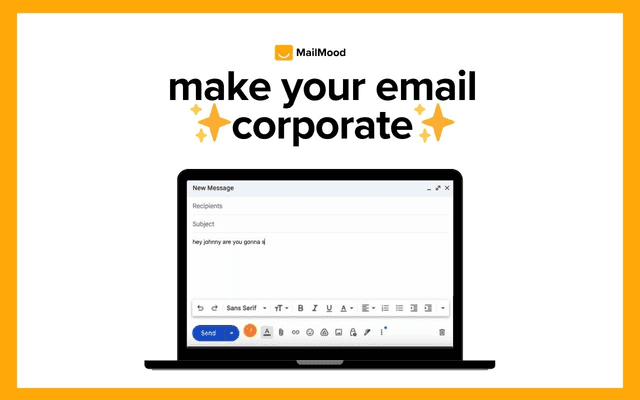
MailMood is a Chrome extension that instantly transforms Gmail messages into professional, clean, and confident business language with three different tone options - corporate, casual, or assertive - all with just one click.
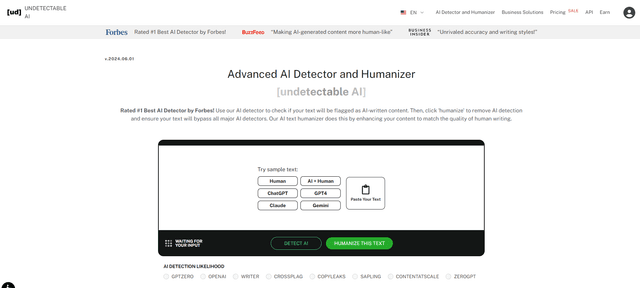
Undetectable AI
UndetectableAI.ai is an AI content detection and humanization tool that scans AI-generated text and rewrites it to be undetectable by AI detectors while maintaining quality and meaning.
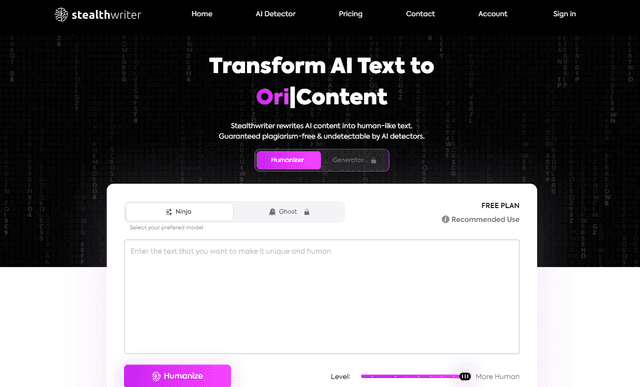
Stealthwriter
StealthWriter is an AI-powered tool that transforms AI-generated content into undetectable, human-like text while maintaining quality and bypassing AI detection.

AI Humanize
AI Humanize is a free online tool that converts AI-generated text into natural, human-like content to bypass AI detectors and improve readability.