Lacuna
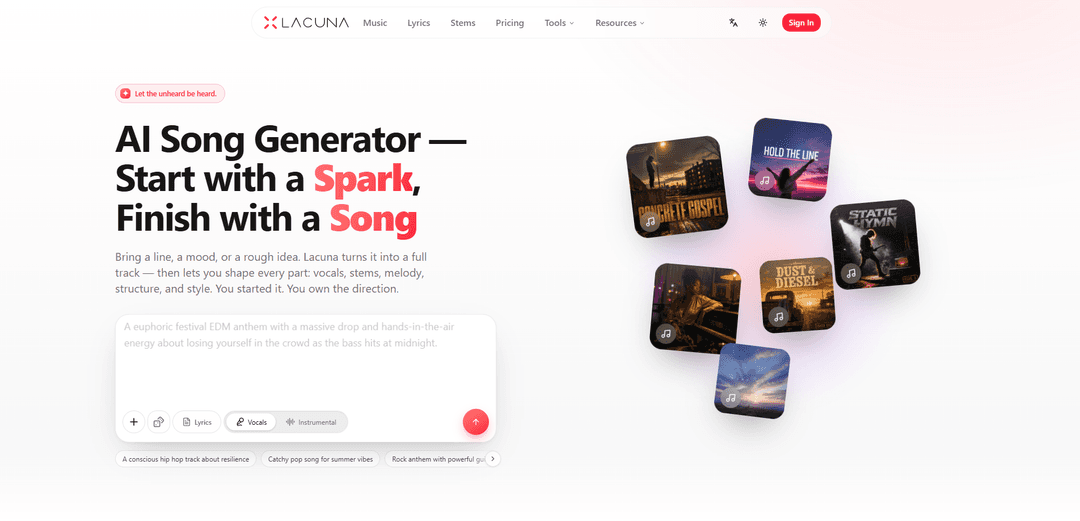
Lacuna is a free-to-try AI song generator that turns text, lyrics, images, or audio ideas into complete vocal songs and lets you refine structure, melody, and downloadable stems for commercial use.
https://www.lacuna.fm/?utm_source=aipure
Product Information
Updated:Jul 8, 2026
What is Lacuna
Lacuna (lacuna.fm) is an AI-powered music creation workspace designed to help anyone go from a simple spark—like a lyric, mood, or prompt—to a polished, original song in seconds. It generates full tracks with vocals, melody, harmony, and instrumentation, and then provides tools to shape the result rather than stopping at a single output. Built for creators, producers, and beginners alike, Lacuna emphasizes “no theory required,” supports prompts in any language, and includes features like lyric writing assistance, track analysis (BPM/key), MIDI editing, and one-click stem separation. It’s free to try with monthly credits and is positioned as an all-in-one studio for songwriting, production prep, and content-ready music.
Key Features of Lacuna
Lacuna is an AI music creation workspace that turns a text prompt, lyrics, or other inputs into complete original songs with vocals, melody, harmony, and instrumentation, then lets you refine the result through remixing, extending, stem separation, and built-in analysis (BPM/key/tempo). It also includes creation tools like an online MIDI generator/editor and lyric-writing helpers (syllable counting and rhyme detection), with exports for further production. Lacuna emphasizes commercial usability and ownership: you own the music you create and can use it commercially (assuming you have rights to any inputs you upload), with free starter credits and flexible plans/credit packs.
Text/lyrics-to-full song generation: Describe genre, mood, tempo, instruments—or paste lyrics—and Lacuna generates a complete track with vocals plus full arrangement (melody, harmony, instrumentation).
Multi-model generation in one place: Create the same idea across different AI music models and keep the best result, switching models quickly to match genre and vibe.
Remix & extend without restarting: Transform an existing Lacuna-generated track into new styles/moods or extend short ideas into full structures (intros/bridges/outros) while preserving the original version.
One-click stem separation: Split tracks into clean stems (e.g., vocals, drums, bass) for soloing, muting, balancing, and downloading individual layers for reuse.
Built-in track analysis: Instantly identify BPM, key, and tempo to help arrange, remix, and align multiple tracks in a project.
Lyrics & MIDI creation tools: Use a lyrics studio with syllable counting and rhyme detection plus a browser-based MIDI generator/editor (piano roll, export to DAWs) to shape compositions in detail.
Use Cases of Lacuna
Content creation & YouTube background music: Generate custom, copyright-safe music beds, intros, and scene-matching tracks with optional vocals/lyrics to fit video pacing and mood.
Podcast production packages: Create branded intros/outros, transitions, and background cues quickly, then stem-split to fine-tune voiceover clarity and mix consistency.
Indie game soundtracks and ambient loops: Produce character themes, loopable ambient tracks, and location-specific moods; use BPM/key analysis and MIDI export to integrate with interactive audio pipelines.
Independent artists & producers prototyping: Turn rough prompts into production-ready starting points, then refine via remix/extend, stem separation, and MIDI editing before finishing in a DAW.
Personalized song gifts: Create heartfelt, custom songs using names and stories—even without music theory—then iterate lyrics and arrangement until it feels personal.
Marketing and small-brand sonic identity: Generate campaign themes, short-form ad music, and consistent brand motifs; reuse stems across formats (social, web, product videos).
Pros
End-to-end workflow in one workspace (song generation, lyrics tools, stems, analysis, MIDI editing).
Commercial-use positioning with user ownership of outputs (subject to having rights to uploaded inputs).
Fast iteration via remix/extend and model switching; no DAW or plugin installs required for core tools.
Cons
Credit-based limits on generation (free tier provides limited monthly credits; more requires subscription or purchased credits).
Output quality and suitability can vary by prompt and model, often requiring iterative refinement to match a precise creative target.
Commercial safety depends on the user’s input rights; uploading copyrighted material you don’t own can create legal risk.
How to Use Lacuna
1) Open Lacuna and start a new creation: Go to https://www.lacuna.fm/ and click “Start Creating” (or go directly to https://www.lacuna.fm/music). You can generate your first track as a guest (no account or credit card needed).
2) Choose what you’re starting from (text, image, or audio): Begin with a line of lyrics, a mood/scene description, or a rough idea. Lacuna supports text, image, or audio input, and you can describe your idea in any language.
3) Describe the song you want (genre, mood, structure): Write a prompt that includes genre and vibe (e.g., pop, rock, R&B, hip-hop, country, classical, jazz, electronic, Latin, folk, or hybrids), plus any structure notes (intro/verse/chorus/bridge/outro) and the story or theme you want.
4) Specify vocals (optional but recommended): If you want singing/rapping, specify vocal style, gender, and tone to match your creative vision so the generated vocals fit the track direction.
5) Generate the track: Run the generation. Lacuna turns your spark into a full track, aiming for natural, professional-sounding results.
6) Compare different AI music models (if available in your workspace): Use the “every model in one generator” workflow to generate the same idea across multiple AI music models, then keep the version you like best. You can switch models in a click so you’re not locked into one sound.
7) Refine with one message (iterate quickly): Send a follow-up instruction to adjust what you hear—e.g., “make the chorus bigger,” “more acoustic,” “faster tempo,” “darker harmony,” or “simpler drums.” Repeat until the direction matches your intent.
8) Remix the track into a new style (without starting over): Use Remix to reshape the same song into a different genre, mood, or production style in seconds while keeping your original version available.
9) Extend a short idea into a full song: If you generated a short section, use Extend to add intros, bridges, and outros and turn it into a complete arrangement.
10) Split the song into stems (vocals, drums, bass, etc.): Use the stem-splitting tool to separate the track into clean layers. Solo, mute, and balance parts live, then download the stems (e.g., acapella, instrumental, or individual layers) for reuse.
11) Analyze the track’s musical details: Use the built-in analysis to instantly get BPM, key, and tempo so you can remix, arrange, or match multiple tracks consistently.
12) Write or refine lyrics with the lyrics tools: Use the rhyme generator and syllable counter to tighten lines so they fit the beat. Adjust verses/choruses/rap sections until the rhythm and phrasing land cleanly.
13) Edit melodies and notes in the online MIDI editor (optional): Open the online MIDI editor to generate melodies and refine every note in a piano-roll style workflow. Export a standard .mid file to continue production in your DAW.
14) Export and reuse your results: Download your finished audio and/or stems for use in videos, podcasts, games, ads, or music releases. Export MIDI when you want to keep producing in tools like Ableton Live, Logic Pro, FL Studio, Reaper, etc.
15) Understand rights and commercial use: Lacuna emphasizes that you own the direction of what you create. Paid users receive full commercial rights to generated music and lyrics; new users can start with free credits to try it first.
16) Save your work by creating a free account (recommended): You can start as a guest, but signing up free helps you keep creations, receive monthly free credits, and unlock the full workspace features.
Lacuna FAQs
Lacuna (lacuna.fm) is an AI music workspace that can generate complete, original songs from a text prompt, lyrics, or other inputs, and then lets you refine elements like vocals, melody, structure, and style.
Lacuna Video
Popular Articles

Proferex: A Cloud-Based Ad Tracking and Campaign Optimization Platform
Nov 4, 2026

How to Create Viral Talking Baby Podcast Videos with AI: Step-by-Step Guide
Nov 2, 2026

Vosko AI: Localize and Dub Videos for Global Audiences
Oct 15, 2026

Atoms: A Multi-Agent AI Platform That Transforms Ideas into Launch-Ready Products
Oct 13, 2026
Latest AI Tools Similar to Lacuna
MeloHunt
MeloHunt is a powerful AI-powered song generator that enables users to create original, high-quality music tracks without requiring any musical expertise.
ChopLab
ChopLab is an AI-powered tool that enables music producers to transform audio tracks into unique samples and custom drum packs through automated splitting, isolation, and chopping processes.
MindBound Labs
MindBound Labs is an innovative platform focused on accelerating Artificial Super Intelligence (ASI) through community engagement, combining NFC cards, AI prompts, and personalization across multiple creative domains.
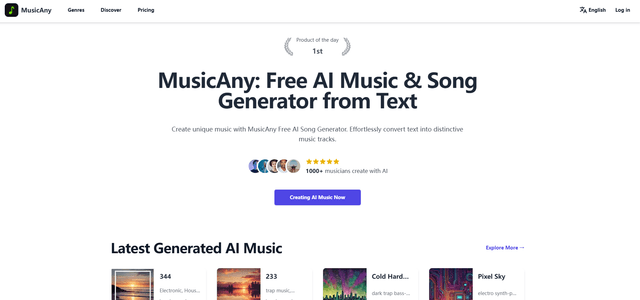
MusicAny
MusicAny is a cutting-edge free AI music generator that enables users to effortlessly create unique, royalty-free songs from text descriptions without any musical background.
Popular AI Tools Like Lacuna
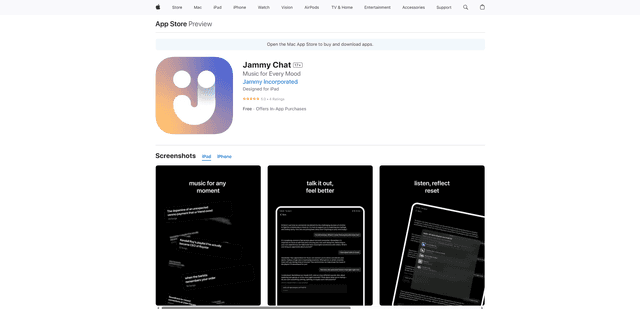
Jammy Chat
Jammy Chat is a music-infused mental health app that provides personalized playlists and emotional support by analyzing your mood through AI-powered conversations.
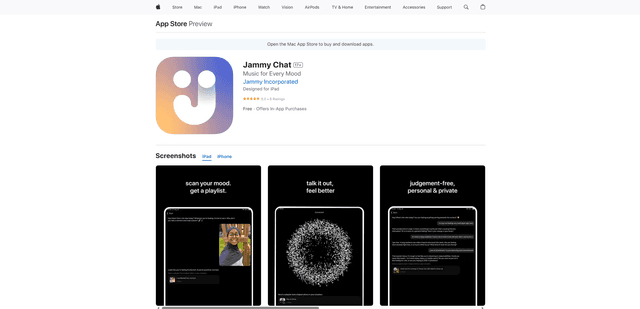
Jammy Chat
Jammy Chat is an AI-powered mental health app that scans users' facial expressions and provides personalized music playlists to help regulate emotions and improve mood.
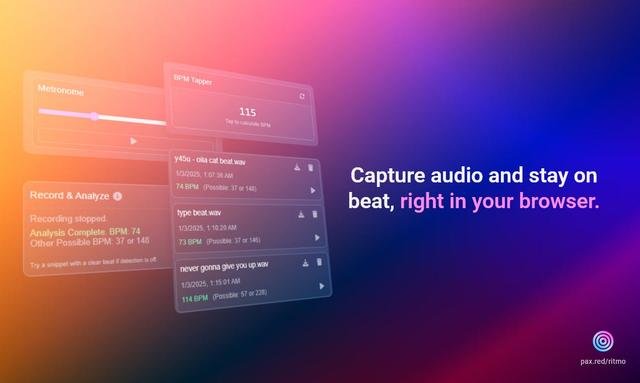
Ritmo
Ritmo is a smart audio toolkit Chrome extension that helps capture, analyze, and manage audio with features like BPM analysis, tap tempo, and metronome functionality.
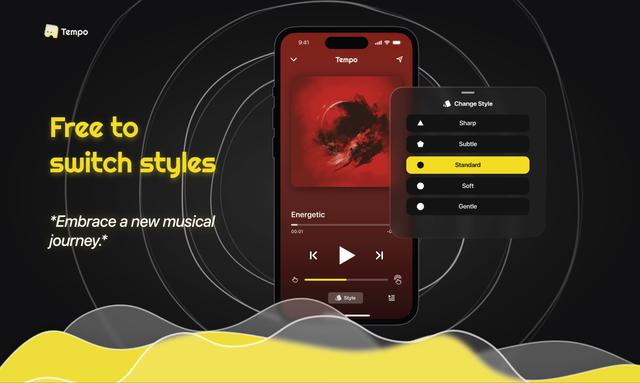
Tempo-Pulse
Tempo-Pulse is an AI-driven haptic music player that transforms any music into tactile sensations through innovative haptic technology, making music feelable for everyone including those who are hard of hearing.