
Labs AI
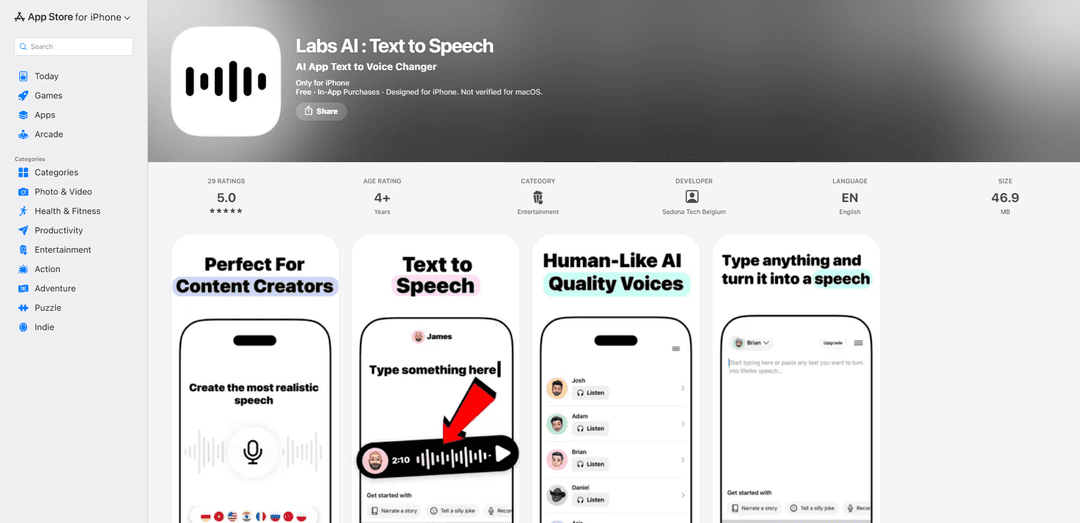
Labs AI is an iPhone text-to-speech app that turns written text into natural, lifelike audio with customizable voice options, multi-language support, and a growing catalog of voices and themes (including meditation/ASMR).
https://apps.apple.com/be/app/labs-ai-text-to-speech/id6741198402?ref=producthunt
Product Information
Updated:Jul 8, 2026
What is Labs AI
Labs AI: Text to Speech is an AI-powered text-to-voice app designed for iPhone that converts your written words into realistic speech for use cases like voiceovers, video dubbing, and narration. Built for creators and professionals, it focuses on producing high-quality, natural-sounding audio while giving users choice and control through voice selection and language support. The app is offered free to download with in-app purchases/subscriptions, is listed under Entertainment, and requires iOS 17.6 or later.
Key Features of Labs AI
Labs AI is an iPhone-focused AI text-to-speech app that turns written text into natural, lifelike speech for voiceovers and narration. It offers a catalog of customizable voice options with multi-language support, plus discovery tools like language and theme filters (including Meditation and ASMR/Whisper) to quickly find the right voice style. The app is free to download with in-app purchases/subscriptions, and the App Store listing indicates “Data Not Collected” (per the developer’s disclosure).
AI text-to-speech generation: Converts written text into realistic speech suitable for narration and voiceover production.
Customizable voice options: Lets users choose from different voices and adjust selections to match the tone/style needed for a project.
Multi-language voice catalog: Supports multiple languages and recently added more voices across languages such as Russian, Turkish, Polish, Filipino, and Indonesian.
Language & theme filters: Includes browsing tools like an “All Languages” catalog view and theme filters (e.g., Meditation and ASMR/Whisper) to speed up voice selection.
Share from the app: Provides an in-app sharing option to share Labs AI directly from the menu.
In-app purchases (subscriptions + add-ons): Offers paid tiers (e.g., weekly/monthly/yearly options) and add-ons such as Voice Clone as listed in the App Store purchases.
Use Cases of Labs AI
Content creation voiceovers: Creators can generate narration for YouTube videos, TikToks, Reels, and other social content without recording their own voice.
Video dubbing for localization: Teams can produce voice tracks in different languages to localize video content for international audiences.
Podcasting & storytelling narration: Writers and podcasters can turn scripts into consistent, clean narration for episodes, intros, or serialized audio stories.
Business presentations and training: Professionals can create voiceover for slides, product demos, onboarding materials, and internal training modules.
Wellness audio (meditation/ASMR): Meditation and whisper-style themes can be used to generate calming guided sessions or relaxation audio tracks.
Pros
Broad voice discovery options (language + theme filters) to find the right style quickly
Designed for creators and professionals needing fast voiceover/narration from text
Developer disclosure indicates “Data Not Collected” in the App Store listing
Cons
Requires relatively recent OS versions (iOS 17.6+; macOS requires Apple Silicon)
Some users report reliability issues (e.g., speech generation not working) despite subscription purchase
Key details about exact customization controls and export formats are not clearly specified in the provided sources
How to Use Labs AI
1) Install Labs AI: On your iPhone (requires iOS 17.6+), open the App Store, search for “Labs AI : Text to Speech” (developer: Sedona Tech Belgium), then download and open the app.
2) Choose what you want to do (Text-to-Speech / Voice options): From the main screen, select the text-to-speech workflow (the app’s core feature is converting written text into lifelike speech with selectable voices and language options).
3) Enter or paste your text: Type your script or paste text you want converted into speech (e.g., narration, voiceover lines, short-form content scripts).
4) Pick a voice: Browse the voice catalog and select a voice. Use the voice list to find a style you like (the app includes many voices, including newly added voices across Russian, Turkish, Polish, Filipino, and Indonesian).
5) Filter voices by Language: Use the Language filter to narrow voices to the language/accent you need. If you want to browse everything, use the “All Languages” filter to view the full catalog at once.
6) Filter voices by Theme (optional): If you want a specific vibe, use the Themes filter (e.g., “Meditation” or “ASMR / Whisper”) to quickly find voices suited to that style.
7) Select an accent (optional): If available in the catalog, choose an accent variant (e.g., Australian English) by selecting a voice labeled with that accent.
8) Review voice details (optional): Read the brief description shown under each voice to help you choose the best fit before generating audio.
9) Generate speech: Tap the app’s generate/convert action to transform your text into speech audio using the selected voice.
10) Share your result: Use the in-app Share option (available from the menu) to share the generated output or share the Labs AI app link directly from the menu.
11) Manage subscriptions or purchases (if needed): If you need premium features, use the in-app purchase options shown in the App Store listing (e.g., weekly/monthly plans, Pro, or Voice Clone). Manage or cancel via iOS Settings > Apple ID > Subscriptions.
Labs AI FAQs
Labs AI : Text to Speech is an iPhone app that converts written text into natural-sounding speech (text-to-speech) and is marketed for voiceovers, video dubbing, and professional audio projects.
Popular Articles

Vosko AI: Localize and Dub Videos for Global Audiences
Oct 15, 2026

Atoms: A Multi-Agent AI Platform That Transforms Ideas into Launch-Ready Products
Oct 13, 2026

Nano Banana SBTI: What It Is, How It Works, and How to Use It in 2026
Apr 15, 2026

Atoms Review — The AI Product Builder Redefining Digital Creation in 2026
Apr 10, 2026
Latest AI Tools Similar to Labs AI
MicVoice.Ai
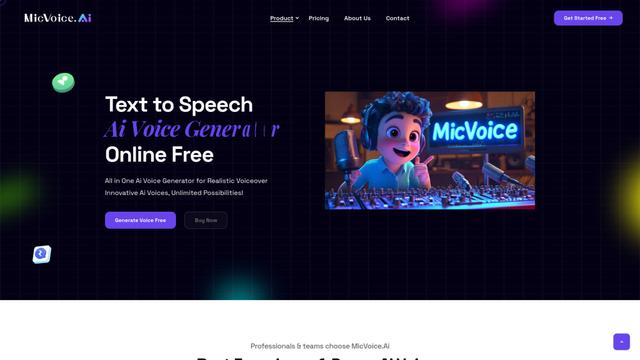
MicVoice.Ai is an all-in-one AI voice generator platform that transforms written text into high-quality, natural-sounding speech with over 5000 realistic AI voices supporting 17+ languages.
Narrai
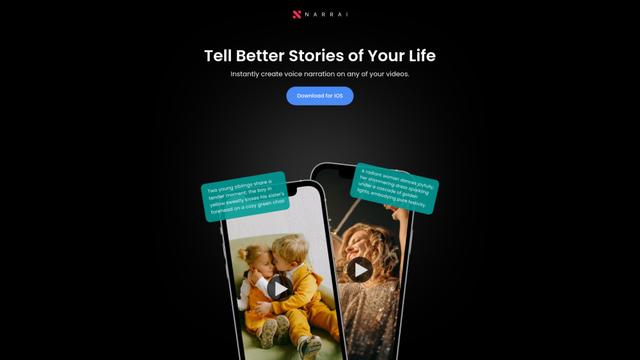
Narrai is an AI-powered mobile app that instantly creates voice narration and background music for short videos by automatically generating relevant scripts and offering multiple narrator personas.
Vagent
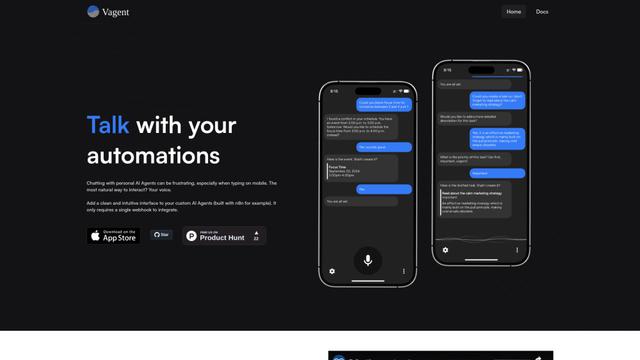
Vagent is a lightweight voice interface that enables users to interact with custom AI agents through voice commands, providing a natural and intuitive way to control automations with support for 60+ languages.
F5 TTS
F5-TTS is a state-of-the-art, non-autoregressive text-to-speech system that uses Flow Matching and Diffusion Transformer techniques to generate highly natural and expressive speech with zero-shot voice cloning capabilities.
Popular AI Tools Like Labs AI
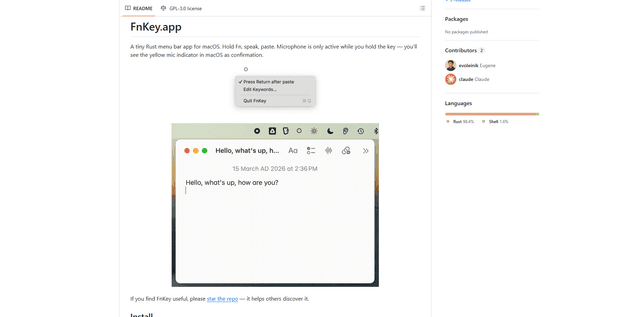
FnKey
FnKey is a lightweight macOS menu bar application that enables quick voice-to-text transcription by holding the Fn key to speak and automatically pastes the transcribed text when released.
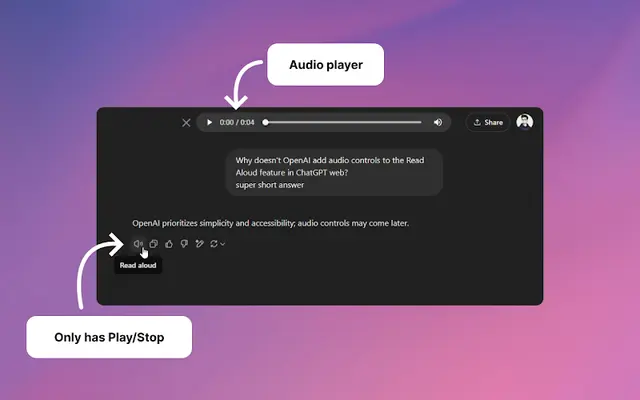
Audio player for ChatGPT
A Chrome extension that enhances ChatGPT's Read Aloud feature by adding a user-friendly audio player with basic controls like play/pause, seek bar, and duration display.
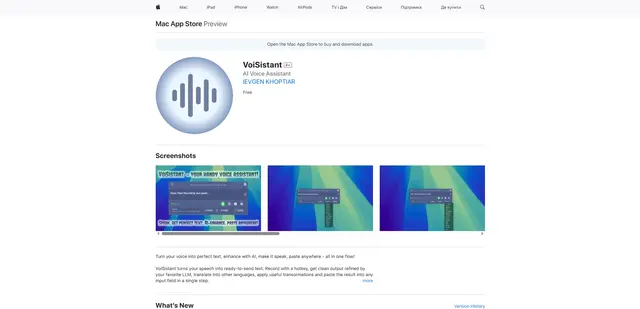
VoiSistant
VoiSistant is a comprehensive voice-to-text application that combines speech recognition, AI enhancement, translation, and text-to-speech capabilities in one seamless workflow.
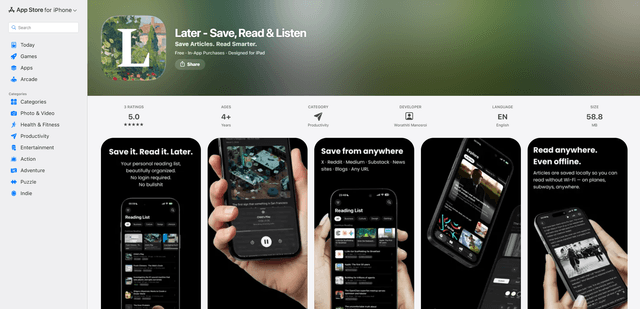
LaterAI
Later is an AI-powered read-it-later app that lets you save articles, read them in a distraction-free environment, and listen to them with natural-sounding AI voices - all while maintaining complete privacy with on-device processing.