Kokori
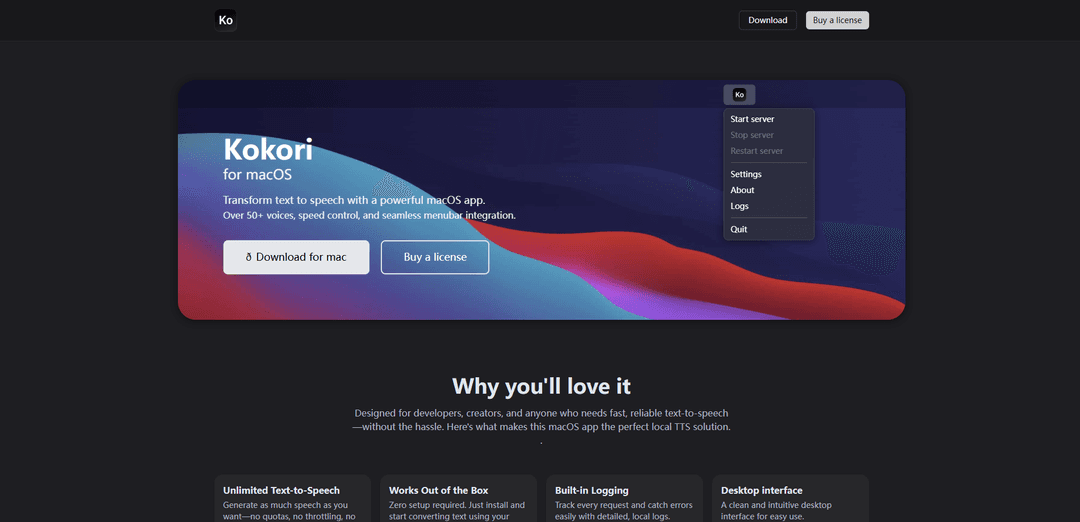
Kokori is a powerful macOS text-to-speech application that offers local API server functionality, multiple high-quality voices across different languages, and seamless menubar integration for developers and content creators.
https://kokori.app/?ref=producthunt
Product Information
Updated:Feb 8, 2026
What is Kokori
Kokori is a desktop application for macOS that transforms text into natural-sounding speech without requiring internet connectivity. Developed as a local TTS solution, it combines a user-friendly interface with powerful API capabilities, making it ideal for developers, content creators, and anyone needing reliable text-to-speech conversion. The app features a comprehensive collection of voices in multiple languages, including American English, British English, Japanese, Mandarin Chinese, Spanish, French, Hindi, Italian, and Brazilian Portuguese.
Key Features of Kokori
Kokori is a macOS text-to-speech application that provides a powerful local API server with multiple high-quality voice options across different languages. It offers seamless menubar integration, speed control, and offline functionality, making it ideal for developers and content creators who need reliable text-to-speech conversion without cloud dependencies.
Local API Server: Runs entirely offline on your machine with a REST API interface, ensuring fast processing and privacy with no external requests
Multiple Voice Options: Extensive selection of high-quality voices across multiple languages including English, Japanese, Chinese, Spanish, and more
Simple Integration: Clean REST API that allows easy integration with just a few lines of code, supporting text input and audio output
Desktop Interface: Intuitive menubar integration with built-in logging and controls for voice selection, speed, and pitch adjustment
Use Cases of Kokori
Software Development: Developers can integrate TTS capabilities into their applications without relying on cloud services or expensive API calls
Content Creation: Content creators can convert written content to speech for audiobooks, podcasts, or video narration
Accessibility Tools: Build applications that help visually impaired users by converting text content to speech
Educational Software: Create learning applications with voice output for language learning or educational content delivery
Pros
Completely offline functionality with no external dependencies
Unlimited text-to-speech generation without quotas
Wide variety of high-quality voices in multiple languages
Simple integration process with clean API
Cons
Limited to macOS platform only
Some voices have lower quality ratings
Requires local installation and setup
How to Use Kokori
Download and Install: Download the Kokori app for macOS from kokori.app and install the .dmg file on your Mac computer
Launch Application: Open the installed Kokori app from your Applications folder
Choose Voice: Select your preferred voice from the multiple built-in voice options available across different languages and genders
Adjust Settings: Configure speech settings like speed and pitch according to your needs through the desktop interface
Input Text: Enter the text you want to convert to speech in the app interface
Generate Speech: Click the generate/play button to convert your text into speech using the selected voice and settings
API Integration (Optional): For developers: Access the local REST API at http://localhost:5002/tts to integrate TTS functionality into your applications by sending POST requests with text, voice, and speed parameters
Monitor Logs: Track requests and check for any errors using the built-in logging system in the app
Kokori FAQs
Kokori is a free 3D educational game focused on teaching biology, specifically about cells. In the game, players control a nanobot to help cells deal with various problems like viral infections, nutrition issues, and intoxications.
Popular Articles

Vosko AI: Localize and Dub Videos for Global Audiences
Oct 15, 2026

Atoms: A Multi-Agent AI Platform That Transforms Ideas into Launch-Ready Products
Oct 13, 2026

Nano Banana SBTI: What It Is, How It Works, and How to Use It in 2026
Apr 15, 2026

Atoms Review — The AI Product Builder Redefining Digital Creation in 2026
Apr 10, 2026
Latest AI Tools Similar to Kokori
MicVoice.Ai
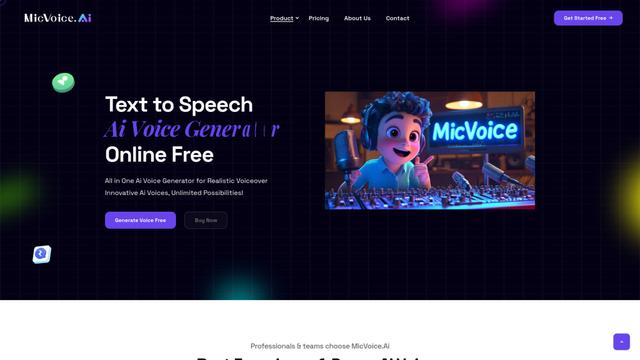
MicVoice.Ai is an all-in-one AI voice generator platform that transforms written text into high-quality, natural-sounding speech with over 5000 realistic AI voices supporting 17+ languages.

Narrai
Narrai is an AI-powered mobile app that instantly creates voice narration and background music for short videos by automatically generating relevant scripts and offering multiple narrator personas.
Vagent
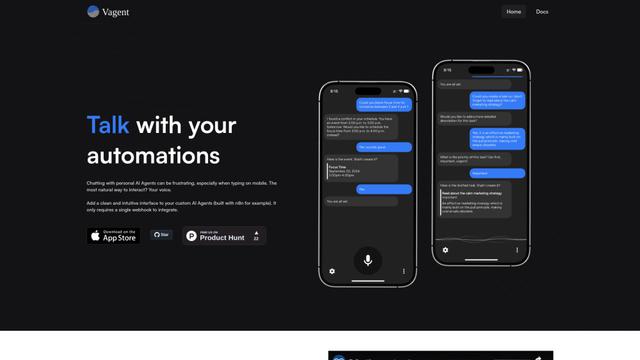
Vagent is a lightweight voice interface that enables users to interact with custom AI agents through voice commands, providing a natural and intuitive way to control automations with support for 60+ languages.
F5 TTS
F5-TTS is a state-of-the-art, non-autoregressive text-to-speech system that uses Flow Matching and Diffusion Transformer techniques to generate highly natural and expressive speech with zero-shot voice cloning capabilities.
Popular AI Tools Like Kokori
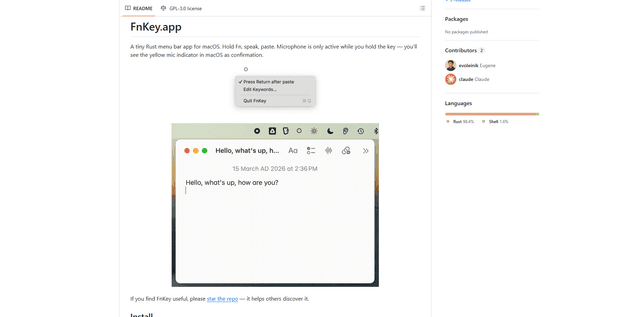
FnKey
FnKey is a lightweight macOS menu bar application that enables quick voice-to-text transcription by holding the Fn key to speak and automatically pastes the transcribed text when released.
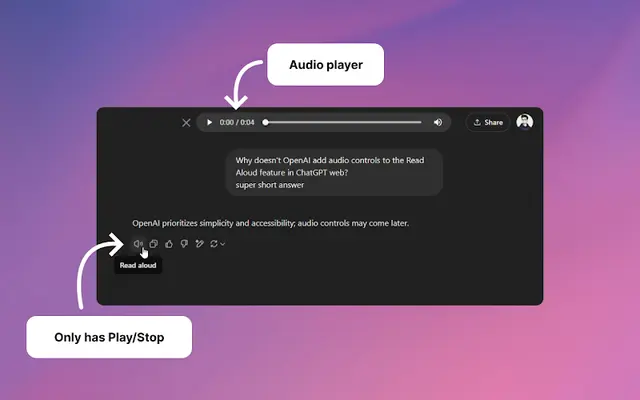
Audio player for ChatGPT
A Chrome extension that enhances ChatGPT's Read Aloud feature by adding a user-friendly audio player with basic controls like play/pause, seek bar, and duration display.
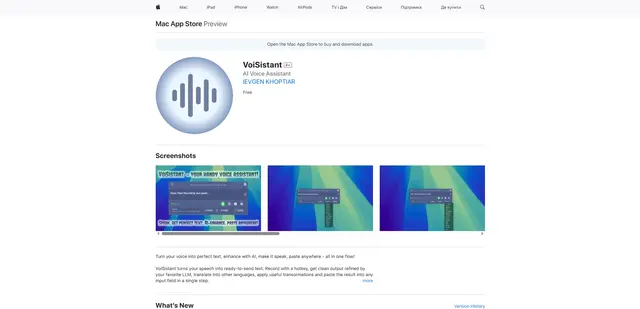
VoiSistant
VoiSistant is a comprehensive voice-to-text application that combines speech recognition, AI enhancement, translation, and text-to-speech capabilities in one seamless workflow.
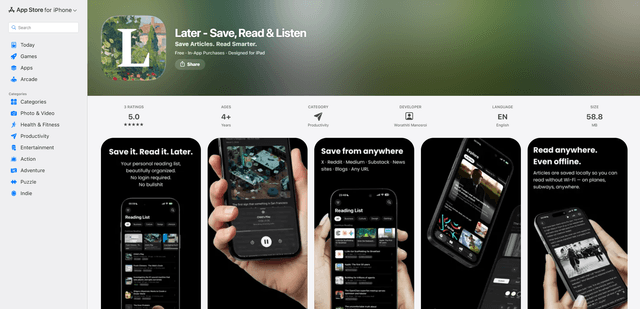
LaterAI
Later is an AI-powered read-it-later app that lets you save articles, read them in a distraction-free environment, and listen to them with natural-sounding AI voices - all while maintaining complete privacy with on-device processing.