
Kogvio
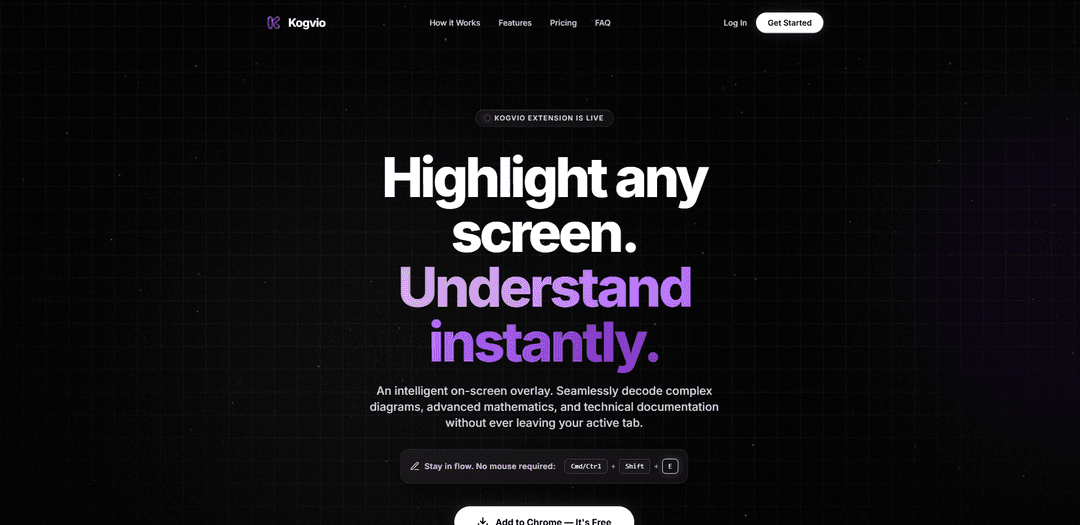
Kogvio, herhangi bir ekran içeriğini vurgulamanıza ve akıllı bir katman ve bağlamsal sohbet aracılığıyla karmaşık diyagramları, ileri düzey matematiği, teknik belgeleri ve hatta dağınık el yazısını anında anlamanıza olanak tanıyan bir Chrome uzantısıdır.
https://kogvio.com/?ref=producthunt&utm_source=aipure
Ürün Bilgisi
Güncellendi:Aug 8, 2026
Kogvio Nedir
Kogvio, ekranınızda gördüğünüzü daha hızlı ve odaklanmayı bozmadan anlamanıza yardımcı olmak için tasarlanmış, Chrome uzantısı olarak sunulan yapay zeka destekli bir çalışma ve üretkenlik aracıdır. Aktif tarayıcı sekmenizin içinde diyagramlar, denklemler ve teknik belgeler gibi karmaşık görsel materyalleri yorumlayabilen akıllı bir ekran üstü katmanı sağlar. Öğrenciler ve profesyoneller için geliştirilen Kogvio, uygulamalar veya sekmeler arasında geçiş yapmak yerine bulunduğunuz yerde çalışmaya devam edebilmeniz için hızlı anlama, görüntü tabanlı analiz ve bağlam içi açıklamayı vurgular.
Kogvio Temel Özellikleri
Kogvio, mevcut sekmenizden ayrılmadan, özellikle karmaşık diyagramlar, ileri matematik, teknik belgeler ve hatta dağınık el yazısı gibi ekranınızdaki her şeyi anında anlamanıza yardımcı olmak için akıllı bir ekran yerleşimi ekleyen bir Chrome uzantısıdır. Ekranın herhangi bir bölümünü taramayı/vurgulamayı destekler, ardından sohbet yoluyla bağlamsal açıklamalar sunar, böylece iş akışınıza odaklanırken belirli öğeleri netleştirebilirsiniz. Kogvio, sınırlı günlük taramalarla ücretsiz bir Başlangıç katmanı ve sınırsız tarama, gelişmiş bir görüntüleme motoru ve sınırsız sohbet geçmişi ile bir Pro katmanı sunar.
Ekran üstü vurgula-analiz et yerleşimi: Ekranınızın herhangi bir alanını seçin/vurgulayın ve sekmeler arasında geçiş yapmadan anında yapay zeka destekli yorumlama alın, çalışırken akışta kalmanızı sağlamak için tasarlanmıştır.
Gelişmiş diyagram ve teknik belge deşifresi: Ekranınızda görünenlerden doğrudan karmaşık diyagramları ve teknik belgeleri yorumlamaya yardımcı olarak yoğun materyalin anlaşılmasını hızlandırır.
Matematik ve denklem anlama: Ekran görüntülerinden veya ekran içeriğinden ileri matematik ve formülleri tanır ve açıklar, daha hızlı öğrenmeyi ve doğrulamayı destekler.
El yazısı deşifresi (dağınık not desteği): Çok dağınık el yazısı notları, tahta çalışmalarını ve okunması zor denklemleri tarar ve bunları anlaşılır yorumlara dönüştürür.
Hedefli açıklama için bağlamsal sohbet: Taranan görüntünün belirli bölümleri hakkında takip soruları sorun (örneğin, "Düğüm 3 neyi temsil ediyor?") ve odaklanmış açıklamalar alın.
Bireyler ve profesyoneller için katmanlı planlar: Başlangıç katmanı günde 5 yapay zeka taraması ve standart bir akıl yürütme modeli içerir; Pro katmanı sınırsız tarama, gelişmiş bir görüntüleme motoru ve sınırsız sohbet geçmişi sunar.
Kogvio Kullanım Alanları
Öğrenci çalışma hızlandırması: Ders slaytlarını, ders kitabı diyagramlarını ve el yazısı notları hızla yorumlayın, ardından odaklanmayı bozmadan kavramları anlamak için bağlamsal sorular sorun.
Mühendislik ve teknik dokümantasyon incelemesi: Mimari diyagramları, teknik özellikleri ve teknik belgeleri ekranda deşifre edin ve aynı tarayıcı bağlamında çalışırken sohbet yoluyla bileşenleri netleştirin.
Matematik ve STEM problem çözme: Notlardan veya beyaz tahtalardan denklemleri tarayarak gösterimi anlayın, adımları doğrulayın ve karmaşık matematiksel ifadeler için açıklamalar alın.
Araştırma ve analiz iş akışları: Literatür incelemesi sırasında karşılaşılan şekilleri, grafikleri ve yoğun teknik pasajları yorumlayarak daha hızlı anlama ve not alma imkanı sağlayın.
Profesyonel yetenek geliştirme ve eğitim: Çevrimiçi kurslar veya dahili belgeler sırasında ekran taramasını kullanarak bilinmeyen diyagramları, formülleri veya terminolojiyi anında netleştirin.
Artıları
Bağlamda kalır: ekran üstü yerleşimi sekme geçişini azaltır ve iş akışı odağını korur
Görsel/teknik içerik için güçlüdür: diyagramları, ileri matematiği ve dağınık el yazısını destekler
Esnek planlar: hafif kullanım için ücretsiz katman ve sınırsız tarama ve geçmiş için Pro katmanı
Eksileri
Ücretsiz Başlangıç katmanı günde 5 yapay zeka taramasıyla sınırlıdır
Öncelikli olarak bir Chrome uzantısı olarak konumlandırılmıştır, bu da tarayıcıya özgü olmayan iş akışlarına ihtiyaç duyan kullanıcılar için daha az ideal olabilir
Kogvio Nasıl Kullanılır
1. Kogvio Chrome uzantısını yükleyin: Kogvio sitesini açın ve "Chrome'a Ekle — Ücretsizdir" seçeneğine tıklayın veya doğrudan Kogvio için Chrome Web Mağazası listesinden yükleyin.
2. Anlamak istediğiniz içeriği açın: Chrome'da, çözmek istediğiniz diyagramı, ileri düzey matematiği, teknik belgeleri veya el yazısı notları içeren sayfaya/sekmeye gidin.
3. Taranacak herhangi bir ekran alanını vurgulayın: Kogvio'nun ekran üstü katmanını kullanarak analiz edilmesini istediğiniz içeriği (örneğin, bir formül, diyagram bölümü veya paragraf) içeren ekranınızın bölgesini seçin/vurgulayın.
4. Kogvio'nun seçilen içeriği çözmesine izin verin: Alanı vurguladıktan sonra Kogvio, aktif sekmenizden ayrılmanızı gerektirmeden onu işler ve anında bir açıklama/yorum döndürür.
5. El yazısını çözmek için kullanın (notlar/tahta çalışması): Dağınık el yazısı notları, tahta formüllerini veya belirsiz denklemleri vurgulayın. Kogvio'nun görsel taraması el yazısını yorumlayacak ve temiz, anlaşılır bir sonuç sunacaktır.
6. Bağlamsal takip soruları sorun (Bağlamsal Sohbet): Taranan şeyin belirli kısımları hakkında soru sormak için bağlamsal sohbeti kullanın (örneğin, "Burada 3. düğüm neyi temsil ediyor?"). Kogvio, taranan görüntüye dayalı olarak hedeflenmiş açıklama ile yanıt verir.
7. İş akışınızda odaklanmayı sürdürmek için taramaları tekrarlayın: Aynı sekmede ve iş akışında kalarak karmaşık kavramları daha hızlı analiz etmek için materyal üzerinde çalışırken yeni bölgeleri vurgulamaya devam edin.
8. Kullanım ihtiyaçlarınıza göre bir plan seçin: Temel günlük görevler için "Başlangıç"ı kullanın (günde 5 yapay zeka taraması, standart akıl yürütme modeli, çapraz platform desteği içerir). Sınırsız yapay zeka taramaları, gelişmiş bir görüntü motoru ve sınırsız sohbet geçmişi için "Kogvio Pro"ya yükseltin.
Kogvio SSS
Kogvio, aktif sekmenizden ayrılmadan karmaşık diyagramları, ileri düzey matematiği ve teknik belgeleri anlamanıza yardımcı olan akıllı bir ekran üstü katmanı sağlayan bir tarayıcı uzantısıdır.
Kogvio Videosu
Popüler Makaleler

Vosko AI: Küresel Kitleler İçin Videoları Yerelleştirin ve Dublaj Yapın
Oct 15, 2026

Atoms: Fikirleri Lansmana Hazır Ürünlere Dönüştüren Çoklu Ajan Yapay Zeka Platformu
May 22, 2026

Nano Banana SBTI: Nedir, Nasıl Çalışır ve 2026'da Nasıl Kullanılır
Apr 15, 2026

Atoms İncelemesi — 2026'da Dijital Oluşumu Yeniden Tanımlayan Yapay Zeka Ürün Geliştiricisi
Apr 10, 2026
Kogvio Benzer En Yeni Yapay Zeka Araçları
MultipleWords
MultipleWords, ses, video ve görüntü düzenleme alanlarında içerik oluşturma ve manipülasyon için 16 güçlü araç sunan kapsamlı bir AI platformudur ve çapraz platform erişilebilirliği sağlar.
Athena AI
Athena AI, belge analizi, quiz oluşturma, flash kartlar ve etkileşimli sohbet yetenekleri gibi özellikler aracılığıyla kişiselleştirilmiş çalışma yardımı, iş çözümleri ve yaşam koçluğu sunan çok yönlü bir AI destekli platformdur.
Taidai.io
Taidai.io, notları, e-postaları ve metin içeriklerini otomatik olarak eyleme geçirilebilir todo listelerine dönüştüren yapay zeka destekli bir araçtır.
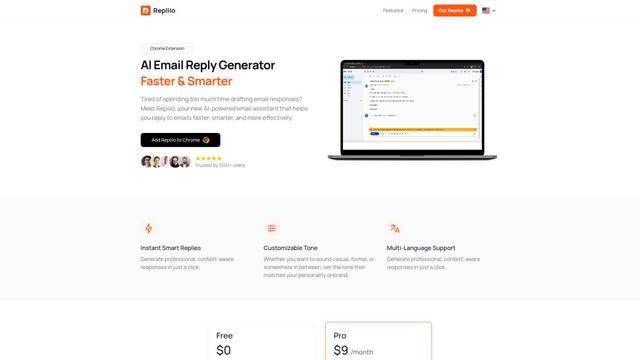
Repliio
Repliio, kullanıcıların profesyonel, bağlama duyarlı e-posta yanıtlarını hızlı bir şekilde özelleştirilebilir tonlar ve çok dilli destek ile oluşturmasına yardımcı olan AI destekli bir e-posta asistanı Chrome uzantısıdır.
Kogvio Gibi Popüler Yapay Zeka Araçları
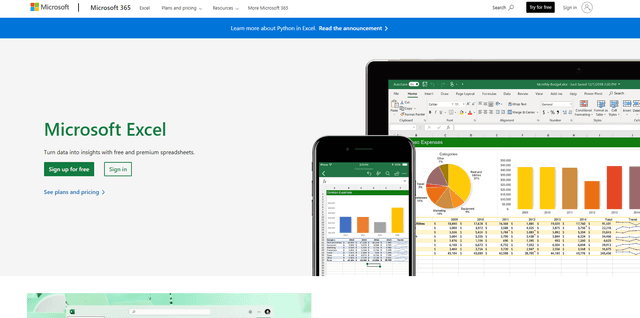
Microsoft Excel: Spreadsheets
Microsoft Excel, kullanıcıların verileri organize etmelerine, analiz etmelerine ve görselleştirmelerine olanak tanıyan, formüller, grafikler ve AI destekli içgörüler gibi güçlü özelliklere sahip sektör lideri bir elektronik tablo yazılımıdır.
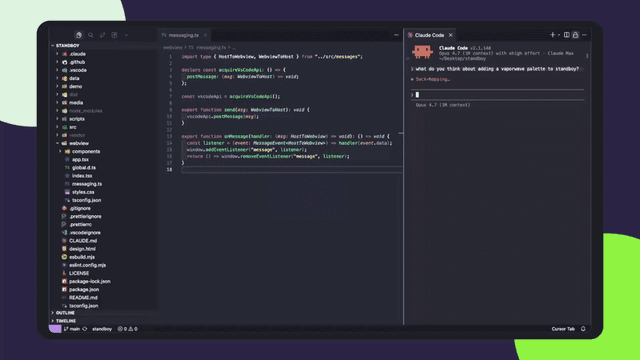
Standboy
Standboy, yapay zeka ajanı etkinliği sırasında kenar çubuğunda bir Game Boy (GB/GBC/GBA) emülatörünü otomatik olarak genişleten, ardından otomatik olarak gizlenen ve duraklayan—bir dahaki sefere kare ortasından devam eden—kalıcı bir ROM kütüphanesi, kayıtlar ve kapak resmi tutan bir VS Code/Cursor uzantısıdır.
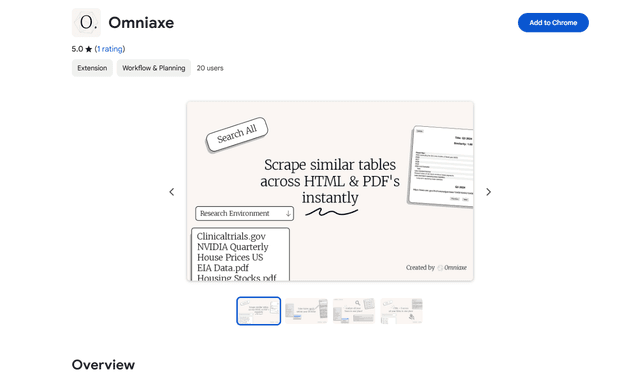
Omniaxe
Omniaxe, analistler, araştırmacılar ve öğrenciler için özel olarak tasarlanmış, kesintisiz veri çıkarımı, AI destekli analiz ve merkezi not alma yeteneklerini birleştiren hepsi bir arada bir Chrome uzantısı araştırma aracıdır.
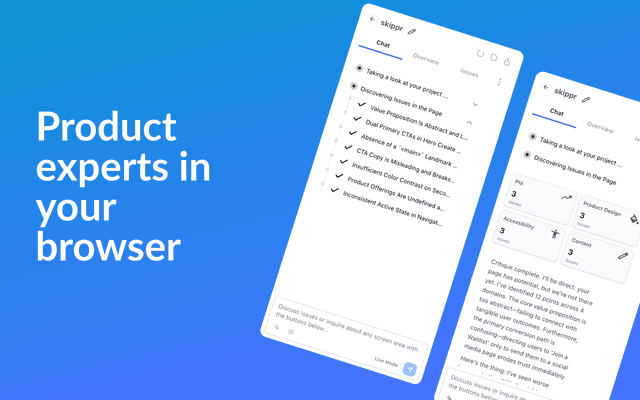
Finesse by Skippr AI
Skippr AI tarafından sunulan Finesse, uzmanlaşmış AI incelemecileri aracılığıyla tasarım, içerik stratejisi, erişilebilirlik ve ürün yönü genelinde anında, uzman düzeyinde ürün geri bildirimi ve eleştirileri sağlayan bir tarayıcı uzantısıdır.