
Kimi
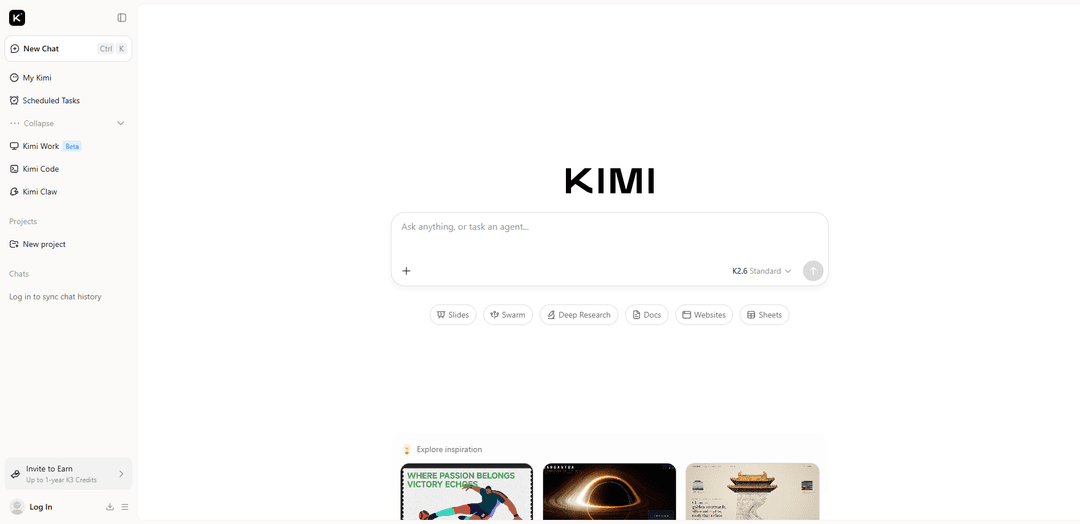
Kimi is Moonshot AI’s agentic, multimodal AI platform (K2.6/K3) built for long-context reasoning, coding automation, deep research, and workflow execution across tools like Swarm, Slides, Docs, Sheets, and Websites.
https://kimi.com/?ref=producthunt
Product Information
Updated:Aug 8, 2026
What is Kimi
Kimi is an all-in-one AI assistant and agent platform from Moonshot AI designed to move beyond chat into end-to-end knowledge work and software tasks. It combines strong reasoning with multimodal understanding (text and images, with some models supporting broader modalities) and unusually large context windows (commonly cited up to 256K on K2.6, with newer generations highlighting even larger long-context capabilities). On kimi.com, users can either “ask anything” in a conversational interface or delegate outcome-based work through dedicated experiences such as Deep Research, Slides, Websites, Docs, Sheets, and Swarm—positioning Kimi as both a research companion and an execution-oriented productivity system.
Key Features of Kimi
Kimi is Moonshot AI’s flagship AI assistant and platform built for agentic coding and end-to-end knowledge work, combining long-context reasoning, multimodal understanding (text + images and more), and built-in productivity tools. It offers advanced agent capabilities such as multi-step tool calling and parallel “swarm” coordination, plus creation-focused modules for Slides, Docs, Sheets, and Websites, and a Deep Research workflow that synthesizes information into structured, citation-backed outputs. Kimi is positioned as a cost-efficient, long-context alternative for users who need reliable analysis, automation, and content generation across research, office work, and software development.
Kimi K3 flagship intelligence (1M context + multimodal): Kimi K3 is described as a frontier-class model (2.8T parameters) designed for long-horizon reasoning and knowledge work, with a 1-million-token context window and native visual understanding to handle large documents and mixed media inputs.
Agent Swarm & multi-agent orchestration: Kimi supports parallel agent coordination (“Swarm”) to break complex goals into specialized sub-tasks, enabling long, multi-step workflows such as planning, research, execution, and iterative refinement.
Deep Research with citations and multi-format deliverables: Deep Research runs multi-step investigations across sources, producing structured reports with traceable citations and optional outputs like slides, spreadsheets, PDFs, and interactive HTML-style reports.
Kimi Slides (visual-to-deck generation): Turns text, documents, images, or templates into polished, editable slide decks by handling structure, design, and content drafting—useful for fast first drafts of presentations.
Kimi Websites (prompt-to-live site builder): Generates functional websites from a description or uploaded visual references, helping users go from idea to a live site quickly with minimal manual setup.
Office-style tools: Docs & Sheets agents: Provides document and spreadsheet-oriented agents to draft, analyze, summarize, and transform content—supporting workflows like reporting, data extraction, and structured planning.
Use Cases of Kimi
Software engineering & agentic coding automation: Use Kimi for long-horizon coding tasks such as debugging, refactoring, multi-file changes, and tool-driven workflows—especially where long context and step-by-step execution matter.
Market/competitive research and strategy briefs: Run Deep Research to collect and synthesize information into citation-backed reports, then export findings into slides or documents for stakeholders.
Sales, consulting, and client-ready presentations: Generate a structured pitch deck or project update with Kimi Slides from rough notes, supporting materials, or visual references, accelerating proposal and delivery workflows.
Content and campaign production for marketing teams: Draft campaign narratives, landing-page copy, and supporting assets, then rapidly turn them into a working web presence using Kimi Websites.
Operations and analytics workflows in spreadsheets: Use Sheets-oriented assistance to summarize datasets, generate structured tables, and produce reports—helpful for ops reviews, KPI tracking, and lightweight analysis.
Education and knowledge management for large materials: Process long PDFs, notes, or course packs with long-context summarization and Q&A, producing study guides, outlines, and structured references.
Pros
Very large context windows (up to 1M tokens for K3) suitable for long documents and complex, multi-step work
Strong agentic capabilities (tool calling, swarm/parallel coordination) for end-to-end task execution
Integrated creation tools (Deep Research, Slides, Websites, Docs, Sheets) reduce workflow fragmentation
Cost-efficient positioning in API pricing and long-context usage compared with several major competitors (per cited comparisons)
Cons
Some competitor comparisons claim others may still lead in English writing polish, enterprise/compliance features, and certain coding benchmarks
Access to the web product may involve friction such as CAPTCHA or rate limits on intensive features in free tiers
Open-weight/rollout details for the newest flagship (K3) may depend on ecosystem readiness and staged releases (timelines and availability can vary)
How to Use Kimi
1) Choose how you want to use Kimi (Web/App vs. Developer/API vs. Coding Agent CLI): Kimi can be used directly in the web/mobile product for chat + agents (e.g., Deep Research, Slides), or via the Kimi API Platform for building apps, or via Kimi Code CLI for terminal-based coding/agent workflows.
2) Use Kimi on the web (general chat + built-in agents): Open the Kimi website and start a chat. From the main interface you can pick specialized modes/tools such as Deep Research, Slides, Websites, Docs, or Sheets depending on your task.
3) Run a Deep Research workflow (research assistant use case): Select the Deep Research option, then provide your topic, constraints (time range, region, sources), and the output format you want (bullet summary, report, table). Ask it to organize findings and (when available) provide verifiable citations.
4) Create slides with Kimi Slides (presentation use case): Select Slides, describe the audience, goal, length, and style (e.g., '10-slide investor pitch, minimal design, include market sizing and roadmap'). Iterate by requesting edits slide-by-slide.
5) Generate a website prototype with Kimi Websites (web build use case): Select Websites, specify the type of site (landing page, portfolio, docs), required sections, and any design references. Ask for clean HTML/CSS/JS (or a framework) and iterate on layout and copy.
6) Install and start Kimi Code CLI (terminal agent): Install Kimi Code CLI, then run 'kimi' in your terminal to start it. On first use, connect your account using the '/login' command (the CLI can authenticate without you manually managing an API key).
7) Learn CLI commands and navigation: Inside Kimi Code CLI, type '/help' to open the built-in command and keyboard shortcut panel. Use it to discover available actions, session controls, and agent modes.
8) Use Kimi Code CLI for coding tasks end-to-end: In a project folder, ask the CLI agent to implement features, refactor, or debug. Kimi Code CLI can plan steps, modify code, run tests/commands, and report what it changed.
9) Manage local CLI data and move it if needed: Kimi Code CLI stores local data under '~/.kimi-code/' by default (configs, session records, logs). To relocate it, set the 'KIMI_CODE_HOME' environment variable to a new directory.
10) Get an API key (for using Kimi in your own apps or third-party tools): Sign in to the Kimi API Platform/Console, navigate to 'API Keys', create a new key, and copy it immediately (keys are shown only once). Keep it secure and do not hard-code it in source code.
11) Configure environment variables for API-based tools: Store your API Key in an environment variable and configure the tool’s Base URL + API Key fields as required by your SDK/agent tool. This enables using Kimi models from external coding agents and integrations.
12) Pick the right model for your task: If unsure, start with 'kimi-k3' (flagship long-horizon coding/knowledge work; up to 1M-token context). Use specialized options like 'kimi-k2.6' or 'kimi-k2.7-code-highspeed' when you need different tradeoffs (e.g., speed, coding focus, multimodal inputs).
13) Use long-context best practices (what Kimi is especially good at): Provide lots of project state (docs, file structure, requirements) and ask Kimi to organize it. For very large inputs, chunk and index them, then ask Kimi to reference specific chunks instead of re-pasting everything.
14) Use tool/agent features when available (web search, file read/modify, execution): When your Kimi environment supports tools (e.g., web search or coding-agent actions), explicitly ask it to use them for up-to-date info, verification, and iterative development rather than relying on a single static response.
Kimi FAQs
Kimi is an AI product by Moonshot AI for chat and knowledge work, with capabilities that can include agent-style workflows, long-context features, and multimodal (including visual) understanding depending on the product surface and rollout.
Kimi Video
Popular Articles

Vosko AI: Localize and Dub Videos for Global Audiences
Oct 15, 2026

Atoms: A Multi-Agent AI Platform That Transforms Ideas into Launch-Ready Products
Oct 13, 2026

Nano Banana SBTI: What It Is, How It Works, and How to Use It in 2026
Apr 15, 2026

Atoms Review — The AI Product Builder Redefining Digital Creation in 2026
Apr 10, 2026
Latest AI Tools Similar to Kimi
MultipleWords
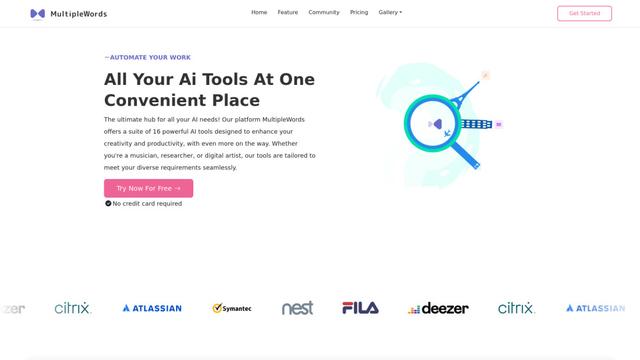
MultipleWords is a comprehensive AI platform offering 16 powerful tools for content creation and manipulation across audio, video, and image editing with cross-platform accessibility.
Athena AI
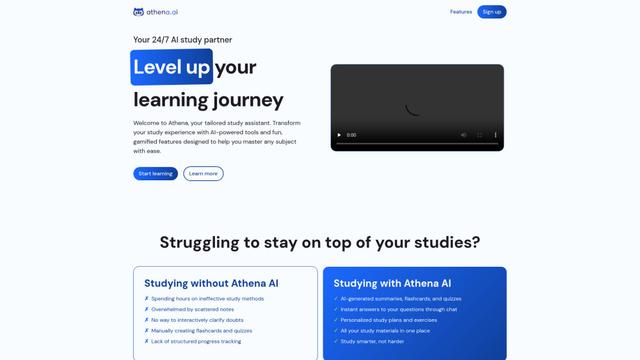
Athena AI is a versatile AI-powered platform offering personalized study assistance, business solutions, and life coaching through features like document analysis, quiz generation, flashcards, and interactive chat capabilities.
Taidai.io
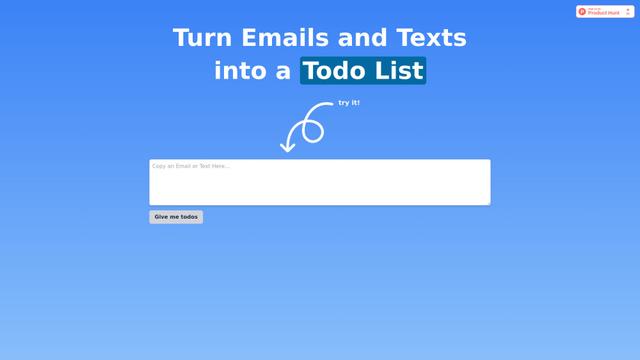
Taidai.io is an AI-powered tool that automatically converts notes, emails, and text content into actionable todo lists.
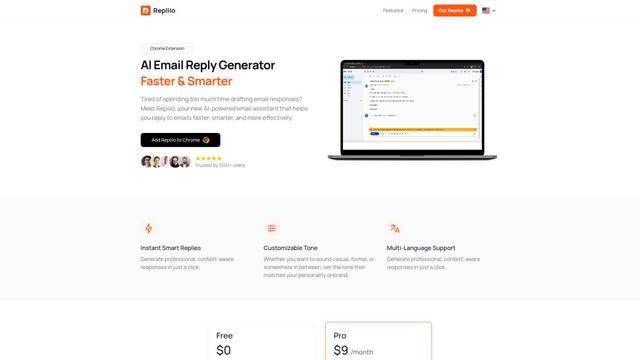
Repliio
Repliio is an AI-powered email assistant Chrome extension that helps users generate professional, context-aware email responses quickly with customizable tones and multi-language support.
Popular AI Tools Like Kimi
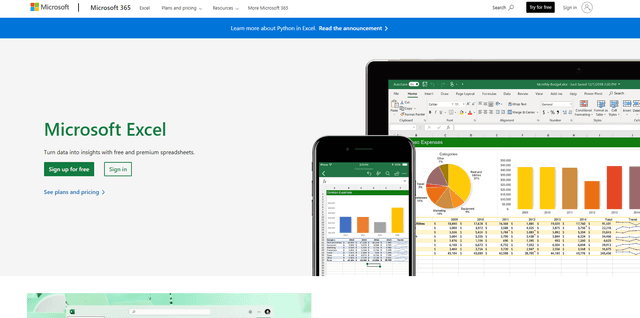
Microsoft Excel: Spreadsheets
Microsoft Excel is the industry-leading spreadsheet software that allows users to organize, analyze, and visualize data through powerful features like formulas, charts, and AI-powered insights.
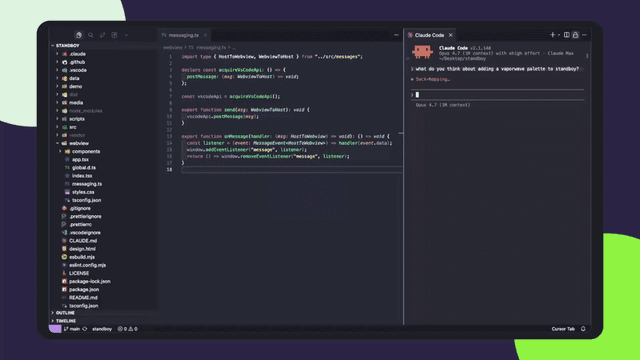
Standboy
Standboy is a VS Code/Cursor extension that auto-expands a Game Boy (GB/GBC/GBA) emulator in the sidebar during AI agent activity, then auto-hides and pauses—resuming mid-frame next time—while keeping a persistent ROM library, saves, and cover art.
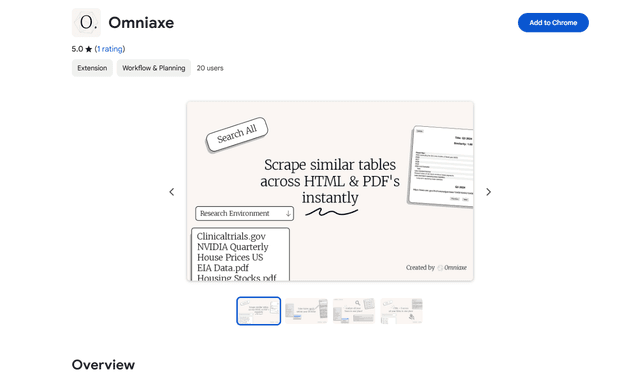
Omniaxe
Omniaxe is an all-in-one Chrome extension research tool that combines seamless data extraction, AI-powered analysis, and centralized note-taking capabilities designed specifically for analysts, researchers and students.
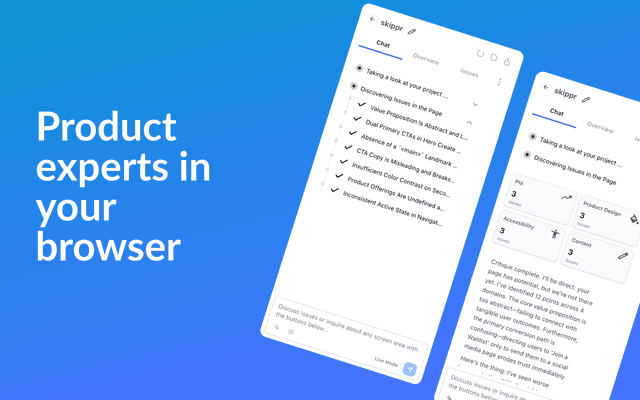
Finesse by Skippr AI
Finesse by Skippr AI is a browser extension that provides instant, expert-level product feedback and critiques across design, content strategy, accessibility, and product direction through specialized AI reviewers.