
Oasis Browser
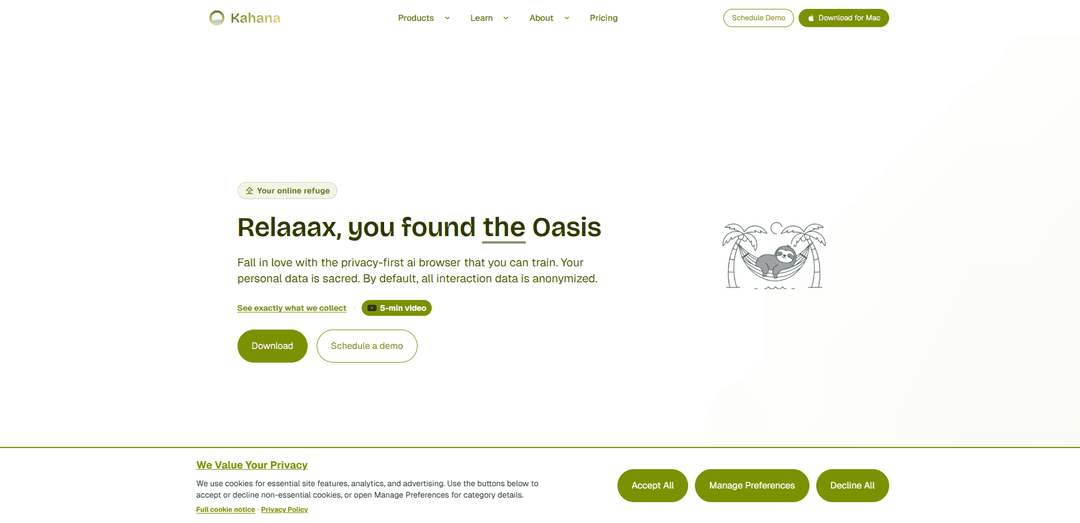
Oasis Browser is a privacy-first AI browser you can train, featuring built-in ad blocking, anonymized-by-default interaction data, and a calm, focus-oriented browsing experience with transparency and user control.
https://kahana.co/?ref=producthunt
Product Information
Updated:Jun 8, 2026
What is Oasis Browser
Oasis Browser (by Kahana) is a “calm, secure browsing with AI” web browser positioned as an online refuge in a noisy and insecure web. It combines a privacy-first design with an integrated AI assistant that can be trained to better support your workflows, while emphasizing that your data remains under your control. Oasis is built for people and teams who want transparency, peace of mind, and stronger control over how browsing and assistant interactions are handled, and it includes built-in ad-blocking as part of its default experience.
Key Features of Oasis Browser
Oasis Browser by Kahana is a privacy-first AI browser designed to keep browsing calm, organized, and secure while giving users transparency and control over their data. It combines built-in ad blocking and tracking protections with an AI assistant that understands your tabs/workflow and can help organize information into focused workspaces (“Hubs”). For teams, Oasis also positions itself as an enterprise-grade browser with centralized controls, auditing, and protections aligned with Zero Trust and data-leakage prevention needs—aiming to improve productivity without sacrificing compatibility or adding heavy isolation latency.
Privacy-first AI assistant (trainable): An in-browser AI assistant designed to understand your tabs and workflow; collects minimal anonymized interaction data by default, with identifying data only if you opt into personalization.
Hub-based workspace organization: Project/topic-based “Hubs” replace endless tab sprawl with structured workspaces, helping users stay focused and quickly return to the right context.
Built-in ad blocking and tracker protection: Integrated ad-blocking controls and privacy-oriented architecture designed to reduce tracking and keep browsing behavior under user control.
Enterprise-grade security controls (Oasis Enterprise): Designed for organizational security needs with features described across sources such as granular permission controls, advanced certificate/HTTPS enforcement, content controls, and reduced reliance on risky extensions.
Centralized policy, audit logging, and compliance support (Oasis Enterprise): Provides visibility into browser activity and policy enforcement for regulated environments, supporting incident response and compliance reporting.
Multi-view secure contexts (patented, per sources): Side-by-side interaction with multiple secure contexts to support parallel workflows while maintaining separation between workspaces.
Use Cases of Oasis Browser
Research, learning, and job seeking: Use Hubs to organize sources by topic/company and rely on the AI assistant to surface relevant tabs/links, reducing cognitive load during deep research.
Hybrid/BYOD workforce security: Deploy an enterprise browser to apply consistent security and data controls on unmanaged personal devices without locking down the entire machine.
Financial services compliance and threat reduction: Use centralized policy controls, auditing, and certificate/HTTPS protections to reduce phishing, MITM risk, and improve compliance visibility in high-risk environments.
Manufacturing and IoT/OT web dashboard access: Protect access to cloud dashboards and device interfaces with HTTPS enforcement, mixed-content blocking, and policy-based controls while keeping modern web-app compatibility.
Healthcare and privacy-sensitive operations: Support privacy-first browsing and organization-wide controls to reduce accidental data exposure while staff access web-based tools and portals.
Teams managing data leakage to public AI tools: Align browser-level controls and governance with initiatives like data-leakage prevention, helping limit risky copy/paste or uploads to external AI services (positioned via Kahana’s consortium messaging).
Pros
Privacy-forward positioning: built-in ad blocking, claims of not selling browsing data, and anonymized interaction data by default.
Productivity gains from AI + structured workspaces (Hubs) that reduce tab chaos and support focused workflows.
Enterprise readiness: centralized controls, auditing/compliance features, and security controls designed for Zero Trust needs.
Compatibility-oriented approach: positioned as avoiding the latency/compatibility trade-offs of full remote browser isolation.
Cons
Some capabilities vary by version/platform (sources note a Firefox-derived version with Mozilla telemetry/feature differences).
Enterprise features may require organizational deployment and policy setup to realize full value versus consumer browsers.
AI features may still raise data-handling concerns for highly sensitive environments unless personalization/telemetry settings are carefully managed.
How to Use Oasis Browser
1. Get access to Oasis Browser: Go to https://kahana.co/?ref=producthunt and follow the prompts to get access (the site highlights a Product Hunt launch and access flow).
2. Install and open Oasis: Install Oasis on your device using the installer you receive, then launch the browser.
3. Start browsing with built-in protections: Browse normally. Oasis is positioned as privacy-first and includes built-in ad blocking; it also states it does not sell browsing data and collects minimal, anonymized interaction data by default.
4. Use the built-in AI assistant alongside your tabs: Open the assistant UI (described as being alongside your tabs) to help with your workflow while you browse.
5. Organize your work into Hubs (project-based grouping): Create and use Hubs to group related tabs and content by project/workstream to stay organized and focused (Oasis describes a hub-based organization system).
6. Use the address bar Quick Actions for common tasks: Click the address/search bar and use Quick Actions to perform common browser tasks (tab management, bookmarks, and other actions) directly from the bar without navigating menus. These are described as based on Firefox Quick Actions.
7. Create separate Profiles for different contexts (e.g., Work vs Personal): In the toolbar, click the account icon (top-right) → Profiles → + New profile. Oasis launches a new instance to create the profile. Use profiles to keep browsing data/settings separated by purpose.
8. Separate logins and sessions with Multi-Account Containers (optional): Install and use Mozilla’s Multi-Account Containers extension to isolate sessions in different container tabs (useful for privacy and organization).
9. Configure HTTPS-Only Mode for safer connections: Open Settings → Privacy & Security → enable HTTPS-Only Mode. Oasis will attempt HTTPS for all sites and warn before allowing insecure HTTP connections.
10. Configure Secure DNS / DNS-over-HTTPS (DoH) (optional): In Settings (Privacy & Security / network-related options), configure secure DNS behavior. Oasis documentation references automatic decisions around secure DNS and DoH for encrypted DNS lookups.
11. Manage telemetry and interaction data collection: Open Settings and find the option for sending anonymous usage statistics / technical & interaction data. Toggle it off to stop future analytics collection for that installation (Oasis notes minimal anonymized interaction data by default and user control to opt out).
12. Enable personalization only if you want identifying info included: If you want the assistant personalized, opt in via Settings. Oasis states identifying information (like email or user ID) is only included if you opt in to personalization.
13. Use Autofill to speed up forms (optional): Open Settings → Privacy & Security and manage Autofill. Oasis (built on Firefox core) supports saving and filling addresses, payment details, and other form data.
14. For teams/IT: evaluate Oasis Enterprise Browser (optional): If you need enterprise controls, review https://kahana.co/products/oasis-enterprise-browser for managed-browser features described in the sources (e.g., identity provider integration, DLP integration, audit logging, and policy enforcement for SaaS access).
15. Get help and updates via the community: Join the Oasis/Kahana Discord community (referenced across the sources) for support, updates, and to connect with the team.
Oasis Browser FAQs
Oasis is a privacy-first AI browser by Kahana designed to provide calm, secure browsing with a built-in AI assistant and ad-blocking controls.
Oasis Browser Video
Popular Articles

Proferex: A Cloud-Based Ad Tracking and Campaign Optimization Platform
Nov 4, 2026

How to Create Viral Talking Baby Podcast Videos with AI: Step-by-Step Guide
Nov 2, 2026

Vosko AI: Localize and Dub Videos for Global Audiences
Oct 15, 2026

Atoms: A Multi-Agent AI Platform That Transforms Ideas into Launch-Ready Products
Oct 13, 2026
Latest AI Tools Similar to Oasis Browser
MultipleWords
MultipleWords is a comprehensive AI platform offering 16 powerful tools for content creation and manipulation across audio, video, and image editing with cross-platform accessibility.
Athena AI
Athena AI is a versatile AI-powered platform offering personalized study assistance, business solutions, and life coaching through features like document analysis, quiz generation, flashcards, and interactive chat capabilities.
Taidai.io
Taidai.io is an AI-powered tool that automatically converts notes, emails, and text content into actionable todo lists.
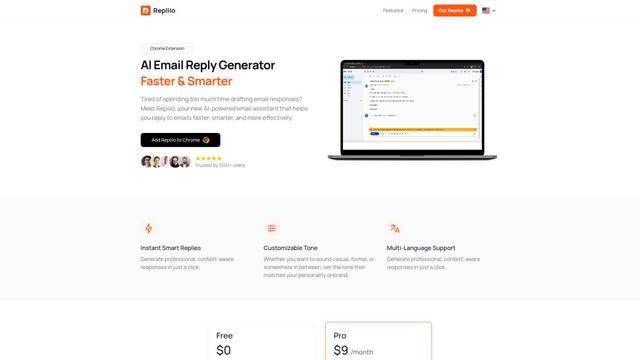
Repliio
Repliio is an AI-powered email assistant Chrome extension that helps users generate professional, context-aware email responses quickly with customizable tones and multi-language support.
Popular AI Tools Like Oasis Browser
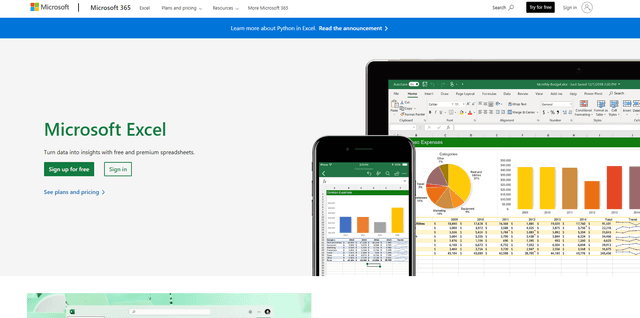
Microsoft Excel: Spreadsheets
Microsoft Excel is the industry-leading spreadsheet software that allows users to organize, analyze, and visualize data through powerful features like formulas, charts, and AI-powered insights.
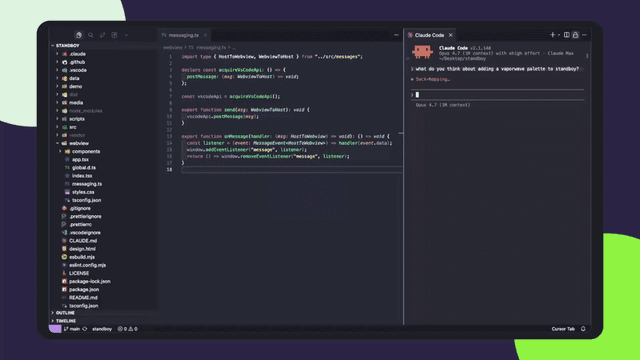
Standboy
Standboy is a VS Code/Cursor extension that auto-expands a Game Boy (GB/GBC/GBA) emulator in the sidebar during AI agent activity, then auto-hides and pauses—resuming mid-frame next time—while keeping a persistent ROM library, saves, and cover art.
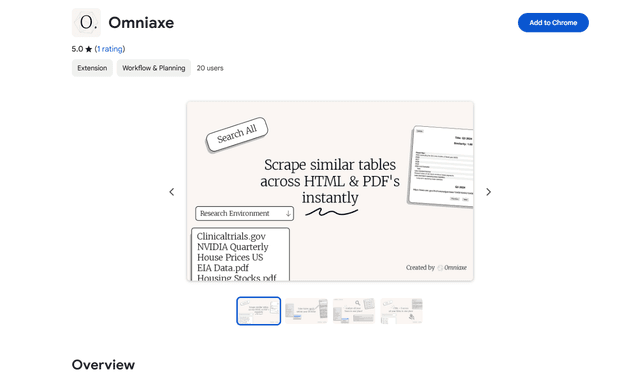
Omniaxe
Omniaxe is an all-in-one Chrome extension research tool that combines seamless data extraction, AI-powered analysis, and centralized note-taking capabilities designed specifically for analysts, researchers and students.
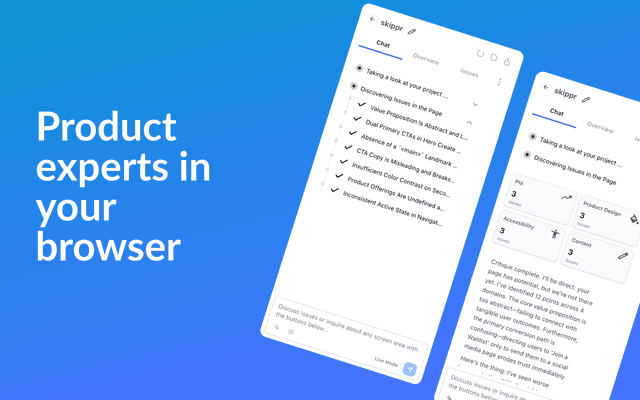
Finesse by Skippr AI
Finesse by Skippr AI is a browser extension that provides instant, expert-level product feedback and critiques across design, content strategy, accessibility, and product direction through specialized AI reviewers.