
Juno
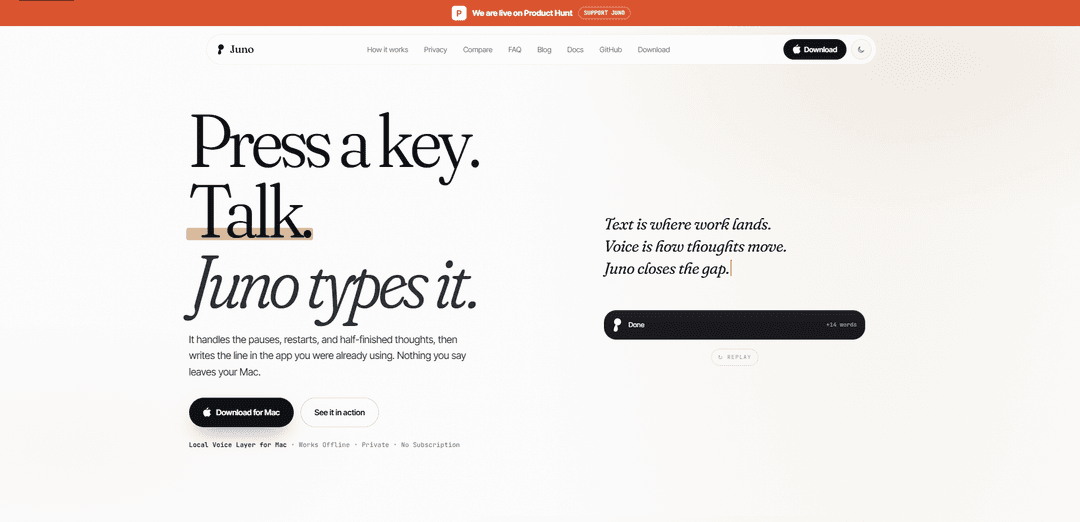
Juno is a free, open-source, on-device voice layer for Mac that works offline, shows a live HUD transcript, turns messy speech into clean text, rewrites selected text in place, and can trigger Mac-native actions like Notes, Reminders, and alarms—without accounts or subscriptions.
https://usejuno.co/?ref=producthunt
Product Information
Updated:Jul 8, 2026
What is Juno
Juno (usejuno.co) is a “local voice layer for Mac” designed to let you speak naturally and have polished text appear in whatever app you’re already using. Built for privacy and reliability, it runs dictation and writing on your Mac after a one-time model download, with no sign-in, no paid tier, and no cloud dependency for everyday use. Juno also includes a live on-screen HUD for transcription, voice snippets, per-app writing styles, and quick rewriting tools so you can dictate, edit, and move on faster.
Key Features of Juno
Juno is a local, open-source voice layer for Mac that turns natural speech into clean, typed text inside whatever app you’re already using. It provides a live heads-up transcript while you talk, automatically removes filler/false starts to produce polished final writing, and supports voice-driven actions like creating Apple Notes, Reminders, calendar items/alarms. After a one-time model download, everyday dictation works offline with on-device processing (no account, no subscription), includes privacy safeguards like skipping secure/password fields, and can rewrite selected or recent text in place using plain-English instructions.
On-device dictation (offline after setup): Speech processing runs locally on your Mac; normal usage works offline after the initial model download, keeping audio and transcripts on-device.
Live HUD transcript + cleaned final text: Shows live words as you speak, then converts pauses, restarts, and half-finished thoughts into polished writing—dropping filler by default.
Rewrite selected/recent text in place: Apply edits with plain-English commands (e.g., “make this warmer,” “turn into bullets,” “shorten”) and Juno rewrites directly in the current app.
Mac-native voice actions: Use “Hey Juno” within a session to create Notes, Reminders, and alarms/calendar items without switching apps or invoking Siri separately.
Privacy and secure-field protections: Secure/password fields are off-limits; history can be cleared anytime; no sign-in, license key, trial countdown, or usage cap.
Local snippets and formatting normalization: Voice snippets expand saved text, and spoken numbers/dates/links are formatted as you would type (e.g., “March twentieth at three p m” → “March 20, 3:00 PM”).
Use Cases of Juno
Fast email and message drafting: Dictate replies in Mail, Slack, or Messages and let Juno clean up the wording; optionally rewrite for tone (warmer/more formal) before sending.
Productivity capture (notes, reminders, alarms): Hands-free capture of tasks and scheduling: dictate a note, set a reminder for a specific time, and create an alarm/calendar entry in one flow.
Writing and editing workflows: Writers, marketers, and operators can draft content by voice and then use rewrite commands to tighten, restructure into bullets, or adjust clarity.
Support and operations documentation: Create SOPs, incident notes, or customer support macros quickly via dictation and snippets, keeping sensitive operational content on-device.
Accessibility and RSI reduction: Reduce keyboard time for users with repetitive strain injuries or accessibility needs by using voice for primary text entry and editing.
Pros
Offline, on-device processing after setup (privacy-friendly; works without constant internet)
Free forever with no account, subscription, or usage caps
Polished output (cleans filler/false starts) plus in-place rewrites and Mac-native actions
Cons
Best experience is geared to Apple Silicon Macs on macOS 14+ (hardware/OS constraint)
Not a meeting recorder/call bot—focused on active dictation and local actions rather than automatic meeting capture
Some contexts may block insertion (e.g., secure fields, certain remote desktop/app scenarios), requiring copy-ready/manual control
How to Use Juno
1) Install Juno and complete first-time setup: Download and install Juno on your Mac. On first run, allow any required macOS permissions (e.g., microphone and accessibility/input permissions so Juno can type into apps). Let Juno download the on-device speech model(s) and updates (network needed only for downloads/updates).
2) Start a dictation session with the keyboard shortcut: In any app with a normal text field (Mail, Notes, Slack, browser inputs, docs, etc.), press Juno’s shortcut to begin. Juno is not always listening—you must start it with the shortcut.
3) Speak naturally while watching the live HUD transcript: Talk as you normally would. Juno shows a live transcript in its HUD while you speak so you can see what it’s hearing in real time.
4) Let Juno produce “clean” final text (it removes filler and false starts): Pause or finish your thought. Juno turns pauses, restarts, and half-finished phrasing into a cleaner final sentence (e.g., it drops “umm… wait… no…” style corrections).
5) Dictate numbers, dates, prices, and links the way you’d say them: Say values naturally and Juno formats them like typed text (examples from the docs: “nineteen ninety five” → “1995”, “five hundred euros forty cents” → “€500.40”, “march twentieth at three p m” → “March 20, 3:00 PM”, “h t t p s colon slash slash use juno dot c o” → “https://usejuno.co”).
6) Use “Hey Juno” to run Mac-native actions (Notes, Reminders, alarms): After starting a session, say “Hey Juno” when you want an Action instead of inserting text. Example: “Hey Juno, note this: prep the board meeting, remind me tomorrow at 9 to send the deck, and set an alarm for 7 AM.” Juno files the note, creates the reminder, and sets the alarm.
7) Fix or improve text by asking for an edit in plain English: Select text (or use recent text) and tell Juno how to change it (e.g., “make this warmer and ask him to review”). Juno rewrites the selected/recent text in place.
8) Use Voice Commands for common transformations: Use Juno’s built-in commands to do things like shorten text, make it more formal, turn it into bullets, translate it, and apply per-app writing styles. (Open Juno and check the in-app Voice Commands list for the exact phrases available.)
9) Use snippets and local vocabulary to speed up repeated writing: Create and use local snippets that expand saved text from voice, and teach Juno vocabulary so names/terms come out correctly. These features are designed to work locally on your Mac.
10) Know what happens in blocked/secure fields: If you’re in a secure field (like a password box) or an app/context that blocks safe insertion, Juno won’t type there. It will indicate states like “Blocked” or “Copy Ready” so you can stay in control.
11) Use offline mode after setup: After the one-time model download, everyday dictation and writing run on-device and can work offline. Audio, transcripts, and corrections are not sent to a server during normal use.
12) Clear history/recordings when you want: Use Juno’s controls to clear history and recordings at any time (Juno is designed so you can manage and remove local data).
Juno FAQs
Juno is a local voice layer for Mac that lets you press a shortcut, speak naturally, see a live transcript in a HUD, and have Juno insert cleaned, polished text into the app you’re already using.
Juno Video
Popular Articles

Vosko AI: Localize and Dub Videos for Global Audiences
Oct 15, 2026

Atoms: A Multi-Agent AI Platform That Transforms Ideas into Launch-Ready Products
Oct 13, 2026

Nano Banana SBTI: What It Is, How It Works, and How to Use It in 2026
Apr 15, 2026

Atoms Review — The AI Product Builder Redefining Digital Creation in 2026
Apr 10, 2026
Latest AI Tools Similar to Juno

Heartbeat
Heartbeat is a versatile platform that offers both an online community-building solution and an AI-powered wellness calling system for seniors and at-risk individuals, featuring customizable spaces, real-time communication, and health monitoring capabilities.
SongleAI
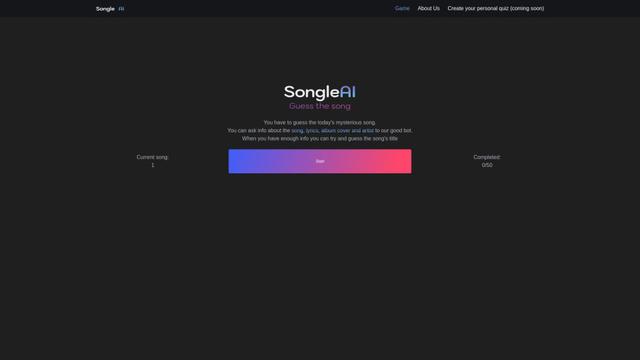
SongleAI is an interactive music guessing game where users try to identify mysterious songs by asking questions about lyrics, album covers, and artists to an AI bot.

AiLuvio
AiLuvio is a revolutionary video communication platform that enables real-time dubbing across 30+ languages during video calls, breaking language barriers with AI technology.

HeyMilo AI
HeyMilo AI is a generative AI-powered voice agent platform that conducts two-way conversational interviews to streamline and scale the recruitment process.
Popular AI Tools Like Juno
W-Okada Voice Changer
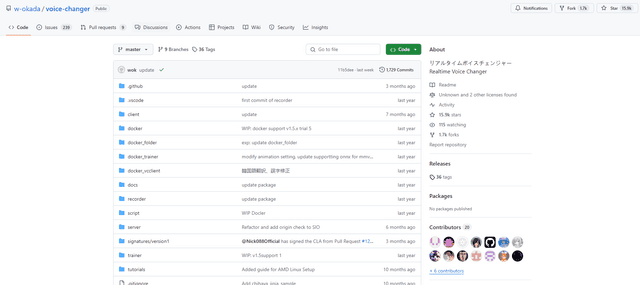
W-Okada Voice Changer is an open-source real-time voice conversion software that uses AI to transform voices with high quality and low latency.
Maidio
Maidio is an innovative AI-powered app that automatically converts RSS news feeds into engaging podcast-style conversations between a host and assistant.
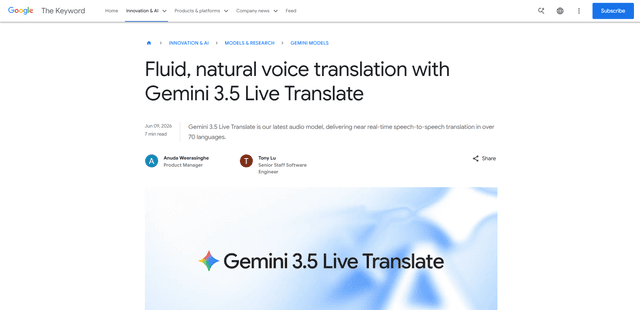
Gemini 3.5 Live Translate
Gemini 3.5 Live Translate is Google’s low-latency, streaming speech-to-speech translation audio model that auto-detects 70+ languages and produces smooth, natural-sounding translated speech while preserving the speaker’s intonation, pacing, and pitch.

Uhmegle
Uhmegle is a modern Omegle alternative offering free, anonymous, and moderated video and text chat services that connects users with strangers worldwide based on shared interests.