
Iris
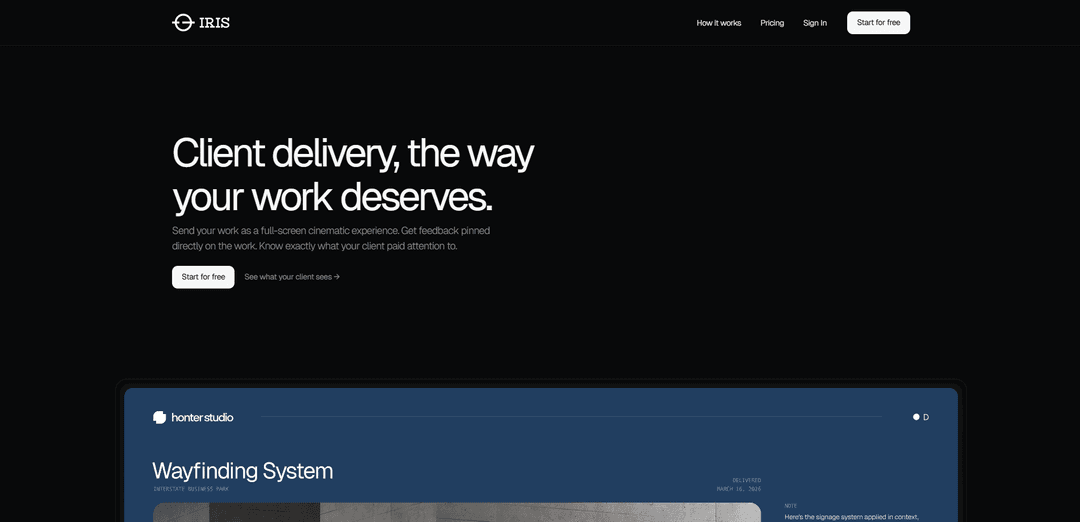
Iris is a cinematic presentation platform that allows designers, agencies and creatives to deliver brand work with immersive client experiences, real-time feedback, and AI-powered engagement insights.
https://byiris.io/?ref=producthunt
Product Information
Updated:Apr 8, 2026
What is Iris
Iris is a web-based presentation platform specifically designed for creative professionals to showcase their work in a cinematic and impactful way. It transforms traditional file sharing into an elegant, full-screen viewing experience where clients can interact with the work directly without needing accounts or downloads. The platform supports multiple content types including slides, images, PDFs, and documents, allowing creative work to be presented exactly as intended.
Key Features of Iris
Iris is a cinematic presentation platform that allows users to deliver work beautifully in a full-screen experience. It offers features like pinned feedback, behavioral analytics, AI insights, and custom branding options. The platform enables seamless sharing of slides, documents, images, and galleries while providing detailed analytics about client engagement and viewing patterns.
Immersive Presentation Modes: Offers multiple display modes and scenes for full-screen presentation of slides, documents, and galleries, creating a cinematic viewing experience without requiring client accounts or downloads
Interactive Feedback System: Enables clients to leave pinned feedback directly on specific parts of the work, with a live discussion board for real-time collaboration
Advanced Analytics & AI Insights: Provides detailed behavioral analytics per session, showing exactly what clients viewed, where they lingered, and generating AI insights before calls
Brand Customization: Allows professionals to deliver work under their own brand with custom subdomains and watermarking options
Use Cases of Iris
Design Portfolio Presentation: Designers can showcase their work in an immersive format, allowing clients to experience designs as intended
Photography Client Review: Photographers can send galleries for client selection, with clients able to pin feedback directly on preferred shots
Business Proposal Delivery: Companies can send professional proposals with tracking capabilities to understand client engagement and interest levels
Architecture Visualization: Architects can present renders and mood boards in an immersive format that helps clients better visualize the final result
Pros
No client-side account or software required
Comprehensive analytics and feedback system
Professional presentation format with brand customization
Cons
Limited features in free tier
Requires monthly subscription for advanced features
How to Use Iris
Sign up for an account: Go to byiris.io and choose a plan - either Basic (free) or Pro ($19/month). Pro offers unlimited visions and custom branding.
Upload your work: Upload your content - can be slides, images, PDFs, or documents. This takes under 5 minutes from upload to generating a shareable link.
Configure presentation settings: Choose how your work will be displayed - select from different display modes and scenes. Your work will be shown in full-screen cinematic format.
Add client details: Name your client and write a personal note to accompany the work being shared.
Choose display format: Select from different formats: Slides for presentations, Document for proposals/case studies, or Gallery for photography/campaigns.
Generate and share link: Create a shareable link that clients can access without needing an account or downloading anything.
Monitor client interaction: Track client engagement through analytics - see what they viewed, where they spent time, and what sections they skipped.
Collect feedback: Clients can leave pinned feedback directly on specific parts of the work. All comments are anchored to precise points on the design.
Review insights: Use the behavioral analytics and AI insights to prepare for client calls and understand how your work was received.
Iris FAQs
Iris is a cinematic presentation platform designed for designers, agencies, and creatives to deliver brand work with immersive client experiences, real-time feedback, and AI-powered engagement insights.
Popular Articles

Atoms: A Multi-Agent AI Platform That Transforms Ideas into Launch-Ready Products
May 22, 2026

Nano Banana SBTI: What It Is, How It Works, and How to Use It in 2026
Apr 15, 2026

Atoms Review — The AI Product Builder Redefining Digital Creation in 2026
Apr 10, 2026

Kilo Claw: How to Deploy and Use a True "Do‑It‑For‑You" AI Agent(2026 Update)
Apr 3, 2026
Latest AI Tools Similar to Iris
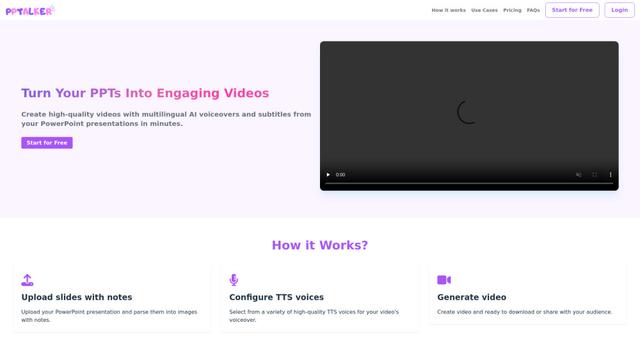
PPTalker
PPTalker is an online PowerPoint to video converter that transforms presentations into engaging videos with AI-powered multilingual voiceovers and subtitles.
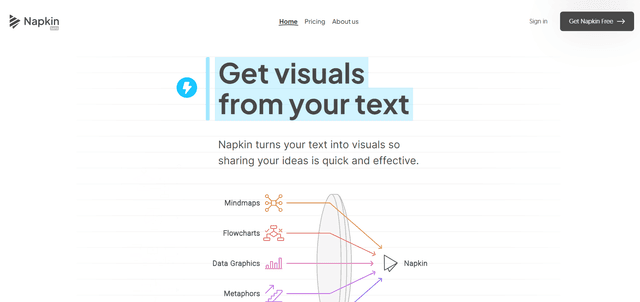
Napkin
Napkin AI is an innovative AI-powered tool that automatically transforms text into visually appealing graphics, diagrams, and illustrations to enhance business communication and storytelling.
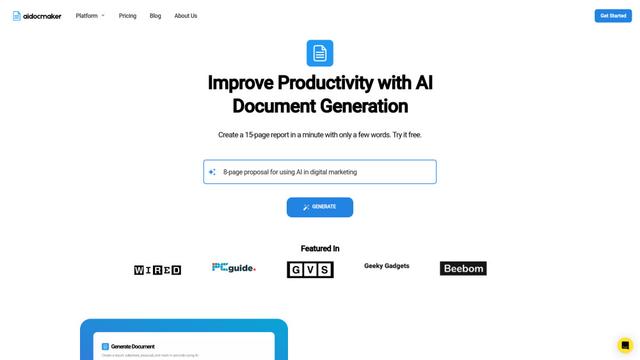
Aidocmaker.com
Aidocmaker.com is an AI-powered document creation platform that allows users to effortlessly generate professional documents, presentations, spreadsheets, and voiceovers in minutes.

Yanbi AI
Yanbi AI is a free AI-powered writing tool that generates high-quality content for various writing scenarios with one click.
Popular AI Tools Like Iris

MulmoCast
MulmoCast is an AI-native multi-modal presentation tool that automatically generates videos, podcasts, slides, PDFs, and manga-style content from a single script using various AI technologies.
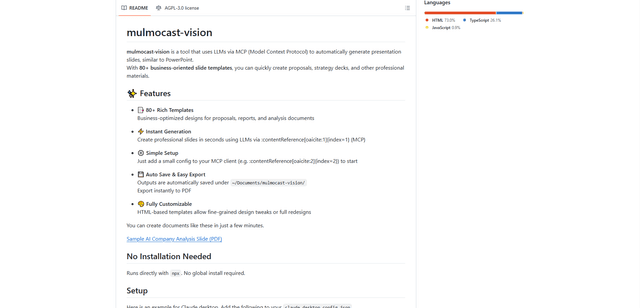
MulmoCast Vision
MulmoCast Vision is an AI-powered tool that automatically generates professional presentation slides through LLMs via Model Context Protocol (MCP), featuring 80+ business-oriented templates for various corporate needs.
Gamma
Free TrialAI Presentation Generator
Gamma App is an AI-powered tool for creating beautiful presentations, documents, and websites with no design or coding skills required.
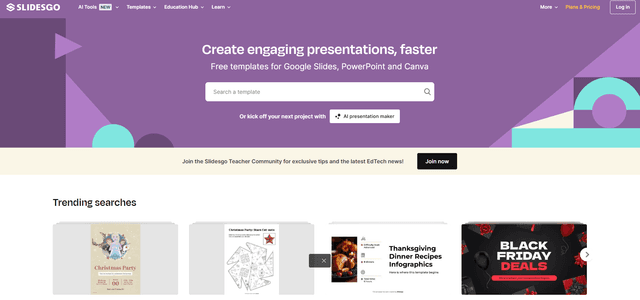
SLIDESGO
Slidesgo is a free online platform that provides professionally designed presentation templates for Google Slides and PowerPoint with customizable themes, infographics, and AI-powered tools to help create engaging presentations faster.