InteriorStage AI
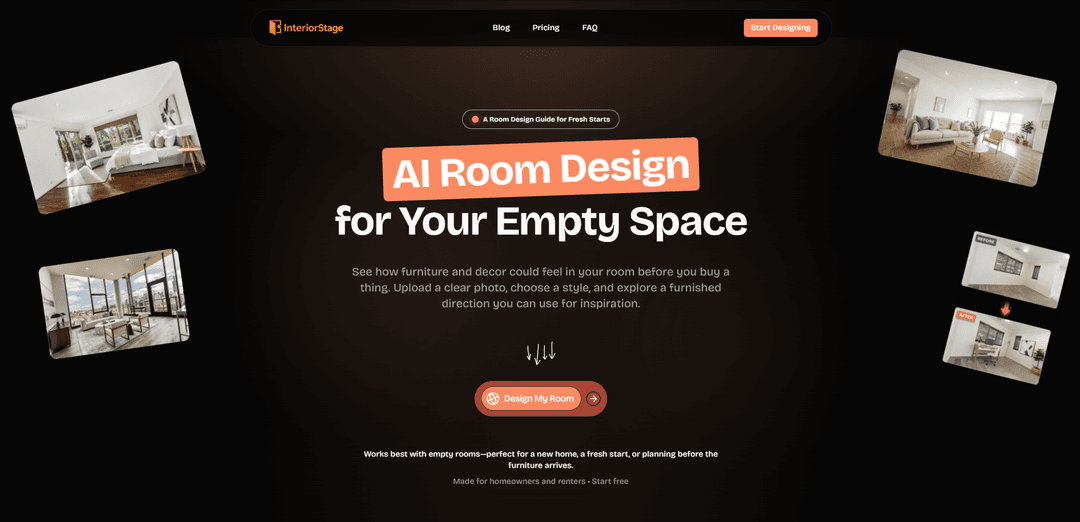
InteriorStage AI is an AI room design tool that turns clear photos of empty rooms into photorealistic furnished concepts in chosen styles, with options to compile favorite designs into shareable room videos and room-collection videos.
https://interiorstage.com/?utm_source=aipure
Product Information
Updated:Sep 17, 2026
What is InteriorStage AI
InteriorStage AI is an AI-powered room design platform focused on helping homeowners and renters visualize furnishing and decor ideas for empty spaces before buying anything. You upload a clear photo of an empty room, select a style to explore, and the tool generates a staged concept that keeps the room’s existing architecture (such as windows, walls, floors, and lighting) as photographed while adding movable elements like furniture, rugs, art, and lamps. It’s positioned as a practical “fresh start” guide for new homes or unfurnished rooms, with a free tier and paid plans that scale up image generation and video creation.
Key Features of InteriorStage AI
InteriorStage AI is an AI room-design tool focused on furnishing and styling empty rooms from a single photo. Users upload a clear empty-room image, choose a design style, and generate photorealistic “furnished direction” concepts that keep the room’s existing architecture (windows, walls, floors, lighting) intact. It also lets users turn favorite concepts into short scene videos or combine multiple room concepts into shareable room-collection videos, functioning like a moving mood board for planning and collaboration before buying furniture.
Empty-room photo to furnished concept: Upload an empty-room photo and generate a fully furnished, decorated concept to make a blank space feel concrete and easier to plan.
Style selection and fast iteration: Choose a style to explore and regenerate alternative directions when the first result doesn’t match your taste.
Architecture-preserving concepts: Designed to keep the room structure as photographed—windows, walls, flooring, and lighting remain consistent while furniture and decor change.
Scene video creation: Turn a single favorite room concept into a short video you can revisit or share.
Room-collection videos (moving mood boards): Combine multiple generated room concepts into a smooth video with transitions and music, with mood options like Modern, Luxury, Warm, or Cinematic.
Tiered plans for volume and output control: Free tier supports limited watermarked images; paid tiers remove watermarks, increase daily image/video limits, raise resolution (up to 1080p for scene videos), and add concurrency; Agency includes priority support and notes API access as coming soon.
Use Cases of InteriorStage AI
New home move-in planning: Help homeowners visualize furniture layout, scale, and overall mood in empty rooms before purchasing big-ticket items.
Rental setup and refresh: Enable renters to test decor directions that work with existing finishes and lighting—useful for planning within constraints.
Pre-purchase furniture decision support: Compare complete room looks (rug, seating, tables, lamps, art) as a cohesive direction rather than guessing item by item.
Remote collaboration with family or roommates: Share generated images or room-collection videos to align on a direction and reduce back-and-forth during furnishing decisions.
Interior inspiration content creation: Create quick concept visuals and short videos that function as mood-board content for presentations or social sharing.
Pros
Purpose-built for empty rooms, making it straightforward for move-in and “fresh start” scenarios.
Video outputs (scene videos and room-collection videos) make concepts easier to share and discuss than static images alone.
Paid tiers remove watermarks and scale up generation volume and concurrency for heavier use.
Cons
Works best with empty rooms, so it may be less suitable for heavily furnished/cluttered spaces.
Free plan is very limited (2 images/month) and includes watermarks, which restricts meaningful exploration.
API access is listed as “coming soon,” so automation/integration may not be available yet.
How to Use InteriorStage AI
1) Open InteriorStage AI: Go to https://interiorstage.com/ on your laptop or phone to access the AI room design tool for empty spaces.
2) Start free (optional but recommended): Begin with the Free plan if you want to try the product first (includes 2 room-design images per month, with a watermark, and no video features).
3) Prepare your best input photo: Take or choose a clear photo of your room. InteriorStage works best with empty rooms, so remove movable items if possible and use a well-lit, sharp image.
4) Upload the empty-room photo: Upload your image in the InteriorStage interface (the product flow is: upload a clear photo → choose a style → generate a furnished direction).
5) Choose a style to explore: Select the interior style you want to see applied to your room. The AI will keep the room’s structure (windows, walls, floor, lighting) as photographed while adding movable furniture and decor.
6) Generate your furnished room concept: Run the design generation to produce a furnished idea for the space—typically a complete direction including seating, rug, tables, art, lamps, and decor as a cohesive concept.
7) Compare and iterate with other styles: If the first result doesn’t feel like you, generate another concept in a different style. Use the outputs to react to scale, visual weight, and overall mood before you shop or move in.
8) Turn a favorite idea into a room video (paid plans): If your plan includes it, convert a favorite room concept into a short scene video you can revisit or share (Starter/Pro/Agency include scene videos with monthly limits and resolution options).
9) Create a room-collection video (paid plans): Combine multiple room concepts into a single room-collection video with transitions and music—use it like a moving mood board. Choose a mood such as Modern, Luxury, Warm, or Cinematic for the final sequence.
10) Export and use the results for planning: Save your generated images (and videos if available) to guide furniture and decor decisions before buying—especially useful for new homes, fresh starts, or planning before furniture arrives.
11) Upgrade if you need more volume or no watermark: Upgrade based on your needs: Starter ($29/month) removes the watermark and supports higher daily image generation plus room-collection videos; Pro ($79/month) increases limits and adds 1080p scene videos; Agency ($199/month) is for high-volume workflows and includes priority support (API access listed as coming soon).
InteriorStage AI FAQs
InteriorStage AI is an AI room-design tool for empty spaces that helps you visualize furniture and decor in your own room photo before you buy anything. You upload a clear photo, choose a style, and it generates furnished room concepts you can use for inspiration.
Popular Articles

Vosko AI: Localize and Dub Videos for Global Audiences
Oct 15, 2026

Atoms: A Multi-Agent AI Platform That Transforms Ideas into Launch-Ready Products
Oct 13, 2026

Nano Banana SBTI: What It Is, How It Works, and How to Use It in 2026
Apr 15, 2026

Atoms Review — The AI Product Builder Redefining Digital Creation in 2026
Apr 10, 2026
Latest AI Tools Similar to InteriorStage AI
Rendair
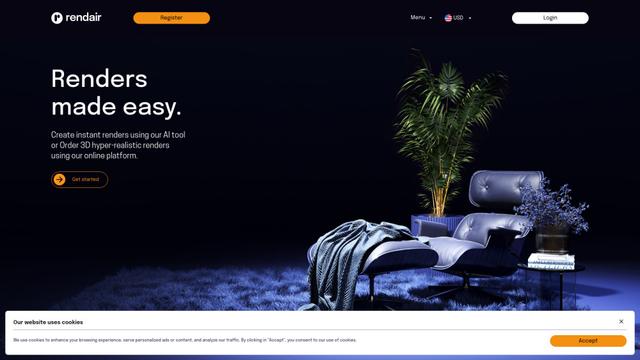
Rendair is an all-in-one AI-powered architectural rendering platform that offers quick, high-quality visualizations through both AI tools and professional 3D artists for architects, designers, and real estate professionals.

Triorama AI
Triorama AI is an AI-powered 3D product configurator platform that enables eCommerce businesses to offer real-time product personalization and visualization capabilities to their customers.

AiHouse
AiHouse is an AI-powered 3D interior design and manufacturing software that streamlines the entire process from design to production.
Kanai
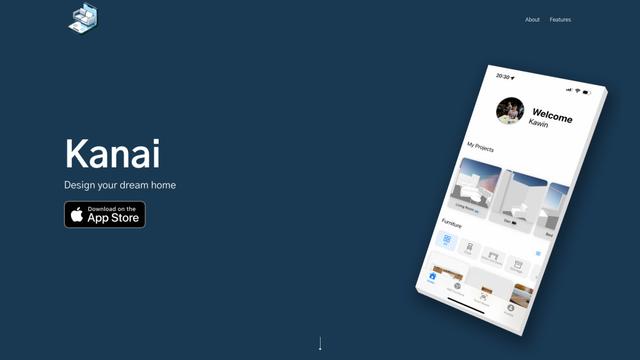
Kanai is an AI-powered 3D interior design platform that allows users to generate furniture models, visualize spaces, and collaborate on design ideas using natural language.
Popular AI Tools Like InteriorStage AI
Planner 5D
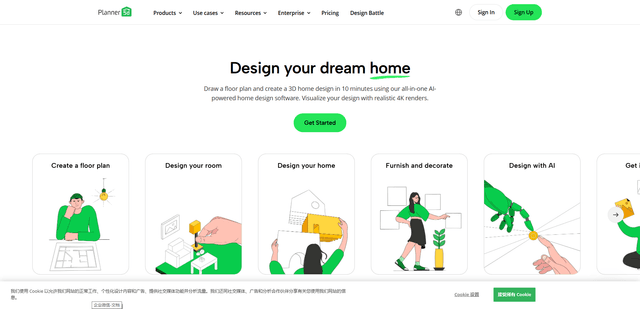
Planner 5D is an AI-powered home design software that allows users to create detailed 2D and 3D floor plans, furnish spaces, and visualize designs through realistic 4K renders with an extensive catalog of over 8,000 items.
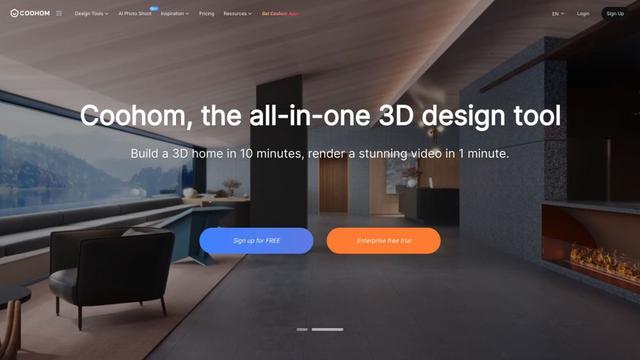
Coohom
Coohom is an all-in-one 3D design and visualization platform that allows users to create floor plans, render photorealistic images, and design interiors in minutes.

RoomGPT
RoomGPT is an AI-powered interior design tool that allows users to instantly transform and visualize their spaces by uploading a photo and selecting design themes.
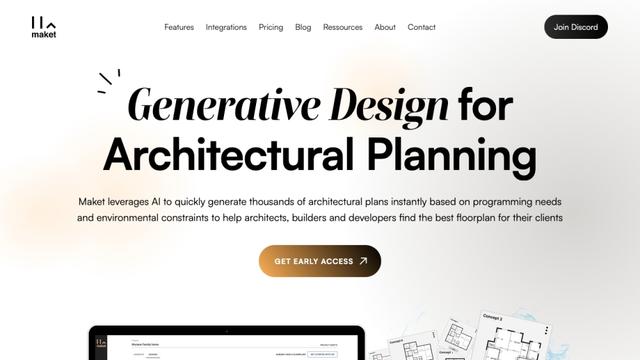
Maket
Maket is an AI-powered generative design software that enables architects, builders, and developers to instantly create thousands of customized architectural plans and 3D visualizations based on project constraints.