
In Parallel
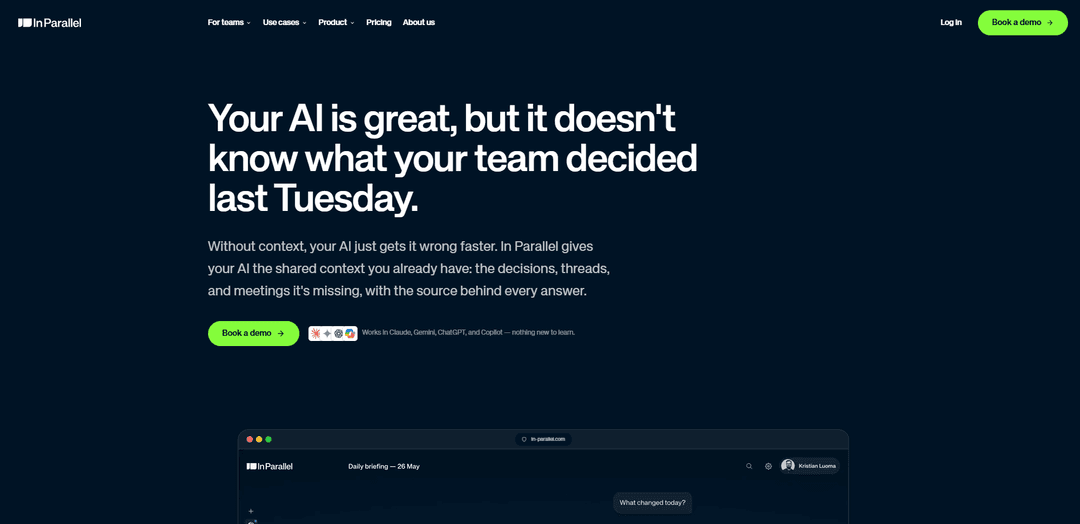
In Parallel is an EU-hosted, permission-scoped context layer that captures your company’s decisions and commitments from meetings and threads, keeps them current, and makes them available—fully sourced—to any AI tool via MCP without training on your data.
https://in-parallel.com/?ref=producthunt
Product Information
Updated:Aug 8, 2026
What is In Parallel
In Parallel is built to solve a common problem with workplace AI: the model may be capable, but it lacks the context of what your team actually decided, promised, and changed over time. Instead of relying on personal chat memory or manually maintained context documents, In Parallel creates a shared, company-wide “memory” by automatically capturing information where work happens—across meetings, discussions, and connected tools—and turning it into reliable, actionable context. It’s designed for teams operationalizing AI (e.g., CTO/Head of AI, COO/PMO, product and delivery leaders) who need answers that reflect the current reality, not stale snapshots.
Key Features of In Parallel
In Parallel is a shared, permission-scoped “context layer” (company memory) that continuously captures decisions, commitments, and work context from the tools teams already use (including meetings and threads), keeps it current automatically, and exposes it to any AI tool via MCP with source-backed answers. It is designed to reduce coordination overhead, prevent context loss across people and systems, and improve the reliability of AI-assisted work—while maintaining enterprise controls like EU hosting, RBAC, audit logs, and a promise not to train AI on customer data.
Shared company memory (context layer): Centralizes the decisions, threads, and meeting outcomes that typically remain scattered across tools, creating a single shared picture that AI can use to answer questions and support work.
Automatic capture + always up to date: Joins meetings and captures decisions/commitments as they’re made, then keeps plans and context current without requiring manual upkeep like traditional docs or context files.
Works with any AI tool via MCP: Provides one memory for every AI tool by integrating through MCP, so context isn’t locked into one vendor’s chat history or personal memory feature.
Sourced answers (traceable context): Designed to provide the source behind every answer, improving trust and making it easier to validate what the AI is referencing.
Permission-scoped workspaces: Access mirrors user permissions; each workspace acts as a separate trust boundary/MCP endpoint so the AI only sees what the requesting user can see.
EU-hosted, enterprise security posture: Built and hosted in the EU with GDPR alignment and ISO 27001/ISO 42001 certifications, plus SSO, RBAC, audit logs, and DPIA documentation; states it never trains AI on customer data.
Use Cases of In Parallel
Auto-updating project plans (PMO / product / engineering): Keeps plans aligned with real decisions made in meetings and threads, reducing drift between “the plan” and what teams actually agreed to deliver.
Status reporting without manual chasing (operations / leadership): Assembles status from what people committed to in meetings and what’s been completed, cutting time spent collecting updates across stakeholders.
Early drift detection (program management / delivery orgs): Flags when execution diverges from commitments and decisions—helping teams address issues before they become escalations or fire drills.
Cross-team alignment for distributed organizations (remote-first companies): Prevents critical context from being trapped in one person’s inbox, chat thread, or meeting notes by making it broadly accessible (within permissions) to both teammates and AI tools.
AI enablement for regulated industries (finance, healthcare, public sector): Supports adopting AI with stronger governance controls (EU hosting, RBAC, audit logs, certifications, DPIA documentation) and sourced answers to improve accountability.
Pros
Reduces coordination overhead by capturing and maintaining shared context automatically (less manual updating and status chasing).
Improves AI answer reliability with sourced, shared context instead of isolated personal chat memory or stale documents.
Works across AI tools via MCP, avoiding vendor lock-in for “memory.”
Enterprise-ready posture: permission-scoped access, EU hosting, and stated no-training-on-customer-data policy.
Cons
Value depends on successful integration with existing meetings/tools and consistent capture of key decisions (adoption/integration overhead).
Requires strong permission and workspace configuration to ensure the right information is visible to the right people (governance setup effort).
Primary benefits are organizational/coordination-focused; teams expecting direct code-generation or task execution may need complementary tools.
How to Use In Parallel
1) Decide what you want In Parallel to do for your team: Pick the primary outcome you want first (e.g., keep plans updated automatically, generate status reports from commitments, or detect drift between plan and reality). This helps you choose what to connect and what to track.
2) Start a workspace (your unit of trust and access control): Create a workspace to define a clear data perimeter. Each workspace acts as a separate context boundary and (per the source) maps to its own MCP endpoint, so access is permission-scoped.
3) Connect your calendar so In Parallel can join meetings: Connect your work calendar once. In Parallel can then join meetings as a named participant and capture decisions and commitments as they are made (no plugin/app install or meeting-behavior change required, per the source).
4) Bring your team into the workspace: Invite relevant teammates so the captured context becomes shared team memory rather than personal notes. Access mirrors each user’s permissions, and the AI only sees what the asking user can see (per the source).
5) Let In Parallel capture decisions, threads, and meeting outcomes: Run your meetings and discussions normally. In Parallel’s role is to capture the decisions and commitments and keep them available as shared context with sources behind answers (per the source).
6) Use In Parallel to keep plans current without manual updates: Use the captured commitments and decisions to keep plans aligned with reality (“the plan that updates itself,” per the source). The goal is that plans don’t become stale snapshots that require constant manual maintenance.
7) Generate status reports from what was promised and what got done: Use the captured meeting commitments to assemble status automatically (“the status report that writes itself,” per the source), reducing time spent chasing updates across tools and conversations.
8) Monitor for drift between the plan and what’s actually happening: Use In Parallel to spot divergence early (“the drift alert before the fire drill,” per the source) so you can correct course before issues become expensive.
9) Connect your AI tools via MCP to reuse the same shared context: Configure your AI tools to read the workspace context through MCP so every tool can access the same, shared, permission-scoped company memory (per the source). This avoids vendor-locked, personal-only memory.
10) Validate answers using the provided sources: When using AI tools with In Parallel, rely on the “source behind every answer” (per the source) to verify decisions, commitments, and context before acting on outputs.
11) Keep data governance aligned with your requirements: Confirm your workspace setup matches your security needs (permission-scoped access, EU-hosted, no training on your data, and enterprise controls like SSO/RBAC/audit logs as described in the source).
12) Iterate: expand coverage to more teams, meetings, and workflows: After the first workflow is stable, add more workspaces or onboard additional teams so more of your organization’s decisions and commitments are captured once and reused everywhere your AI operates.
In Parallel FAQs
In Parallel is a shared-context layer (company memory) for AI. It captures decisions, commitments, and context from where work happens (like meetings and threads) and makes that shared, sourced context available to the AI tools your team already uses.
In Parallel Video
Popular Articles

Vosko AI: Localize and Dub Videos for Global Audiences
Oct 15, 2026

Atoms: A Multi-Agent AI Platform That Transforms Ideas into Launch-Ready Products
Oct 13, 2026

Nano Banana SBTI: What It Is, How It Works, and How to Use It in 2026
Apr 15, 2026

Atoms Review — The AI Product Builder Redefining Digital Creation in 2026
Apr 10, 2026
Latest AI Tools Similar to In Parallel

Ticknotes
Ticknotes is an AI-powered meeting assistant that automatically records, transcribes, and generates personalized meeting summaries, action items, and key insights from audio, video, and text content.

Feta
Feta is an AI-powered meeting tool that helps product and engineering teams run efficient meetings by capturing discussions, automating tasks, and providing actionable insights through smart summaries and integrations.
Aimeet
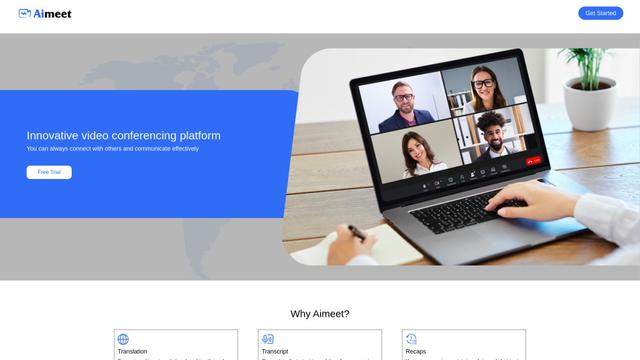
Aimeet is a comprehensive AI-powered communication platform that combines real-time translation, transcription, screen sharing, and unlimited meeting capabilities for effective virtual collaboration.
MinutesLink
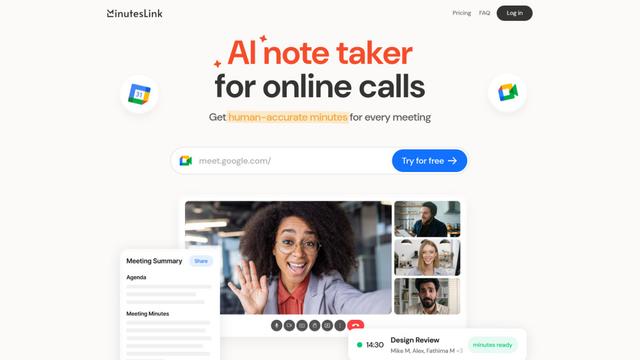
MinutesLink is an advanced AI-powered note-taking assistant that automatically records, transcribes, summarizes and organizes virtual meetings while building personalized digital avatars from meeting data.
Popular AI Tools Like In Parallel
Second Brain for AI
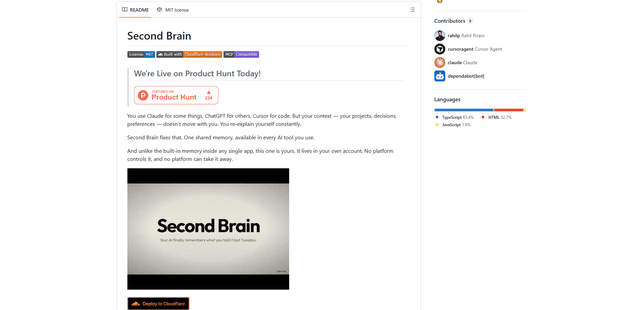
Second Brain for AI is a self-hosted, MCP-compatible persistent memory layer on Cloudflare that lets Claude, ChatGPT, Cursor, and other AI clients store and semantically recall shared context across sessions.
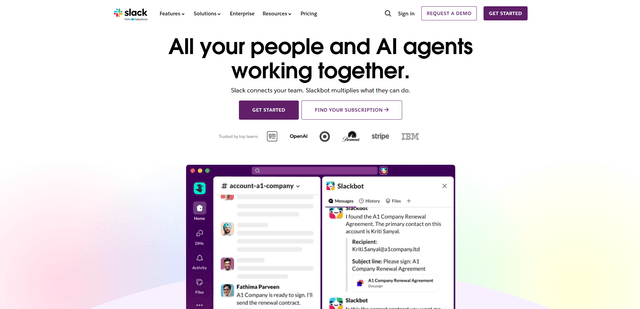
Slack
Slack is an AI-powered work platform that brings team communication, channels, files, automation, and app integrations into one conversational workspace.
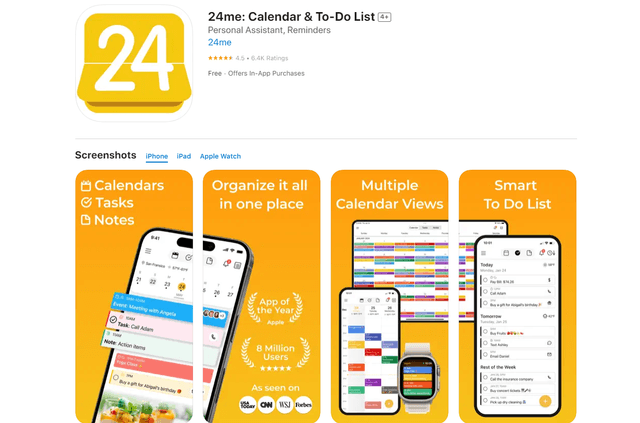
24me Smart Personal Assistant
24me is an award-winning smart personal assistant app that combines calendar, to-do lists, notes, and personal accounts in one unified platform to help boost productivity and time management.
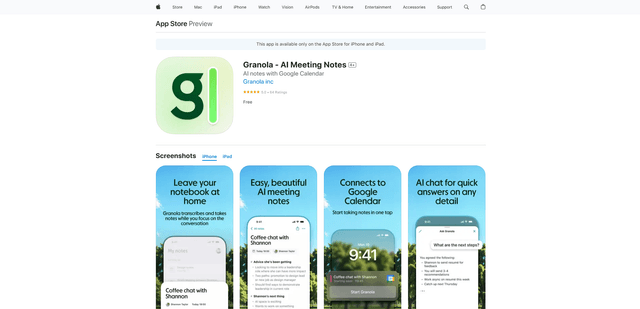
Granola for iOS
Granola for iOS is an AI-powered notepad app that helps users effortlessly capture, transcribe and summarize meeting conversations through intelligent note-taking and one-tap recording capabilities.