Img2.ai
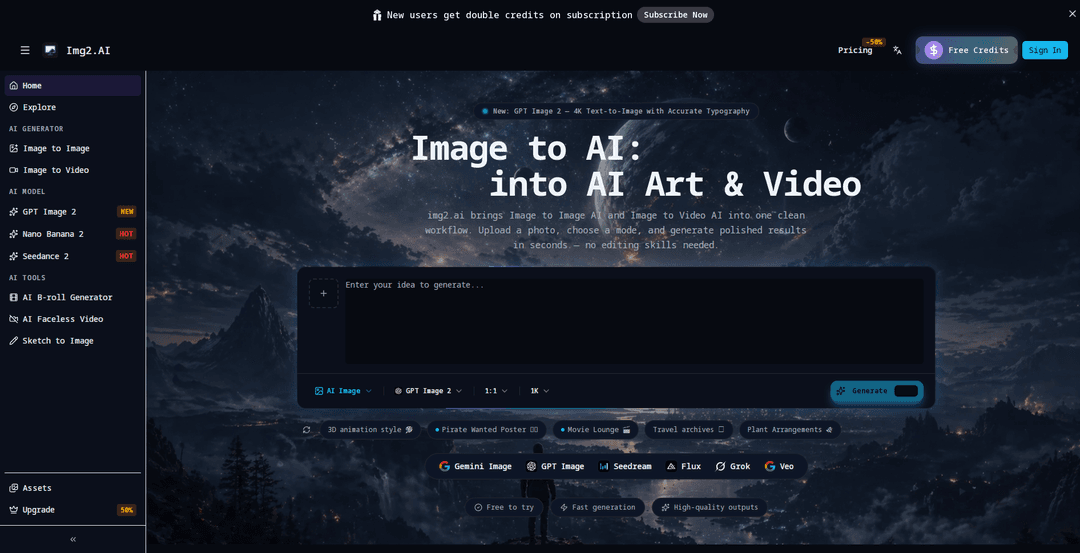
Img2.ai is an all-in-one Image-to-AI platform that quickly turns photos or prompts into high-quality image variations, short videos, and upscaled outputs through a simple, mode-based workflow powered by multiple leading models.
https://img2.ai/?utm_source=aipure
Product Information
Updated:May 9, 2026
What is Img2.ai
Img2.ai is a web-based creative platform that brings Image to Image AI and Image to Video AI into one clean workspace. It’s designed for fast, polished generation: you upload a photo (or start from a text prompt), choose the creation mode you need, and generate results in seconds without requiring traditional editing skills. The platform supports multiple model options (e.g., GPT Image, Flux, Seedream, Grok, and Veo) and focuses on making common production tasks—style changes, variations, animation, and quality enhancement—easy to run from a single hub.
Key Features of Img2.ai
Img2.ai is an “image to AI” workspace that combines image-to-image editing and image-to-video generation (plus text-to-image, text-to-video, and upscaling) into a single, simple workflow. Users can upload a photo (or start from a prompt), pick a mode, and generate fast, high-quality variations that preserve core composition while changing style, mood, or details—without needing traditional editing skills. The platform also highlights support for multiple underlying model options (e.g., GPT Image, Flux, Seedream, Gemini, Grok, Veo) to produce polished results quickly.
Image-to-Image AI transformations: Upload an existing image and generate new styled or reimagined versions while keeping the main subject and composition consistent.
Image-to-Video animation: Turn a static photo into a short video with smooth motion and natural camera movement for quick photo-to-video outputs.
Text-to-Image generation: Create fresh visuals from prompts for scenes, concepts, or backgrounds, then download for reuse across projects.
Text-to-Video creation: Generate short video clips/loops directly from a prompt without timeline editing or complex tools.
One-click image upscaler: Enhance sharpness and detail and export higher-quality images with a single upscaling step.
Multi-model hub with simple controls: A unified interface that surfaces multiple model choices (as presented on the site) to help users iterate quickly and get high-quality results.
Use Cases of Img2.ai
Marketing & social content production: Rapidly generate branded image variations, campaign creatives, and short motion clips from existing product photos or key visuals.
E-commerce product presentation: Restyle product shots, generate alternate looks/moods, and upscale images for cleaner listings and ads without reshoots.
Creative studios & concept exploration: Iterate from sketches or drafts into multiple visual directions (style, lighting, mood) and explore concepts faster than manual editing.
Portrait and avatar variations: Transform portraits into different artistic styles or produce short animated clips from a single image for profiles and content.
Content repurposing for video-first channels: Convert still assets into short videos to support reels/shorts-style distribution with minimal production overhead.
Pros
All-in-one workflow: combines image-to-image, image-to-video, text generation, and upscaling in one hub.
Fast, simple operation: upload/prompt → choose mode → generate results quickly with minimal editing expertise required.
Versatile outputs: supports both still images and short videos, enabling easy cross-channel content creation.
Cons
Limited detail on advanced controls: public materials emphasize simplicity, with fewer specifics on fine-tuning parameters and precise edit controls.
Output suitability depends on policies/rights: users must ensure they have rights to assets, trademarks, and likenesses for business use.
Quality may vary by model and input: results can depend heavily on the chosen model and the clarity/quality of the source image.
How to Use Img2.ai
1) Open img2.ai: Go to https://img2.ai/ to access the platform where Image to Image, Image to Video, Text to Image, Text to Video, and Upscaling are available in one hub.
2) Choose the workflow (mode) you need: Pick one: Image to Image AI (restyle/variations), Image to Video AI (animate a photo), Text to Image (generate from a prompt), Text to Video (generate a short clip from a prompt), or Image Upscaler (enhance quality).
3) Image to Image AI: open the Image to Image page: Click the Image to Image AI entry (or go directly to https://img2.ai/image-to-image-ai).
4) Upload your starting image: Upload a photo (or other image) you want to transform. This image becomes the base so the main subject/composition can stay consistent while style/mood changes.
5) Set your transformation intent: Choose a style or describe the change you want (e.g., change mood, create variations, generate AI art) while keeping the core subject consistent.
6) Generate and review results: Run generation to get a polished image in seconds. If needed, adjust your style/intent and generate again to explore clean variations.
7) Download your image output: Download the generated image and use it in your projects.
8) Image to Video AI: open the Image to Video page: Click Image to Video AI (or go to https://img2.ai/image-to-video-ai) to animate a static photo.
9) Upload a photo to animate: Upload the image you want to turn into a short video clip (portraits, products, and creator assets work well).
10) Generate the video: Start generation to add smooth motion and natural camera movement, producing a short clip in seconds.
11) Download the video output: Download the generated video clip for sharing or publishing.
12) Text to Image: use a prompt to generate visuals: From the homepage, choose Text to Image, enter a short prompt to generate scenes/backgrounds/concepts, then generate and download.
13) Text to Video: use a prompt to generate a short clip: Choose Text to Video, enter a short prompt, generate a quick loop/clip without timeline editing, then download.
14) Upscale: enhance image quality in one click: Choose Image Upscaler, upload your image, run the upscale to improve sharpness/clarity, then export the higher-quality result.
Img2.ai FAQs
img2.ai is an Image to Image AI and Image to Video AI platform that lets you upload a photo, choose a mode, and generate polished image or short video results in seconds in a single workflow.
Popular Articles

Vosko AI: Localize and Dub Videos for Global Audiences
Oct 15, 2026

Atoms: A Multi-Agent AI Platform That Transforms Ideas into Launch-Ready Products
Oct 13, 2026

Nano Banana SBTI: What It Is, How It Works, and How to Use It in 2026
Apr 15, 2026

Atoms Review — The AI Product Builder Redefining Digital Creation in 2026
Apr 10, 2026
Latest AI Tools Similar to Img2.ai
SnapShift
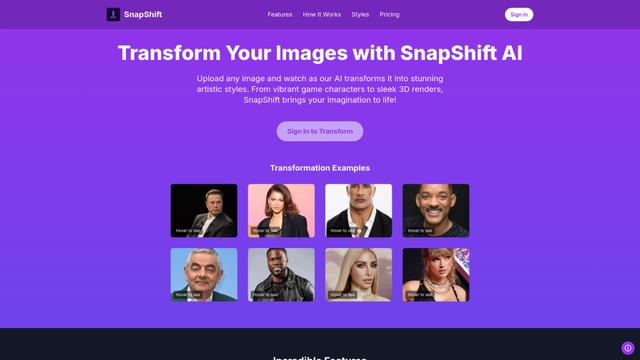
SnapShift is an AI-powered image transformation app that turns photos into stunning artistic styles like video game characters, 3D renders, and more.
Xona.ai
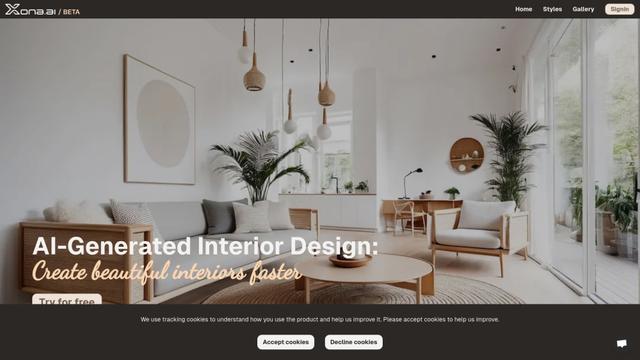
Xona.ai is an AI-powered tool that generates interior designs from user-uploaded images, offering a seamless fusion of technology and creativity.
FLUX.2 - Official
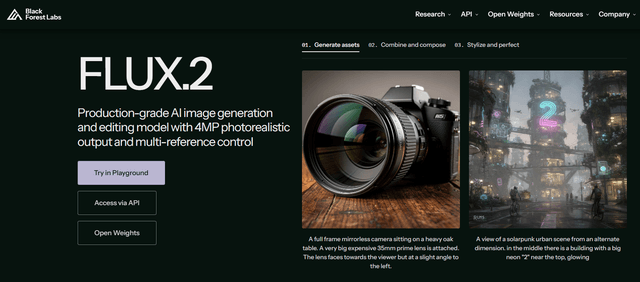
FLUX.2 is a state-of-the-art production-grade AI image generation and editing model that delivers 4MP photorealistic outputs with multi-reference control, exceptional prompt adherence, and consistent character/style preservation.
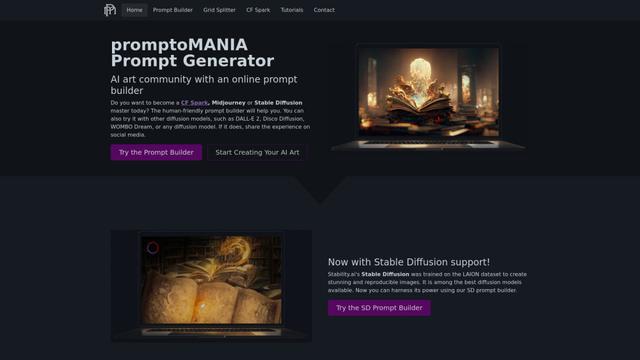
PromptoMANIA
PromptoMANIA is a free AI art community platform with an online prompt builder that helps users create detailed prompts for various text-to-image diffusion models.
Popular AI Tools Like Img2.ai
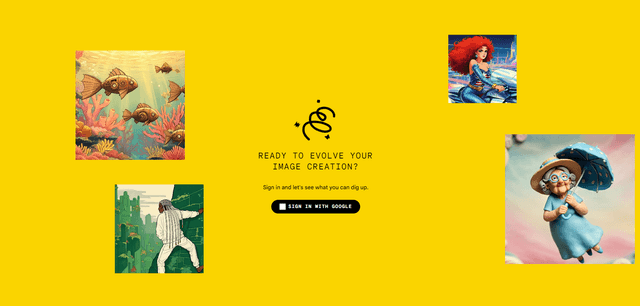
Google Whisk
Whisk is Google Labs' innovative AI image generation tool that allows users to create new images using existing images as prompts rather than relying on text descriptions.
Google Whisk
FreeImage to Image
Google Whisk is an experimental AI-powered image generation tool that allows users to create new images by using existing images as prompts rather than text descriptions.
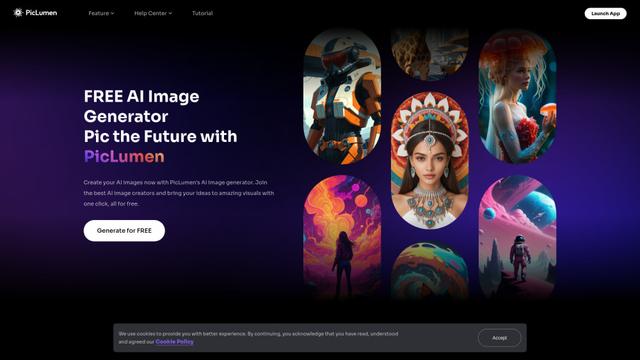
PicLumen AI Image Generator
PicLumen AI Image Generator is a free, powerful tool that transforms text into high-quality images using advanced AI technology, offering unlimited generations across multiple styles.
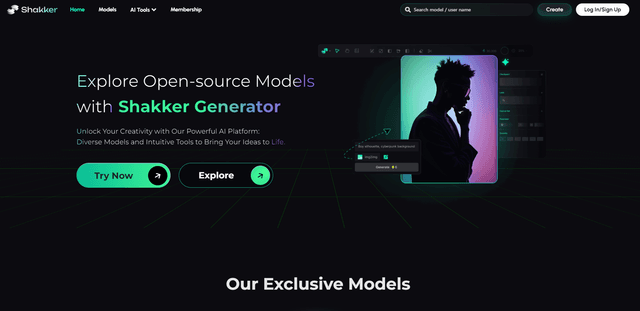
Shakker
Shakker AI is a premium hub for AI image generation models, offering advanced tools to create, edit, and transform visual content using artificial intelligence.