
IMAI Studio
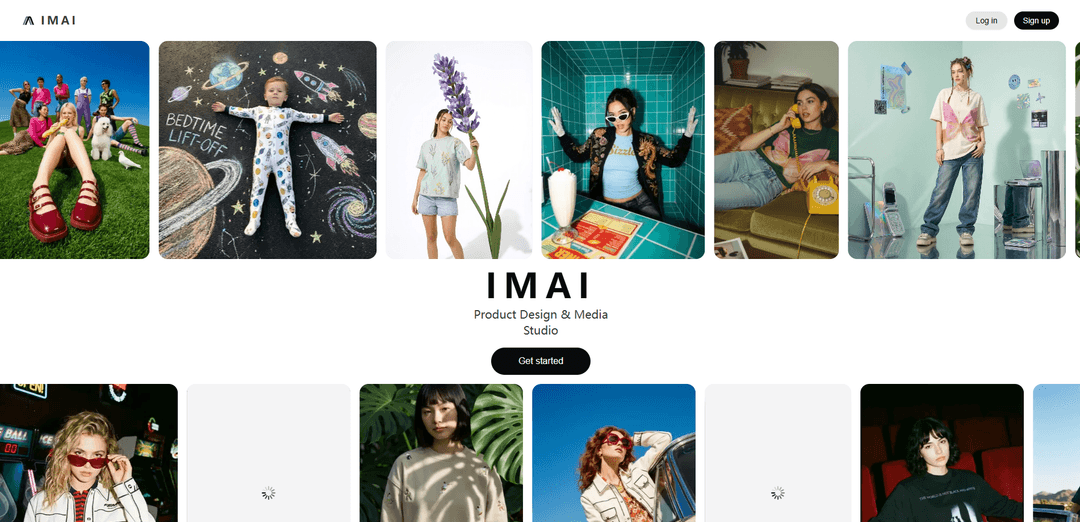
IMAI Studio is a conversational, multi-agent AI platform for fashion and lifestyle brands that turns ideas or a single product photo into photorealistic designs, production-ready tech packs with costing, and campaign-ready marketing assets (images, video, and 3D/AR).
https://www.imai.studio/?ref=producthunt
Product Information
Updated:May 18, 2026
What is IMAI Studio
IMAI Studio is an AI design-to-content studio built for apparel, footwear, accessories, and other physical products. It brings the end-to-end workflow—product ideation, visualization, manufacturing documentation, and go-to-market content—into one place, aiming to replace weeks of fragmented tools and handoffs with a single guided conversation. Positioned for both brands and manufacturers, it helps teams iterate faster, reduce sampling cycles, and align creative, sourcing, and marketing decisions with clearer visuals and specifications.
Key Features of IMAI Studio
IMAI Studio is an AI design-to-content platform for fashion and lifestyle physical products that compresses the end-to-end workflow—from concept and renders to manufacturing-ready documentation and launch marketing—into a single conversational experience. It provides three coordinated AI agents (Design, Manufacturing, Marketing) to generate photorealistic product visuals, variations and patterns, production blueprints/tech packs with costing, and campaign-ready on-model imagery and content, aiming to replace fragmented tools and reduce time and cost across product creation and go-to-market.
Three-agent workflow (Design, Manufacturing, Marketing): A coordinated set of AI agents that take a product from sketch/idea through production planning and into campaign assets in one continuous flow.
Sketch-to-render product visualization: Generates photorealistic product renders from sketches and concepts, enabling rapid prototyping and collection creation.
Instant variations & graphic patterns: Creates quick colorways and customized graphic/pattern options to explore design directions without manual iteration.
Production-ready technical blueprints & tech packs: Manufacturing Agent outputs detailed technical specifications/blueprints and production documentation to support sampling and factory handoff.
Costing breakdowns for manufacturing decisions: Provides detailed costing information to help teams evaluate feasibility and trade-offs earlier in the development process.
Campaign-ready marketing assets (avatars, on-model, video/UGC): Marketing Agent produces consistent brand-face avatars, on-model photography-style visuals, and marketing content formats for launch and e-commerce.
Use Cases of IMAI Studio
Apparel/footwear/accessory product development: Design teams generate collections, iterate on colorways/patterns, and produce manufacturing documentation faster for seasonal drops.
Manufacturer sampling & buyer presentations: Factories and product development teams create instant presentations, technical specs, and visuals to win buyer contracts and speed sampling cycles.
E-commerce merchandising & PDP content creation: E-commerce teams produce studio-grade product imagery, variations, and lifestyle/on-model assets for product pages and catalogs.
Agency/studio creative scaling: Creative agencies and freelancers increase output (renders, mockups, campaigns) without adding headcount or coordinating multiple vendors/tools.
Brand launch & campaign ideation-to-execution: Founders/brand teams move from an initial concept to launch-ready marketing assets and a production plan within a single platform.
Pros
End-to-end workflow coverage (design → manufacturing → marketing) reduces tool fragmentation.
Rapid iteration on visuals (renders, colorways, patterns) accelerates prototyping and decision-making.
Manufacturing outputs (tech specs/blueprints + costing) support earlier feasibility checks and smoother factory handoff.
Marketing asset generation (on-model/avatars/content) helps teams launch faster and maintain visual consistency.
Cons
Primarily positioned for fashion and lifestyle physical products; may be less suitable for unrelated categories.
Quality and accuracy of manufacturing-ready documentation may still require expert review before production.
Teams with established PLM/3D/CAD pipelines may face workflow change and adoption friction.
How to Use IMAI Studio
1) Sign up and open IMAI Studio: Go to https://www.imai.studio/ and click “Start for Free” (or “Sign up for free”). Create an account and log in to enter the Studio.
2) Start a new conversation (your project thread): IMAI Studio is designed to run the workflow “in a single conversation.” Start a new chat/thread for the product you’re building so the agents can keep context (design → manufacturing → marketing).
3) Choose what you’re making (product type): Specify the category (e.g., apparel, footwear, bags/accessories, or another physical product). This helps the agents generate more relevant outputs (renders, tech packs, and campaign content).
4) Provide your starting input (idea, sketch, or product photo): Upload or describe your concept. IMAI supports workflows like “single product photo → multiple design ideas, studio shots, and ad-ready visuals,” and “sketch to renders” for instant product visualization.
5) Use the Design Agent to generate photorealistic product renders: Ask the Design Agent to create product visuals from your sketch/photo/description. Request multiple directions (silhouette, materials, trims, colorways) and iterate in the same conversation until you like a concept.
6) Explore variations quickly (colorways, graphics, patterns): Prompt for “instant colour variations” and “customised graphic patterns.” Keep the base design consistent while generating multiple options for review and selection.
7) (Optional) Add trend direction or mood constraints: If you’re designing a collection, ask for “real-time trend forecasting” style guidance and apply it to your renders (e.g., seasonal palette, target customer, marketplace aesthetic).
8) Hand off to the Manufacturing Agent for production-ready outputs: Once a design is chosen, ask the Manufacturing Agent to generate “production-ready tech packs with costing,” including “technical blueprints” and detailed product technical specifications.
9) Request costing and spec breakdowns: Ask for a “detailed costing breakdown” and ensure the tech pack includes the key manufacturing details your team/factory needs (construction notes, materials, measurements, and other technical specs).
10) Iterate with cross-agent collaboration: If manufacturing constraints require changes (cost, materials, construction), ask the agents to revise the design and regenerate updated renders + updated tech pack in the same thread.
11) Use the Marketing Agent to create launch-ready visuals: After the product direction is locked, ask the Marketing Agent to produce “on-model photography and campaign content,” including “avatars” for consistent brand-face models across campaigns.
12) Generate studio/lifestyle shots from your product: Request studio-style images, e-commerce-ready visuals, and localized marketplace variants without doing a new shoot each time (e.g., different backgrounds, settings, and compositions).
13) Create short-form marketing content (videos/UGC): Ask the Marketing Agent for “videos & UGC” style assets suitable for ads, social media, and product pages, using the same product design for consistency.
14) Export and share deliverables: Download/share the generated assets you need for internal review or external partners: selected renders, the tech pack + costing outputs, and campaign-ready images/videos.
15) Repeat for a full collection: Use the same conversation-driven workflow to expand from one product into a collection: generate additional SKUs, variations, and matching campaign assets while keeping the brand direction consistent.
IMAI Studio FAQs
IMAI Studio is an AI design-to-content studio for apparel, footwear, and accessory brands that uses three AI agents to help design, manufacture, and market physical products—from sketch to campaign—in a single conversation.
IMAI Studio Video
Popular Articles

Vosko AI: Localize and Dub Videos for Global Audiences
Oct 15, 2026

Atoms: A Multi-Agent AI Platform That Transforms Ideas into Launch-Ready Products
Oct 13, 2026

Nano Banana SBTI: What It Is, How It Works, and How to Use It in 2026
Apr 15, 2026

Atoms Review — The AI Product Builder Redefining Digital Creation in 2026
Apr 10, 2026
Latest AI Tools Similar to IMAI Studio
Rendair
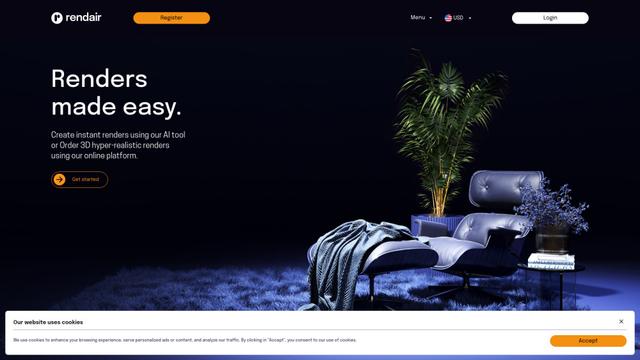
Rendair is an all-in-one AI-powered architectural rendering platform that offers quick, high-quality visualizations through both AI tools and professional 3D artists for architects, designers, and real estate professionals.
Triorama AI
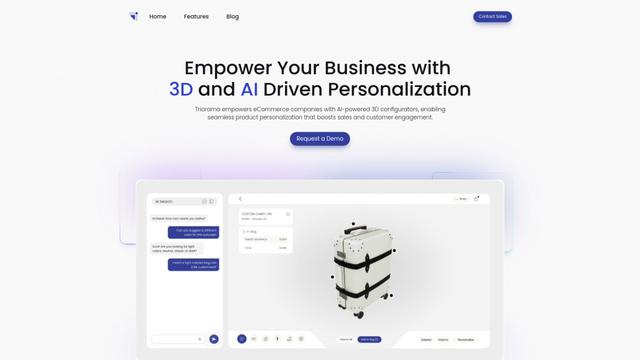
Triorama AI is an AI-powered 3D product configurator platform that enables eCommerce businesses to offer real-time product personalization and visualization capabilities to their customers.

AiHouse
AiHouse is an AI-powered 3D interior design and manufacturing software that streamlines the entire process from design to production.
Kanai
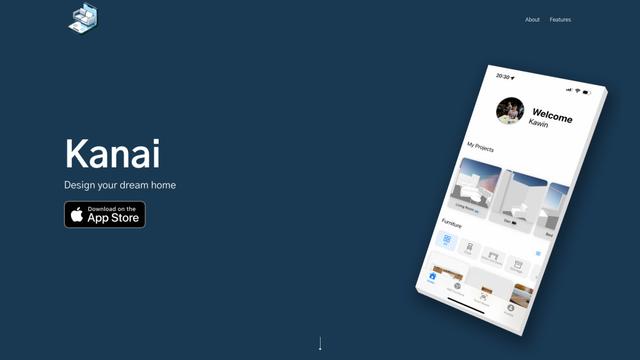
Kanai is an AI-powered 3D interior design platform that allows users to generate furniture models, visualize spaces, and collaborate on design ideas using natural language.
Popular AI Tools Like IMAI Studio
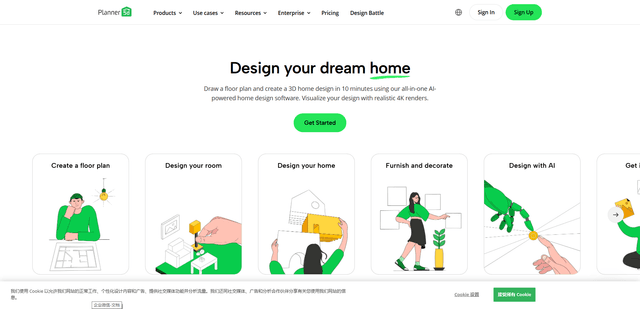
Planner 5D
Planner 5D is an AI-powered home design software that allows users to create detailed 2D and 3D floor plans, furnish spaces, and visualize designs through realistic 4K renders with an extensive catalog of over 8,000 items.
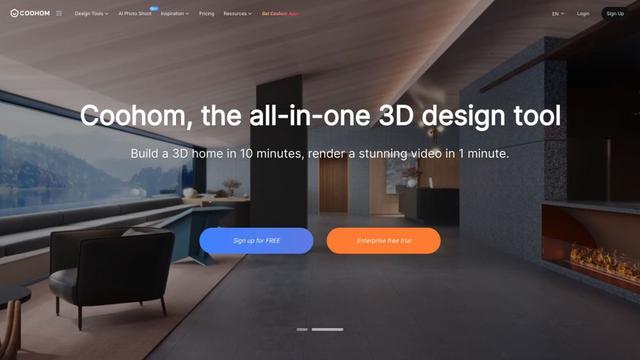
Coohom
Coohom is an all-in-one 3D design and visualization platform that allows users to create floor plans, render photorealistic images, and design interiors in minutes.

RoomGPT
RoomGPT is an AI-powered interior design tool that allows users to instantly transform and visualize their spaces by uploading a photo and selecting design themes.
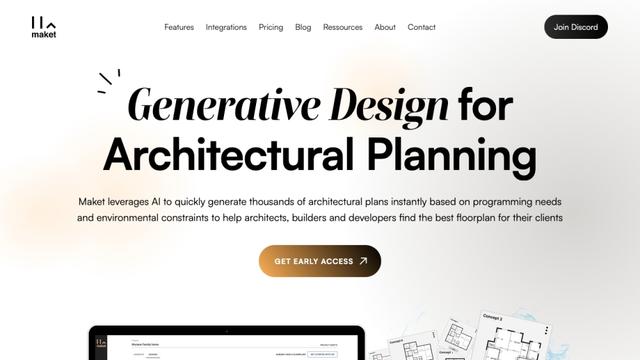
Maket
Maket is an AI-powered generative design software that enables architects, builders, and developers to instantly create thousands of customized architectural plans and 3D visualizations based on project constraints.