Image to 3D AI
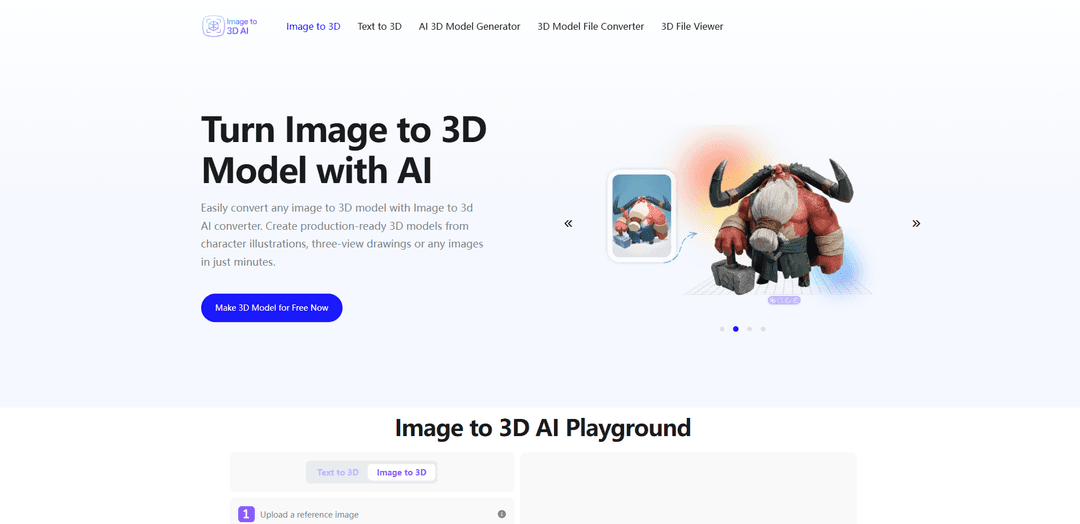
Image to 3D AI is a web-based AI converter that turns a single 2D image (or a text prompt) into an editable GLB 3D model, offering textured PBR outputs or geometry-only meshes with fast online preview and export.
https://image-to-3d.ai/?utm_source=aipure
Product Information
Updated:Jul 1, 2026
What is Image to 3D AI
Image to 3D AI is an online AI 3D model generator designed to convert images into usable 3D assets in minutes. Users can upload a reference image (JPG/PNG/WEBP) and generate a 3D mesh that reconstructs shape and surface detail, with options to output either a textured model (with UVs and optional PBR materials) or a geometry-only model for easier editing. The tool targets practical workflows such as game development, 3D printing, interior visualization, and education, and exports results in the widely supported GLB format for use in tools like Blender and engines like Unity or Unreal.
Key Features of Image to 3D AI
Image to 3D AI is a browser-based AI 3D model generator that converts a single reference image (or a text prompt) into a usable 3D model in minutes. It supports common image formats (JPG/PNG/WEBP), offers optional PBR material generation, and lets users choose between a textured mesh (with UVs for realistic rendering) or a geometry-only output for easier editing and downstream pipelines. Generated results can be previewed online and exported as an editable GLB file for use in tools like Blender, Unity, or Unreal Engine, aiming to deliver high-precision shape reconstruction and clean mesh output with minimal manual work.
Image-to-3D conversion: Upload a single image and the system reconstructs 3D geometry (shape, edges, proportions) to produce a ready-to-use 3D asset quickly.
Text-to-3D generation: Create structured 3D models from plain-language prompts, useful for fast concepting and prototyping without manual modeling.
Two output types: Textured vs. Geometry-only: Choose a textured mesh with UV mapping for realistic rendering, or a geometry-only model that’s easier to edit, retopologize, or adapt for animation/game workflows.
Optional PBR material support: Enable PBR materials during generation to produce more realistic surface appearance for real-time rendering and visualization.
Online preview and iteration: Inspect the generated model from multiple angles in the browser before exporting, enabling quick checks and lightweight refinement.
Editable GLB export: Export models as GLB for broad compatibility with common 3D tools and engines (e.g., Blender, Unity, Unreal) and real-time workflows.
Use Cases of Image to 3D AI
Game development asset prototyping: Turn concept art or reference images into quick 3D props/characters for early testing in Unity/Unreal, accelerating iteration and reducing manual blocking time.
3D printing and rapid prototyping: Convert an image-based idea into a 3D model that can be scaled and adjusted before printing, speeding up the path from concept to physical prototype.
Interior design visualization: Generate furniture/decor models from inspiration images to preview layouts and styles in 3D, supporting faster design decisions and client presentations.
Education and interactive learning: Create interactive 3D teaching assets from visual references for subjects like science, history, and design, improving engagement and comprehension.
E-commerce and product presentation: Transform product photos into interactive 3D models for richer storefront experiences and modern marketing visuals without a full 3D production team.
Pros
Fast turnaround: generates usable 3D models in minutes, reducing time compared with traditional manual modeling.
Flexible outputs: supports both textured (UV) and geometry-only models, fitting different pipelines (rendering vs. editing/retopo).
Workflow-friendly export: GLB output is widely compatible with Blender, Unity, and Unreal for real-time and production use.
Beginner-accessible: works in the browser and is free to try with trial/credits, lowering the barrier to entry.
Cons
Input sensitivity: best results require clear, well-lit, high-resolution images with simple backgrounds; clutter/occlusion can reduce accuracy.
Single-image limitations: with only one view, the AI must infer hidden sides, which can lead to inaccuracies for complex objects.
Format/output scope: the official site emphasizes GLB export; users needing other formats may require additional conversion steps.
Usage limits on free access: free trials/credits may restrict how many generations you can run without upgrading.
How to Use Image to 3D AI
1. Open the Image to 3D AI playground: Go to https://image-to-3d.ai/ and find the Image to 3D section (the playground where you can upload a reference image).
2. Prepare a good input image: Use a clear, well-lit, high-resolution image with the subject centered and minimal background clutter (plain or transparent backgrounds work best). Avoid blurry images, heavy shadows, motion blur, or multiple overlapping objects.
3. Upload your reference image: Drag and drop or click to upload a JPG/PNG/WEBP file (≤ 6 MB) into the upload area.
4. Choose Advanced Options (optional): In Advanced Options, enable PBR Material if you want physically based rendering materials/textures. This is useful for realistic rendering in engines and 3D tools.
5. Select the Generate Type: Choose the output type that matches your workflow: a textured model (for realistic rendering with UVs/materials) or a geometry-focused output (cleaner for editing/retopology).
6. Generate the 3D model: Click “Generate” to start the conversion. The AI will analyze the image and reconstruct the 3D geometry (and textures/materials if enabled).
7. Preview the result online: After generation, rotate and inspect the model from multiple angles in the online viewer to check shape, proportions, and surface detail.
8. Improve results if needed (iterate): If the model doesn’t look right, try a higher-quality image, simplify the background, improve lighting, or adjust options (e.g., enable PBR). Then regenerate.
9. Export the model as GLB: Download/export the generated model in editable GLB format for use in common tools and pipelines.
10. Use the GLB in your workflow: Import the exported GLB into Blender, Unity, or Unreal Engine for editing, retopology, animation setup, real-time rendering, or deployment.
Image to 3D AI FAQs
Image to 3D AI is a technology that converts a 2D image into a structured 3D model by analyzing shape, depth, and (optionally) texture/material cues, then reconstructing geometry and applying materials so the result can be viewed, edited, or exported as a 3D asset.
Popular Articles

Vosko AI: Localize and Dub Videos for Global Audiences
Oct 15, 2026

Atoms: A Multi-Agent AI Platform That Transforms Ideas into Launch-Ready Products
Oct 13, 2026

Nano Banana SBTI: What It Is, How It Works, and How to Use It in 2026
Apr 15, 2026

Atoms Review — The AI Product Builder Redefining Digital Creation in 2026
Apr 10, 2026
Latest AI Tools Similar to Image to 3D AI
JustAHuman
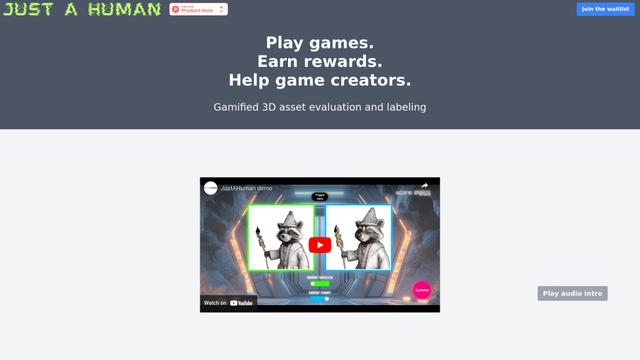
JustAHuman is a gaming platform that rewards players for completing challenges while helping game creators process 3D assets through AI.
Sketcho
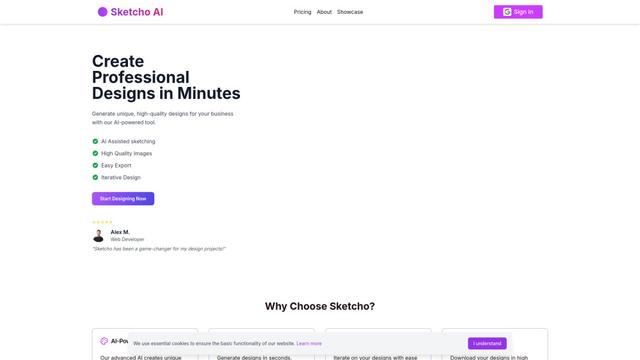
Sketcho is an AI-powered design tool that transforms sketches and ideas into high-quality professional designs through an intuitive interface.
Rendair
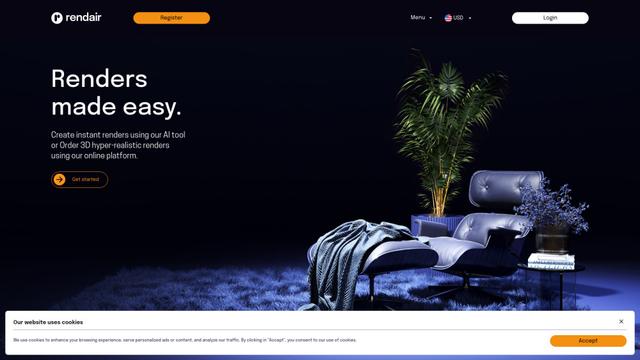
Rendair is an all-in-one AI-powered architectural rendering platform that offers quick, high-quality visualizations through both AI tools and professional 3D artists for architects, designers, and real estate professionals.
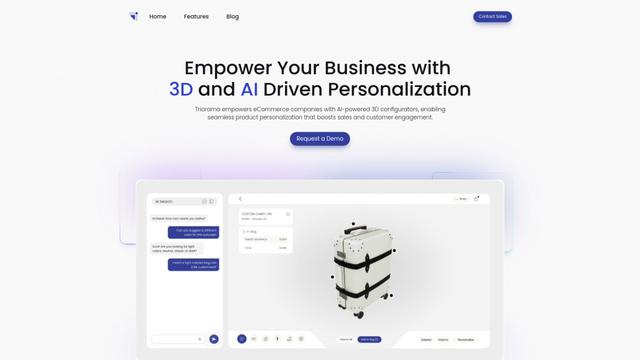
Triorama AI
Triorama AI is an AI-powered 3D product configurator platform that enables eCommerce businesses to offer real-time product personalization and visualization capabilities to their customers.
Popular AI Tools Like Image to 3D AI
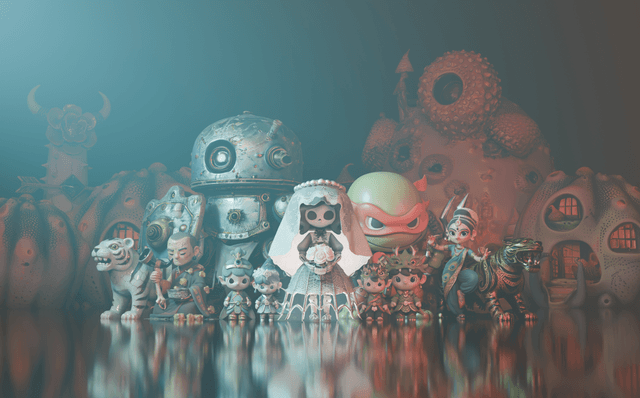
Hunyuan3D-2.1
Hunyuan3D-2.1 is Tencent's first production-ready 3D asset generation system that combines fully open-source framework with physically-based rendering (PBR) texture synthesis to create high-fidelity 3D models from images or text descriptions.
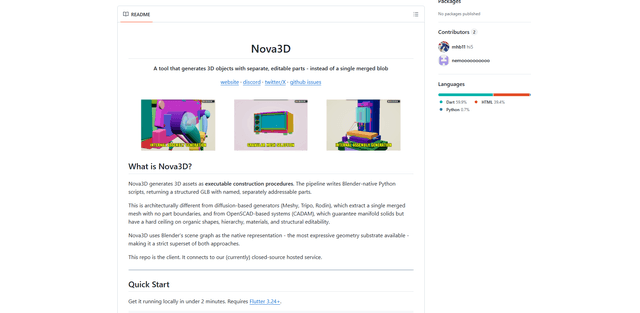
Nova3D
Nova3D is an AI 3D generation tool that produces structured, editable, part-aware 3D assets by generating Blender-native construction scripts and exporting a named, hierarchical GLB instead of a single merged mesh.
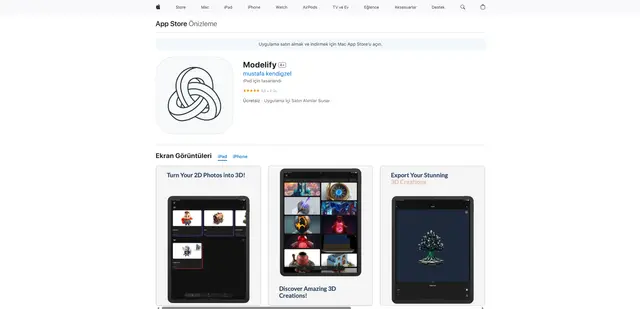
Modelify
Modelify is an AI-powered mobile app that transforms 2D images into high-quality 3D models seamlessly on iPhone and iPad devices.
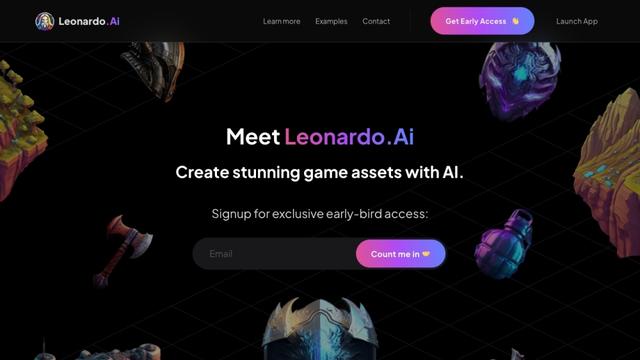
Leonardo.ai
Leonardo.ai is a powerful AI image generator platform that enables users to create high-quality art, images, and videos through innovative tools like text-to-image generation, AI canvas editing, and 3D texture generation.