
Hey Noah
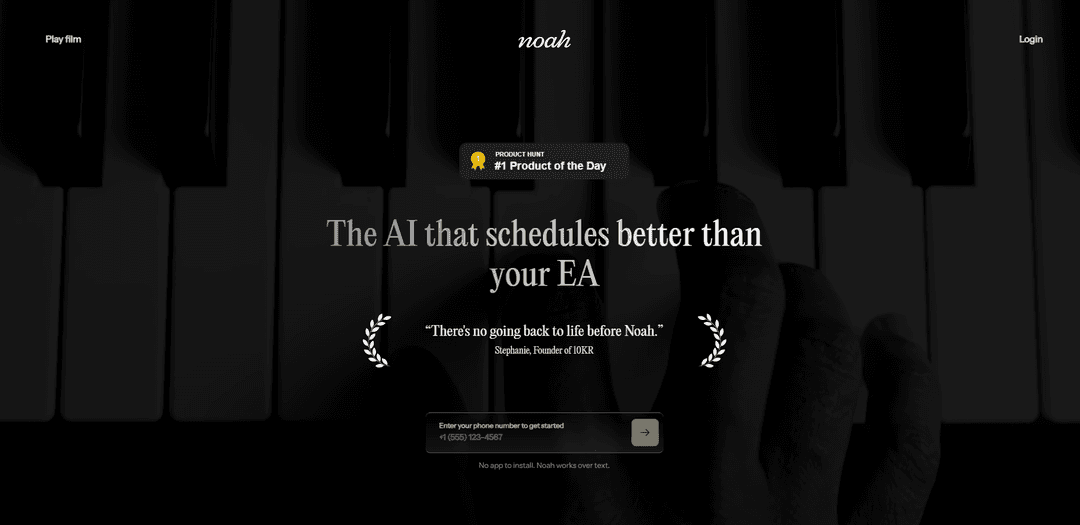
Hey Noah is an AI-powered executive assistant that automates scheduling, follow-ups, meeting prep, and outbound communication across email, SMS, voice, and workplace tools to protect busy executives’ time.
https://heynoah.io/?ref=producthunt
Product Information
Updated:Aug 8, 2026
What is Hey Noah
Hey Noah (heynoah.io) is an AI executive assistant platform designed to keep meetings, relationships, and follow-ups moving without the usual back-and-forth. Built for founder CEOs and other busy professionals, it connects to the tools you already use—such as email and calendars—and helps manage day-to-day coordination tasks like scheduling, rescheduling, reminders, time zone handling, and attendee updates. Beyond calendar logistics, it also supports meeting workflows by capturing notes, surfacing action items, and sending follow-ups so nothing slips through the cracks.
Key Features of Hey Noah
Hey Noah is an AI-powered executive assistant that automates scheduling and meeting coordination across email, SMS/iMessage/WhatsApp, Slack, and voice calls. It can read your calendar to propose real availability, handle time zones and back-and-forth logistics, send reminders and “running late” notices, and message contacts on your behalf. After meetings, it captures notes, identifies action items, and sends follow-ups to keep work moving. It also provides pre-meeting briefings with relevant relationship context so you show up prepared, and can place real phone calls to book appointments or reservations.
Automated scheduling & rescheduling: Coordinates availability, proposes times based on calendar reality and preferences, and finalizes invites without manual back-and-forth.
Multi-channel assistant (Email, SMS, Slack, voice): Works where you already communicate—CC in email threads, text quick requests, use Slack, or have Noah make phone calls to complete tasks.
Time zone–aware coordination: Automatically handles time zone adjustments when proposing times and confirming meetings, reducing errors for distributed teams.
Meeting follow-through automation: Captures notes after meetings, identifies action items, sends follow-ups, schedules next steps, and sets reminders so nothing slips.
Pre-meeting briefings & relationship context: Sends a briefing before meetings with who you’re meeting, relevant context from prior interactions, and other key background to help you prepare.
On-your-behalf messaging & attendee updates: Can email people on your behalf, send reminders, and notify attendees if you’re running late.
Use Cases of Hey Noah
Founder/CEO calendar protection: Offloads scheduling, reschedules, reminders, and follow-ups so leaders can focus on decisions while keeping meetings and relationships moving.
Sales and customer success coordination: Automates booking demos/QBRs, handles time zones for global customers, sends reminders, and triggers post-call follow-ups with action items.
Venture capital and investor relations: Streamlines intro calls and partner meetings, provides pre-meeting context, and ensures consistent follow-up and next-step scheduling.
Recruiting and interview scheduling: Coordinates interview loops across multiple calendars, manages reschedules, and keeps candidates informed via email/SMS.
Professional services (legal, consulting, agencies): Books client meetings, sends briefs and reminders, and automates post-meeting notes and action items to improve delivery consistency.
Personal admin via voice calls: Places real calls to book reservations or appointments (e.g., doctors, salons, restaurants), waits on hold, and confirms bookings.
Pros
Reduces scheduling overhead by handling back-and-forth, time zones, reminders, and reschedules automatically.
Works across common channels (email/SMS/Slack/voice) so teams don’t need to adopt a new workflow-heavy app.
Improves execution by turning meetings into notes, action items, follow-ups, and next-step scheduling.
Cons
Requires deep access to sensitive data (calendar, communications, contact context), which may raise privacy/security concerns for some organizations.
Automation and “on-behalf-of” messaging can create errors or tone mismatches if preferences and guardrails aren’t configured well.
Best suited to executives and high-volume meeting environments; value may be lower for users with simpler scheduling needs.
How to Use Hey Noah
1. Get access to Hey Noah: Go to https://heynoah.io and sign up for a HeyNoah account so you can use Noah across email, SMS/iMessage, WhatsApp, voice calls, and calendar-based workflows.
2. Connect your core tools (calendar + communication): Connect the tools Noah uses to coordinate meetings and send messages on your behalf (e.g., Google Calendar and email). This enables Noah to read availability, propose times, handle time zones, and create calendar invites when confirmed.
3. Use Noah from email by CC’ing it on a thread: When you want Noah to take over scheduling, add Noah to an email thread (CC Noah). Noah will handle the back-and-forth (availability, time zones, confirmations). When finished, the calendar invite appears.
4. Use Noah from SMS/iMessage by texting the task: Send a short text with what you want scheduled (example from the site: “Coffee with Sarah Thursday.”). Noah checks calendars, proposes options, confirms the time, and schedules the meeting.
5. Let Noah coordinate reschedules and time zones automatically: If timing changes, loop Noah into the thread (email/text/WhatsApp). Noah manages rescheduling, time zone adjustments, and the follow-up coordination until a new time is confirmed.
6. Turn on reminders and attendee notifications: Use Noah to send reminders via SMS or calendar, and to notify attendees if you’re running late.
7. Get meeting notes and follow-ups after meetings: After a meeting ends, Noah can capture notes, identify action items, and send a follow-up. It can also schedule next meetings and set reminders so nothing slips.
8. Request a pre-meeting briefing: Before meetings, Noah can send a briefing with who you’re meeting, relevant context (e.g., last interaction), and other helpful background so you show up prepared.
9. Use Noah to make real phone calls for bookings: Ask Noah to place calls for reservations or appointments (restaurants, doctors, salons). Noah can wait on hold, speak with the venue, and confirm the booking details.
10. Opt into messaging channels (SMS/RCS or WhatsApp) if desired: If you opt in, Noah may message you about scheduling/rescheduling, calendar holds, reminders, and account/service notifications. Message frequency varies based on usage; message/data rates may apply.
11. Get help or support: For customer care, email [email protected] (or reply HELP if you’re receiving Noah messages via SMS/RCS, where supported).
Hey Noah FAQs
Hey Noah (Noah AI) is an AI assistant designed to keep meetings, relationships, and follow-ups in motion by handling scheduling, rescheduling, reminders, and follow-ups across channels like email, SMS, and Slack.
Hey Noah Video
Popular Articles

Vosko AI: Localize and Dub Videos for Global Audiences
Oct 15, 2026

Atoms: A Multi-Agent AI Platform That Transforms Ideas into Launch-Ready Products
Oct 13, 2026

Nano Banana SBTI: What It Is, How It Works, and How to Use It in 2026
Apr 15, 2026

Atoms Review — The AI Product Builder Redefining Digital Creation in 2026
Apr 10, 2026
Latest AI Tools Similar to Hey Noah

Ticknotes
Ticknotes is an AI-powered meeting assistant that automatically records, transcribes, and generates personalized meeting summaries, action items, and key insights from audio, video, and text content.

Feta
Feta is an AI-powered meeting tool that helps product and engineering teams run efficient meetings by capturing discussions, automating tasks, and providing actionable insights through smart summaries and integrations.
Aimeet
Aimeet is a comprehensive AI-powered communication platform that combines real-time translation, transcription, screen sharing, and unlimited meeting capabilities for effective virtual collaboration.
MinutesLink
MinutesLink is an advanced AI-powered note-taking assistant that automatically records, transcribes, summarizes and organizes virtual meetings while building personalized digital avatars from meeting data.
Popular AI Tools Like Hey Noah
Second Brain for AI
Second Brain for AI is a self-hosted, MCP-compatible persistent memory layer on Cloudflare that lets Claude, ChatGPT, Cursor, and other AI clients store and semantically recall shared context across sessions.
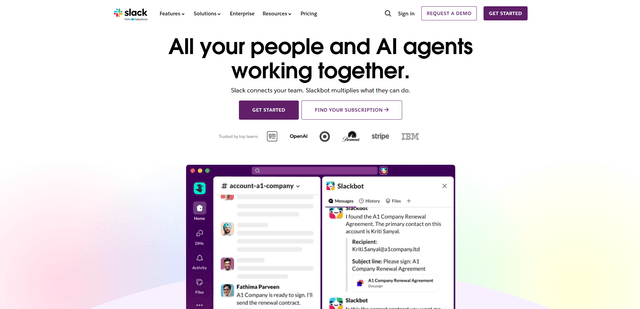
Slack
Slack is an AI-powered work platform that brings team communication, channels, files, automation, and app integrations into one conversational workspace.
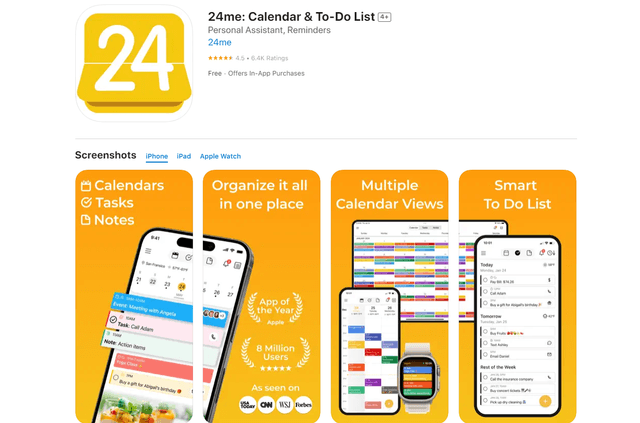
24me Smart Personal Assistant
24me is an award-winning smart personal assistant app that combines calendar, to-do lists, notes, and personal accounts in one unified platform to help boost productivity and time management.
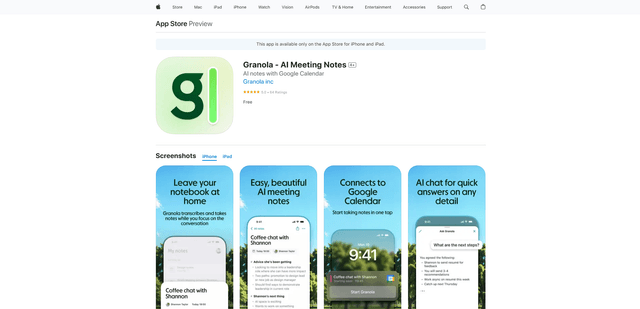
Granola for iOS
Granola for iOS is an AI-powered notepad app that helps users effortlessly capture, transcribe and summarize meeting conversations through intelligent note-taking and one-tap recording capabilities.