Hearless: Convert Whatsapp Voice to Text
Hearless is an Android app that instantly transcribes WhatsApp voice notes into readable text via the Share menu, using AI-powered speech-to-text with multi-language support, silent reading, and easy copy/share/export of transcripts.
https://play.google.com/store/apps/details?id=com.hearless.app&ref=producthunt
Product Information
Updated:Jun 8, 2026
What is Hearless: Convert Whatsapp Voice to Text
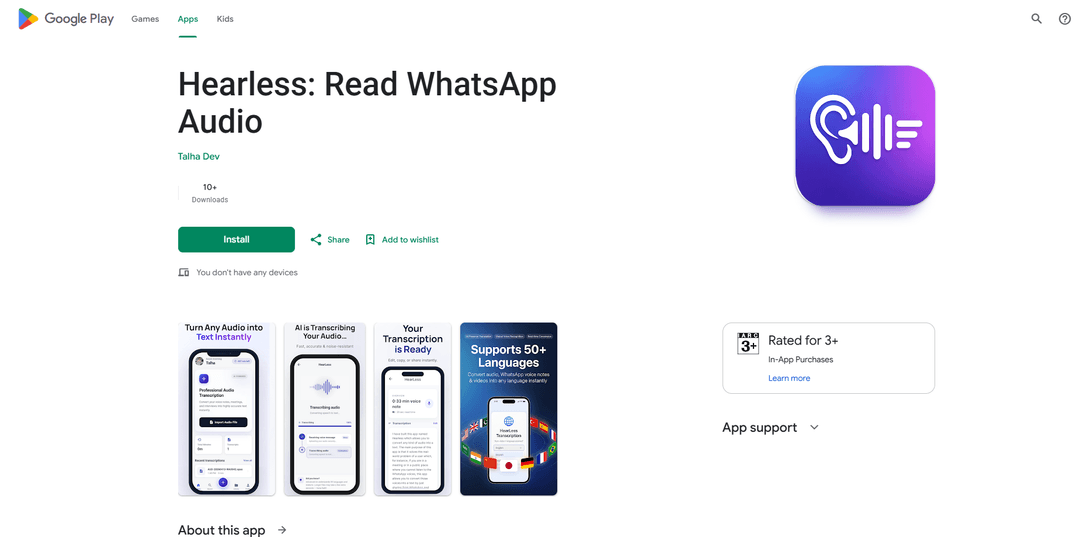
Hearless: Read WhatsApp Audio is a voice-to-text transcription app designed for people who receive voice notes but can’t (or don’t want to) listen to them right away. Built for situations like meetings, commuting, quiet offices, or public places, it converts WhatsApp voice messages into clear text in seconds so you can read them discreetly. Beyond WhatsApp, Hearless also supports WhatsApp Business and other apps that can share audio (like Telegram and Instagram), and it can transcribe common audio/video formats such as MP3, WAV, M4A, OGG, AAC, FLAC, and MP4.
Key Features of Hearless: Convert Whatsapp Voice to Text
Hearless is an Android app that transcribes WhatsApp voice notes into readable text in seconds via the Share menu, letting you consume messages silently when you can’t play audio. It uses AI speech-to-text for fast, accurate transcription across accents and noisy recordings, supports many languages, and works beyond WhatsApp with other apps and common audio/video formats. Transcripts can be copied, shared, exported, and saved in a library for later access, with a free tier that includes the first 5 minutes of transcription.
One-tap WhatsApp transcription (Share → Hearless): Transcribe incoming WhatsApp (and WhatsApp Business) voice notes by sharing the audio to Hearless—no replaying, rewinding, or manual steps.
AI-powered speech recognition: Delivers quick, accurate speech-to-text results across different accents, speaking speeds, and varying audio quality, including noisy recordings.
Silent, discreet reading: Convert voice notes to text so you can read messages in meetings, public places, or quiet environments without headphones.
Multi-app compatibility: Works with any app that can share audio, including Telegram and Instagram, plus voice recorders and other audio sources.
Broad format + multilingual support: Supports common audio/video formats (MP3, WAV, M4A, OGG, AAC, FLAC, MP4, etc.) and 30+ languages (e.g., English, Urdu, Arabic, Hindi, Spanish, French, Turkish).
Transcript management & sharing: Copy text instantly, share via any app, export as needed, and keep transcriptions saved in a library for easy later access.
Use Cases of Hearless: Convert Whatsapp Voice to Text
Workplace messaging during meetings: Professionals can read WhatsApp voice notes silently during meetings or in open offices, responding faster without playing audio.
Accessibility for hearing loss: Provides written transcripts of voice notes for people with hearing difficulties, improving autonomy and communication.
Education and lecture notes: Students can transcribe shared voice explanations or recorded class audio into text for studying, searching, and summarizing.
Journalism and interviews: Reporters can convert interview clips or voice memos into text quickly, reducing manual transcription effort.
Multilingual teams and travel: Transcribe voice notes in multiple languages to reduce misunderstandings in cross-language chats and on-the-go communication.
Content and operations workflows: Convert audio/video files into text for documentation, customer support follow-ups, or turning voice updates into written records.
Pros
Fast, convenient Share-menu workflow for WhatsApp voice notes
Supports many languages and common audio/video formats
Discreet consumption of voice messages (read instead of listen)
Transcripts can be copied, shared, exported, and saved for later
Cons
Free usage is limited (first 5 minutes free)
Android-focused (Google Play listing) and may not cover iOS users
Transcription accuracy can vary with very poor audio quality or heavy background noise
How to Use Hearless: Convert Whatsapp Voice to Text
1. Install Hearless: On your Android phone, open Google Play Store, search for “Hearless: Read WhatsApp Audio”, install it, then open the app once to complete any initial prompts/permissions.
2. Open the WhatsApp chat with the voice note: Launch WhatsApp (or WhatsApp Business) and go to the conversation that contains the voice message you want to convert to text.
3. Share the voice note to Hearless: Long-press the voice message to select it, tap the Share option (or Share from the menu), then choose “Hearless” from Android’s share sheet.
4. Wait for transcription to complete: Hearless will open and automatically transcribe the shared voice note. Wait a few seconds for the text to appear.
5. Read the transcript: Review the generated text on-screen to understand the voice note without playing audio.
6. Copy the transcript: Use the Copy option to copy the text to your clipboard so you can paste it into WhatsApp, notes, email, or any other app.
7. Share or export the transcript: Tap Share/Export (if shown) to send the transcript to another app or contact, or save it for later reference.
8. Find past transcriptions (optional): Open Hearless later to access your saved transcription history/library and re-open previous transcripts.
9. Transcribe other audio/video files (optional): From Hearless, upload or share supported files (e.g., MP3, WAV, M4A, OGG, AAC, FLAC, MP4) from other apps (Telegram, Instagram, voice recorder, file manager) to convert them to text the same way.
10. Use the right language (optional): If available in Hearless settings, select the correct spoken language (e.g., English, Urdu, Arabic, Hindi, Spanish, French, Turkish, etc.) to improve transcription accuracy.
Hearless: Convert Whatsapp Voice to Text FAQs
Hearless is an Android app that transcribes WhatsApp voice notes into readable text. You can share a voice message to Hearless and get a transcript in seconds.
Popular Articles

Vosko AI: Localize and Dub Videos for Global Audiences
Oct 15, 2026

Atoms: A Multi-Agent AI Platform That Transforms Ideas into Launch-Ready Products
Oct 13, 2026

Nano Banana SBTI: What It Is, How It Works, and How to Use It in 2026
Apr 15, 2026

Atoms Review — The AI Product Builder Redefining Digital Creation in 2026
Apr 10, 2026
Latest AI Tools Similar to Hearless: Convert Whatsapp Voice to Text

Ticknotes
Ticknotes is an AI-powered meeting assistant that automatically records, transcribes, and generates personalized meeting summaries, action items, and key insights from audio, video, and text content.

Feta
Feta is an AI-powered meeting tool that helps product and engineering teams run efficient meetings by capturing discussions, automating tasks, and providing actionable insights through smart summaries and integrations.
TranscriptionPlus
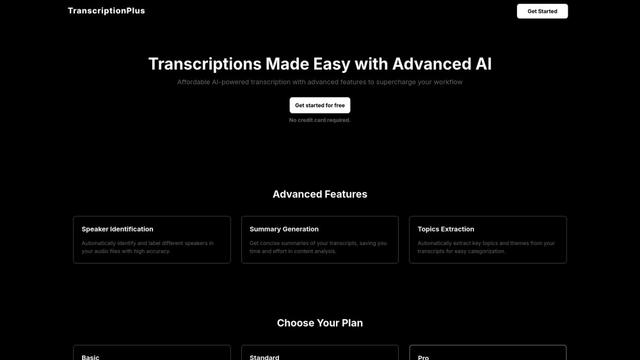
TranscriptionPlus is an AI-powered transcription service that offers accurate speech-to-text conversion with advanced features like speaker identification, summary generation, and multi-language support at affordable pricing tiers.
AudioScribe.io
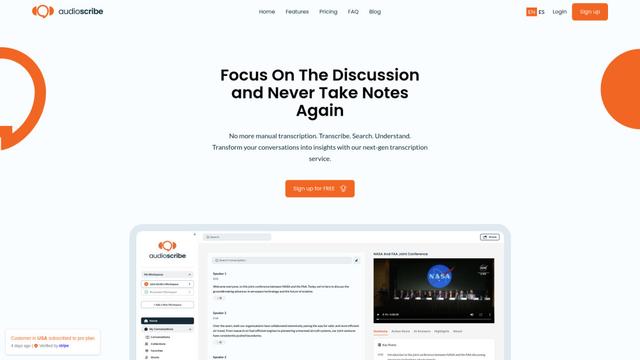
AudioScribe.io is a revolutionary AI-powered transcription service that converts audio and video content into accurate text while offering advanced features like automated meeting recording, full-text search, and multi-language support.
Popular AI Tools Like Hearless: Convert Whatsapp Voice to Text
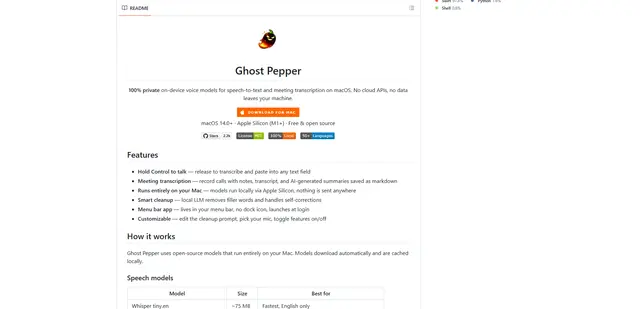
Ghost Pepper 🌶️
Ghost Pepper is a 100% local, privacy-focused speech-to-text and meeting transcription app for macOS that runs entirely on your Mac using open-source AI models, featuring hold-to-talk recording, intelligent text cleanup, and multi-language support without sending any data to the cloud.
Whisper AI
Whisper is an open-source automatic speech recognition system from OpenAI that approaches human-level accuracy and robustness for transcribing and translating speech in multiple languages.

Youtube to transcript
Youtube to Transcript is a Chrome extension that allows users to easily convert YouTube videos into text transcripts with features like multi-language support, AI-powered summarization, and downloadable formats.
inFin
inFin is a lightweight, user-friendly AI-powered voice notes app that offers unlimited recording, real-time transcription, and translation between Chinese and English, with offline capabilities and local storage for enhanced privacy.