Headshot Studio - Generate Professional Headshots
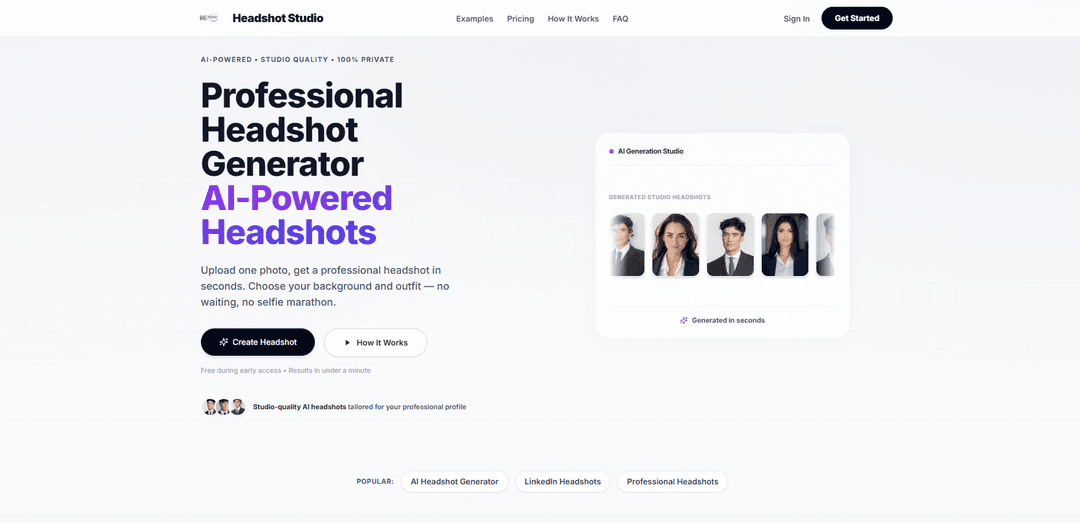
Headshot Studio is an AI-powered professional headshot generator that transforms one clear photo into a studio-style portrait in about 30 seconds, with selectable outfits and backgrounds, free regeneration, and privacy-focused processing.
https://www.headshotgenerator.pro/?utm_source=aipure
Product Information
Updated:Oct 15, 2026
What is Headshot Studio - Generate Professional Headshots
Headshot Studio, available through HeadshotGenerator.pro, is a tool for creating polished professional portraits for LinkedIn, resumes, company directories, websites, and other business profiles without arranging a traditional photography session. Instead of requiring multiple selfies or model training, it edits a single front-facing photo while preserving the person’s facial structure and expression. Users can choose presentation options such as gender, outfit, and background to create a headshot suited to their professional image. The service is offered free during early access and states that users receive commercial usage rights for their generated images.
Key Features of Headshot Studio - Generate Professional Headshots
Headshot Studio is an AI-powered professional headshot tool that transforms one clear, front-facing photo into a polished studio-style portrait in about 30 seconds. Users can select presentation options such as background, outfit, and gender, then generate and regenerate profile-ready images without a traditional photo shoot or model-training process. It is designed for professional online and print uses, with commercial usage rights, secure photo handling, private processing, and user-requested data deletion.
Single-photo generation: Creates a professional headshot from one clear, front-facing image, eliminating the need to upload numerous selfies from different angles.
Outfit and background selection: Lets users choose professional outfits and clean background styles while preserving the face, facial structure, and expression in the original photo.
Fast in-place editing: Edits the uploaded photo directly rather than training a personal AI model, with results typically generated in around 30 seconds.
Unlimited regeneration: Allows users to regenerate a result in the same style or try another style with a different outfit or background at no additional charge.
Commercial-use ready output: Provides complete commercial usage rights for generated headshots intended for professional profiles, resumes, company materials, and websites.
Privacy-focused processing: States that uploads are encrypted in transit and at rest, processed on private isolated GPU instances, not shared with third parties, and can be deleted upon request.
Use Cases of Headshot Studio - Generate Professional Headshots
LinkedIn and job-search profiles: Job seekers and professionals can quickly create a polished headshot for LinkedIn, resumes, recruiting platforms, and networking profiles.
Corporate employee directories: Companies can help employees produce consistent professional portraits for team pages, internal directories, company websites, and email profiles.
Freelancer and consultant branding: Independent professionals can use a clean, credible headshot on portfolio sites, proposal documents, speaker bios, and client-facing profiles.
Small-business marketing: Business owners can create professional portraits for About pages, staff introductions, service brochures, social channels, and local business listings.
Remote and distributed teams: Remote organizations can obtain more uniform-looking staff portraits without coordinating studio appointments, travel, or photography schedules.
Pros
Requires only one clear front-facing photo and produces results quickly.
Offers flexible professional styling through outfit and background choices.
Includes free unlimited regeneration and commercial usage rights.
Emphasizes encrypted storage, private processing, no data sharing, and deletion on request.
Cons
Quality and likeness depend heavily on the clarity, lighting, and front-facing angle of the source photo.
It primarily changes clothing and background, so it may provide less pose and expression variety than a traditional multi-photo studio session.
AI-generated edits may still need human review before use in highly formal, regulated, or identity-sensitive contexts.
How to Use Headshot Studio - Generate Professional Headshots
Open Headshot Studio: Go to HeadshotGenerator.pro and select "Create Headshot" to open the upload page.
Upload one clear photo: Upload a clear, front-facing photo that shows only one visible face. The service checks the image quality immediately.
Choose your preferred style: Use the style picker to select your gender, preferred background, and outfit for the professional headshot.
Generate the headshot: Select Generate. Headshot Studio edits the uploaded photo directly, retaining your face, facial structure, and expression while changing the selected outfit and background.
Wait for processing: Generation usually takes about 30 seconds because the service edits the image without requiring model training or multiple selfie uploads.
Review the result: Check that the generated headshot looks appropriate for your intended use, such as LinkedIn, a resume, a company profile, or a professional website.
Regenerate or try another style if needed: Select "Regenerate" for another version using the same style, or choose "Try another style" to change the outfit or background. Regeneration is free and unlimited.
Download your headshot: Download the final image for professional use. The download link automatically expires 48 hours after delivery, so save the file promptly.
Request deletion if desired: If you want your uploaded photo, generated images, or account deleted, email [email protected] with your deletion request.
Headshot Studio - Generate Professional Headshots FAQs
Headshot Studio is an AI-powered headshot generator that turns a single clear, front-facing photo into a professional-looking headshot by updating the outfit and background while preserving the person’s face and expression.
Popular Articles

Proferex: A Cloud-Based Ad Tracking and Campaign Optimization Platform
Nov 4, 2026

How to Create Viral Talking Baby Podcast Videos with AI: Step-by-Step Guide
Nov 2, 2026

Vosko AI: Localize and Dub Videos for Global Audiences
Oct 15, 2026

Atoms: A Multi-Agent AI Platform That Transforms Ideas into Launch-Ready Products
Oct 13, 2026
Latest AI Tools Similar to Headshot Studio - Generate Professional Headshots
Headshot Maker
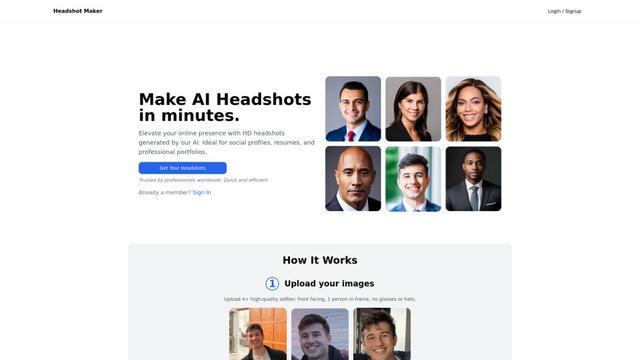
Headshot Maker is an AI-powered platform that transforms regular selfies into professional, high-quality headshots in minutes, offering multiple styles and customization options for various professional needs.
ImagenMIA
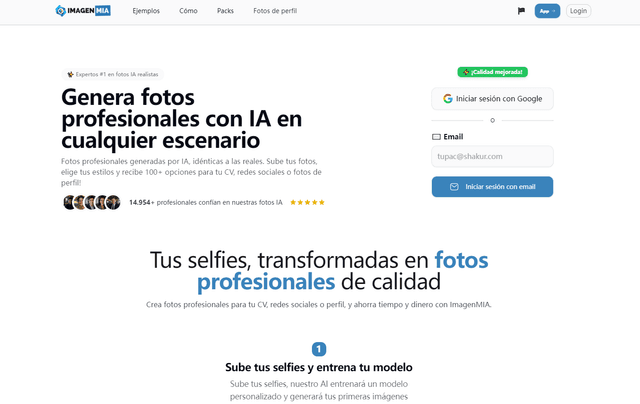
ImagenMIA is an AI-powered profile photo generator that creates professional, realistic photos for CVs, social media profiles, and professional use by transforming users' selfies into high-quality images in over 100 different styles.
Headshotgrapher
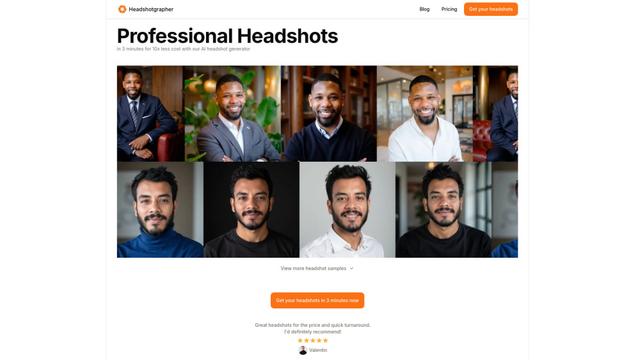
Headshotgrapher is an AI-powered headshot generator that creates professional-quality headshots in just 3 minutes at a fraction of traditional photography costs.
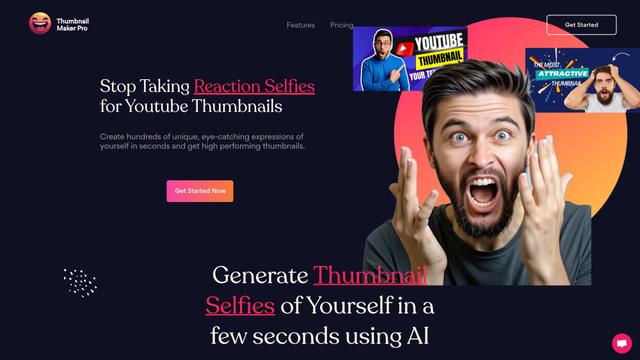
Thumbnail Maker Pro
Thumbnail Maker Pro is an AI-powered tool that generates customized reaction selfies and expressions for YouTube thumbnails in seconds, helping content creators create eye-catching video previews without the need for manual photo shoots.
Popular AI Tools Like Headshot Studio - Generate Professional Headshots
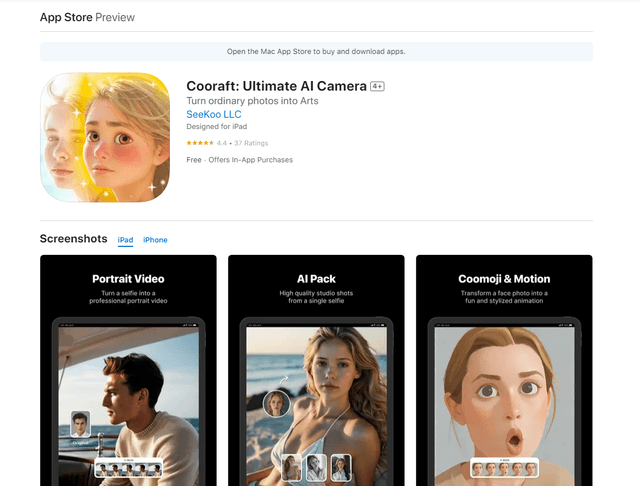
Cooraft: Ultimate AI Camera
Cooraft is an AI-powered camera app that transforms selfies and photos into stunning studio-quality videos, animations, and artistic renderings with just one tap.
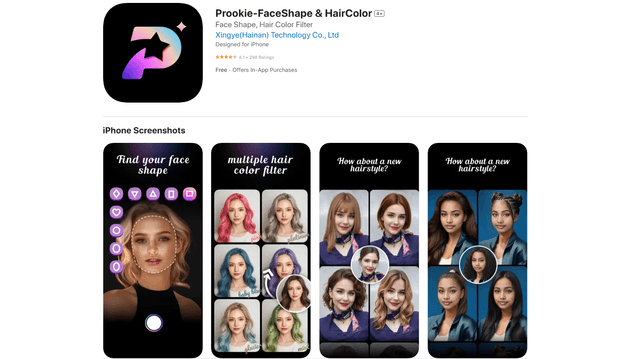
Prookie-AI Photo & Cartoon
Prookie is an AI-powered photo editing app that offers cartoon effects, hairstyle transformations, aging predictions, and professional editing tools designed for both novice and experienced users.
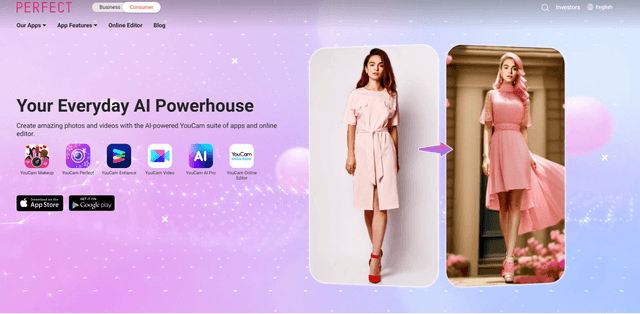
Perfectcorp
Perfect Corp. (NYSE: PERF) is a leading global SaaS company specializing in AI and AR-powered beauty and fashion tech solutions that transforms how consumers, brands, and retailers interact through digital beauty and fashion experiences.
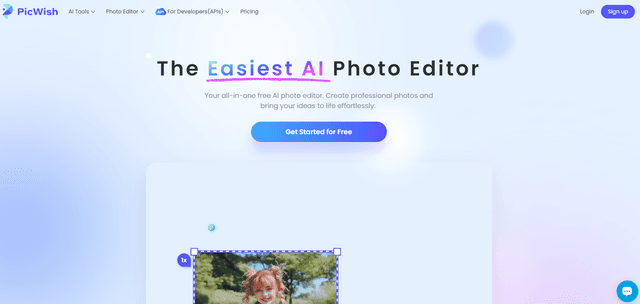
PicWish
PicWish is an AI-powered online photo editor that offers a range of free tools including background removal, image enhancement, and AI portrait generation.