
Google Gemini in Chrome
Google Gemini in Chrome is an AI-powered browser assistant that helps users browse, research, and complete tasks more efficiently by offering features like multi-tab analysis, image transformation, and integration with Google apps directly within Chrome.
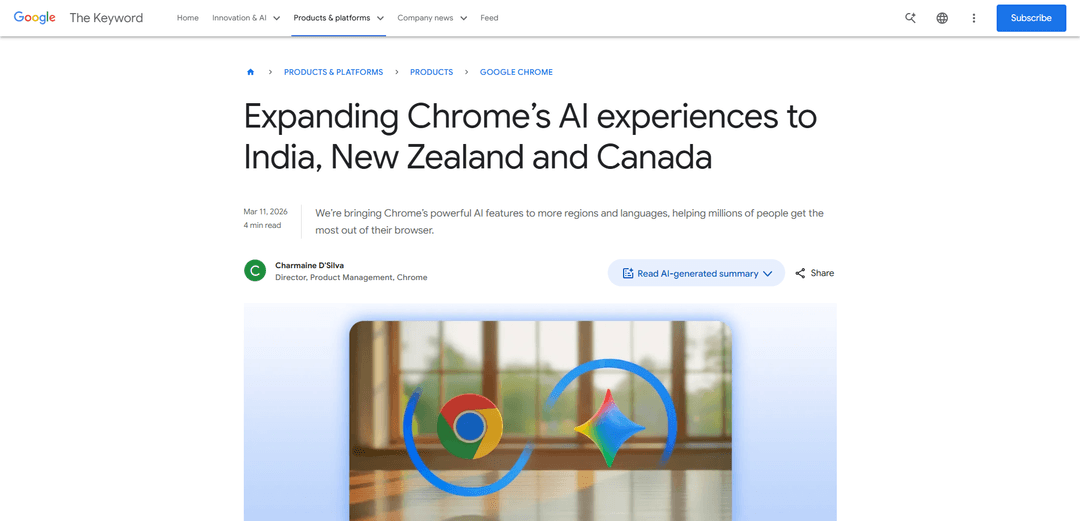
https://blog.google/products-and-platforms/products/chrome/chrome-expands-india-new-zealand-canada/?linkId=60776869&ref=producthunt
Product Information
Updated:Apr 8, 2026
Google Gemini in Chrome Monthly Traffic Trends
Google Gemini in Chrome received 8.5m visits last month, demonstrating a Slight Decline of -12.1%. Based on our analysis, this trend aligns with typical market dynamics in the AI tools sector.
View history trafficWhat is Google Gemini in Chrome
Google Gemini in Chrome is an integrated AI assistant built directly into the Chrome browser that helps users get more out of their browsing experience. Initially launched in the US and now expanding to India, Canada, and New Zealand with support for 50+ languages, it serves as a personalized browsing companion that can help users understand information, complete tasks, and enhance productivity without leaving their current browser tab. The feature is available on desktop (Mac, Windows, Chromebook Plus) and iOS platforms, offering seamless AI assistance through a convenient side panel interface.
Key Features of Google Gemini in Chrome
Google Gemini in Chrome is an AI-powered browser assistant that integrates directly into Chrome, allowing users to interact with AI without switching tabs. It offers features like content summarization, multi-tab analysis, image transformation via Nano Banana 2, and deep integration with Google apps including Gmail, Maps, Calendar, and YouTube. The service supports over 50 languages and is expanding globally, currently available in the US, India, New Zealand, and Canada.
In-Tab AI Assistant: Access Gemini directly from the current tab through a side panel, enabling users to chat with AI while staying on their current page
Cross-Tab Intelligence: Ability to analyze and compare information across multiple open tabs, helping with tasks like product comparison and research consolidation
Google Apps Integration: Seamless connection with Gmail, Maps, Calendar, YouTube and other Google services, allowing direct actions like email composition and calendar scheduling
Built-in Image Transformation: Integrated Nano Banana 2 capability for immediate image editing and transformation without leaving the browser
Use Cases of Google Gemini in Chrome
Academic Research: Students and researchers can summarize lengthy papers, create study quizzes, and consolidate information from multiple sources
Online Shopping: Shoppers can compare products across different websites, create comparison tables, and make informed purchasing decisions
Content Creation: Writers and content creators can summarize articles, transform images, and draft emails directly within their browser
Team Collaboration: Teams can plan activities, schedule meetings, and organize information from multiple sources in one place
Pros
Seamless integration with existing Google services
Multi-language support with over 50 languages
Built-in security features and safeguards
Cons
Limited availability (only in select countries)
Some advanced features restricted to specific user tiers
Requires Chrome browser to use
How to Use Google Gemini in Chrome
Check eligibility requirements: Ensure you meet the requirements: Must be 18+ years old, located in US/Canada/India/New Zealand, using Chrome on Mac, Windows or Chromebook Plus devices
Open Chrome browser: Launch Google Chrome browser on your desktop computer or iOS device
Look for Gemini icon: Find the sparkle/Gemini icon in the top-right corner of Chrome browser window
Click to activate: Click the Gemini icon to open the AI assistant sidebar panel while keeping your current tab open
Start using Gemini features: Use Gemini to summarize pages, ask questions, create quizzes, compare products across tabs (up to 10 tabs), or interact with Google apps like Gmail/Calendar/Maps
Try image editing: Use Nano Banana 2 feature to transform images directly in Chrome by typing prompts in the side panel
Customize the interface: Choose between floating window or side panel view, access via keyboard shortcuts, Mac menu bar or Windows system tray
Optional: Remove Gemini: To remove from view, right-click the sparkle icon and select 'unpin' to hide the Gemini shortcut
Google Gemini in Chrome FAQs
Gemini in Chrome is now rolling out to India, New Zealand, and Canada. It supports 50+ languages including Hindi, French and Spanish. The features are available on desktop and iOS in these regions, while on Android users can activate Gemini by holding the power button.
Google Gemini in Chrome Video
Popular Articles

Vosko AI: Localize and Dub Videos for Global Audiences
Oct 15, 2026

Atoms: A Multi-Agent AI Platform That Transforms Ideas into Launch-Ready Products
Oct 13, 2026

Nano Banana SBTI: What It Is, How It Works, and How to Use It in 2026
Apr 15, 2026

Atoms Review — The AI Product Builder Redefining Digital Creation in 2026
Apr 10, 2026
Analytics of Google Gemini in Chrome Website
Google Gemini in Chrome Traffic & Rankings
8.5M
Monthly Visits
#8357
Global Rank
#353
Category Rank
Traffic Trends: Nov 2024-Jun 2025
Google Gemini in Chrome User Insights
00:00:53
Avg. Visit Duration
1.93
Pages Per Visit
55.03%
User Bounce Rate
Top Regions of Google Gemini in Chrome
US: 26.94%
IN: 8.76%
GB: 5.14%
JP: 4.24%
DE: 3.01%
Others: 51.91%
Latest AI Tools Similar to Google Gemini in Chrome

MultipleWords
MultipleWords is a comprehensive AI platform offering 16 powerful tools for content creation and manipulation across audio, video, and image editing with cross-platform accessibility.

Athena AI
Athena AI is a versatile AI-powered platform offering personalized study assistance, business solutions, and life coaching through features like document analysis, quiz generation, flashcards, and interactive chat capabilities.

Taidai.io
Taidai.io is an AI-powered tool that automatically converts notes, emails, and text content into actionable todo lists.
Repliio
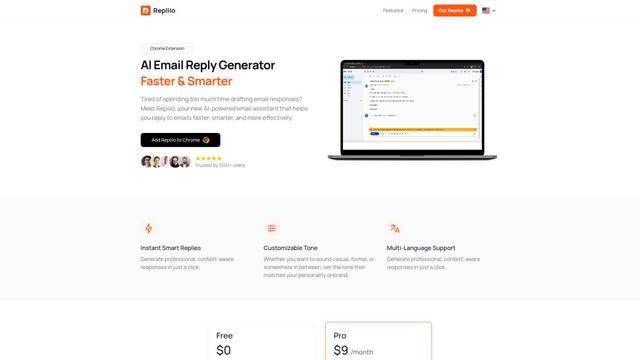
Repliio is an AI-powered email assistant Chrome extension that helps users generate professional, context-aware email responses quickly with customizable tones and multi-language support.
Popular AI Tools Like Google Gemini in Chrome

Microsoft Excel: Spreadsheets
Microsoft Excel is the industry-leading spreadsheet software that allows users to organize, analyze, and visualize data through powerful features like formulas, charts, and AI-powered insights.

Standboy
Standboy is a VS Code/Cursor extension that auto-expands a Game Boy (GB/GBC/GBA) emulator in the sidebar during AI agent activity, then auto-hides and pauses—resuming mid-frame next time—while keeping a persistent ROM library, saves, and cover art.
Omniaxe
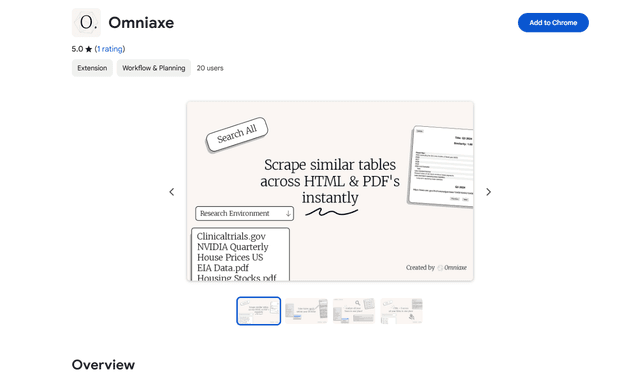
Omniaxe is an all-in-one Chrome extension research tool that combines seamless data extraction, AI-powered analysis, and centralized note-taking capabilities designed specifically for analysts, researchers and students.

Finesse by Skippr AI
Finesse by Skippr AI is a browser extension that provides instant, expert-level product feedback and critiques across design, content strategy, accessibility, and product direction through specialized AI reviewers.