
Goldfish
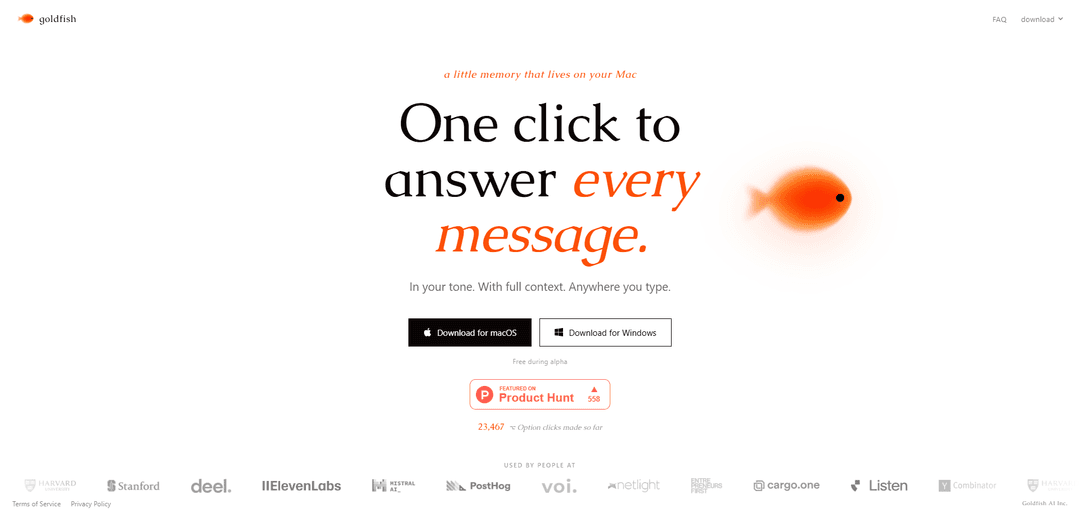
Goldfish is an AI “memory” app for Mac (and Windows) that lets you press ⌥ Option anywhere you type to generate replies, summaries, and continuations in your tone using full context.
https://goldfish.sh/?ref=producthunt
Product Information
Updated:Jul 8, 2026
What is Goldfish
Goldfish is a lightweight AI companion designed to live on your computer and help you write faster and more consistently across the apps you already use. Instead of switching to a separate chatbot, it brings AI assistance directly to any text field, so you can reply to messages, draft content, summarize text, or continue writing without breaking your workflow. It’s currently free during its alpha period and is positioned as a personal, tone-aware writing and response tool.
Key Features of Goldfish
Goldfish is an AI “memory” app for Mac (and Windows) that helps you write and reply anywhere you type by pressing the ⌥ Option key. It aims to generate responses in your tone using full context from your work, supporting quick actions like replying, writing, summarizing, and continuing text, with one-click access and availability free during its alpha period.
Option-key invoke anywhere: Press ⌥ Option in any text field to trigger Goldfish without switching apps, enabling fast writing help directly where you work.
Writes in your tone: Generates replies and drafts that match your personal voice, reducing the need to heavily edit AI output to sound like you.
Full-context assistance: Uses the context of what you’re working on to produce more relevant replies, summaries, and continuations.
One-click message replies: Designed to quickly answer messages with minimal friction—positioned as “one click to answer every message.”
Core writing actions: Supports common workflows such as reply, write, summarize, and continue—useful for both short messages and longer content.
Cross-platform availability (Mac + Windows): Offers downloads for macOS and Windows, enabling similar workflows across different work machines.
Use Cases of Goldfish
Customer support & success: Draft consistent, on-brand responses to customer emails/chats faster, using context to summarize issues and propose clear next steps.
Sales outreach & account management: Generate personalized follow-ups, proposals, and meeting recaps in a consistent voice directly inside CRM notes, email, or LinkedIn messages.
Recruiting & HR communication: Speed up candidate outreach, interview scheduling messages, and policy communications while maintaining a consistent, human tone.
Executive/operations messaging: Turn rough notes into polished internal updates, announcements, and status summaries across Slack, email, and docs.
Academic & research workflows: Summarize passages, continue drafts, and rewrite text for clarity directly in writing tools, saving time during drafting and editing.
Product & engineering collaboration: Quickly summarize threads, draft issue updates, and write clear release notes or stakeholder messages in the appropriate tone.
Pros
Low-friction workflow: invoke with ⌥ Option anywhere you type instead of switching tools.
Tone-aware writing: designed to sound like you, which can reduce editing time.
Context-driven output: aims to use full context for more relevant replies and summaries.
Free during alpha: easy to try without upfront cost.
Cons
Alpha-stage product: features, reliability, and pricing may change as it matures.
Context/memory implies data handling considerations: some teams may need careful privacy/security review before adoption.
How to Use Goldfish
1) Download Goldfish: Go to https://goldfish.sh/ and click “Download for macOS” (or “Download for Windows”) to get the installer.
2) Install the app: Run the downloaded installer and complete the installation so Goldfish is available on your computer.
3) Start Goldfish: Open Goldfish after installation so it can run in the background and be available “anywhere you type.”
4) Use Goldfish while typing anywhere: In any text field (email, chat, docs, etc.), press the ⌥ Option key to invoke Goldfish.
5) Generate what you need: Use Goldfish to “reply, write, summarize, and continue” based on your current context.
6) Keep outputs consistent with your voice: When you trigger Goldfish with ⌥ Option, it generates text “in your tone” and “with full context,” so you can paste/insert the result into what you’re writing.
Goldfish FAQs
Goldfish can't be overfed. As long as food stays edible, goldfish will continue to eat it until it is all gone. The issue with many dry prepared foods is that uneaten food quickly dissolves and becomes inedible.
Goldfish Video
Popular Articles

Vosko AI: Localize and Dub Videos for Global Audiences
Oct 15, 2026

Atoms: A Multi-Agent AI Platform That Transforms Ideas into Launch-Ready Products
Oct 13, 2026

Nano Banana SBTI: What It Is, How It Works, and How to Use It in 2026
Apr 15, 2026

Atoms Review — The AI Product Builder Redefining Digital Creation in 2026
Apr 10, 2026
Latest AI Tools Similar to Goldfish
Callaia
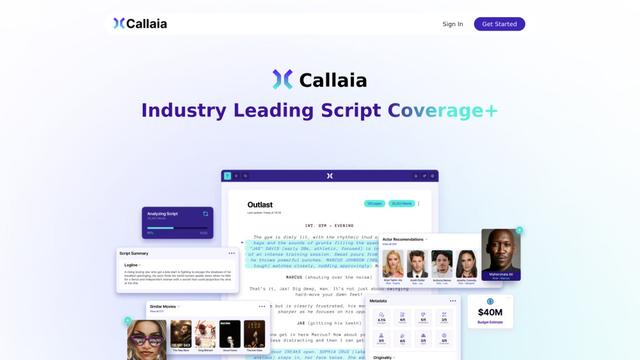
Callaia is an AI-powered script analysis tool that provides comprehensive script coverage, including logline, synopsis, character summaries, and actionable recommendations in under a minute for $79 per script.

Scribly AI
Scribly AI is an AI-powered content creation platform that helps users generate high-quality articles, blogs, emails, and various types of content in minutes while maintaining SEO optimization and brand voice consistency.
VocalScribe
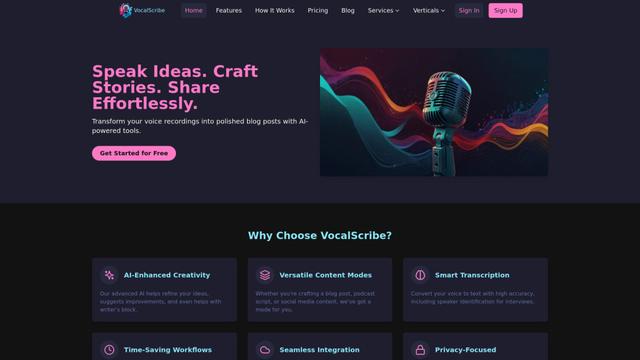
VocalScribe is an AI-powered platform that transforms voice recordings into polished blog posts and other content formats with smart transcription and enhancement capabilities.
Writers-Copilot
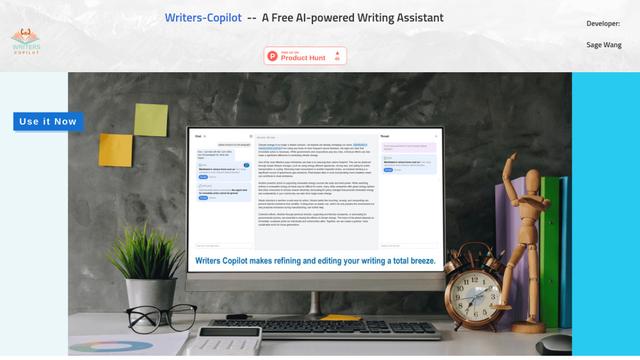
Writers-Copilot is a free AI-powered writing assistant that provides intelligent editing suggestions, real-time feedback, and content improvement capabilities to enhance writing quality and efficiency.
Popular AI Tools Like Goldfish
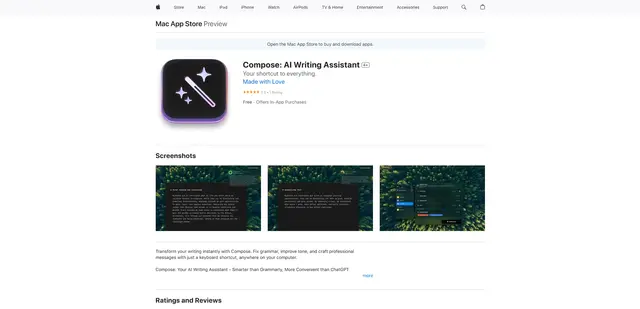
Compose for macOS
Compose for macOS is an AI-powered writing assistant that works system-wide, allowing users to transform and enhance their writing with just a keyboard shortcut across any application.
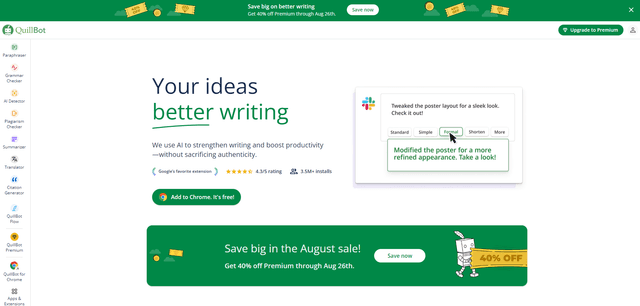
QuillBot
QuillBot is an AI-powered writing assistant that offers paraphrasing, grammar checking, and other tools to help users improve their writing quality and efficiency.
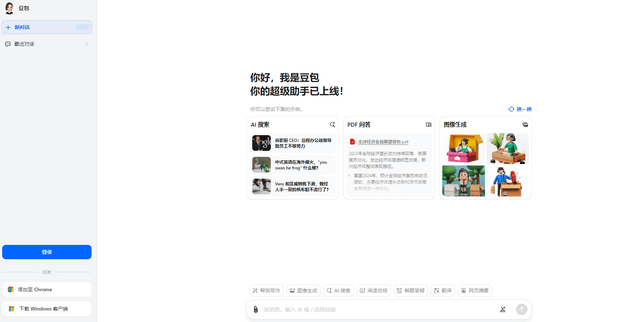
Doubao 1.6
Doubao 1.6 is an advanced multimodal AI model from ByteDance featuring enhanced reasoning capabilities, tool calling support, and adaptive thinking that balances performance with reasoning ability.
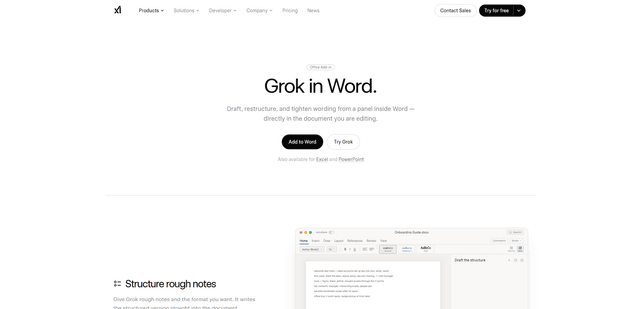
Grok by SpaceXAI for Word
Grok by SpaceXAI for Word is a free Microsoft 365 add-in that docks an AI side panel inside Word to draft, restructure, and apply undoable in-document edits while helping keep long documents stylistically consistent.