GitPulse
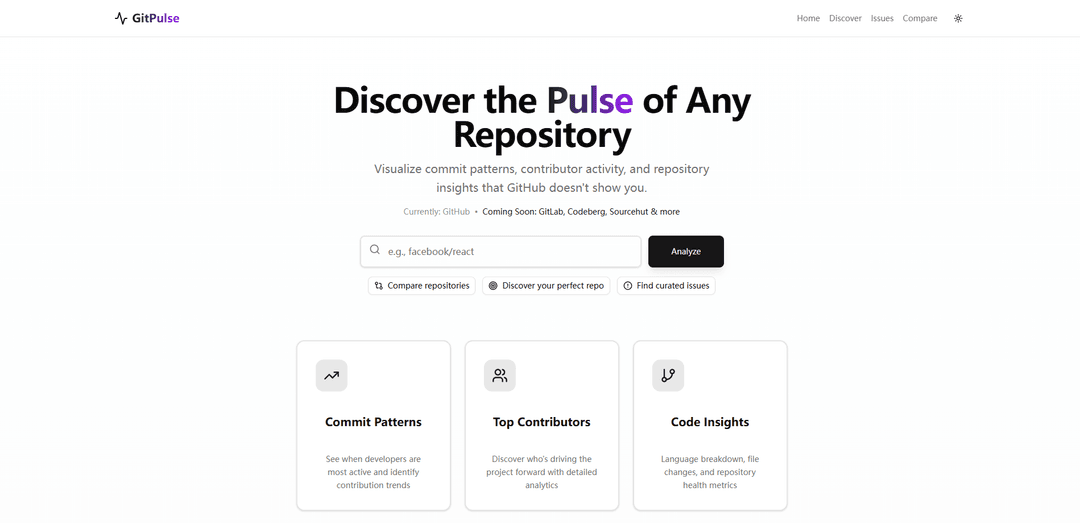
GitPulse is an AI-powered platform that helps developers discover, analyze and contribute to open source projects by providing repository insights, commit pattern visualization, and beginner-friendly issue recommendations based on their skills.
https://git-pulsee.vercel.app/?ref=producthunt
Product Information
Updated:Dec 8, 2025
What is GitPulse
GitPulse is a comprehensive analytics and discovery tool designed to make open source contribution more accessible and efficient. It serves as a bridge between developers and open source projects by offering detailed repository insights that GitHub doesn't directly show. The platform is free, requires no login, and is specifically built to help both beginners and experienced developers find suitable projects that match their skill level and interests.
Key Features of GitPulse
GitPulse is an AI-powered platform designed to help developers discover, analyze, and contribute to open source projects. It provides detailed repository insights, commit pattern visualization, and contributor analytics that go beyond GitHub's standard features. The platform includes curated 'good first issues', difficulty prediction for contributions, and smart repository matching based on developers' skills.
AI-Powered Issue Analysis: Uses AI to predict contribution difficulty and curates 200+ beginner-friendly issues for developers
Repository Health Metrics: Provides comprehensive analytics on repository health, including onboarding friendliness, community activity, and contribution patterns
Smart Repository Matching: Matches developers with suitable repositories based on their technical stack and skill level
Advanced Visualization Tools: Offers detailed visualizations of commit patterns, contributor activity, and repository insights not available on GitHub
Use Cases of GitPulse
Beginner Open Source Contributors: Helps newcomers find appropriate first-time contribution opportunities with difficulty assessment
Development Teams: Enables teams to track productivity, code contributions, and collaboration patterns across repositories
Portfolio Building: Assists bootcamp students and junior developers in finding projects to contribute to and build their portfolios
Project Management: Helps project maintainers monitor repository health and community engagement
Pros
No login required for basic features
Free and open to everyone
Comprehensive analytics beyond GitHub's native features
AI-powered project matching and difficulty assessment
Cons
Limited to GitHub repositories currently (other platforms coming soon)
Developed by a single person with limited resources
May have computational limitations due to resource constraints
How to Use GitPulse
Visit GitPulse Website: Go to https://git-pulsee.vercel.app in your web browser
No Login Required: GitPulse is free and open to everyone - no login or authentication needed to start using the tool
Select Your Tech Stack: Choose your programming languages and technologies to get relevant project recommendations
Browse Curated Issues: Explore 200+ curated 'good first issues' that are beginner-friendly and match your skills
Analyze Repositories: View detailed analytics for repositories including commit patterns, contributor activity, and repository health scores
Check Project Metrics: Review key metrics like onboarding friendliness, issue activity, community health, and best times to contribute
Use AI Difficulty Predictor: Leverage the AI-powered difficulty predictor to find issues matching your experience level
Visualize Repository Insights: View visualizations of commit patterns, language breakdowns, file changes and other repository insights not shown on GitHub
Find Suitable Projects: Get matched with open source projects based on your skills and experience level through smart repo matching
GitPulse FAQs
GitPulse is an AI-powered tool that helps developers discover and contribute to open-source projects by visualizing commit patterns, contributor activity, and repository insights that aren't shown on GitHub.
Popular Articles

Vosko AI: Localize and Dub Videos for Global Audiences
Oct 15, 2026

Atoms: A Multi-Agent AI Platform That Transforms Ideas into Launch-Ready Products
Oct 13, 2026

Nano Banana SBTI: What It Is, How It Works, and How to Use It in 2026
Apr 15, 2026

Atoms Review — The AI Product Builder Redefining Digital Creation in 2026
Apr 10, 2026
Latest AI Tools Similar to GitPulse
TubeVoice
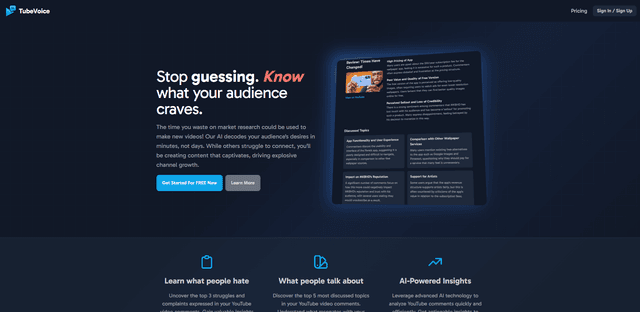
TubeVoice is an AI-powered YouTube comment analyzer that helps content creators understand their audience by providing insights from video comments through automated analysis.
ReviewPower
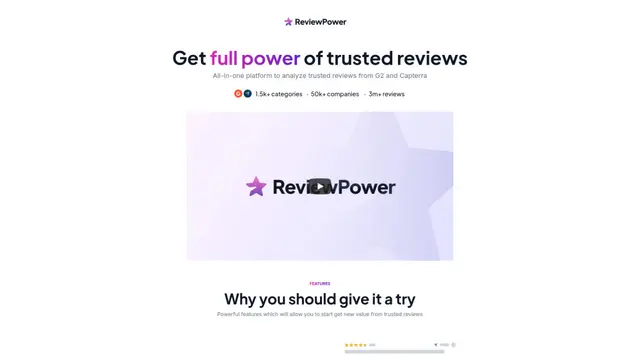
ReviewPower is an all-in-one platform that aggregates and analyzes trusted reviews from G2 and Capterra to help businesses gain valuable insights from customer feedback.

Insightfull
Insightfull is an AI-powered health tracking platform that helps users monitor symptoms, analyze health data, and receive personalized insights through symptom tracking, food logging, and medication management features.
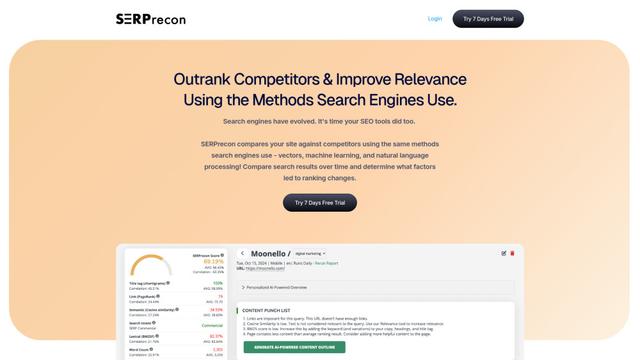
SERPrecon
SERPrecon is an advanced SEO tool that leverages vectors, machine learning, and natural language processing to help users analyze and outrank competitors by using the same methods as modern search engines.
Popular AI Tools Like GitPulse
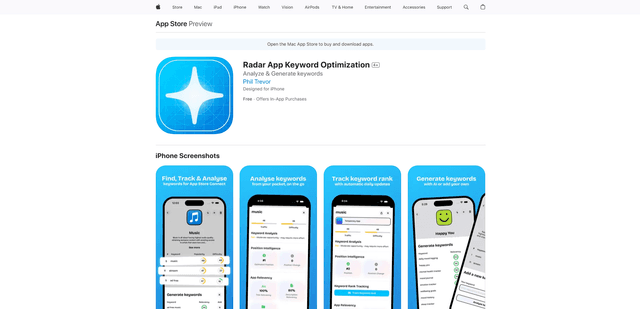
Radar
App Radar is a comprehensive app store optimization (ASO) tool that leverages AI-powered keyword research, competitor analysis, and automated tools to help improve app visibility and rankings across the Apple App Store and Google Play Store.
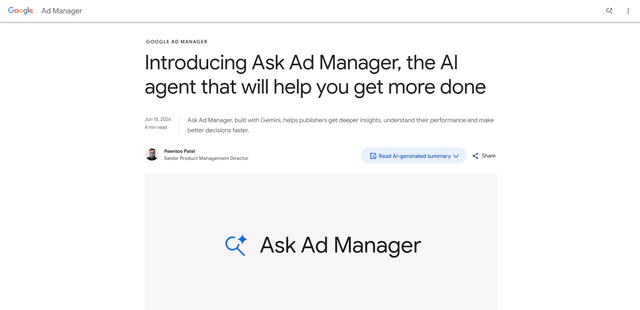
Ask Ad Manager by Google Ads
Ask Ad Manager is a Gemini-powered conversational agent inside Google Ad Manager that helps publishers troubleshoot issues in real time, generate custom performance reports from prompts, and navigate directly to the right settings using their own Ad Manager data.
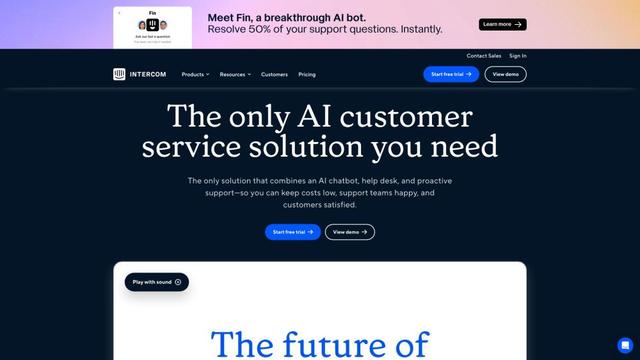
Intercom
Intercom is an AI-powered customer service platform that provides instant support, enhances agent productivity, and delivers insights to support leaders.
Branded
Branded is a market research company that uses AI and advanced sampling techniques to provide high-quality consumer insights and data.