
Gistr
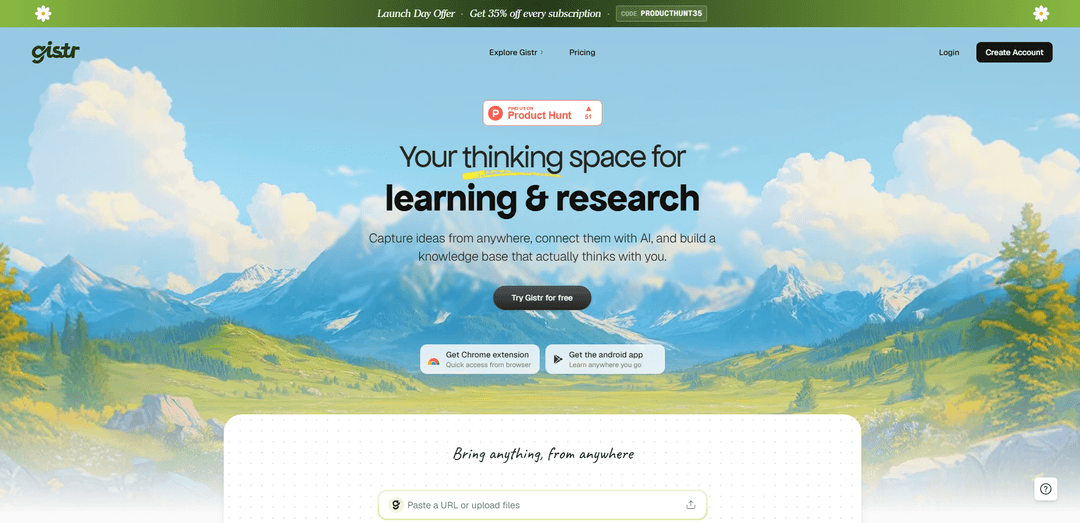
Gistr is an AI-native smart notebook that turns YouTube videos, podcasts, PDFs, and web articles into editable, source-linked notes with highlights, chapters, and grounded AI Q&A organized into threads and collections.
https://gistr.so/?ref=producthunt
Product Information
Updated:Jun 8, 2026
What is Gistr
Gistr is a learning and research workspace designed to help you capture, organize, and retain knowledge you discover online. Instead of passively consuming content and losing track of what mattered, Gistr brings videos, podcasts, PDFs, and web pages into a single notebook where you can take rich notes, save highlights, and build structured threads that reflect how you think. It’s built for students, professionals, and researchers who want a searchable “knowledge vault” that stays connected to original sources and can be shared when needed.
Key Features of Gistr
Gistr is an AI-native learning and research notebook that turns content you consume—especially YouTube videos, but also PDFs, web articles, and podcasts—into organized, reusable knowledge. It combines source-grounded AI chat with rich note-taking (highlights, screenshots, timestamp/page-linked notes), and structures everything into threads and collections so you can synthesize across multiple sources, revisit exact moments for proof, and share curated learning outputs like summaries, outlines, and study guides.
Source-grounded AI chat: Ask questions across selected sources and get referenced answers that link back to the original context (e.g., exact timestamps in videos or locations in documents) for verification.
Timestamped notes, clips, and “Moments” for YouTube: Create notes tied to exact points in a video, capture key moments/highlights, and jump back to the precise timestamp without rewatching the full content.
Auto Highlight for faster consumption: Uses AI to surface the most important segments of videos/podcasts by removing fluff, helping you focus on the parts that matter.
Ask-from-anywhere highlighting: Select text in supported sources (e.g., PDFs/articles) to instantly ask for explanations, context, or clarifications while staying anchored to the source.
Chapters and guided prompts: Breaks sources into navigable chapters and provides one-click guided prompts tailored to different learning needs (e.g., quick gist vs. deeper study).
Threads, collections, and sharing: Combine multiple sources into a single narrative thread, organize work into collections (mini-courses/research hubs), and optionally publish/share threads with others.
Use Cases of Gistr
Student study workflows (lectures + readings): Turn lecture videos, PDFs, and articles into a single study thread with timestamp/page-linked notes, then generate study guides, summaries, and review materials.
Professional upskilling from tutorials: Convert long YouTube tutorials into actionable notes and clipped highlights, making it easy to revisit key steps during real work without rewatching everything.
Academic & market research synthesis: Aggregate insights from mixed sources (papers, reports, articles, talks) into collections and query them with referenced AI to build defensible narratives.
Team knowledge base & onboarding: Create shared threads/collections from internal/external learning materials so new team members can follow a curated path with proof-linked references.
Content creation and editorial research: Clip and annotate source material, extract key arguments, and keep citations tied to original timestamps/pages to speed up scripting and fact-checking.
Podcast learning for busy schedules: Import podcast episodes, get transcripts and highlights, capture timestamped notes while listening, and ask AI about unclear sections with direct pointers.
Pros
Strong YouTube-first workflow with timestamped notes, moments/clips, and auto-highlights that reduce rewatching.
Multi-source synthesis via threads/collections, with AI answers referenced to original sources for trust and traceability.
Rich, editable notes that integrate highlights and source-linked cards rather than separating AI outputs from notes.
Cons
Language support appears primarily optimized for English, with broader non-English support described as in-progress/roadmap.
Free tier limits (e.g., folders, sources per conversation, daily AI credits) may constrain heavy research workflows.
Some users express concern about needing stronger export/portability options so notes aren’t locked into the platform.
How to Use Gistr
1) Create your Gistr workspace: Go to https://gistr.so and sign up/log in to create your personal workspace where all sources, notes, and threads are saved.
2) Install the Chrome extension (recommended for fastest capture): From the Gistr site, click “Get Chrome extension” and install it from the Chrome Web Store. This enables quick capture on YouTube and web articles via an in-page button/side panel and a floating editor overlay.
3) (Optional) Install the Android app: If you want to learn on mobile, install the Android app from Google Play via the “Get the android app” link on the Gistr site.
4) Start a new thread from a YouTube video (two ways): Way A (in YouTube): Open any public YouTube video and click the Gistr button/extension to add it immediately to a new thread. Way B (in Gistr web): Paste the YouTube URL into Gistr; once it fetches the video, click “Gist Away” to open a new thread with the video and an AI/chat interface.
5) Use the thread layout (video + AI + panels): In the thread, keep the video visible while you work. Use the chat interface and panels (commonly Notes, Sources, and Moments) to write notes, manage sources, and save key clips/highlights.
6) Navigate using transcript and chapters: Use the transcript displayed with the video to follow along. Click a transcript line, chapter, or saved moment to jump to that exact timestamp instead of scrubbing manually.
7) Capture timestamped notes while watching: At any point in the video, add a note tied to the current timestamp so you can return to the exact moment later (useful for steps, formulas, or instructions).
8) Highlight and clip key moments (“Moments”): Use the Moments feature to save important segments. These become revisitable, source-linked highlights you can jump back to instantly.
9) Take screenshots from YouTube into your notes (if needed): When a diagram or visual explanation matters, capture a screenshot from the video and attach it to your notes so the visual context stays with the insight.
10) Ask AI questions grounded in the source: Use “Ask AI” to summarize, explain, or expand on what’s being said. You can also select specific transcript text (or content in other sources) and ask for clarification/context.
11) Use Auto Highlight to get the key parts faster: Run Auto Highlight to surface key moments from a video/podcast, then review and refine by adding your own annotations and notes.
12) Create and refine notes in the Rich Notes Editor: Write and organize your understanding in the editor. Format text (e.g., headings, bold, code blocks), expand/refine with AI, and keep notes connected to exact timestamps (or page numbers for PDFs).
13) Add more sources into the same thread (multi-source synthesis): Bring in additional sources (e.g., PDFs and web articles) to the same thread so you can connect insights across materials and build a single narrative.
14) Organize threads into Collections: Group related threads into Collections to create a structured research hub or mini-course (e.g., one collection per class, project, or theme).
15) Search and revisit later using source-linked context: Return to saved highlights, notes, and moments when you need them. Because items are tied to their original sources (timestamps/pages/links), you can quickly re-enter the exact context.
16) Share a thread when you’re ready: Publish/share a thread with peers, a team, or publicly to showcase your learning and provide others with a structured set of notes and source references.
17) (Optional) Choose different AI models per action (if available): If your setup includes per-action model selection, switch models depending on the task (e.g., quick summaries vs. deeper explanations) while keeping outputs editable in your notes.
Gistr FAQs
Gistr is a smart notebook for learning and research that lets you capture ideas from sources like YouTube videos, PDFs, articles, podcasts, and then use AI to connect them and build a searchable knowledge base.
Gistr Video
Popular Articles

Atoms: A Multi-Agent AI Platform That Transforms Ideas into Launch-Ready Products
May 22, 2026

Nano Banana SBTI: What It Is, How It Works, and How to Use It in 2026
Apr 15, 2026

Atoms Review — The AI Product Builder Redefining Digital Creation in 2026
Apr 10, 2026

Kilo Claw: How to Deploy and Use a True "Do‑It‑For‑You" AI Agent(2026 Update)
Apr 3, 2026
Latest AI Tools Similar to Gistr
Snapmark
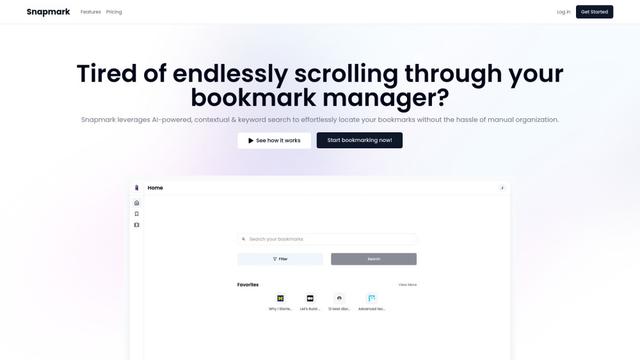
Snapmark is an AI-powered search engine for bookmarks that allows users to save, search, and organize websites, images, and text without manual tagging or categorization.
Uměl.cz
Uměl.cz is a Czech AI-powered search engine that provides intelligent and contextual answers to user queries.
想读 (WantRead)
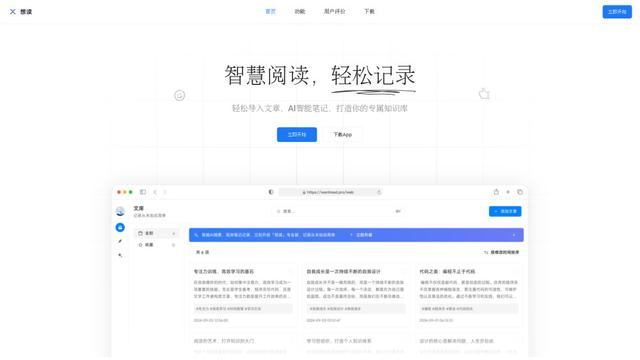
想读(WantRead) is an AI-powered reading and note-taking platform that helps users easily import, read, annotate and build their personal knowledge base.

PodExtra AI
PodExtra AI is an advanced AI-powered podcast tool that transforms podcast content into digestible formats through transcripts, summaries, mind maps, outlines, highlights and takeaways.
Popular AI Tools Like Gistr

Rememberall
Rememberall is a secure, open-source long-term memory solution that enables AI applications and GPT models to maintain persistent memory across conversations through semantic search and vector storage capabilities.
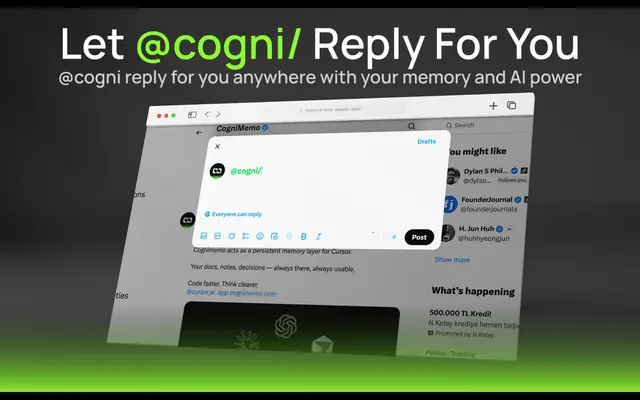
CogniMemo Extension
CogniMemo is a browser extension that adds long-term memory capabilities to AI tools like ChatGPT, Claude, Gemini, and DeepSeek by enabling context-aware conversations and knowledge management through saved notes and past chats.
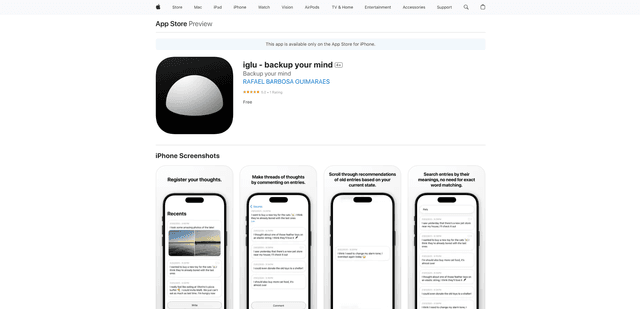
iglu
Iglu is a private, AI-powered micro-journaling app that helps users record, organize, and revisit their thoughts, memories, and ideas through text and media entries with intelligent search and recommendation features.
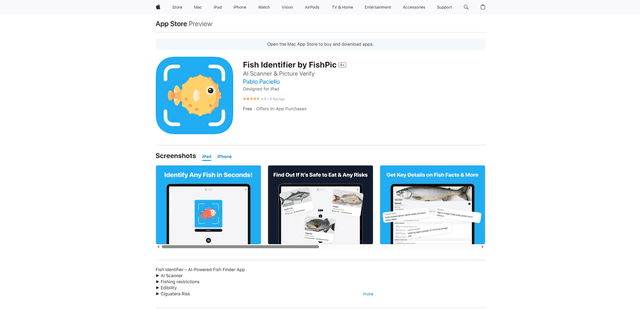
FishPic
FishPic is an AI-powered fish identification app that instantly recognizes fish species from photos while providing comprehensive information about edibility, regulations, and recipes.