
GhostDesk
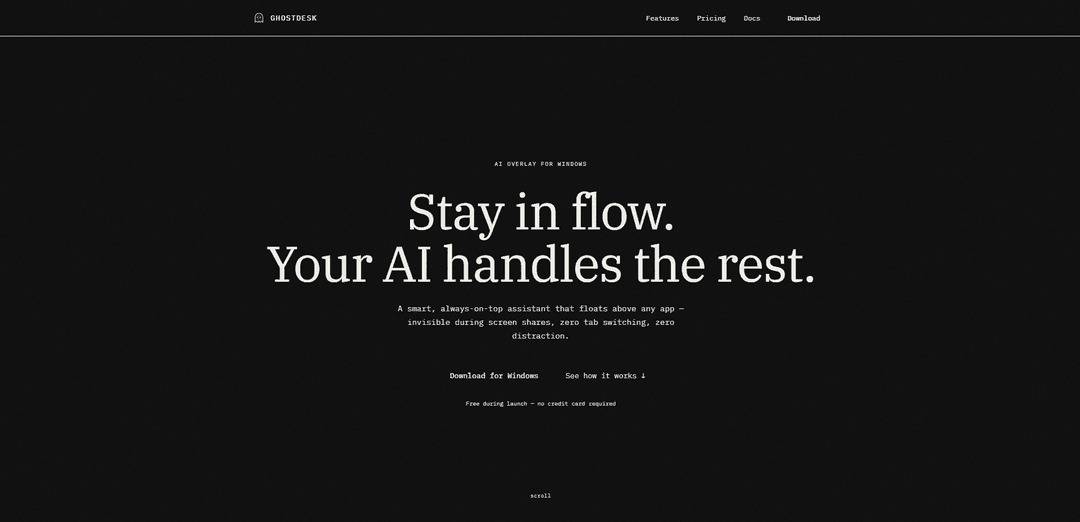
GhostDesk is a free AI overlay assistant for Windows that floats invisibly above any application and stays hidden during screen shares, video calls, and recordings while providing AI-powered assistance.
https://ghost-desk.app/?ref=producthunt
Product Information
Updated:Mar 16, 2026
What is GhostDesk
GhostDesk is an innovative AI productivity tool designed specifically for Windows users that acts as a smart, always-on-top assistant. It's a lightweight application that integrates seamlessly into your workflow by floating above any application while remaining completely invisible to others during screen sharing, recordings, or video calls. The tool comes with built-in AI capabilities powered by Llama and GPT-4, requiring no additional API keys or complex setup process.
Key Features of GhostDesk
GhostDesk is a free AI overlay assistant for Windows that floats above any application while remaining invisible during screen shares, recordings, and video calls. It provides a smart, always-on-top interface powered by Llama and GPT-4 models, allowing users to interact with AI through text and voice without switching tabs or disrupting workflow. The application uses OS-level APIs to stay completely hidden from screen captures while maintaining full functionality for the user.
Invisible Overlay: Uses Windows SetWindowDisplayAffinity API to remain completely invisible during screen sharing, recordings, and video calls while still being functional for the user
Multi-Platform Compatibility: Verified to work privately with 14+ major video conferencing platforms including Zoom, Teams, Google Meet, and others
Voice and Text Interaction: Supports both text-based chat and voice commands with automatic transcription and natural language processing
Screen Analysis Capability: Can analyze screenshots of code, documents, diagrams, and tables using built-in vision AI
Use Cases of GhostDesk
Remote Work Meetings: Professionals can get AI assistance during video calls without revealing the overlay to other participants
Software Development: Developers can get code suggestions and debugging help while keeping their IDE screen clean for sharing
Content Creation: Content creators can receive AI assistance during live streams or recordings without the overlay being visible to viewers
Professional Presentations: Presenters can access notes and AI suggestions privately while sharing their screen with audience
Pros
Complete invisibility during screen sharing and recording
No account or API keys required for setup
Lightweight installation with all dependencies bundled
Cons
Windows-only compatibility (no macOS or Linux support)
Requires Windows 10 build 19041+ or Windows 11
Some advanced features limited to paid plans
How to Use GhostDesk
Download and Install: Download the lightweight installer from ghost-desk.app and run it. No additional dependencies or runtimes needed as everything is bundled together. Installation takes less than 1 minute.
Configure Settings: Set up your preferred hotkeys, choose overlay position, and customize other settings. AI functionality is built-in with no API keys needed. Takes around 30 seconds to configure.
Launch and Use: Press your configured hotkey (default is Ctrl+Shift+Space) to toggle GhostDesk visibility. The overlay will float above any application but remain invisible to screen sharing and recordings.
Interact with AI: You can interact with the AI assistant by typing questions or using voice commands. The AI can analyze code, documents, screenshots and provide contextual responses.
Use Keyboard Shortcuts: Use Ctrl+Shift+Space to toggle visibility, Ctrl+Shift+C for click-through mode, and Ctrl+Shift+Q for quick quit. All shortcuts are customizable in settings.
Take Screenshots: Select any region of your screen to capture. GhostDesk's built-in vision AI can read and analyze code, documents, diagrams, and tables from the screenshots.
Voice Commands: Speak naturally and GhostDesk will transcribe, process with AI, and stream back answers. Smart silence detection filters background noise automatically.
GhostDesk FAQs
GhostDesk is a free AI overlay assistant for Windows that floats above any app and stays invisible during screen shares, Zoom calls, and recordings. It's powered by Llama and GPT-4 and requires no tab switching.
Popular Articles

Atoms: A Multi-Agent AI Platform That Transforms Ideas into Launch-Ready Products
May 22, 2026

Nano Banana SBTI: What It Is, How It Works, and How to Use It in 2026
Apr 15, 2026

Atoms Review — The AI Product Builder Redefining Digital Creation in 2026
Apr 10, 2026

Kilo Claw: How to Deploy and Use a True "Do‑It‑For‑You" AI Agent(2026 Update)
Apr 3, 2026
Latest AI Tools Similar to GhostDesk

MultipleWords
MultipleWords is a comprehensive AI platform offering 16 powerful tools for content creation and manipulation across audio, video, and image editing with cross-platform accessibility.

Athena AI
Athena AI is a versatile AI-powered platform offering personalized study assistance, business solutions, and life coaching through features like document analysis, quiz generation, flashcards, and interactive chat capabilities.

Taidai.io
Taidai.io is an AI-powered tool that automatically converts notes, emails, and text content into actionable todo lists.
Repliio
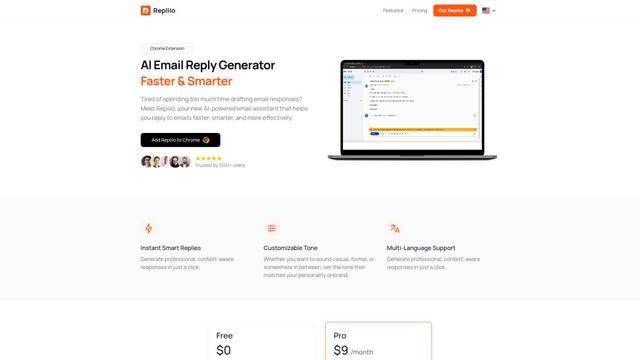
Repliio is an AI-powered email assistant Chrome extension that helps users generate professional, context-aware email responses quickly with customizable tones and multi-language support.
Popular AI Tools Like GhostDesk

Microsoft Excel: Spreadsheets
Microsoft Excel is the industry-leading spreadsheet software that allows users to organize, analyze, and visualize data through powerful features like formulas, charts, and AI-powered insights.

Standboy
Standboy is a VS Code/Cursor extension that auto-expands a Game Boy (GB/GBC/GBA) emulator in the sidebar during AI agent activity, then auto-hides and pauses—resuming mid-frame next time—while keeping a persistent ROM library, saves, and cover art.
Omniaxe
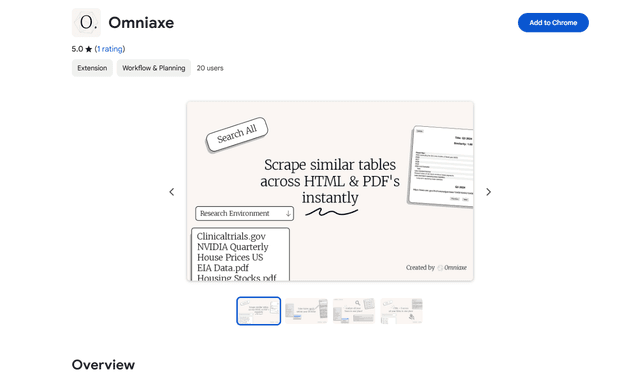
Omniaxe is an all-in-one Chrome extension research tool that combines seamless data extraction, AI-powered analysis, and centralized note-taking capabilities designed specifically for analysts, researchers and students.

Finesse by Skippr AI
Finesse by Skippr AI is a browser extension that provides instant, expert-level product feedback and critiques across design, content strategy, accessibility, and product direction through specialized AI reviewers.