
gesture.live
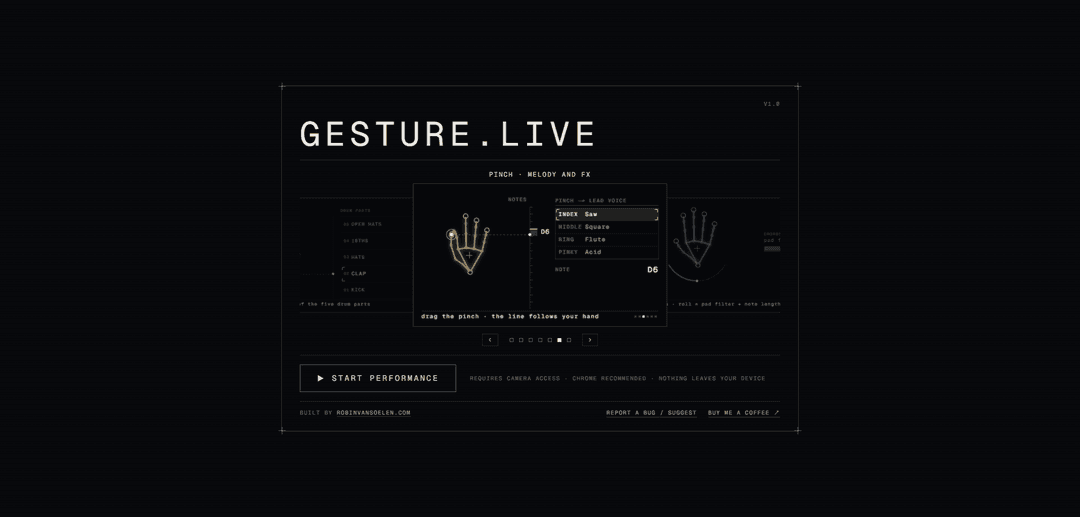
gesture.live is a browser-based gesture synthesizer that lets users perform live electronic music—chords, bass, drums, and effects—using hand movements in front of a webcam.
https://gesture.live/?ref=producthunt
Product Information
Updated:Aug 8, 2026
What is gesture.live
gesture.live is an experimental interactive music application created by Robin van Soelen. Designed for use in a web browser, preferably Chrome, it transforms webcam-detected hand gestures into a live electronic-music performance interface. Users can play and shape musical elements such as chords, bass, drums, and effects without traditional controllers, using their hands in the air instead. The site states that it requires camera access and that camera frames and audio do not leave the user’s device.
Key Features of gesture.live
gesture.live is a browser-based gesture synthesizer that lets users perform live electronic music with their hands in front of a webcam. It maps hand gestures to musical elements such as chords, bass, drums, and effects, enabling touch-free, expressive performance without sending camera frames or audio off the device.
Webcam hand-controlled music: Uses camera-based hand gestures as the primary interface for playing and controlling music.
Multi-part electronic performance: Supports performance of core electronic-music elements including chords, bass, drums, and effects.
Real-time gesture interaction: Designed for live, responsive musical expression, allowing users to shape a performance through hand movement.
Browser-based experience: Runs through the web and requires camera access; Chrome is recommended for the intended experience.
Device-local privacy approach: States that camera frames and audio do not leave the user's device, while diagnostic reports contain only settings and browser information.
Use Cases of gesture.live
Live electronic performances: Performers can use gestures as a visually engaging way to trigger and manipulate musical parts during live sets.
Music education and workshops: Teachers can introduce rhythm, harmony, and sound manipulation through a hands-on, accessible visual interface.
Interactive art installations: Galleries, museums, and events can let visitors create electronic sounds through body movement without physical controllers.
Content creation and streaming: Creators can add an unusual visual performance element to music videos, livestreams, and social-media content.
Music experimentation and prototyping: Producers and hobbyists can quickly explore gesture-based musical interaction without dedicated MIDI hardware.
Pros
Creates an intuitive, visually expressive way to perform electronic music.
Requires no dedicated physical music controller beyond a camera-enabled device.
Supports multiple musical layers, including chords, bass, drums, and effects.
Emphasizes privacy by keeping camera frames and audio on the device.
Cons
Depends on reliable webcam access, lighting conditions, and hand-tracking accuracy.
Chrome is recommended, so the experience may be less consistent in other browsers.
Gesture-only control may offer less precision than conventional MIDI controllers for detailed production work.
How to Use gesture.live
Open gesture.live in a compatible browser: Visit https://gesture.live. Chrome is recommended by the site for the best experience.
Allow camera access: When your browser asks for permission, allow gesture.live to use your webcam. The app needs the camera to track your hand movements.
Position yourself in front of the webcam: Sit or stand where your hands are clearly visible in the camera view. Use adequate lighting and avoid a busy background when possible.
Start performing with hand gestures: Move your hands in front of the webcam to control the live electronic-music experience. The app maps gestures to musical elements such as chords, bass, drums, melody, and effects.
Experiment with hand placement and movement: Try changing the position, height, motion, and shape of your hands to explore the available sounds and controls. Keep movements deliberate so the hand tracker can follow them reliably.
Use headphones or speakers: Listen through headphones or external speakers for clearer audio and to avoid microphone feedback if other audio applications are open.
Troubleshoot camera issues if needed: If hand tracking does not start, confirm that camera permission is enabled for gesture.live in your browser settings, close other applications using the webcam, then reload the page.
Understand the privacy behavior: According to the site, camera frames and audio do not leave your device. Reports sent through the built-in report form contain settings and browser information rather than camera frames or audio.
Send a report if you encounter a problem: Use the site's report option to describe what happened and what you expected. You may optionally provide an email address for a reply and attach information showing what the app is doing.
gesture.live FAQs
gesture.live is a web-based live electronic music experience that lets people play chords, bass, drums, and effects using hand gestures in front of a webcam.
gesture.live Video
Popular Articles

Vosko AI: Localize and Dub Videos for Global Audiences
Oct 15, 2026

Atoms: A Multi-Agent AI Platform That Transforms Ideas into Launch-Ready Products
Oct 13, 2026

Nano Banana SBTI: What It Is, How It Works, and How to Use It in 2026
Apr 15, 2026

Atoms Review — The AI Product Builder Redefining Digital Creation in 2026
Apr 10, 2026
Latest AI Tools Similar to gesture.live
MeloHunt
MeloHunt is a powerful AI-powered song generator that enables users to create original, high-quality music tracks without requiring any musical expertise.
ChopLab
ChopLab is an AI-powered tool that enables music producers to transform audio tracks into unique samples and custom drum packs through automated splitting, isolation, and chopping processes.
MindBound Labs
MindBound Labs is an innovative platform focused on accelerating Artificial Super Intelligence (ASI) through community engagement, combining NFC cards, AI prompts, and personalization across multiple creative domains.
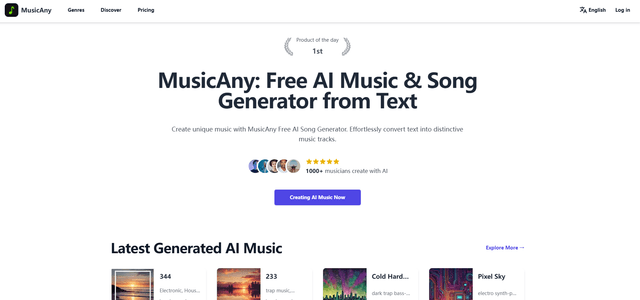
MusicAny
MusicAny is a cutting-edge free AI music generator that enables users to effortlessly create unique, royalty-free songs from text descriptions without any musical background.
Popular AI Tools Like gesture.live
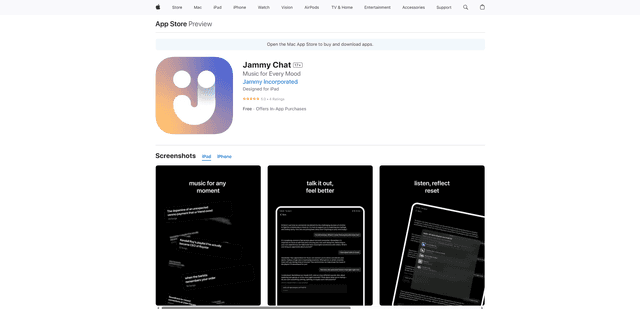
Jammy Chat
Jammy Chat is a music-infused mental health app that provides personalized playlists and emotional support by analyzing your mood through AI-powered conversations.
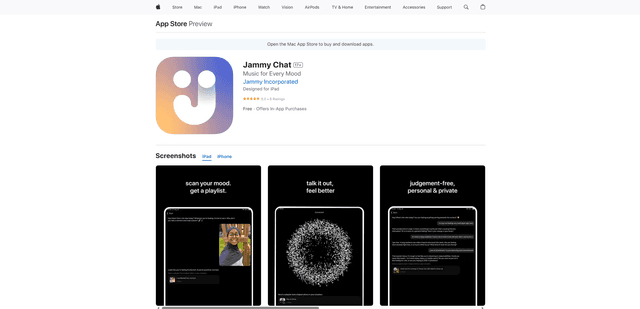
Jammy Chat
Jammy Chat is an AI-powered mental health app that scans users' facial expressions and provides personalized music playlists to help regulate emotions and improve mood.
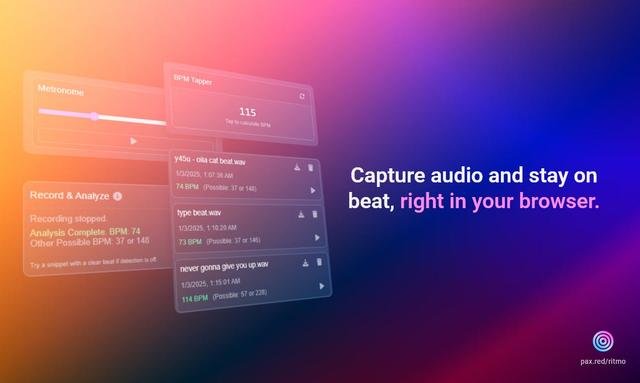
Ritmo
Ritmo is a smart audio toolkit Chrome extension that helps capture, analyze, and manage audio with features like BPM analysis, tap tempo, and metronome functionality.
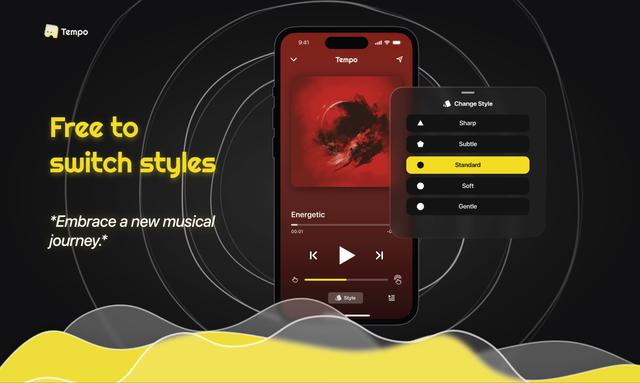
Tempo-Pulse
Tempo-Pulse is an AI-driven haptic music player that transforms any music into tactile sensations through innovative haptic technology, making music feelable for everyone including those who are hard of hearing.