
GenMB Vibe Coding Tool
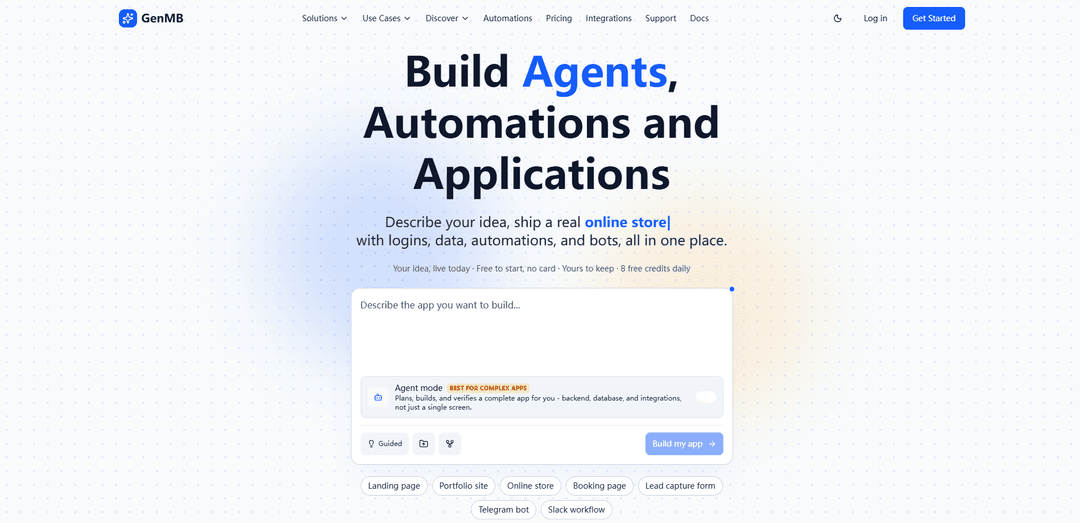
GenMB is an AI vibe-coding web app builder that turns plain-English prompts into exportable, production-minded full-stack apps with routing, data (built-in KV or Postgres), auth, and 80+ integrations like Supabase, Clerk, and Stripe.
https://genmb.com/?ref=producthunt
Product Information
Updated:Jul 8, 2026
What is GenMB Vibe Coding Tool
GenMB (gen-em-bee) is a vibe coding tool designed to help you build and ship real web applications by describing what you want in natural language instead of writing code line by line. It generates complete single-page or multi-page full-stack projects—such as SaaS dashboards, e-commerce sites, CRMs, booking systems, landing pages, and portfolios—complete with app structure, UI, state management, and persistence. GenMB is free to start (with daily free credits), supports exporting your project anytime (so you’re not locked in), and includes built-in capabilities for logins, data, automations, and AI assistants.
Key Features of GenMB Vibe Coding Tool
GenMB is an AI web app builder for “vibe coding” full-stack web applications from plain-English prompts, generating real code and deployable projects with routing, state management, data persistence, and integrations. It supports single-page and multi-page apps across Vanilla JS, React, and React+TypeScript, with Tailwind CSS styling. GenMB can provision backend execution (Cloud Run dev sandbox), choose an appropriate built-in database (zero-config key-value store or dedicated PostgreSQL on higher tiers), and connect to external services (e.g., Supabase, Firebase) via plugins. For complex builds, Agent Mode autonomously plans and executes tasks with checkpoints and automatic retries, and users can export or customize the generated code in the editor.
Prompt-to-app generation: Describe an idea in plain English and GenMB generates a working web app (UI + logic), including complete project structure rather than just snippets.
Full-stack scaffolding with auth & CRUD: For apps that need accounts and persistence, GenMB can generate authentication flows and create/read/update/delete operations, and provision backend infrastructure when required.
Built-in databases (KV or PostgreSQL): Includes a zero-config key-value store for simple persistence on all plans and an optional dedicated PostgreSQL database (Pro+) for schema-based, relational needs with tools like a schema designer and database browser.
Agent Mode for complex builds: Autonomously breaks work into 5–15 tasks, executes them sequentially, retries on errors (up to 3 times), and saves checkpoints so you can pause/resume safely.
Framework choices + Tailwind styling: Generates clean HTML/CSS/JS using Tailwind CSS, with options for Vanilla JS, React, or React + TypeScript; frontend apps can run instantly in-browser via ESM CDN.
Plugin integrations + export ownership: Connects to 80+ tools (payments, email, maps, etc.) and supports wiring external backends like Supabase/Firebase; projects are exportable with “yours to keep” positioning.
Use Cases of GenMB Vibe Coding Tool
SaaS dashboards and internal tools: Rapidly prototype and ship multi-page dashboards (analytics, admin panels, ops consoles) with authentication, role-based flows, and database-backed CRUD.
E-commerce and payments-enabled storefronts: Create product catalog experiences, checkout/payment flows via integrations, and lightweight back-office tools for managing orders and inventory.
Booking and service marketplaces: Build scheduling/booking apps (e.g., studios, agencies, local services) with user accounts, forms, confirmations, and data storage for bookings and customer records.
CRM and workflow automation for SMBs: Generate simple CRMs, lead trackers, and follow-up automations by connecting email/notifications and storing customer interactions in KV/Postgres.
Marketing sites and portfolios with interactive modules: Launch polished landing pages or portfolios quickly, then add interactive components like contact flows, subscription capture, or content generators.
Prototype-to-demo for fundraising and validation: Produce working demos faster than traditional development, share links for real-user feedback, and iterate using Agent Mode and in-editor refinements.
Pros
End-to-end app creation (UI + backend + data) from natural language, including multi-page routing and integrations.
Agent Mode adds autonomy, checkpoints, and retry-based error recovery—useful for complex MVPs.
Flexible tech output (Vanilla/React/React+TS) with exportable code, reducing lock-in versus purely no-code builders.
Built-in persistence options (KV store and Postgres on higher tiers) reduce setup time for real apps.
Cons
Advanced relational database features require higher-tier plans (PostgreSQL is Pro+), which may limit complex apps on Free.
Like other AI-generated code workflows, quality and maintainability can vary and may require human review/refactoring as scope grows.
Autonomous agent execution may still hit edge-case errors or require iteration, especially with complex integrations and requirements.
How to Use GenMB Vibe Coding Tool
1) Start a new GenMB project: Go to https://genmb.com/ and start a new app (free to start; no card required). You’ll land in the GenMB builder where you can describe what you want in plain English.
2) Write a high-level “vibe” prompt for the whole app: In the main prompt box, describe the outcome you want (the vibe + core features). Include: app type (dashboard, landing page, CRM, etc.), pages/routes, key user flows, and the data you want to store. GenMB is designed to generate full web apps from a single description.
3) Choose your stack (Vanilla JS, React, or React + TypeScript): Select the framework option you want. GenMB can generate clean HTML/CSS/JS and commonly uses Tailwind CSS for styling; you can choose between Vanilla JS, React, or React + TypeScript depending on your comfort and needs.
4) Generate the first working version: Run the prompt to have GenMB generate the application. It will produce a real project structure (multi-page routing/state management as needed) and a working UI you can preview.
5) Confirm data needs and let GenMB provision persistence: If your app needs saved data, specify it. GenMB can auto-select a built-in database option: (a) a zero-config Key-Value Store for simple persistence, or (b) a dedicated PostgreSQL relational database for more complex apps (typically Pro+).
6) Add logins/authentication if required: Prompt for user accounts and protected pages (e.g., “users must sign up/login; only logged-in users can create/edit their items”). GenMB can generate authentication flows and CRUD operations when you describe them.
7) Iterate by prompting changes (the vibe-coding loop): Refine the app by giving follow-up instructions like: “Make the UI more minimal,” “Add a settings page,” “Add validation and error states,” or “Add search and filters.” Repeat until the preview matches your intent.
8) Use Agent Mode for complex builds: Enable GenMB Agent Mode when the request is large (multi-feature SaaS, many pages, integrations). Agent Mode breaks work into 5–15 sequential tasks, executes them with automatic error recovery (up to 3 retries), and creates checkpoints after each successful task. You can pause/resume/stop anytime.
9) Connect integrations via the plugin system (80+ tools): If you need payments, email, maps, or other external services, ask GenMB to connect them using its plugin/integration system (80+ tools). Describe the workflow (e.g., “send an email on signup,” “show locations on a map,” “take payments”).
10) Add assistants, bots, and automations (optional): If you want AI assistants or automation, prompt for them explicitly (e.g., “Add a support chat assistant,” “Schedule a daily digest,” “Auto-reply to messages”). GenMB supports building agents/automations alongside the app.
11) Edit the generated code directly (optional): If you know how to code (or want to learn), open the built-in editor to adjust components, styling, and logic. You can also continue to make changes by prompting and letting GenMB update the code.
12) Validate the app end-to-end: Test the core flows in the preview: signup/login, create/read/update/delete operations, error handling, and any integrations. If something is off, describe the bug and the expected behavior and regenerate/refine.
13) Export your code (so you own it): When you’re satisfied, export the project. GenMB emphasizes portability (“export anytime, nothing locked in”), so you can keep the code and run/deploy it outside the platform.
14) Remix from existing apps/templates (optional shortcut): Browse the GenMB showcase or starter apps, open one that’s close to your goal, and remix/clone it into your account. Then prompt modifications to match your requirements.
15) Deploy and keep iterating: Deploy your app (either via GenMB’s workflow or by exporting and deploying elsewhere). Continue iterating by returning to GenMB to prompt new features, UI changes, and automation improvements.
GenMB Vibe Coding Tool FAQs
GenMB is an AI web app builder that lets you describe an idea in plain language and generate a real, deployed web application with features like logins, data persistence, automations, and bots. It supports building single-page and multi-page full-stack web apps and offers export so you can keep your code.
GenMB Vibe Coding Tool Video
Popular Articles

Proferex: A Cloud-Based Ad Tracking and Campaign Optimization Platform
Nov 4, 2026

How to Create Viral Talking Baby Podcast Videos with AI: Step-by-Step Guide
Nov 2, 2026

Vosko AI: Localize and Dub Videos for Global Audiences
Oct 15, 2026

Atoms: A Multi-Agent AI Platform That Transforms Ideas into Launch-Ready Products
Oct 13, 2026
Latest AI Tools Similar to GenMB Vibe Coding Tool
GPT Easy Web
GPT Easy Web is a user-friendly AI-powered platform that enables users to easily build, customize and manage websites through natural language interactions and automated tools without requiring coding knowledge.
AI Website Tool
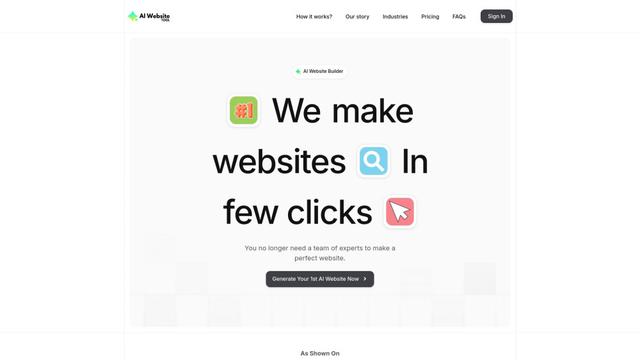
AI Website Tool is an AI-powered website builder that creates professional websites in minutes by automatically generating business-focused copy, custom visuals, and responsive designs with just a few clicks.
Softgen
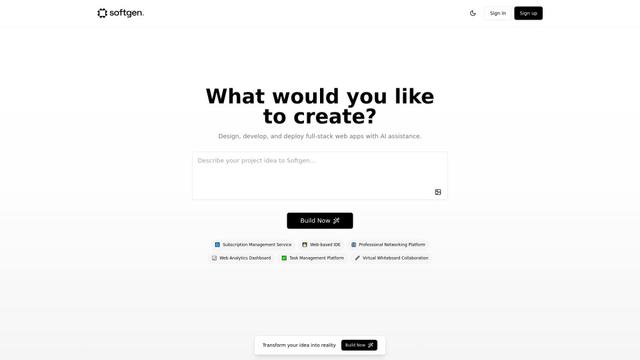
Softgen.ai is an AI-powered full-stack project generator platform that enables users to transform their ideas into functional web applications without coding requirements.
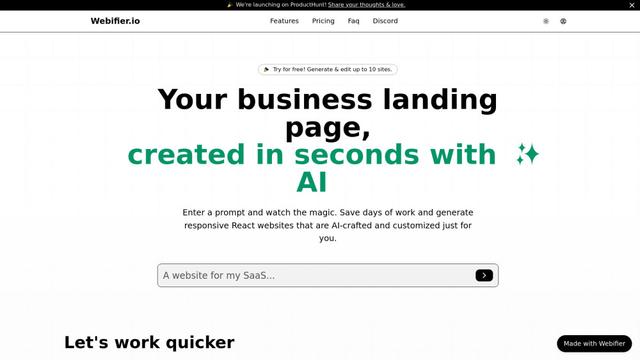
Webifier
Webifier is an AI-powered tool that transforms text prompts into fully functional React landing pages with clean, exportable code using NextJS14, TailwindCSS, and Shadcn components.
Popular AI Tools Like GenMB Vibe Coding Tool
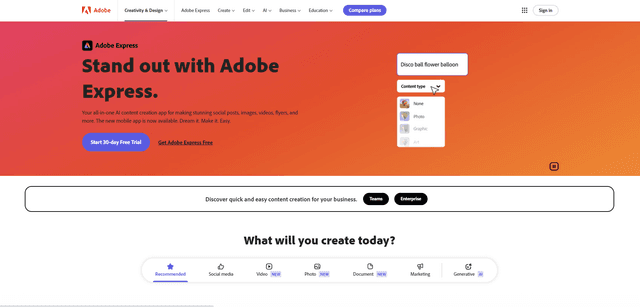
Adobe Express
Adobe Express is an all-in-one AI-powered content creation app for easily making stunning social posts, images, videos, flyers, and more with professionally designed templates and assets.
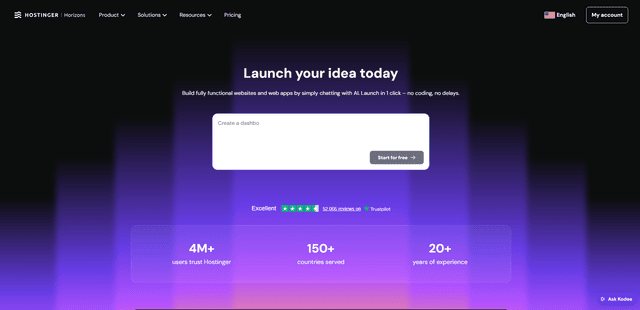
Hostinger
Hostinger is a web hosting and domain service provider offering AI-powered tools like Horizons that enables anyone to build, edit, and publish custom web apps and websites without coding through a simple chat interface.
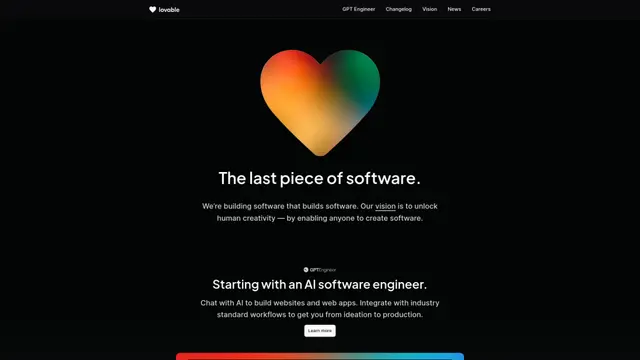
GPT Engineer
GPT Engineer is an AI-powered software development tool that enables anyone to build web applications by chatting with an AI engineer.
Manus Shopify Connector
Manus Shopify Connector lets you build a Shopify-backed storefront, manage your catalog, and generate data-driven campaigns from a single chat—using Shopify APIs with OAuth-scoped access and Shopify checkout.