Gazouya (がぞうや)
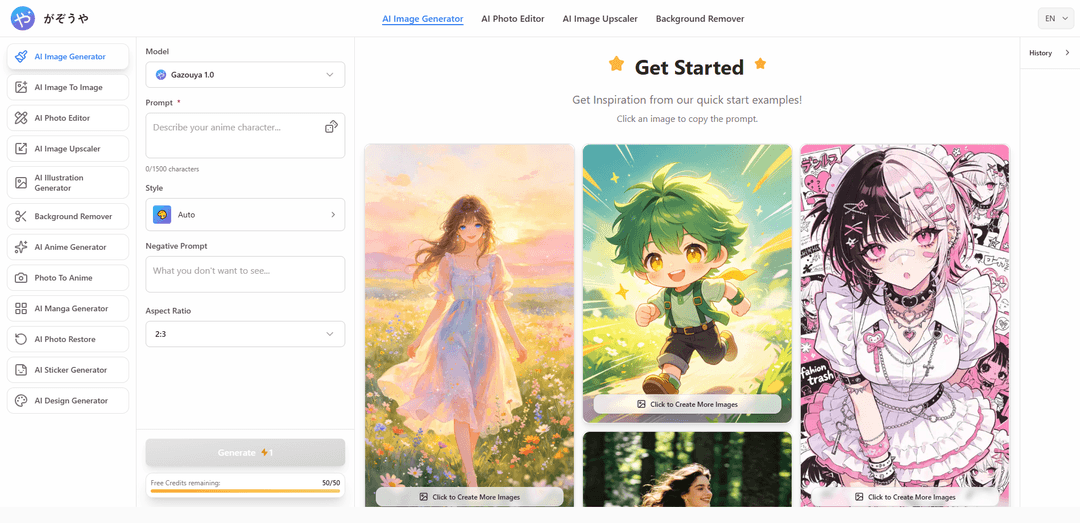
Gazouya (がぞうや) is a registration-free, browser-based AI creative tool that generates and edits high-quality images from Japanese/English prompts, offering multiple features like text-to-image, image-to-image, photo restoration, upscaling, and background removal.
https://gazouya.com/?utm_source=aipure
Product Information
Updated:Aug 14, 2026
What is Gazouya (がぞうや)
Gazouya (がぞうや) is a minimalist AI creative platform from Japan, built on the belief that creativity should feel effortless — no sign-up, no learning curve, just your imagination turned into art. Its standout strength is a deep understanding of Japanese aesthetics: describe what you want in plain Japanese or English, and the AI captures the soft gradients, delicate lines, and quiet elegance that generic tools miss — from anime and illustration to concept art. Under one clean interface, Gazouya (がぞうや) packs 9 tools. Everything runs in seconds, no professional skills required.
Key Features of Gazouya (がぞうや)
Gazouya (がぞうや) is a browser-based AI creative tool suite that lets users generate high-quality images from Japanese (and English) text prompts without registration, then refine outputs with related tools such as AI image editing, upscaling, background removal, image-to-image transformation, and specialized generators (illustration, anime, manga, stickers, design). It supports flexible aspect ratios/sizes, offers many visual styles (100+), provides daily free credits for easy trial, and positions itself for both personal creation and professional workflows like marketing creatives and web/design production, with an emphasis on usability, quality, and privacy/security claims.
No registration, quick start: Use immediately in the browser with no account/login required—enter a prompt, choose settings, and generate images in seconds to tens of seconds.
Japanese-first prompting (also supports English): Designed for natural Japanese instructions (and English prompts), helping users translate nuanced ideas into visuals without specialized prompt engineering.
High-fidelity photo and art generation: Generates detailed visuals ranging from photorealistic scenes to artistic illustrations, aiming for professional-looking textures, lighting, and realism.
100+ styles and flexible formats: Choose from a wide variety of styles (e.g., anime, 3D render, oil painting, realistic) and set aspect ratios/sizes for banners, social posts, or wallpapers.
Image-to-image and specialized creation modes: Beyond text-to-image, it supports transforming existing images (e.g., photo-to-anime) and dedicated modes like AI illustration, anime, manga, stickers, and design generation.
Integrated editing utilities: Complement generation with tools such as AI photo editor, image upscaler (quality enhancement), background remover, and photo restoration to polish outputs for reuse.
Use Cases of Gazouya (がぞうや)
Marketing & advertising creatives: Rapidly generate unique ad visuals, SNS campaign images, and banner concepts tailored to target audiences—then refine with editing/upscaling for production use.
Web/UI design and prototyping: Create hero images, UI mock visuals, and concept assets quickly to speed up design iterations and improve stakeholder alignment with visual proposals.
Content publishing (blogs/media/SEO): Produce article thumbnails, feature images, and themed illustrations on demand, maintaining consistent style across a publication.
Branding and concept exploration: Generate logo/brand mood concepts, visual directions, and cohesive style explorations before committing to final design production.
Personal creation (wallpapers and social sharing): Make custom wallpapers and shareable visuals; remove backgrounds for cutouts and enhance resolution for crisp display on devices.
Photo enhancement and restoration workflows: Use photo restoration and upscaling to improve older or low-quality images, then optionally transform them into anime/manga styles for creative reinterpretations.
Pros
No registration required; low friction to try immediately
Wide toolset in one place (generation + editing + upscaling + background removal + transformations)
Strong emphasis on Japanese prompt usability and broad style variety
Daily free credit model enables ongoing trial without upfront cost
Cons
Free usage is limited by daily credit allowance (may require waiting for reset for heavy use)
Commercial use and copyright/rights depend on adherence to the service’s terms (users must verify fit for their needs)
Quality, speed, and consistency can vary by prompt/style and may require iterative attempts
How to Use Gazouya (がぞうや)
1. サイトにアクセスする: ブラウザで「がぞうや(Gazouya)」公式サイト https://gazouya.com/ を開きます。登録不要・ログインなしで利用できます。
2. 使いたい機能(タブ)を選ぶ: 画面上部のメニュー/タブから目的の機能を選択します(例:AI画像生成、画像から画像生成、AI画像編集、画像高画質化、背景削除、AIアニメ生成、AI漫画生成、AI写真修復 など)。
3. モデルを選択する(AI画像生成の場合): 「モデル」欄で使用するモデルを選びます(例:がぞうや 1.0)。
4. プロンプト(指示文)を入力する: 「プロンプト」欄に作りたい画像の内容を日本語(または英語)で具体的に入力します。例:被写体、場所、時間帯、雰囲気、画風、質感、カメラ表現(広角/ボケ等)など。
5. スタイルを設定する: 「スタイル」から自動または好みの表現(写真風、イラスト風、アニメ調など)を選びます。多彩なスタイルに対応しています。
6. ネガティブプロンプトを設定する(任意): 不要な要素(例:ぼやけ、ノイズ、文字入れ、崩れた手など)を避けたい場合は「ネガティブプロンプト」に除外したい内容を入力します。
7. アスペクト比(サイズ比)を選ぶ: 用途に合わせてアスペクト比を指定します(例:2:3、SNS向け縦長、バナー向け横長など)。
8. 生成枚数を指定する(任意): 「生成する」の近くにある枚数指定(例:1)を用途に応じて調整します。
9. 画像を生成する: 「生成する」ボタンを押します。通常、数秒〜数十秒程度で生成結果が表示されます。
10. 生成結果を確認し、必要なら再生成・調整する: 生成された画像を確認し、イメージと違う場合はプロンプト/スタイル/ネガティブプロンプト/比率を調整して再度「生成する」を実行します。
11. 画像を保存する: 生成された画像をデバイスに保存します(サイト上で表示された生成結果から保存操作を行います)。
12. 履歴を確認する(任意): 「履歴」セクションで、生成した画像が表示されます(履歴がない場合は「履歴はまだありません」と表示されます)。
13. 画像から画像生成(Image-to-Image)を使う: 「画像から画像生成」を選び、元画像を用意した上で、変換したい方向性をプロンプトで指示します(例:写真をアニメ風/ジブリ風などに変換)。
14. AI画像編集で微調整する: 「AI画像編集」を選び、生成後の微調整やレタッチ用途で活用します(広告クリエイティブやWeb素材の仕上げに有用)。
15. 画像高画質化(アップスケール)を使う: 「画像高画質化」を選び、低解像度画像を高精細化して資料・Web・印刷用途に適した品質へ近づけます。
16. 背景削除を使う: 「背景削除」を選び、ワンクリックで背景を透過し、バナーや合成、商品画像などに使いやすい素材を作ります。
17. 写真アニメ変換を使う: 「写真アニメ変換」を選び、手持ちの写真をアニメ風の表現に変換して個性的なビジュアルを作成します。
18. AI漫画生成・AIアニメ生成・AI写真修復など目的別機能を使う: 漫画タッチが必要なら「AI漫画生成」、アニメ特化の高品質モデルを試すなら「AIアニメ生成」、古い写真の修復なら「AI写真修復」など、用途に応じて機能を切り替えて利用します。
19. 無料枠(クレジット)を確認する: 画面上の「無料クレジット残り」表示を確認します。無料枠を使い切った場合でも、翌日のリセット(更新)で再度利用できます。
20. 商用利用・権利・プライバシーの注意点を確認する: 商用利用は規約遵守の範囲で可能と案内されています。著作権や権利関係は利用規約に従って確認し、入力プロンプトや生成画像の取り扱いはプライバシーポリシーも参照します。
Gazouya (がぞうや) FAQs
Gazouya (がぞうや) is a web-based AI creative tool focused on AI image generation. It converts text instructions (prompts) into high-quality images such as art-style visuals and photo-realistic images.
Popular Articles

How to Create Viral Talking Baby Podcast Videos with AI: Step-by-Step Guide
Nov 2, 2026

Proferex: A Cloud-Based Ad Tracking and Campaign Optimization Platform
Nov 2, 2026

Vosko AI: Localize and Dub Videos for Global Audiences
Oct 15, 2026

Atoms: A Multi-Agent AI Platform That Transforms Ideas into Launch-Ready Products
Oct 13, 2026
Latest AI Tools Similar to Gazouya (がぞうや)
Flux AI Lab
Flux AI Lab is a cutting-edge AI image generation platform powered by Black Forest Labs' FLUX.1 model series, offering state-of-the-art performance in creating high-quality, diverse images with exceptional prompt following capabilities.
PixelHaha
PixelHaha is an AI-powered art generation platform that transforms text prompts into high-quality digital artwork using advanced AI models.
BlogBud AI
BlogBud AI is a powerful AI-powered content generation platform that helps users create thousands of SEO-optimized blog articles at scale using GPT-4o and DALL-E 3 technologies.
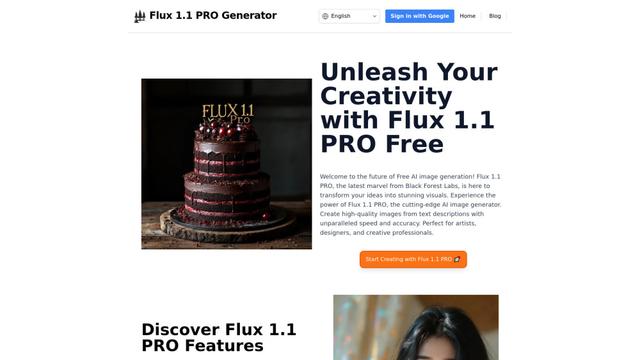
Flux 1.1 PRO
Flux 1.1 Pro is a state-of-the-art text-to-image AI model that offers six times faster generation than its predecessor while delivering superior image quality, prompt adherence, and output diversity, achieving the highest Elo score on the Artificial Analysis image arena.
Popular AI Tools Like Gazouya (がぞうや)
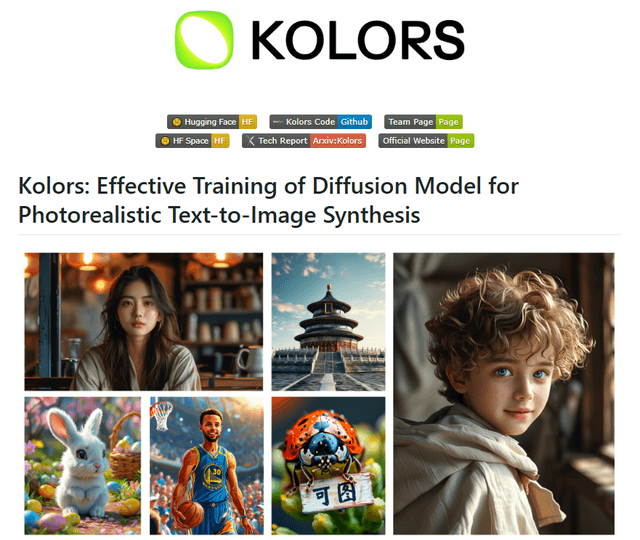
Kolors
Free TrialText to Image
Kolors is a large-scale bilingual text-to-image generation model developed by Kuaishou that excels in visual quality, complex semantic accuracy, and text rendering for both Chinese and English content.
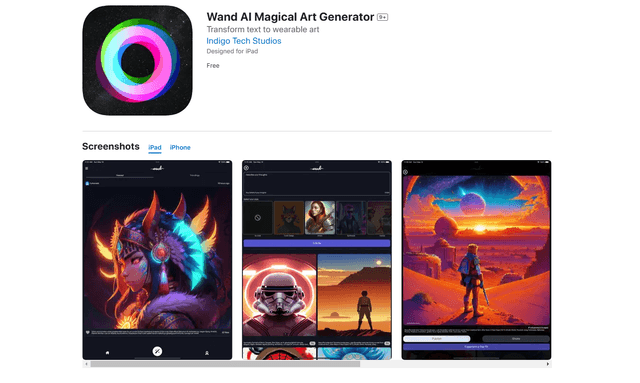
Wand AI
Wand AI is an innovative AI-powered creative tool that transforms text prompts and sketches into customizable digital artworks, designed specifically for artists and creative professionals on iPhone and iPad.
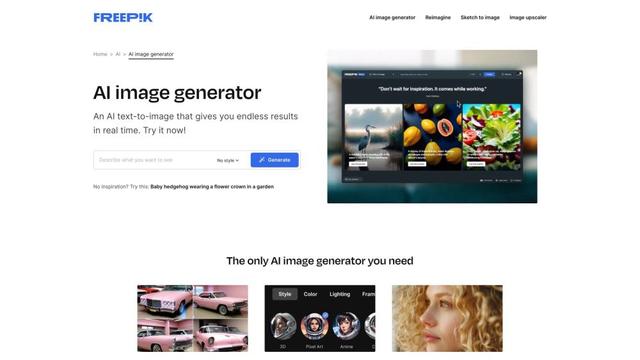
Freepik AI Image Generator
FreemiumText to Image
Freepik's AI Image Generator is a powerful text-to-image tool that creates high-quality, photorealistic images in real-time with customizable styles and infinite variations.
Seaart.ai
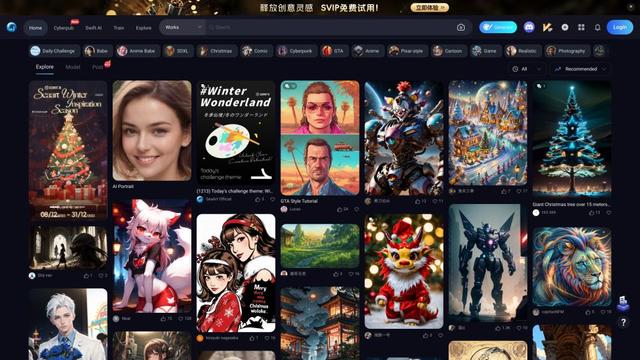
SeaArt.ai is a free AI art generator that offers text-to-image creation, AI character design, swift AI tools, and custom model training capabilities.