G.I.A.ac
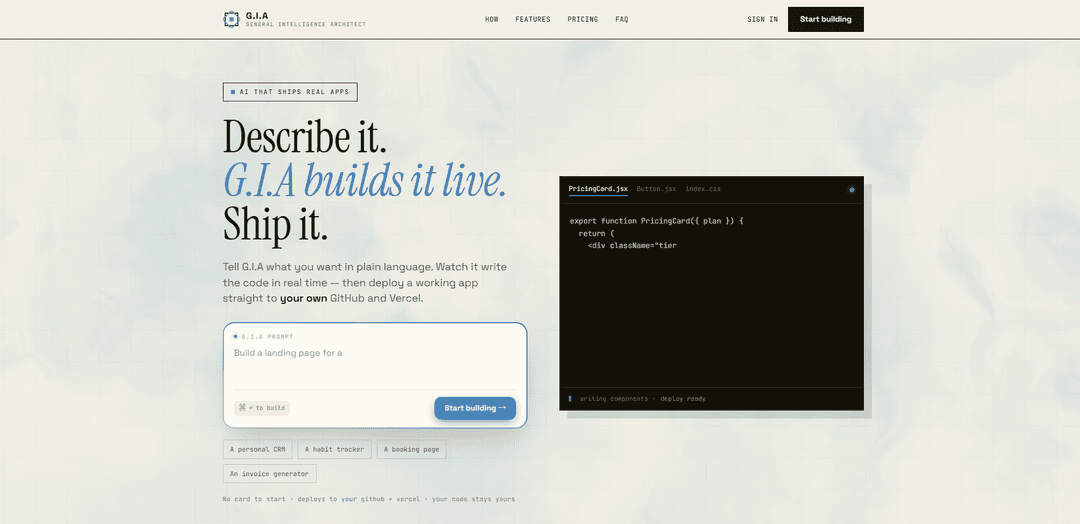
G.I.A.ac is an AI agent that builds real apps live from a plain-language prompt, streams the actual code as files are created, and can one-click deploy to your own GitHub and Vercel with a working preview and built-in AI assistant.
https://www.gia.ac/?ref=producthunt
Product Information
Updated:Aug 8, 2026
What is G.I.A.ac
G.I.A.ac (General Intelligence Architect) is a “describe it and ship it” app builder that turns a single sentence—like a business website or booking tool—into a real, running web application. Instead of generating a hidden demo, it writes the actual project files in real time, gives you a live preview, and (on paid tiers) lets you download the code and deploy directly to your own GitHub and Vercel accounts. The product emphasizes transparency (you can see what’s being created), ownership (the code is yours), and practical shipping (a real repo and live URL, not a sandbox).
Key Features of G.I.A.ac
G.I.A.ac is an AI app-building platform that turns a plain-language description into a real, deployable web app while streaming the actual code creation live (files appear as they’re written). It plans, writes, and self-checks the project, provides live previews and shareable links, and can push a real repository to your own GitHub and deploy to a live Vercel URL with one click. It’s designed to be transparent (you can review outputs before shipping), secure by default (encrypted tokens, tenant isolation, secrets not shipped to the browser), and each deployed app includes a built-in AI chat assistant that is constrained to the app’s own data to reduce leakage risk. Pricing ranges from a free tier for building and previewing to paid tiers for code export and GitHub/Vercel deployment, with project limits varying by plan.
Live code streaming: Shows the app being built in real time—actual files and components appear as they’re generated, not just a loading spinner.
Plain-language to shipped app: Start from a single sentence prompt; G.I.A handles planning, code generation, and self-checking to reach a working application.
One-click GitHub + Vercel deployment: Pushes a real repository to your own GitHub account and deploys a live Vercel URL—intended as production-like output rather than a sandbox demo.
Built-in AI assistant per app: Every deployed app includes an AI chat assistant that “knows” your business context (e.g., services, prices, domain) and is designed to only access the app’s own data.
Secure-by-default architecture: Claims protections such as tokens encrypted at rest, tenant isolation, and keeping secrets out of the browser.
Templates and iterative prompting: Start from proven templates and refine the app through follow-up prompts until it matches your needs.
Use Cases of G.I.A.ac
Local service booking sites: Rapidly generate a booking/availability app for businesses like salons, clinics, or studios, including an on-site assistant to answer customer questions using the business’s own data.
Small business marketing + lead capture: Create a website with service pages, pricing, contact forms, and an embedded assistant that can respond to FAQs and guide visitors toward inquiries.
Internal tools for operations: Build lightweight dashboards, CRUD apps, and workflow tools (e.g., inventory, scheduling, request tracking) and deploy quickly to your own repos/infrastructure.
MVPs for startups and product teams: Prototype and ship a functional MVP fast, with transparent code output that can be reviewed, modified, and extended by engineers.
Landing pages with interactive support: Launch campaign pages with a shareable preview link and a constrained assistant that answers product questions based on the page/app data.
Pros
Produces real deliverables (GitHub repo + live Vercel deployment) that you own and can export.
Live code streaming increases transparency and makes it easier to understand what’s being generated.
Security-focused claims (encrypted tokens, tenant isolation, no secrets in browser) and an assistant constrained to app data.
Low-friction start (plain-language prompt, templates, no initial setup/boilerplate).
Cons
AI outputs can be imperfect and require review before shipping (explicitly noted by the product).
Full deployment and code export are gated to paid tiers (Standard/Pro).
Built-in assistant’s usefulness depends on the quality/structure of the app’s data; it won’t know anything it isn’t given.
May not replace deeper engineering work for complex, highly customized, or regulated production systems.
How to Use G.I.A.ac
1) Open G.I.A: Go to https://www.gia.ac/ (the site describes itself as “Describe an app, watch it build live”).
2) Describe the app you want in plain language: In the prompt box, write a one-sentence (or short paragraph) description of what you want to build (features, pages, data, styling).
3) Start the build: Submit your prompt (the UI indicates “⌘ ↵ to build” on Mac; otherwise use the site’s build/submit action).
4) Watch it build live: G.I.A will plan, write, and self-check the code while streaming the real files as they are created/updated (e.g., components and CSS).
5) Use the live preview: Open the live preview to interact with what’s being built and confirm the app behaves as expected.
6) Iterate with follow-up prompts: Refine the app by sending additional instructions (e.g., “add authentication,” “change the pricing section,” “add a dashboard,” “fix layout on mobile”).
7) Share a preview link (optional): Use the shareable preview link feature (available on the Free tier) to show others the current build for feedback.
8) Connect your GitHub and Vercel accounts: When you’re ready to ship, connect GitHub + Vercel (the product emphasizes “bring your own accounts” so deployment goes to your own infrastructure).
9) Deploy with one click: Use the deploy action to push a real repository to your GitHub and publish a live URL to your Vercel account.
10) Download/export your code (optional): If you want a local copy, use the code export option (ZIP download is listed under the Standard tier).
11) Verify ownership and make final checks: Confirm the repo is in your GitHub and the app is live on your Vercel URL; review AI-generated output before shipping since outputs can be imperfect.
12) Use the built-in AI assistant on deployed apps (optional): On deployed apps (listed as included with paid tiers), enable/use the built-in AI chat assistant that is designed to only access your app’s own data.
G.I.A.ac FAQs
G.I.A.ac is an AI tool that builds real apps from a plain-language description, streams the code as it’s written, and can deploy the finished app to your own GitHub and Vercel.
Popular Articles

Vosko AI: Localize and Dub Videos for Global Audiences
Oct 15, 2026

Atoms: A Multi-Agent AI Platform That Transforms Ideas into Launch-Ready Products
Oct 13, 2026

Nano Banana SBTI: What It Is, How It Works, and How to Use It in 2026
Apr 15, 2026

Atoms Review — The AI Product Builder Redefining Digital Creation in 2026
Apr 10, 2026
Latest AI Tools Similar to G.I.A.ac
GPT Easy Web
GPT Easy Web is a user-friendly AI-powered platform that enables users to easily build, customize and manage websites through natural language interactions and automated tools without requiring coding knowledge.
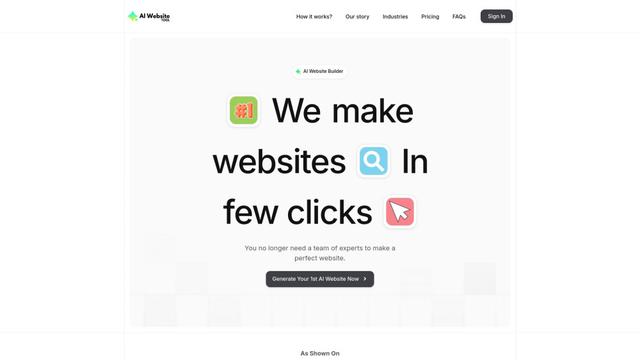
AI Website Tool
AI Website Tool is an AI-powered website builder that creates professional websites in minutes by automatically generating business-focused copy, custom visuals, and responsive designs with just a few clicks.

Softgen
Softgen.ai is an AI-powered full-stack project generator platform that enables users to transform their ideas into functional web applications without coding requirements.
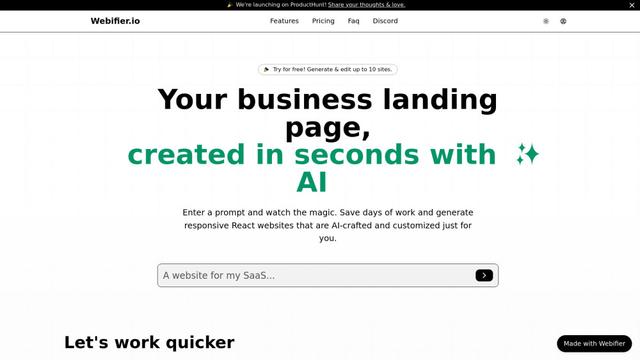
Webifier
Webifier is an AI-powered tool that transforms text prompts into fully functional React landing pages with clean, exportable code using NextJS14, TailwindCSS, and Shadcn components.
Popular AI Tools Like G.I.A.ac
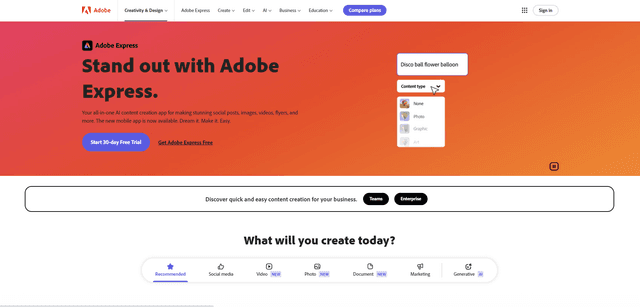
Adobe Express
Adobe Express is an all-in-one AI-powered content creation app for easily making stunning social posts, images, videos, flyers, and more with professionally designed templates and assets.
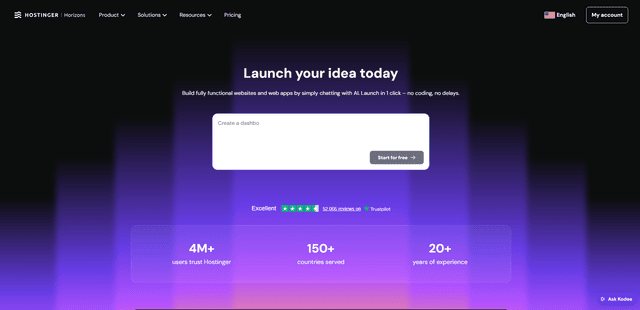
Hostinger
Hostinger is a web hosting and domain service provider offering AI-powered tools like Horizons that enables anyone to build, edit, and publish custom web apps and websites without coding through a simple chat interface.
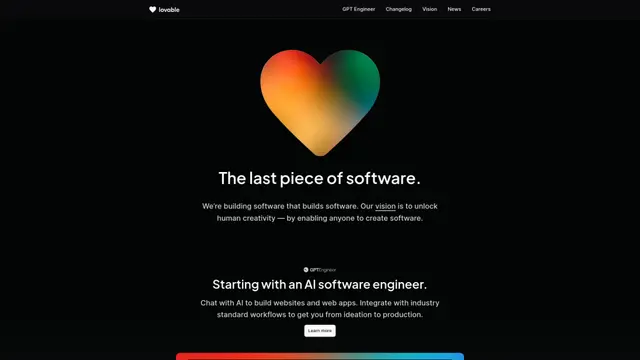
GPT Engineer
GPT Engineer is an AI-powered software development tool that enables anyone to build web applications by chatting with an AI engineer.
Manus Shopify Connector
Manus Shopify Connector lets you build a Shopify-backed storefront, manage your catalog, and generate data-driven campaigns from a single chat—using Shopify APIs with OAuth-scoped access and Shopify checkout.