Free Music Creator AI
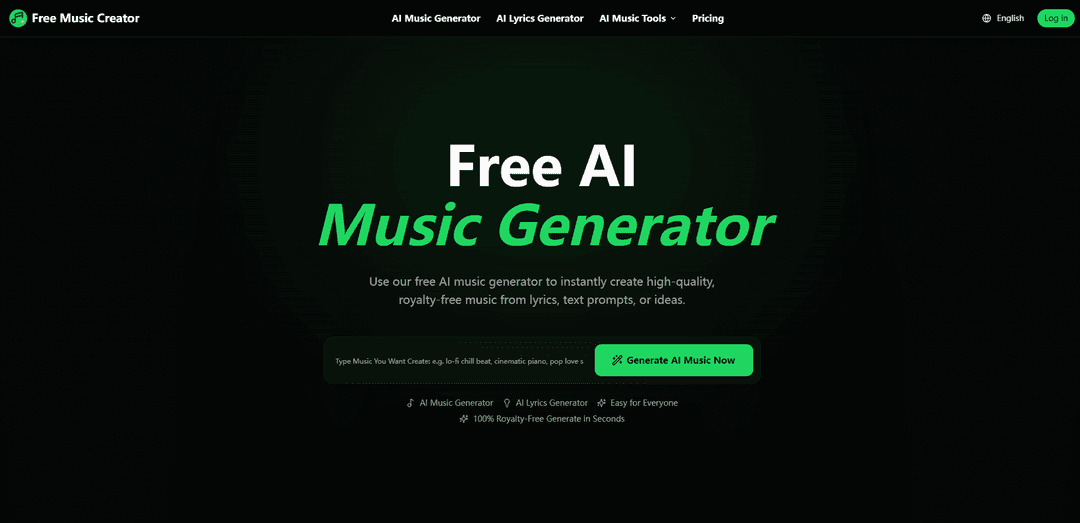
Free Music Creator AI is a free AI music generator that turns text prompts or lyrics into high-quality, royalty-free songs in seconds, with built-in tools like AI lyrics generation, vocal removal, stem splitting, and mastering.
https://freemusiccreator.ai/?utm_source=aipure
Product Information
Updated:Jun 5, 2026
What is Free Music Creator AI
Free Music Creator AI (freemusiccreator.ai) is an AI-powered music creation platform designed to help anyone generate original music quickly for videos, podcasts, games, ads, and other projects. It focuses on simple, prompt-based creation—users can start from an idea, text, or full lyrics—then preview, edit, and download their track. In addition to its AI Music Generator, it includes supporting creator tools such as an AI Lyrics Generator, AI Voice Remover, AI Stem Splitter, and AI Mastering, with pricing tiers that range from a limited free plan (personal use) to paid plans that include commercial license coverage and higher generation/download limits.
Key Features of Free Music Creator AI
Free Music Creator AI (freemusiccreator.ai) is an AI-powered music creation suite that turns text prompts or lyrics into original, royalty-free songs and instrumentals in seconds. It’s designed for creators of all skill levels and includes tools for generating lyrics, removing vocals, splitting stems, and mastering audio, with options to preview, edit, and download/export outputs (including MIDI/audio). The platform offers a free starter tier and paid plans that add higher generation limits, more downloads, and commercial license coverage.
Text/lyrics-to-music generation: Create full songs (melody, rhythm, harmony, and style) from a simple idea, prompt, or pasted lyrics—no music production experience required.
100% royalty-free downloads (plan-dependent): Generate music intended for worry-free use; paid plans explicitly include commercial license coverage, while the free tier is positioned for personal use only.
AI Lyrics Generator: Generate editable lyrics from inputs like title, mood, style, structure, and language, then use them as a starting point for song creation.
AI Vocal Remover: Separate vocals and instrumentals from existing tracks in-browser to create karaoke versions, extract vocal tracks, or prepare remix material.
AI Stem Splitter: Isolate parts such as vocals, drums, bass, piano, and other instruments into clean stems for remixing, sampling, practice, and editing.
AI Mastering + edit/download workflow: Preview results, make adjustments, and export/download outputs (including MIDI/audio) to fit production or content needs.
Use Cases of Free Music Creator AI
Video & social content soundtracks: Create background music for YouTube, TikTok, shorts, and reels with a custom mood and pacing without searching stock libraries.
Podcast intros/outros and beds: Generate consistent theme music and segment beds, and quickly iterate variations to match episode tone.
Indie games and apps: Produce loops, ambient beds, and scene-based cues; use stem splitting to adapt intensity or instrumentation for gameplay states.
Advertising and branded content: Generate short branded tracks/jingles and commercial-ready background music (with commercial license coverage on paid plans).
Music practice, karaoke, and remixing: Use Vocal Remover and Stem Splitter to create karaoke tracks, isolate instruments for learning, or prepare stems for remixes.
Rapid songwriting and demo creation: Draft lyrics, generate a quick instrumental or full song idea, and export elements (e.g., MIDI/audio) to continue production elsewhere.
Pros
Fast, beginner-friendly workflow: generate songs from simple prompts/lyrics in seconds.
All-in-one toolkit: includes lyrics generation, vocal removal, stem splitting, and mastering in one platform.
Royalty-free positioning with commercial license included on paid plans for creator/business use.
Cons
Free tier is limited and positioned for personal use only (commercial license coverage is tied to paid plans).
Usage is quota-based (songs/month, generations/month, concurrent tasks, and download limits vary by plan).
Advanced capabilities (e.g., higher volume, remix/edit features, unlimited downloads, training features) require upgrading.
How to Use Free Music Creator AI
1. Open FreeMusicCreator.ai: Go to https://freemusiccreator.ai/ to access the Free Music Creator AI platform and choose the tool you want to use (AI Music Generator, AI Lyrics Generator, AI Voice Remover, or AI Stem Splitter).
2. Start a music creation flow (AI Music Generator): Click “Generate Music” (https://freemusiccreator.ai/ai-music-generator) to begin creating a track from text prompts, lyrics, or an idea.
3. Enter your idea (text prompt or lyrics) and pick a style: Type a short description of the music you want (mood/idea) or paste/upload lyrics, then select a style/genre as needed—no music experience required.
4. Generate the song: Run the generator so the AI transforms your input into a full song with melody, rhythm, harmony, and style in seconds.
5. Preview the result: Listen to the generated track on the preview page to confirm it matches your intended vibe and use case (videos, podcasts, games, ads, etc.).
6. Edit or adjust (if needed): Use the platform’s edit/adjust options to refine the output before exporting (the site describes a “Listen, Edit & Download” workflow).
7. Download or export: Download your track as royalty-free music or export MIDI/audio (as described in the platform’s Step 3: “Listen, Edit & Download”).
8. Generate lyrics first (optional: AI Lyrics Generator): If you need words, open the AI Lyrics Generator (https://freemusiccreator.ai/ai-lyrics-generator), generate editable lyrics from a title/prompt/mood/style/structure/language, then reuse those lyrics in the AI Music Generator to create a complete song.
9. Remove vocals (optional: AI Voice Remover): To extract vocals or instrumentals, open AI Voice Remover (https://freemusiccreator.ai/ai-vocal-remover) and separate vocals/background music in-browser for karaoke, remixes, or clean vocal tracks.
10. Split stems (optional: AI Stem Splitter): To isolate instruments (e.g., vocals, drums, bass, piano), open AI Stem Splitter (https://freemusiccreator.ai/ai-stem-splitter) and generate stems for remixing, sampling, practice, or audio editing.
11. Confirm your usage rights based on your plan: Check your plan’s license coverage before publishing: the free tier is listed as “Personal use only,” while paid tiers include a commercial license (see the site’s Pricing section and the license link: https://freemusiccreator.ai/license).
Free Music Creator AI FAQs
FreeMusicCreator.ai is an AI music generator that lets you create high-quality, royalty-free music instantly from text prompts, lyrics, or ideas.
Popular Articles

Vosko AI: Localize and Dub Videos for Global Audiences
Oct 15, 2026

Atoms: A Multi-Agent AI Platform That Transforms Ideas into Launch-Ready Products
Oct 13, 2026

Nano Banana SBTI: What It Is, How It Works, and How to Use It in 2026
Apr 15, 2026

Atoms Review — The AI Product Builder Redefining Digital Creation in 2026
Apr 10, 2026
Latest AI Tools Similar to Free Music Creator AI
MeloHunt
MeloHunt is a powerful AI-powered song generator that enables users to create original, high-quality music tracks without requiring any musical expertise.
ChopLab
ChopLab is an AI-powered tool that enables music producers to transform audio tracks into unique samples and custom drum packs through automated splitting, isolation, and chopping processes.
MindBound Labs
MindBound Labs is an innovative platform focused on accelerating Artificial Super Intelligence (ASI) through community engagement, combining NFC cards, AI prompts, and personalization across multiple creative domains.
MusicAny
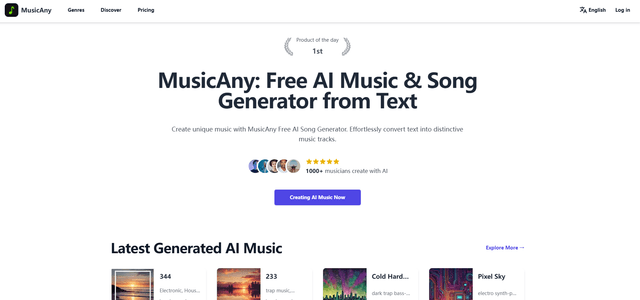
MusicAny is a cutting-edge free AI music generator that enables users to effortlessly create unique, royalty-free songs from text descriptions without any musical background.
Popular AI Tools Like Free Music Creator AI
Jammy Chat
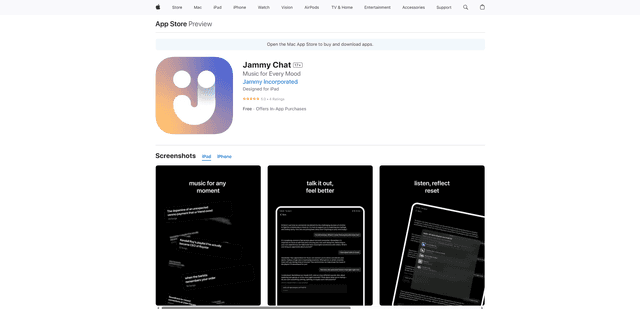
Jammy Chat is a music-infused mental health app that provides personalized playlists and emotional support by analyzing your mood through AI-powered conversations.
Jammy Chat
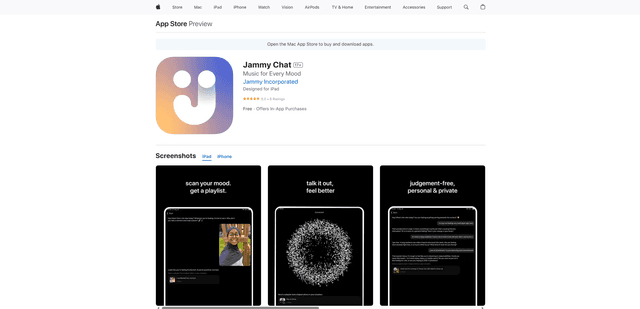
Jammy Chat is an AI-powered mental health app that scans users' facial expressions and provides personalized music playlists to help regulate emotions and improve mood.
Ritmo
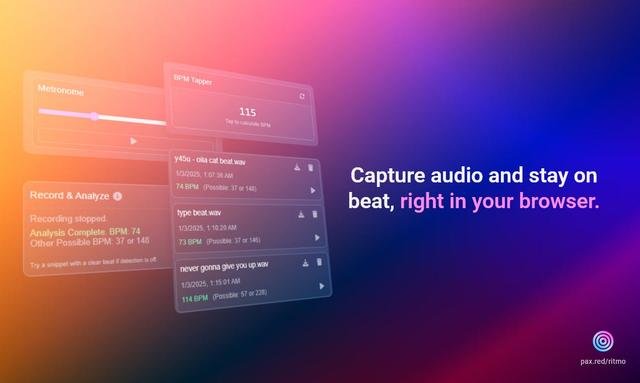
Ritmo is a smart audio toolkit Chrome extension that helps capture, analyze, and manage audio with features like BPM analysis, tap tempo, and metronome functionality.
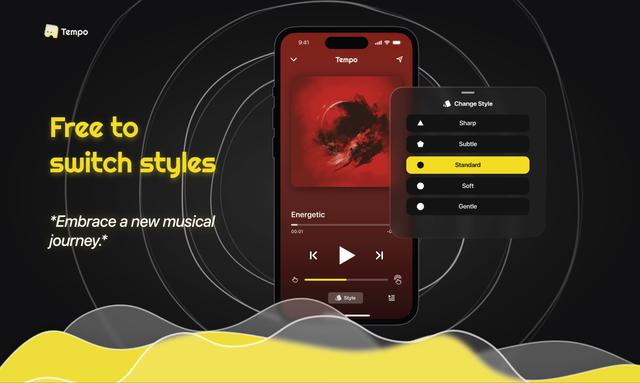
Tempo-Pulse
Tempo-Pulse is an AI-driven haptic music player that transforms any music into tactile sensations through innovative haptic technology, making music feelable for everyone including those who are hard of hearing.