
freddy.
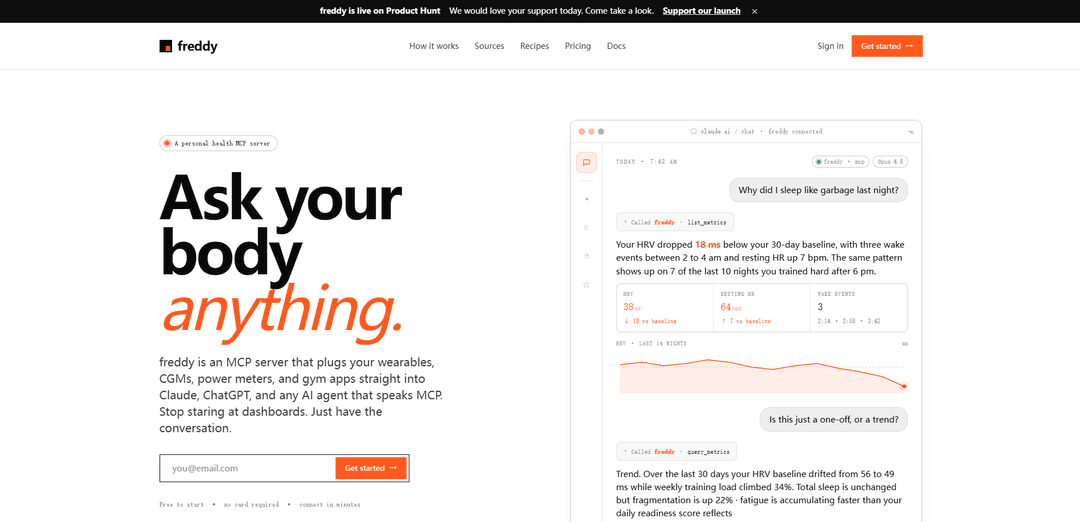
freddy is a private, read-only health MCP server that connects wearables, CGMs, power meters, and gym apps to ChatGPT/Claude so you can query sleep, recovery, HRV, workouts, and more in natural language with cross-source analysis.
https://freddy.coach/?ref=producthunt
Product Information
Updated:Jun 8, 2026
What is freddy.
freddy is an MCP (Model Context Protocol) server designed to bring your personal health and fitness data directly into AI conversations. Instead of jumping between dashboards in Oura, WHOOP, Garmin, Dexcom, Strava, Hevy, Concept2, Intervals.icu, and other platforms, you connect your sources once and then ask questions like “Why did I sleep poorly?” or “Am I overtraining?” in ChatGPT, Claude, Claude Code, or any MCP-compatible client. freddy is model-agnostic, prompt-agnostic, and built to keep data private by default, with read-only connectors, encryption, audit logging, and easy revocation/export/delete controls.
Key Features of freddy.
freddy is a personal health MCP (Model Context Protocol) server that connects your wearables, CGMs, power meters, and gym apps to AI clients like ChatGPT and Claude so you can query your real health and training data in natural language. Instead of juggling multiple dashboards and opaque scores, you paste a single private MCP URL into your AI tool and ask questions (e.g., sleep quality, HRV trends, glucose spikes, training load). It supports many data sources, enables cross-source analysis, and is designed to be private by default with read-only, revocable access, audit logs, encryption, and easy export/delete controls.
MCP server for health data: Acts as a private MCP endpoint that any MCP-capable AI (ChatGPT, Claude, Claude Code, and other agents) can call to retrieve and analyze your metrics inside the conversation.
Multi-source connectors via OAuth: Connects to many platforms (e.g., Oura, WHOOP, Garmin, Polar, Withings, Dexcom, Wahoo, Hevy, Intervals.icu, Concept2, Strava and more) using OAuth with read-only, revocable permissions.
Natural-language querying of metrics: Lets you ask questions like “Why did I sleep poorly?” or “Am I overtraining?” and returns answers grounded in your actual HRV, resting HR, sleep fragmentation, training load, glucose, and other metrics.
Cross-source analysis: Correlates signals across devices and apps (e.g., glucose × sleep, training load × HRV, late workouts × wake events) to explain drivers and trends rather than showing isolated scores.
Fast setup with a single URL: No new app required—connect sources, then paste one MCP URL into your AI client to start querying; designed to take only a few minutes.
Privacy, control, and portability: Private by default with encryption in transit/at rest, per-query scope, audit logs, no training on your data, and one-click export (CSV) and deletion of account/history.
Use Cases of freddy.
Personal health & recovery coaching: Individuals can ask why HRV dropped, why sleep was fragmented, or whether fatigue is accumulating, using combined sleep, readiness, resting HR, and training data instead of manual dashboard checking.
Endurance training optimization: Cyclists/runners/triathletes can correlate power/training load (e.g., Wahoo/Intervals.icu) with recovery signals (HRV, resting HR, sleep) to adjust intensity, timing, and weekly load.
Glucose-aware lifestyle and nutrition insights: CGM users (e.g., Dexcom) can investigate glucose spikes and patterns alongside sleep, workouts, and recovery to refine meal timing, training, and routines.
Strength training review and progression: Lifters using logging apps (e.g., Hevy) can analyze volume/intensity trends and relate them to recovery metrics to plan deloads, avoid overreaching, and improve consistency.
Quantified-self / biohacking research: Data-driven users can run longitudinal, cross-device explorations (temperature shifts, HRV baselines, sleep-stage changes) and ask hypothesis-style questions in plain English.
Developer/agent integrations for health workflows: Teams building MCP-capable agents can incorporate a user’s real wearable/CGM data into automated check-ins, summaries, or alerting workflows without building bespoke integrations per data source.
Pros
Model-agnostic and tool-agnostic: works with any MCP client (ChatGPT, Claude, Claude Code, agents), reducing lock-in.
Unifies fragmented health/training data and enables cross-source answers instead of isolated app scores.
Strong control posture: read-only connectors, revocable access, audit logs, encryption, and easy export/delete with no training on user data.
Cons
Connector availability varies by status (Live/Alpha/Beta/Planned), so some ecosystems may not be supported yet.
Value depends on having compatible devices/data sources; limited utility if you don’t track metrics or your platform isn’t available.
Requires trusting a third-party service to broker access to sensitive health data, even with stated privacy controls.
How to Use freddy.
1) Sign up / log in: Go to https://freddy.coach/app/login and sign in (no card required for the free plan).
2) Connect a data source (wearable/app): In the freddy app, choose a source (e.g., Oura, WHOOP, Garmin Connect, Polar, Withings, Dexcom, Wahoo, Hevy, Intervals.icu, Suunto, Strava, Concept2, etc.) and complete the OAuth approval. freddy is read-only and access is revocable.
3) Confirm your data is syncing: After connecting, wait briefly for sync. On the free plan you’ll have 1 connected source and the first 30 days of history available.
4) Copy your freddy MCP URL: In freddy, find the MCP server URL (shown like https://freddy.coach/mcp) and copy it. This is the single endpoint you’ll paste into an MCP-capable AI client.
5) Add freddy as a connector in your AI client: Open an MCP-capable client (e.g., Claude Desktop / claude.ai, ChatGPT, Claude Code, or another MCP client) and add a new MCP connector/server using the URL you copied.
6) Authenticate the connector (if prompted): When your AI client prompts you, approve the connection using the same email/account you use for freddy. You should then see “freddy” listed as an available connector.
7) Discover what metrics are available: Ask your AI something like “What metrics do you have from freddy?” The AI will call freddy’s list_metrics tool to return available metrics, date ranges, and the source device for each metric.
8) Query specific metrics/time ranges: Ask targeted questions (e.g., “Show my sleep duration, REM, deep sleep, and HRV for last night” or “How has my HRV baseline changed over the last 30 days?”). The AI will call freddy’s query_metrics tool to fetch the relevant data.
9) Ask cross-metric ‘why’ questions in natural language: Ask causal/trend questions like “Why did I sleep poorly last night?”, “Am I overtraining?”, or “Why did my glucose spike?” freddy supplies the underlying numbers so the AI can explain patterns (e.g., training load vs sleep fragmentation vs HRV).
10) Add more sources (optional): If you upgrade to Pro, connect unlimited sources, access full history, and run cross-source analysis (e.g., glucose × sleep, training load × HRV).
11) Manage privacy and access: Revoke any connected source in freddy at any time. freddy states it does not sell/share/train on your data; tokens and stored health data are encrypted at rest (AES-256).
12) Export or delete your data (optional): Use freddy’s account controls to export your history (CSV) or delete your account/connectors/history.
freddy. FAQs
freddy is a personal health MCP server that connects your wearables, CGMs, power meters, and gym apps to AI tools like ChatGPT and Claude, so you can query your health and training data in natural language.
Popular Articles

Vosko AI: Localize and Dub Videos for Global Audiences
Oct 15, 2026

Atoms: A Multi-Agent AI Platform That Transforms Ideas into Launch-Ready Products
Oct 13, 2026

Nano Banana SBTI: What It Is, How It Works, and How to Use It in 2026
Apr 15, 2026

Atoms Review — The AI Product Builder Redefining Digital Creation in 2026
Apr 10, 2026
Latest AI Tools Similar to freddy.
DocAI
DocAI is an AI-powered platform that offers intelligent document processing, medical consultation analysis, and personalized healthcare solutions through advanced machine learning technologies.
Nutrecity
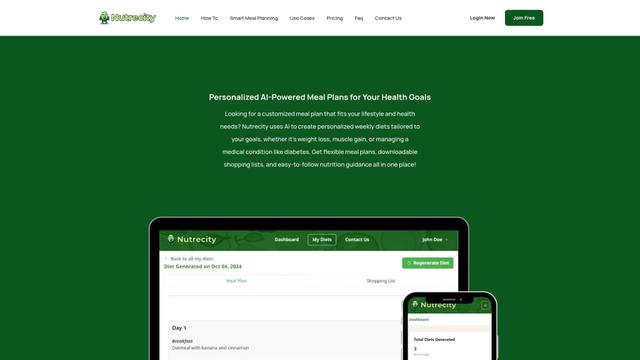
Nutrecity is an AI-powered meal planning platform that creates personalized nutrition plans tailored to individual health goals, dietary preferences, and restrictions while providing comprehensive nutritional tracking and reporting.
Fit Aura
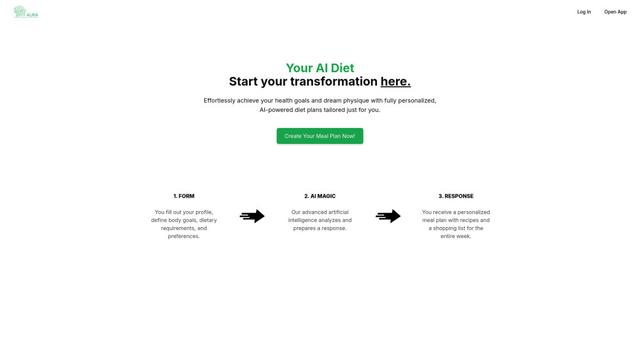
Fit Aura is an AI-powered diet and nutrition platform that creates personalized meal plans, generates recipes, and helps track fitness progress for achieving health goals.
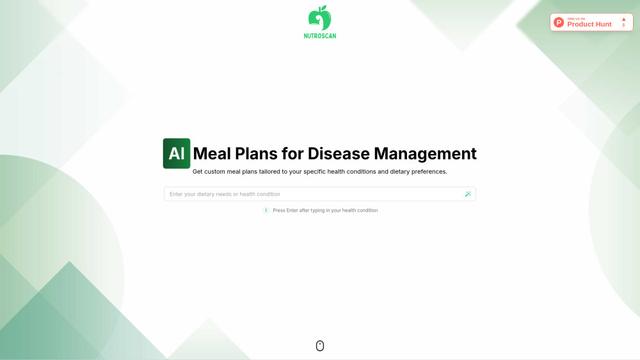
Nutroscan
Nutroscan is an AI-powered meal planning platform that generates personalized nutrition plans based on individual health conditions, dietary preferences, and nutritional needs.
Popular AI Tools Like freddy.
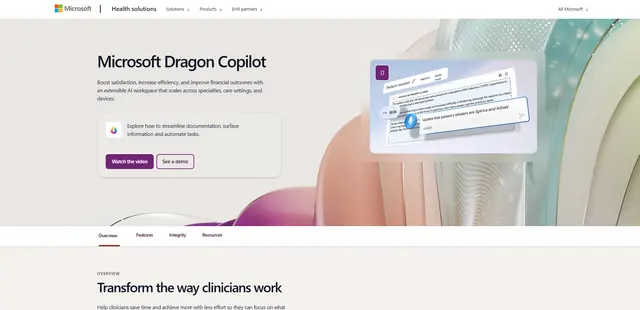
Microsoft Dragon Copilot
Microsoft Dragon Copilot is an AI-powered clinical workflow assistant that combines natural language voice dictation, ambient listening capabilities, and generative AI to streamline documentation, surface information, and automate tasks across healthcare settings.
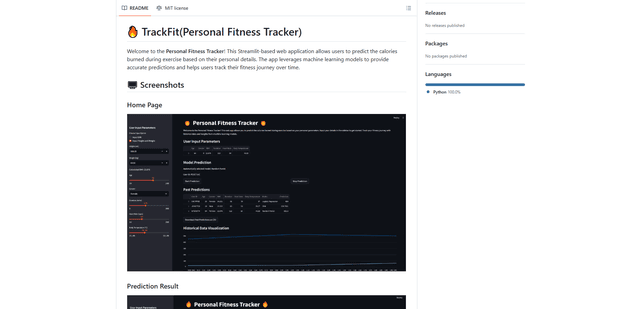
TrackFit
TrackFit is a comprehensive AI-powered fitness tracking system that combines smartwatch sensor data, machine learning models, and personalized analytics to help users monitor workouts, track progress, and improve exercise form in real-time.
HealthyAI - Nutrition Scanner
FreemiumHealthcare
HealthyAI is an AI-powered nutrition scanner app that helps users make healthier food choices by providing instant ingredient analysis, nutritional breakdowns, and personalized recommendations through barcode scanning and photo recognition technology.
Neck-Life
FreemiumHealthcare
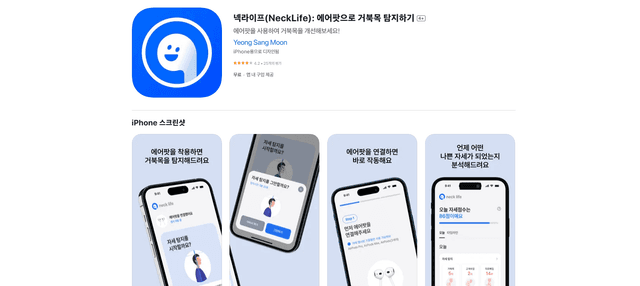
Neck-Life is an innovative app that uses AirPods sensors to monitor neck posture in real-time and helps prevent 'tech neck' through timely alerts and personalized settings.