
FlowTask
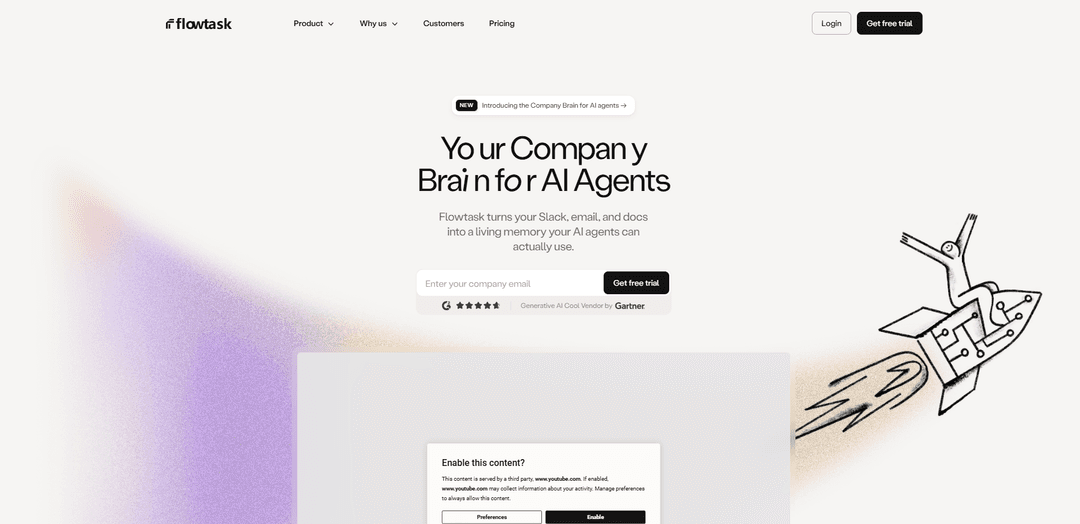
Flowtask turns Slack, email, and docs into a “Company Brain” that automatically structures context into assigned, trackable tasks and executable “skills” so AI agents can operate without repeated context.
https://flowtask.work/?ref=producthunt
Product Information
Updated:Aug 8, 2026
What is FlowTask
Flowtask is an AI operations layer designed to convert everyday team communication into a living, structured memory that both humans and AI agents can use to execute work. Instead of relying on manual triage, copying information into project boards, or repeatedly re-explaining context, Flowtask captures signals from Slack, email, and documentation, then organizes them into clear work items with ownership, status, and next steps. The product positions itself as a single execution system that improves as it’s used—helping teams maintain visibility, reduce coordination overhead, and move from request to resolution with less friction.
Key Features of FlowTask
Flowtask positions itself as a “company brain” and execution layer that turns unstructured work (Slack messages, emails, and docs) into structured, trackable tasks with clear ownership and status. It automatically captures context, routes work to the right owner, and maintains shared visibility so nothing falls through the cracks. The product emphasizes automation with control (review/approve/edit/revert AI output), reducing manual triage and coordination time while helping teams scale execution without adding overhead.
Company Brain (living memory for AI agents): Structures Slack, email, and docs into a usable memory layer so AI agents (and humans) don’t need repeated context or manual updates.
Conversation-to-task structuring: Converts messy threads and messages into clean, structured tasks, making outcomes executable instead of buried in inboxes and channels.
Auto-routing and ownership assignment: Routes tasks instantly to the right owner based on context, workspace, and rules, helping work land where it belongs without manual coordination.
Automation with human control: Provides review and approval workflows so teams can approve, edit, revert, or adjust AI-generated tasks and next steps while staying in charge.
Unified execution visibility: Tracks status, ownership, and progress in one place—from message to completion—reducing missed follow-ups and status-meeting overhead.
Intent signals & sales copilot capabilities (Duo): Surfaces buying/intent signals and supports outbound workflows (e.g., targeted sequences, analytics, A/B testing, enrichment) to help teams act at the right time with relevant messaging.
Use Cases of FlowTask
Agency/service delivery ops: Automatically turns client emails and Slack requests into assigned tasks and tracked work, reducing the manual “copy to PM board” effort and coordination overhead.
Sales/BD outbound execution: Uses signals and a copilot workflow to identify targets, enrich data, and generate personalized sequences at scale, improving speed and relevance of outreach.
Customer support & success follow-through: Transforms inbound requests from email/Slack into structured tasks with owners and status so escalations and follow-ups don’t get lost in threads.
Cross-functional internal operations: Creates a shared execution layer across teams by capturing work from everyday tools (Slack/email/docs) and providing clear ownership, handoffs, and progress tracking.
Founder/leadership execution system: Reduces chasing and meeting load by ensuring work is automatically captured, assigned, and visible—helping small teams scale output without adding managers.
Pros
Reduces manual triage by converting Slack/email/doc context into structured, assigned tasks automatically.
Improves accountability and visibility with clear ownership/status tracking in one place.
Human-in-the-loop controls (review/approve/edit/revert) help maintain trust and governance over automation.
Can support revenue workflows via intent signals and AI-assisted outreach/sequencing capabilities.
Cons
Automation quality may require an approval step and tuning (AI-generated tasks/routing can be imperfect).
Integration coverage varies by product area/version; teams should confirm required native integrations and roadmap fit.
The FlowTask/Flowtask name is used by multiple unrelated products in the market, which can create evaluation confusion.
How to Use FlowTask
1) Connect your sources (Slack, email, docs): In Flowtask, link the tools where your team’s work already happens—Slack, email, and your docs—so Flowtask can ingest messages and content as the raw input for your “Company Brain.”
2) Let Flowtask build your Company Brain automatically: Once connected, Flowtask structures incoming Slack messages, emails, and documents into organized, reusable context (“living memory”) that AI agents can reference—reducing repeated explanations and manual updates.
3) Turn messages into structured tasks: As new Slack threads or emails arrive, Flowtask converts them into structured tasks (with clear action items) so work is trackable “from message to completion,” without copying details into separate project boards.
4) Auto-assign the right owner using context and rules: Configure or rely on Flowtask’s context-based routing so tasks are assigned to the appropriate person based on workspace, content, and rules—ensuring “right task, right owner” and reducing manual triage.
5) Review and control AI-generated work: Use Flowtask’s control layer to review, approve, edit, revert, or refine AI-generated tasks. This keeps automation high while maintaining human oversight and accountability.
6) Track status, blockers, and progress in one execution layer: Use Flowtask’s centralized view to see what’s open, who owns it, and what’s blocked. This improves visibility, reduces chasing in Slack/email, and helps prevent follow-ups from falling through.
7) Use signals to trigger timely actions (optional, sales-focused): Leverage Flowtask’s intent/signal detection (e.g., community posts, competitor reviews, job changes, website visits) to generate actionable tasks or prompts so your team engages at the right time.
8) Build and run outbound sequences (optional, sales engagement): If using Flowtask for outbound, create multichannel sequences with conditional logic and A/B messaging, then use built-in workflow integrations and real-time email validation to improve deliverability and outreach success.
9) Keep execution moving asynchronously: Rely on Flowtask’s automatic handoffs so work continues even when you’re offline—new messages become assigned tasks instantly, and teammates can pick up the next step without waiting for meetings.
10) Scale operations without adding overhead: As volume grows, keep using the same workflow: sources → structured memory → assigned tasks → review/control → tracking. Flowtask is designed to reduce status meetings, improve shared visibility, and scale delivery without adding managers.
FlowTask FAQs
Flowtask is a “Company Brain for AI Agents” that turns your Slack, email, and docs into a living memory your AI agents can use.
FlowTask Video
Popular Articles

Vosko AI: Localize and Dub Videos for Global Audiences
Oct 15, 2026

Atoms: A Multi-Agent AI Platform That Transforms Ideas into Launch-Ready Products
Oct 13, 2026

Nano Banana SBTI: What It Is, How It Works, and How to Use It in 2026
Apr 15, 2026

Atoms Review — The AI Product Builder Redefining Digital Creation in 2026
Apr 10, 2026
Latest AI Tools Similar to FlowTask

Ticknotes
Ticknotes is an AI-powered meeting assistant that automatically records, transcribes, and generates personalized meeting summaries, action items, and key insights from audio, video, and text content.

Feta
Feta is an AI-powered meeting tool that helps product and engineering teams run efficient meetings by capturing discussions, automating tasks, and providing actionable insights through smart summaries and integrations.
Aimeet
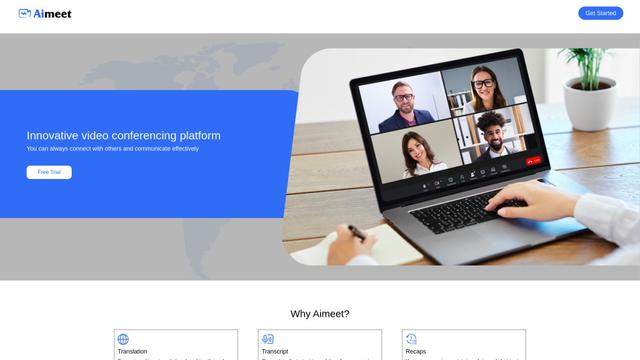
Aimeet is a comprehensive AI-powered communication platform that combines real-time translation, transcription, screen sharing, and unlimited meeting capabilities for effective virtual collaboration.
MinutesLink
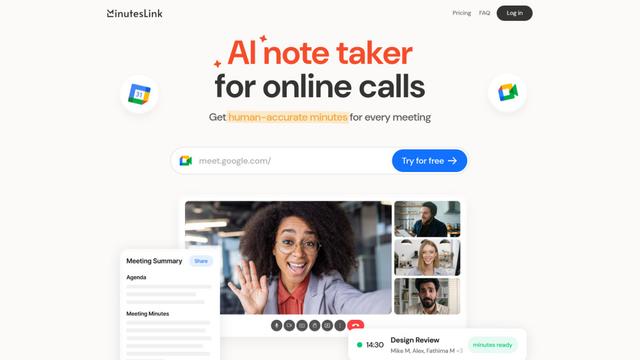
MinutesLink is an advanced AI-powered note-taking assistant that automatically records, transcribes, summarizes and organizes virtual meetings while building personalized digital avatars from meeting data.
Popular AI Tools Like FlowTask
Second Brain for AI
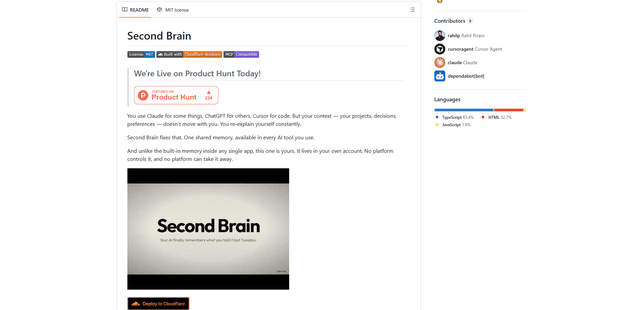
Second Brain for AI is a self-hosted, MCP-compatible persistent memory layer on Cloudflare that lets Claude, ChatGPT, Cursor, and other AI clients store and semantically recall shared context across sessions.
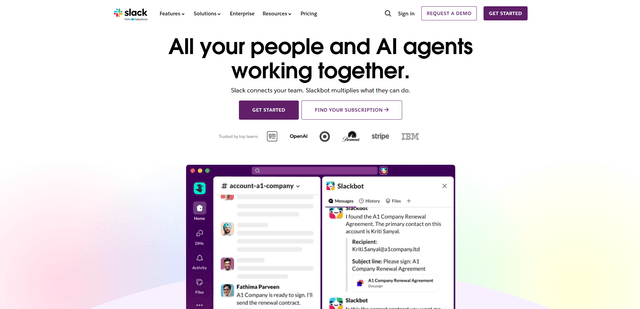
Slack
Slack is an AI-powered work platform that brings team communication, channels, files, automation, and app integrations into one conversational workspace.
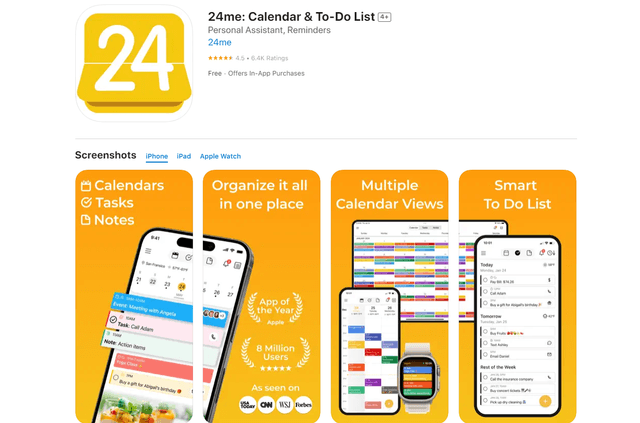
24me Smart Personal Assistant
24me is an award-winning smart personal assistant app that combines calendar, to-do lists, notes, and personal accounts in one unified platform to help boost productivity and time management.
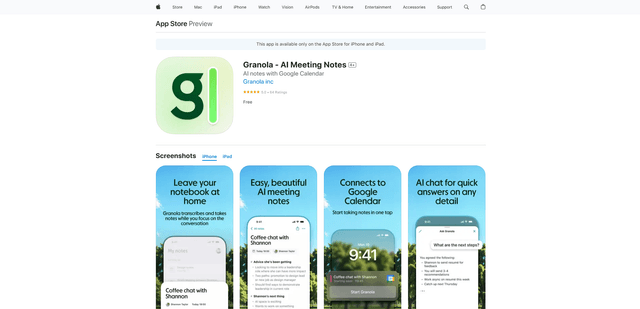
Granola for iOS
Granola for iOS is an AI-powered notepad app that helps users effortlessly capture, transcribe and summarize meeting conversations through intelligent note-taking and one-tap recording capabilities.