
Fig Prompt
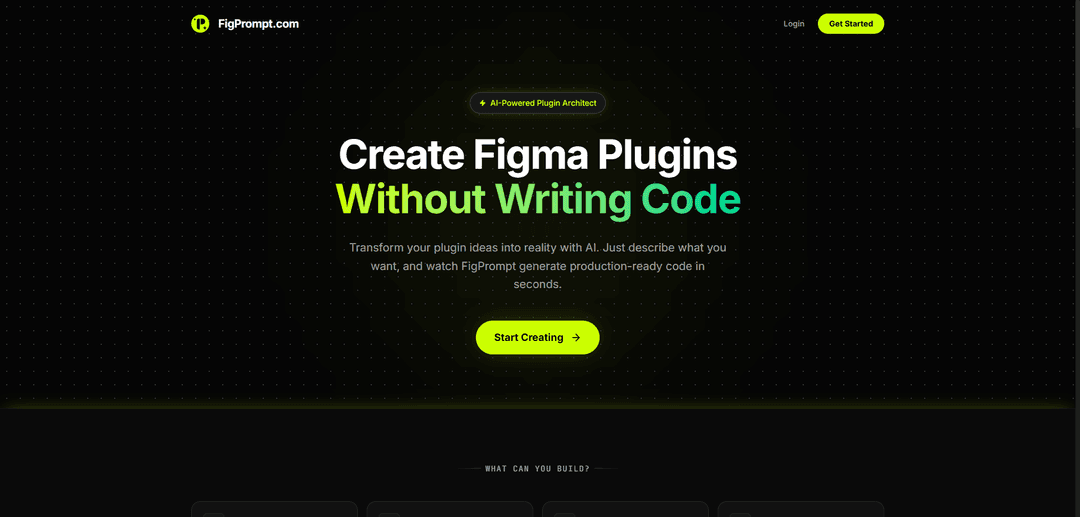
Fig Prompt is an AI-powered tool that helps designers and developers create Figma plugins, generate interactive prototypes, and build collaborative workspaces through natural language prompts.
https://figprompt.com/?ref=producthunt
Product Information
Updated:Apr 8, 2026
What is Fig Prompt
Fig Prompt represents a suite of AI-enabled capabilities within the Figma ecosystem, including Figma Make and FigJam AI, that allows users to transform their ideas into functional designs and prototypes through simple text prompts. It serves as an intelligent assistant that can generate everything from basic design elements to complex interactive prototypes, collaborative workspaces, and custom plugins based on natural language descriptions.
Key Features of Fig Prompt
Fig Prompt is an AI-powered tool that helps users create and customize Figma plugins through natural language prompts. It generates production-ready code including code.js, ui.html, and manifest.json files, enables quick iterations through version history tracking, and provides smart validation to ensure plugins follow Figma's sandbox rules and permissions.
AI Code Generation: Convert natural language descriptions into complete, working plugin code with all necessary files automatically generated
Version Control: Track changes, compare versions, and roll back to previous iterations of your plugin development
Smart Validation: Built-in checks to ensure plugins comply with Figma's sandbox rules and handle permissions correctly
One-Click Export: Download plugins as ready-to-install ZIP files that can be directly imported into Figma
Use Cases of Fig Prompt
Color Management: Extract and organize colors from selected layers with automatic generation of color circles and hex codes
Layer Organization: Automatically rename and organize layers based on their position or other attributes
Layout Automation: Create responsive grids and arrange items with specific spacing and alignment requirements
Pros
No coding experience required to create functional plugins
Quick iteration and refinement through AI-assisted development
Production-ready code with built-in error handling
Cons
May struggle with complex layouts or advanced logic
Potential pricing concerns for token usage
Generated code may need manual refinement for complex functionalities
How to Use Fig Prompt
Install Fig: Download and install Fig from fig.io for your terminal/shell
Launch Fig: Open your terminal and ensure Fig is running by checking for the Fig icon or autocomplete suggestions
Use Natural Language Prompts: Type # followed by your command request in plain English (e.g. '# reverse my last git commit')
Review AI Suggestions: Fig will analyze your prompt and suggest the appropriate command to execute
Execute Command: Press enter to run the suggested command if it matches your needs
Use Autocomplete: As you type regular commands, Fig will show contextual autocomplete suggestions for directories, git commands, npm scripts etc.
Access Plugin Store: Use 'fig' command to access the plugin store where you can install additional shells, frameworks and tools
Troubleshoot Issues: If you encounter problems, run 'fig doctor' to diagnose and fix common issues
Customize Settings: Use 'fig settings' to configure preferences like telemetry, updates and other options
Sync Across Devices: Log in to sync your Fig settings, aliases and dotfiles across all your machines
Fig Prompt FAQs
FigPrompt is an AI-powered plugin architect tool that helps transform plugin ideas into reality by generating production-ready Figma plugin code based on natural language descriptions.
Popular Articles

Vosko AI: Localize and Dub Videos for Global Audiences
Oct 15, 2026

Atoms: A Multi-Agent AI Platform That Transforms Ideas into Launch-Ready Products
Oct 13, 2026

Nano Banana SBTI: What It Is, How It Works, and How to Use It in 2026
Apr 15, 2026

Atoms Review — The AI Product Builder Redefining Digital Creation in 2026
Apr 10, 2026
Latest AI Tools Similar to Fig Prompt
Poster Generator
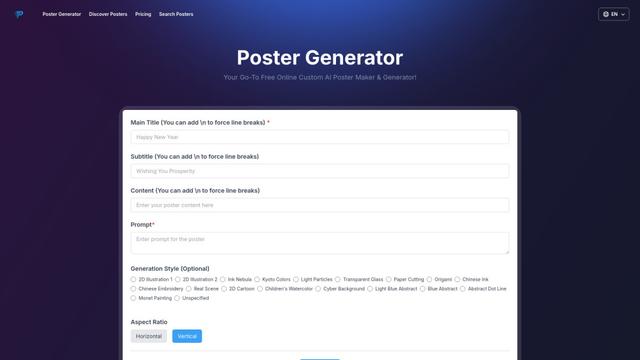
An AI-powered online poster maker that enables users to effortlessly create stunning custom posters through templates, AI generation, and drag-and-drop editing tools without requiring design skills.
Sketcho
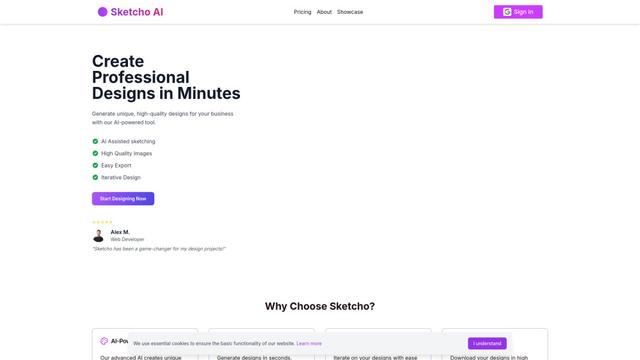
Sketcho is an AI-powered design tool that transforms sketches and ideas into high-quality professional designs through an intuitive interface.

Palette Hunt
Palette Hunt is an AI-powered color analysis tool that helps users discover their perfect color palettes through personalized analysis and AI-generated fashion models.

LogoGeneratorAI
LogoGeneratorAI is an advanced AI-powered logo creation tool that generates unique, professional SVG logos with customizable features like color schemes, image cropping, and background removal.
Popular AI Tools Like Fig Prompt
Canva AI
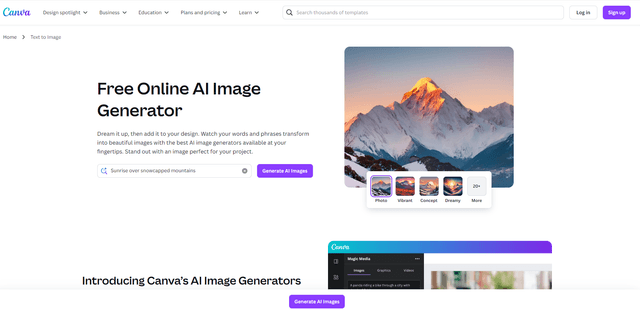
Canva AI is an advanced suite of AI-powered design tools integrated into Canva's platform, offering features like text-to-image generation, background removal, and content creation assistance to streamline the design process.
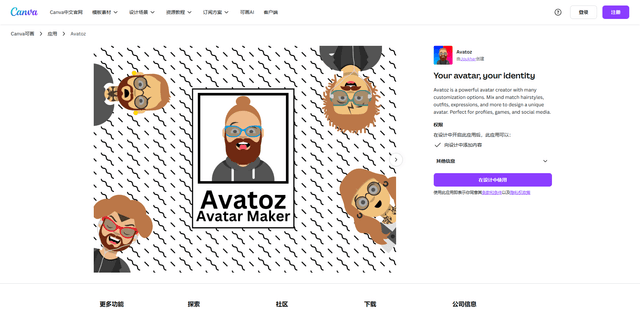
Avatoz
Avatoz is a powerful avatar creator app for Canva that allows users to design unique, customized avatars with extensive options for hairstyles, outfits, expressions and more.
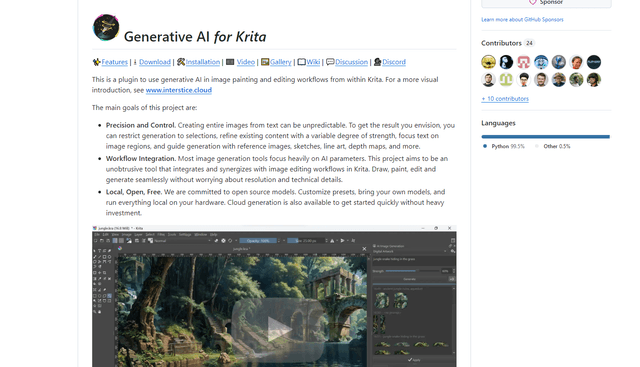
Krita
Krita is a free and open-source digital painting and illustration software that offers a wide range of professional-grade tools for artists and designers.
Adobe
Adobe is a leading software company that provides creative, marketing, and document management solutions through innovative applications and services.