FaceSwapVideo
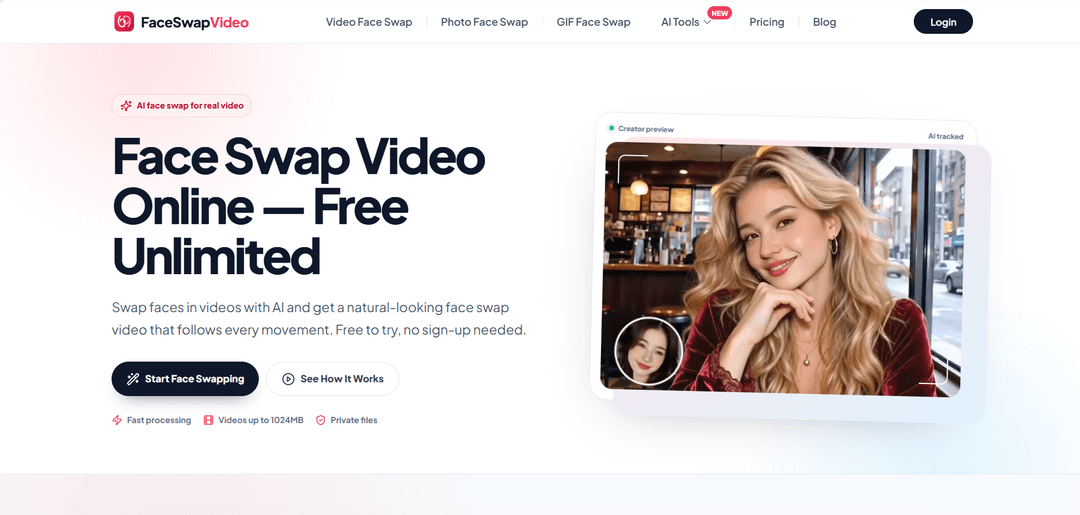
FaceSwapVideo is a browser-based AI tool for swapping faces in videos, with free access, no required sign-up, and watermark-free downloads.
https://faceswapvideo.ai/?utm_source=aipure
Product Information
Updated:Nov 25, 2026
What is FaceSwapVideo
FaceSwapVideo lets users replace faces in video clips using a reference photo, without installing software or learning video editing. It supports uploads up to 1024 MB and also offers face-swapping modes for photos, GIFs, and multiple faces. Users can try it without an account; the site says a free account supports longer videos.
Key Features of FaceSwapVideo
FaceSwapVideo is a browser-based AI tool that replaces faces in videos using an uploaded portrait. It tracks faces across frames and adapts the swap to movement and lighting. The service also supports photo, GIF and multiple-face swaps, with free access and no sign-up required to try video swapping.
AI video face swapping: Tracks a face across video frames and blends the replacement face with the scene's movement, lighting and skin tone.
Two-upload workflow: Users upload an original video and a target face photo, then process, preview and download the result.
Long-video support: A free account supports videos of any length as a single file, subject to the 1024 MB upload limit.
Photo, GIF and multiple-face swaps: Additional modes support still images, animated GIFs and swapping several faces in one image or video.
Free browser access: The tool requires no installation, offers free swaps without sign-up and provides watermark-free video downloads.
Use Cases of FaceSwapVideo
Social media clips: Creators can add face swaps to short videos for platforms such as TikTok, Instagram Reels and YouTube Shorts.
Memes and parodies: Users can place a different face into a scene to create reaction videos, jokes or parody content.
Marketing content: Small teams and marketers can use face swaps in promotional videos or longer storytelling projects.
Group entertainment: Friends or event organizers can swap multiple faces in group photos or videos for playful keepsakes.
GIFs and messaging: Users can personalize animated GIFs for sharing in chats and on social platforms.
Pros
Simple browser-based workflow with no software installation.
Free to try without an account, with watermark-free video downloads.
Supports long videos and multiple media types.
Cons
Video uploads are limited to 1024 MB.
Unlimited video length requires signing in with a free account.
Results may be less reliable with extreme angles, rapid movement or obstructed faces.
How to Use FaceSwapVideo
Open FaceSwapVideo: Go to https://faceswapvideo.ai/ and select the video face swap mode. You can try it without signing up.
Upload your video: Upload the original video containing the face you want to replace. Use footage you have permission to edit.
Upload a face photo: Click Upload Photo and choose a clear, well-lit, front-facing photo of the face you want to appear in the video. Get the person's permission first.
Generate the swap: Click Swap Now and wait for the video to finish processing.
Preview and download: Check the result, then download the finished video to your device.
FaceSwapVideo FAQs
FaceSwapVideo is an online AI tool that replaces faces in videos using a face photo. It also offers face swapping for photos and GIFs.
Popular Articles

Proferex: A Cloud-Based Ad Tracking and Campaign Optimization Platform
Nov 4, 2026

How to Create Viral Talking Baby Podcast Videos with AI: Step-by-Step Guide
Nov 2, 2026
Vosko AI: Localize and Dub Videos for Global Audiences
Oct 15, 2026
Atoms: A Multi-Agent AI Platform That Transforms Ideas into Launch-Ready Products
Oct 13, 2026
Latest AI Tools Similar to FaceSwapVideo
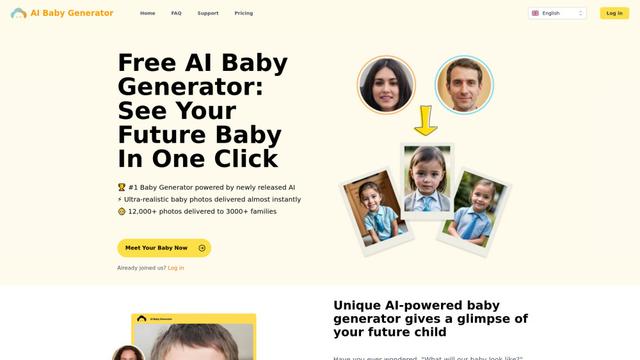
Free AI Baby Generator
Free AI Baby Generator is a cutting-edge online tool that creates ultra-realistic images of future babies by analyzing and combining up to 70 unique facial features from both parents' photos using advanced AI technology.
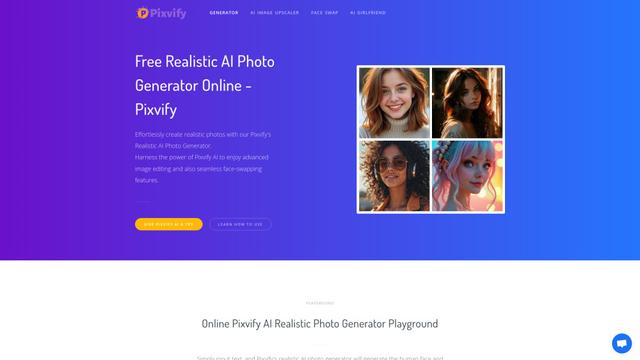
Pixvify
Pixvify is a free, all-in-one AI platform for creating realistic photos, face swapping, image editing, and video generation.
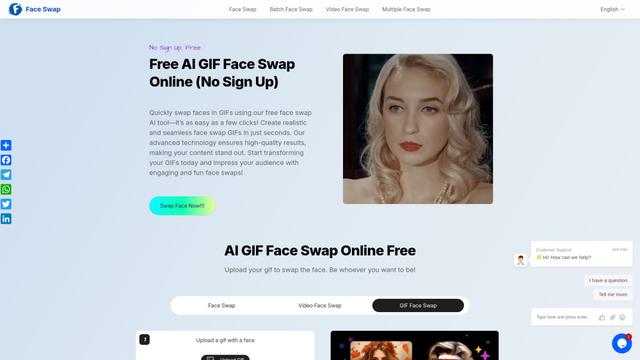
Free AI GIF Face Swap Online
Free AI GIF Face Swap Online is a user-friendly tool that allows seamless face swapping in GIFs without sign-up, offering high-quality results in seconds.

CelebU
CelebU is an AI-powered platform that generates personalized celebrity video greetings using deepfake technology, voice cloning, and customizable templates.
Popular AI Tools Like FaceSwapVideo
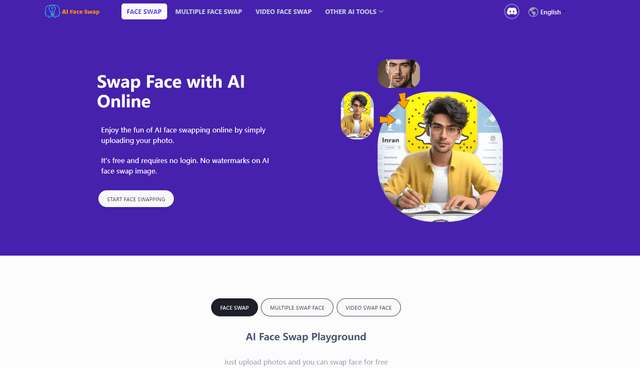
AI Face Swap
AI Face Swap is a free online tool that uses artificial intelligence to seamlessly replace faces in photos, videos, and GIFs without watermarks or sign-up requirements.
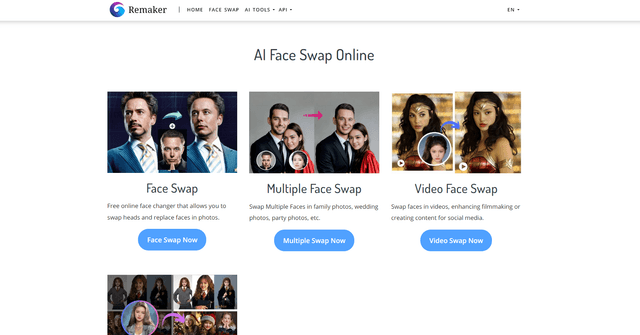
Remaker AI
Remaker AI is an all-in-one AI-powered platform for creative content generation, offering tools like face swapping, image editing, and video manipulation.
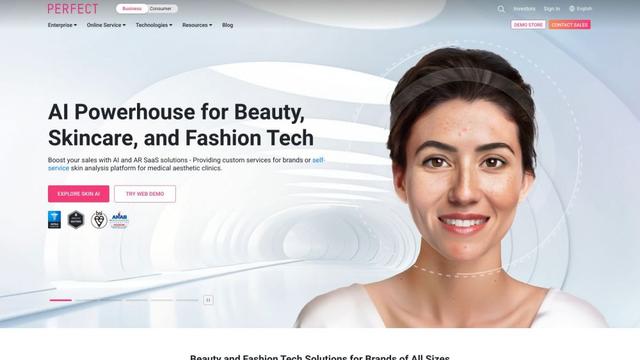
YouCam AI & AR Business Solutions
YouCam AI & AR Business Solutions is a suite of AI and AR-powered beauty tech tools that enable brands and retailers to offer virtual try-on experiences and personalized product recommendations.
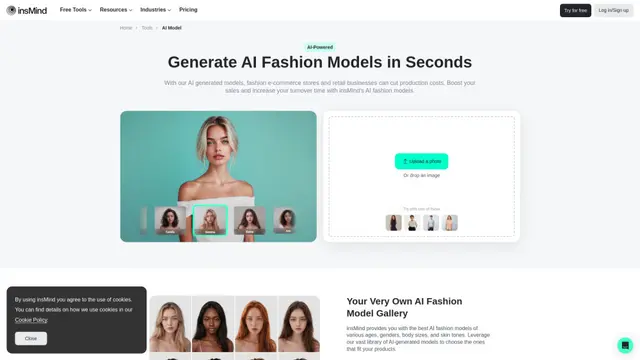
AI Fashion Models (Face Swap) by insMind
insMind's AI Fashion Models tool generates diverse AI models to replace faces in product photos, allowing businesses to create professional fashion imagery quickly and cost-effectively.