EzMaker AI Background Remover
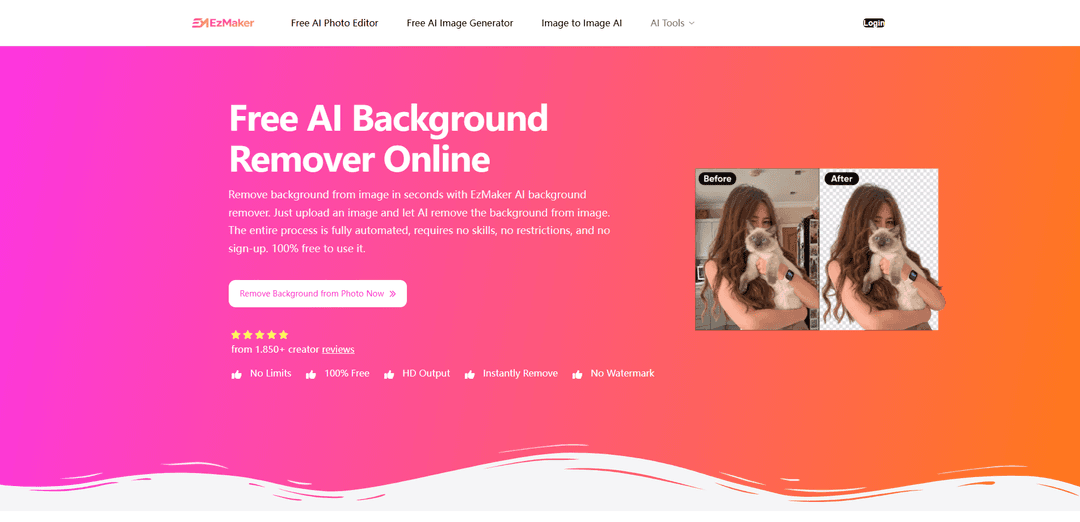
EzMaker AI Background Remover is a free online tool that separates subjects from their backgrounds, helping users turn everyday images into cutouts for new designs. It works with portraits, product photos, pets, illustrations, and graphics, making it useful for personal projects and business content alike.
https://ezmaker.ai/ai-background-remover/?utm_source=aipure
Product Information
Updated:Nov 5, 2026
What is EzMaker AI Background Remover
EzMaker AI Background Remover is an online image-editing tool designed to separate a main subject from its original background with minimal manual work. Users can upload JPG, JPEG, PNG, or WebP images, and the AI automatically detects the subject to produce a clean cutout. It is suited to portraits, product images, pets, illustrations, logos, and social-media visuals, while also offering options to keep a transparent background, apply a solid color such as white or green, upload a custom backdrop, or continue editing within EzMaker AI’s wider toolset.
Key Features of EzMaker AI Background Remover
EzMaker AI Background Remover is a browser-based AI tool that automatically detects a photo’s main subject and removes its surrounding background in seconds. It supports JPG, PNG, JPEG, and WebP uploads, produces transparent PNG cutouts, and can help users replace the removed background with solid colors, uploaded images, or described scenes. The tool is positioned as free to use without sign-up or watermarks, with support for detailed subjects such as people, pets, products, logos, illustrations, hair, and fur.
One-click AI background removal: Automatically identifies the main subject and separates it from the original scene without manual masking, selection tools, or advanced editing skills.
Transparent PNG export: Lets users download cutout subjects with transparent backgrounds for reuse in product listings, presentations, websites, and social media designs.
Fine-edge preservation: Designed to retain detailed edges such as hair strands, pet fur, clothing contours, and intricate object outlines for more natural-looking cutouts.
Background replacement options: After removing the original background, users can apply white or other solid-color backgrounds, upload a custom image, or describe a new setting.
Batch background removal: Supports processing multiple images to help users prepare larger sets of images more efficiently than editing each file individually.
Web-based, no-sign-up workflow: Runs in a browser and is promoted as free to use with no registration, installation, or watermark on exported results.
Use Cases of EzMaker AI Background Remover
E-commerce product listings: Online sellers can isolate products from cluttered photos, create marketplace-ready white-background images, or place products into consistent branded scenes.
Marketing and social media creative: Marketing teams can turn portraits, products, and campaign assets into clean cutouts for ads, posts, thumbnails, banners, and promotional graphics.
Portrait and profile-image editing: Individuals and professionals can remove distracting surroundings from headshots and replace them with neutral, branded, or more suitable backgrounds.
Pet and animal photography: Pet owners, shelters, and pet-product brands can isolate animals—including fur details—for listings, adoption posts, prints, and promotional materials.
Graphic, logo, and illustration cleanup: Designers can extract logos, illustrated characters, and other visual assets from existing backgrounds for reuse across different designs.
Real-estate and interior marketing: Photographers and property marketers can remove distracting visual elements or prepare isolated objects and assets for property-focused promotional materials.
Pros
Fast automated background removal that avoids manual selections and masking.
Supports transparent PNG downloads and multiple common upload formats, including JPG, PNG, and WebP.
Provides follow-up options such as solid-color, custom-image, and AI-described background replacement.
Advertised as free, browser-based, no-sign-up, and watermark-free.
Cons
Results may be less reliable when the main subject is heavily obstructed, unclear, damaged, or blends closely into the background.
Complex compositions, overlapping objects, and highly detailed edges may still require manual cleanup with the available remover tools.
It is designed for quick automated editing and may not replace professional layer-based workflows that require precise, repeatable control.
How to Use EzMaker AI Background Remover
Open EzMaker AI Background Remover: Go to https://ezmaker.ai/ai-background-remover/ in a web browser. The tool is available online without installation or sign-up.
Upload an image: Click “Upload Image” or drag and drop an image into the upload area. Supported formats include PNG, JPEG, JPG, and WebP. For best results, use a clear image where the main subject is visible and unobstructed.
Let AI remove the background: Wait a few seconds while EzMaker AI detects the main subject and automatically separates it from the surrounding background.
Review the cutout: Check the result for clean edges around details such as hair, fur, clothing, product outlines, or overlapping objects. If needed, use the manual remover to erase a specific area or refine details while preserving parts of the original background.
Choose a background option: Keep the background transparent, replace it with a solid color such as white or green, upload a custom background image, or describe a new background setting using the available editing options.
Download or continue editing: Download the completed image as a transparent PNG, or continue with other EzMaker AI tools to enhance quality, upscale the image, erase objects, or make further edits before downloading.
EzMaker AI Background Remover FAQs
EzMaker AI Background Remover is an online tool that automatically detects the main subject of an image and removes the surrounding background. The result can be downloaded with a transparent background or used with a replacement background.
Popular Articles

Proferex: A Cloud-Based Ad Tracking and Campaign Optimization Platform
Nov 4, 2026

How to Create Viral Talking Baby Podcast Videos with AI: Step-by-Step Guide
Nov 2, 2026

Vosko AI: Localize and Dub Videos for Global Audiences
Oct 15, 2026

Atoms: A Multi-Agent AI Platform That Transforms Ideas into Launch-Ready Products
Oct 13, 2026
Latest AI Tools Similar to EzMaker AI Background Remover
Erase BG
Erase BG is a free, AI-powered online tool that automatically removes backgrounds from images with support for up to 4K resolution, requiring no account or special skills.
ImageKit.io
ImageKit.io is a comprehensive media management and delivery platform that provides real-time image and video optimization, processing APIs, and Digital Asset Management (DAM) solutions for delivering high-quality visual experiences on websites and apps.

Pixmaker
Pixmaker is an AI-powered image generation and editing platform that helps businesses create high-quality product photos, model displays, and marketing visuals through advanced AI algorithms.
RetouchAI
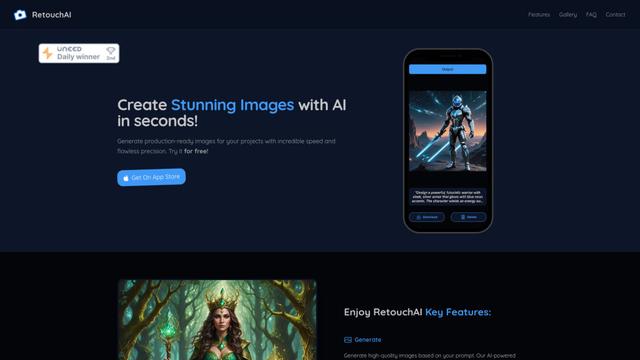
RetouchAI is an iOS app that leverages AI technology to create, enhance, and edit high-quality images through features like image generation, outpainting, inpainting, and object removal.
Popular AI Tools Like EzMaker AI Background Remover
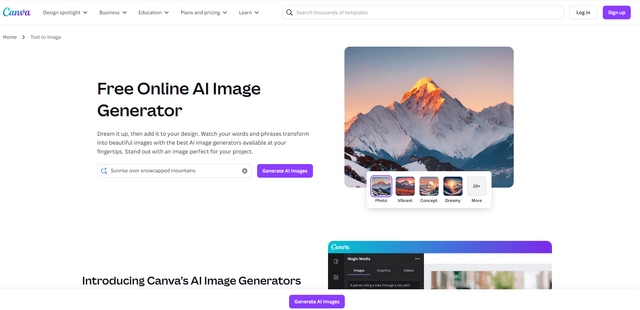
Canva AI
Canva AI is an advanced suite of AI-powered design tools integrated into Canva's platform, offering features like text-to-image generation, background removal, and content creation assistance to streamline the design process.
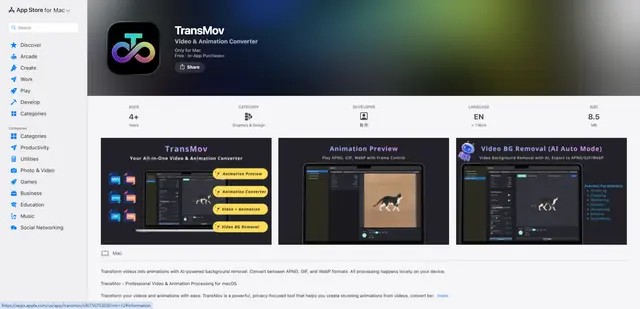
TransMov
TransMov is a powerful, privacy-focused macOS app that helps users create stunning animations from videos, remove backgrounds using AI, and convert between popular animation formats like APNG, GIF, and WebP - all processed locally on your device.

Remove Image Background
Remove.bg is an AI-powered online tool that automatically removes image backgrounds in seconds with just one click.
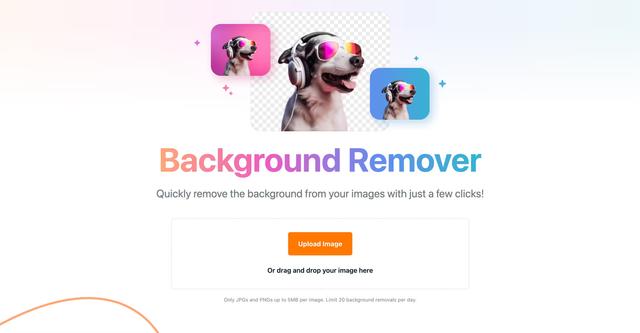
Vecteezy Background Remover
Vecteezy Background Remover is a free AI-powered tool that automatically removes backgrounds from images with just a few clicks, producing high-quality transparent PNG files.