
Extend
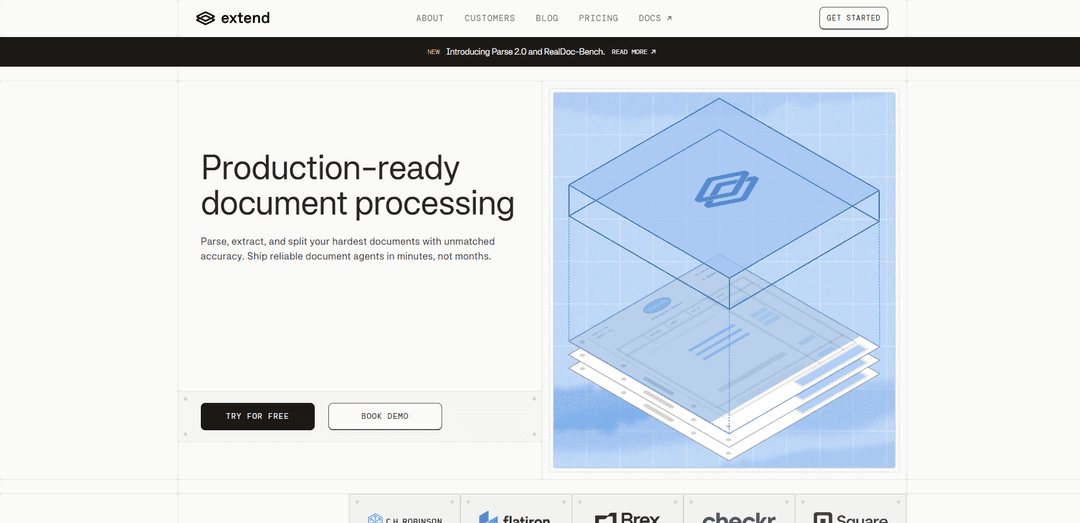
Extend is a production-ready AI document processing platform that parses, extracts, splits, classifies, and edits complex documents with high accuracy using specialized vision models and enterprise-grade workflows.
https://www.extend.ai/?ref=producthunt
Product Information
Updated:Jun 8, 2026
What is Extend
Extend is a platform for turning unstructured documents (such as PDFs with tables, checkboxes, handwriting, signatures, and images) into high-quality, structured data for AI agents and production pipelines. It provides a set of document APIs—/parse to convert documents into agent-ready context, /extract to map content into any schema, /split to segment multi-document files, /classify to route documents into predefined categories, and /edit to detect and programmatically fill form fields. Designed for technical teams, Extend supports many file types and languages and includes tooling to iterate, evaluate, and deploy reliable document workflows quickly.
Key Features of Extend
Extend is a production-ready document processing platform that turns complex, unstructured documents (like PDFs with tables, handwriting, signatures, and mixed layouts) into high-quality structured data. It provides a suite of APIs to parse documents into agent-ready context, extract data into custom schemas, split multi-document files, classify documents, and edit/fill form fields. Extend emphasizes reliability for real-world pipelines with layout-aware vision models, configurable performance modes (speed/cost/accuracy), workflow orchestration, confidence scoring with review loops, and enterprise-grade security including options to run on your own infrastructure.
Parse API (agent-ready context): Converts unstructured documents into structured, layout-aware context suitable for downstream agents and automation pipelines.
Extract API (schema-based data extraction): Extracts structured fields from documents into any target schema, supporting complex layouts and hard-to-read elements.
Split & classify (document segmentation and routing): Segments multi-document files into subdocuments and classifies documents into predefined categories to enable automated ingestion and routing.
Advanced layout + specialized vision routing: Detects tables, checkboxes, images, handwriting, and signatures, then routes elements through a hybrid computer-vision and vision-language pipeline to purpose-built models.
Confidence scoring + multi-pass review: Flags uncertain outputs and supports review/validation loops so teams can catch errors before they reach end users.
Workflow tooling, modes, and deployment options: Includes end-to-end orchestration (parse/split/extract/validate/route) with versioning and durability, multiple performance modes (speed/cost/accuracy), broad file/language support, and the ability to run entirely on customer infrastructure.
Use Cases of Extend
Fintech spend and accounting automation: Extract line items and key fields from invoices, receipts, and financial statements; classify documents and feed structured data into AP/ERP workflows at scale.
Healthcare clinical and administrative document structuring: Parse and extract data from medical forms and scanned records (including handwriting/signatures) to populate systems, support analytics, and reduce manual abstraction.
Real estate and mortgage document processing: Split loan packets into constituent documents, classify them, and extract critical fields for underwriting, compliance checks, and faster closing workflows.
HR and background-check operations: Automate intake of candidate documents and forms, extract structured attributes, and route cases based on document type and completeness.
Procurement and vendor management: Turn contracts, order forms, and vendor paperwork into structured data to power search, renewal workflows, and downstream business intelligence.
Pros
Production-focused platform: APIs plus orchestration, evals/studio tooling, and confidence scoring designed for reliable pipelines.
Strong handling of complex layouts: layout detection and specialized vision model routing for tables, checkboxes, handwriting, and signatures.
Flexible performance and deployment: multiple speed/cost/accuracy modes and an option to run entirely on customer infrastructure for sensitive data.
Cons
Pricing is not specified in the provided sources, which can make cost evaluation harder up front.
Best suited for teams building document pipelines; smaller or simpler one-off OCR needs may find it more than necessary.
How to Use Extend
1) Choose the right Extend capability for your use case: Decide what you need to do with documents: /parse (convert unstructured docs into context for agents), /extract (pull structured data into a schema), /split (segment multi-document files into subdocuments), /classify (assign docs to predefined categories), or /edit (detect and programmatically fill form fields).
2) Prepare your input documents: Collect the files you want to process. Extend supports many formats (25 file types) and languages (100+), and is designed to handle complex layouts (tables, checkboxes, images, handwriting, signatures).
3) Pick a performance mode (speed, cost, or accuracy): Select the processing mode that matches your constraints: low-latency for real-time, cost-optimized for bulk jobs, or maximum-accuracy when precision matters.
4) Start with /parse to convert documents into agent-ready context: Run the document through Extend Parse to transform unstructured content into structured, layout-aware context that downstream agents or pipelines can reliably consume.
5) Use /extract to map document content into your target schema: Define the structured fields you need (your schema), then run Extend Extract to populate those fields from the document content.
6) If your files contain multiple documents, run /split first (or early): For PDFs or scans that bundle multiple subdocuments, use Extend Split to segment them into individual documents before parsing/extraction/classification.
7) Add /classify when you need routing or categorization: Use Extend Classify to label documents into predefined categories, then route each category to the appropriate downstream workflow steps (e.g., different extraction schemas).
8) Use /edit for form workflows (detect + fill fields): When working with forms, use Extend Edit to detect form fields and fill them programmatically as part of your document automation flow.
9) Enable confidence scoring and multi-pass review before production: Turn on confidence scoring and use the multi-pass review agent to flag uncertain outputs, so potential errors are detected before users see them.
10) Build an end-to-end Workflow for orchestration: Create a multi-step document workflow that can parse, split, extract, validate, and route documents with versioning and durability built in.
11) Iterate using Studio & evals to prevent regressions: Use Extend’s Studio and evaluation tooling to iterate on schemas, run evals, catch regressions, and ship changes with confidence—without relying on ad-hoc CLI scripts.
12) Deploy with the security model that fits your requirements: Choose cloud deployment or run entirely on your own infrastructure to keep sensitive documents in-house while retaining the same speed, accuracy, and features.
Extend FAQs
Extend is a production-ready document processing platform/API that helps teams parse, extract, split, classify, and edit documents—turning unstructured files into high-quality structured data for agents and pipelines.
Popular Articles

Proferex: A Cloud-Based Ad Tracking and Campaign Optimization Platform
Nov 4, 2026

How to Create Viral Talking Baby Podcast Videos with AI: Step-by-Step Guide
Nov 2, 2026

Vosko AI: Localize and Dub Videos for Global Audiences
Oct 15, 2026

Atoms: A Multi-Agent AI Platform That Transforms Ideas into Launch-Ready Products
Oct 13, 2026
Latest AI Tools Similar to Extend
Folderr
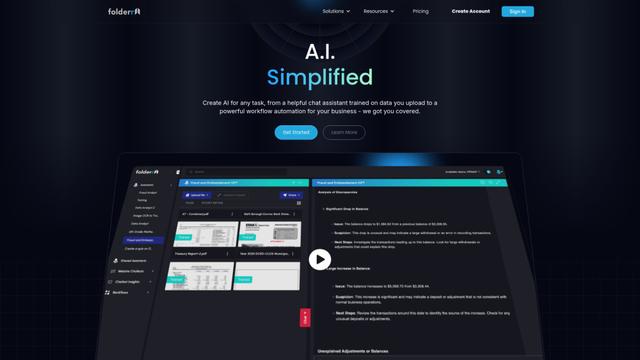
Folderr is a comprehensive AI platform that enables users to create custom AI assistants by uploading unlimited files, integrating with multiple language models, and automating workflows through a user-friendly interface.
InDesign Translator
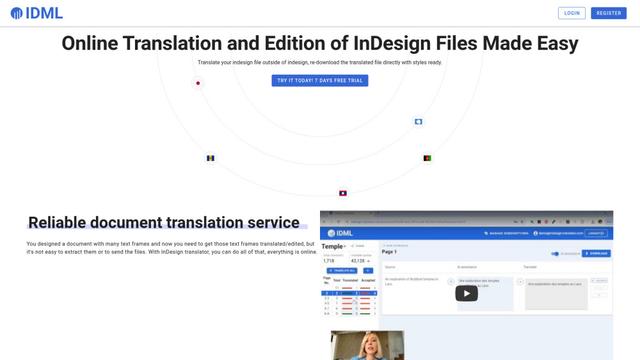
InDesign Translator is an online translation service that enables users to translate InDesign files while maintaining formatting and styles, offering AI-assisted translation and easy collaboration features without requiring translators to have InDesign installed.

Specgen.ai
Specgen.ai is an AI-powered platform that helps businesses optimize their bid responses by automatically analyzing tender requirements and generating personalized responses while ensuring 100% data confidentiality through proprietary AI models.

TurboDoc
TurboDoc is an AI-powered invoice processing software that automatically extracts and transforms unstructured invoice data into organized, easy-to-read structured data through Gmail integration and intelligent document processing.
Popular AI Tools Like Extend

R2R
R2R (Reason to Retrieve) is an advanced AI retrieval system that provides production-ready Retrieval-Augmented Generation (RAG) capabilities with multimodal content ingestion, hybrid search, knowledge graphs, and comprehensive document management through a RESTful API.

Claude Folder Upload
A Chrome extension that enables users to upload entire folders to Claude AI while intelligently preserving directory structures and file relationships, with smart filtering capabilities for irrelevant files.

Web Clipper for NotebookLM
Web Clipper for NotebookLM is a Chrome extension that saves web pages, PDFs, YouTube content, social posts/threads, and even AI chat conversations directly into Google NotebookLM in one click, plus adds powerful export, sync, and notebook-management tools.

ReadHero
ReadHero is a comprehensive book tracking and note-taking app that helps readers remember and retain more of what they read by enabling progress tracking, note-taking, and book management all in one place.