EQK 3.0
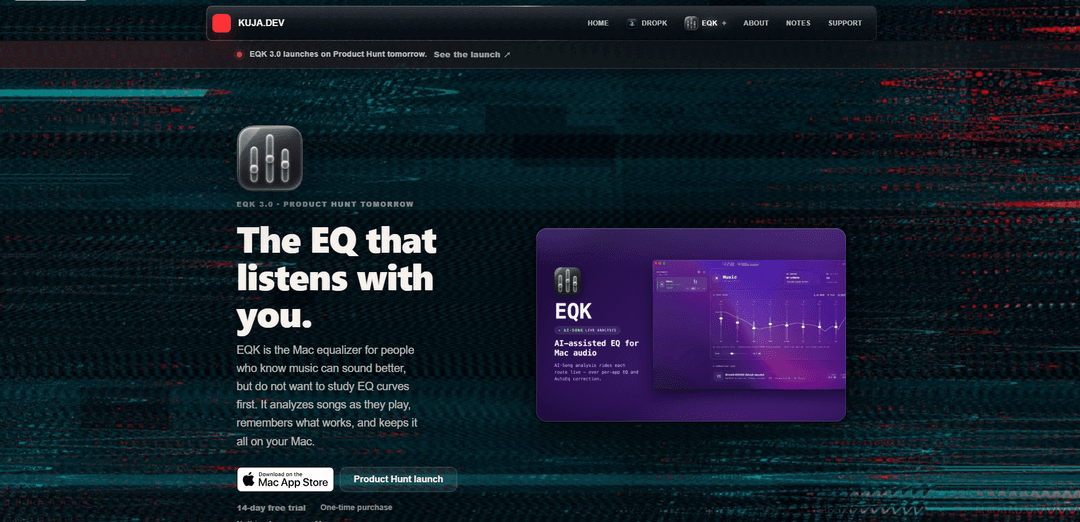
EQK 3.0 is an on-device, per-app Mac equalizer that uses dynamic AI EQ to retune audio in real time, adds AutoEq headphone correction (3,985+ profiles), and keeps everything private with a one-time purchase and no virtual drivers.
https://www.kuja.dev/eqk?ref=producthunt
Product Information
Updated:Aug 8, 2026
What is EQK 3.0
EQK 3.0 is a Mac app designed to make better-sounding audio feel effortless rather than technical. Instead of requiring you to learn EQ theory and manually tweak bands for every genre, it presents an entertainment-first interface while an on-device engine analyzes what you’re listening to and shapes the tone as the song plays. It also lets you route and tune each app independently (so Music, a browser, or a player can each have their own EQ), apply headphone correction using thousands of AutoEq profiles, and monitor levels with limiter and metering tools. EQK runs locally with no sign-in, no cloud processing, no telemetry, and offers a 14-day free trial with a one-time purchase; it requires macOS 14.6+.
Key Features of EQK 3.0
EQK 3.0 is a Mac per-app equalizer that dynamically re-tunes audio in real time by analyzing songs as they play, then saving what works as local per-song and per-app profiles (up to ~1,000 remembered songs). It includes per-app routing (each app can have its own EQ, headphone correction, limiter, and output device), thousands of AutoEq headphone profiles, and full metering—while staying private by design (100% local, no sign-in/telemetry/subscription). Version 3.0 adds an Optimizer console that scans and cleans up broken or incompatible app-created data (like incomplete song memories or old layouts) to improve stability and keep the listening flow uninterrupted.
Dynamic AI EQ (song-aware tuning): Analyzes music in real time and continuously adjusts EQ as the track plays, then remembers learned EQ shapes locally so replays can start smarter and feel more consistent across songs and genres.
Per-app Patchbay routing: Assigns each Mac app its own audio chain—so Spotify, Safari/YouTube, a DJ app, or a FLAC player can each have different EQ, correction, limiter behavior, and even a different output device.
AutoEq headphone correction (3,985+ profiles): Applies headphone-specific correction curves from a large built-in profile library to reduce coloration and get closer to a neutral or intended target response.
10-band parametric “Tone Desk”: Provides hands-on EQ control for manual shaping and fine-tuning, complementing the dynamic engine when you want a consistent personal sound signature.
Optimizer engine (v3.0): Periodically (or on demand) scans for broken song profiles, incompatible layouts, and leftover app-created data from older versions—clearing incomplete memories to keep AI Tune reliable and the app stable.
Private, on-device processing + built-in player: Designed to keep audio and listening data on the Mac (no sign-in, no cloud audio, no telemetry), and includes a free built-in FLAC player with synced lyrics for owned music.
Use Cases of EQK 3.0
Music listening optimization (personal hi-fi): Improve everyday listening quality on headphones/speakers by combining AutoEq correction with dynamic song-aware EQ, without needing to learn complex EQ techniques.
Per-app tuning for mixed media (work + entertainment): Set different tonal profiles for conferencing apps (speech clarity), browsers/streaming (dialog enhancement), and music apps (full-range balance) so each use feels optimized.
Content review and editing (audio/video creators): Use per-app chains and metering to quickly audition how mixes or edits translate on different headphones via correction profiles, while keeping a limiter available to prevent surprises.
Shared Macs and multi-device setups: Route specific apps to specific output devices (e.g., speakers vs. headphones) with separate EQ/correction, useful for studios, desks with multiple DACs, or home offices.
Accessibility and comfort listening: Shape frequency balance to reduce fatigue (tame harshness) or improve intelligibility, and keep consistent results across changing playlists via remembered song profiles.
Pros
Dynamic, song-aware EQ that learns and saves local per-song/per-app profiles for improved replay experience.
Strong privacy posture (on-device, no sign-in/telemetry) with a one-time purchase model and no subscription.
Per-app routing plus large AutoEq headphone profile library enables highly tailored listening across apps and devices.
Optimizer in v3.0 focuses on stability by cleaning broken/incompatible app-created data and incomplete song memories.
Cons
Requires macOS 14.6+ (not available for older macOS versions).
Dynamic EQ can occasionally feel over-EQ’d depending on the track and preferences, potentially requiring manual adjustment.
Song-memory benefits depend on repeated listening and successful profile learning; incomplete profiles may be cleared by the Optimizer.
How to Use EQK 3.0
1) Install EQK 3.0 from the Mac App Store: Download and install EQK from the Mac App Store. EQK 3.0 requires macOS 14.6+ and is notarized by Apple.
2) Launch EQK and start the 14-day free trial (if applicable): Open EQK. EQK is designed to work without sign-in, with a one-time purchase model and a 14-day free trial. Nothing leaves your Mac.
3) Open the Patchbay to route audio per app: In EQK, go to the Patchbay view where you can route specific Mac apps through EQK so that each app gets its own independent EQ chain.
4) Select an app you want to tune and route it through EQK: Choose the target app (for example, Music) in the Patchbay and enable routing so its audio is processed by EQK. EQK uses native macOS audio capture (no virtual drivers).
5) (Optional) Choose an output device for that app: In the Patchbay, set the output device for the routed app if you want that app to play through a specific device (e.g., a particular DAC/headphones/speakers).
6) Enable Dynamic AI EQ for song-aware tuning: Turn on the Dynamic AI EQ feature so EQK analyzes songs as they play and adjusts the tone in real time. EQK updates the EQ shape continuously (about once to twice per second) while listening.
7) Play music in the routed app to let EQK learn: Press play in the routed app. EQK will listen alongside you, tune in real time, and begin building a local song-and-app profile. On subsequent plays, EQK can start smarter using what it learned.
8) Use the Tone Desk for manual EQ shaping (10-band parametric): Open the Tone Desk and adjust the 10-band parametric EQ if you want to fine-tune the sound yourself. This can be used alongside the dynamic tuning experience.
9) Apply headphone correction using AutoEq profiles: Go to the Correction Lane (headphone correction area) and select your headphone/IEM model from the built-in AutoEq library (3,985+ profiles). Apply the profile to correct or shape your headphone response.
10) Save and reuse your setup (routes, presets, correction): Keep your preferred Patchbay routing, EQ settings, and headphone correction selections. EQK stores routes, presets, and learned song profiles locally on your Mac (up to ~1,000 remembered song profiles).
11) Run the Optimizer engine to keep things stable: In the Patchbay, open the Optimizer console. Run it on demand or schedule it (daily to every 3 days) to scan for broken song profiles, incompatible layouts, and leftover app-created data that could interrupt playback.
12) Use the built-in player (optional) for local FLAC playback: If you want, use EQK’s built-in player (free forever) to play the songs you own (including FLAC) and use synced lyrics where available, while still benefiting from EQK’s tuning and correction tools.
EQK 3.0 FAQs
EQK 3.0 is a Mac equalizer app that analyzes songs as they play and dynamically adjusts EQ in real time. It can also save local per-song and per-app EQ profiles so playback can start smarter the next time.
Popular Articles

Vosko AI: Localize and Dub Videos for Global Audiences
Oct 15, 2026

Atoms: A Multi-Agent AI Platform That Transforms Ideas into Launch-Ready Products
Oct 13, 2026

Nano Banana SBTI: What It Is, How It Works, and How to Use It in 2026
Apr 15, 2026

Atoms Review — The AI Product Builder Redefining Digital Creation in 2026
Apr 10, 2026
Latest AI Tools Similar to EQK 3.0
ChopLab
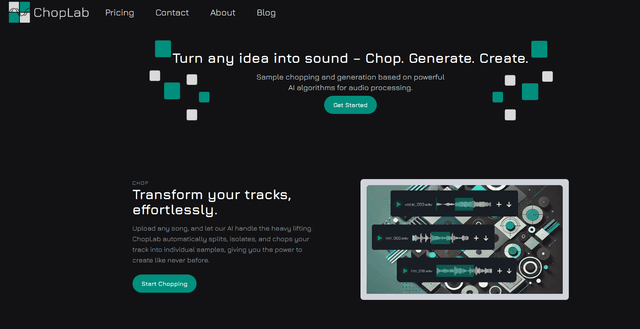
ChopLab is an AI-powered tool that enables music producers to transform audio tracks into unique samples and custom drum packs through automated splitting, isolation, and chopping processes.
SongGenerator.io: AI Music Generator Free Online
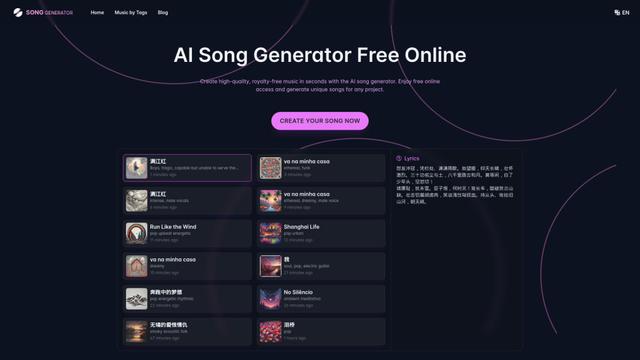
SongGenerator.io is a free online AI music generator that allows users to create unique, high-quality songs in seconds by inputting text descriptions, lyrics, or style preferences.
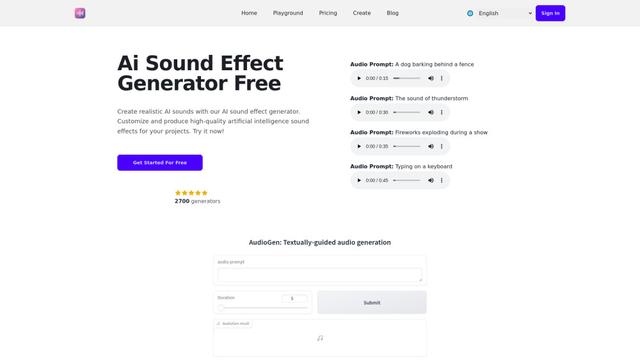
AI Sound Effect Generator
AI Sound Effect Generator is an innovative tool that uses artificial intelligence to instantly create customized, high-quality sound effects from text prompts for various multimedia projects.
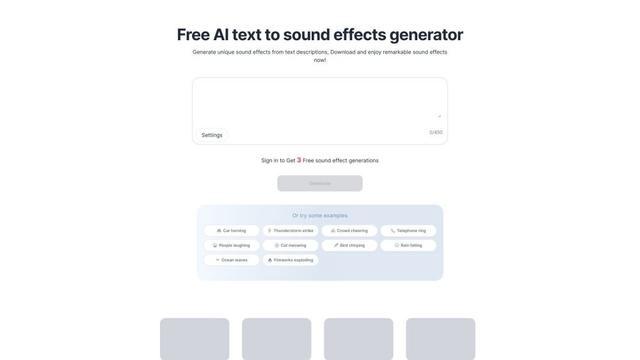
Soundify
Soundify is an AI-powered tool that generates unique sound effects from text descriptions, offering free and customizable audio clips for various creative projects.
Popular AI Tools Like EQK 3.0
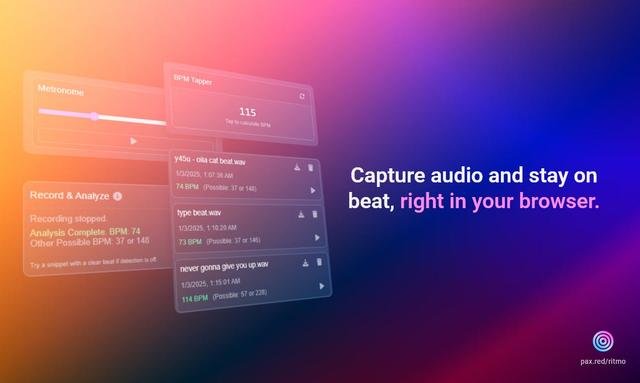
Ritmo
Ritmo is a smart audio toolkit Chrome extension that helps capture, analyze, and manage audio with features like BPM analysis, tap tempo, and metronome functionality.
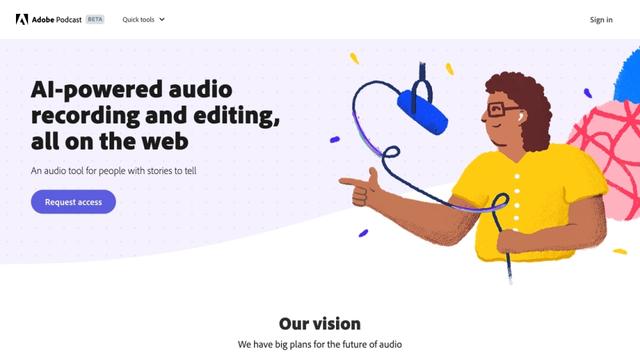
Adobe Podcast
Adobe Podcast is an AI-powered web-based audio toolset that allows users to record, enhance, edit, and share high-quality podcasts and voiceovers with professional-sounding results.
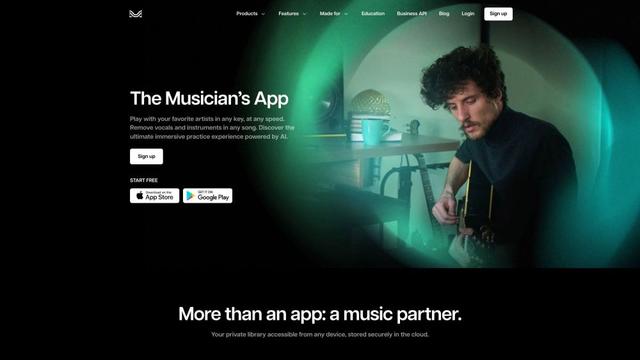
Moises App
Moises App is an AI-powered music platform that allows musicians to separate audio tracks, adjust pitch and tempo, detect chords, and practice with customized backing tracks.
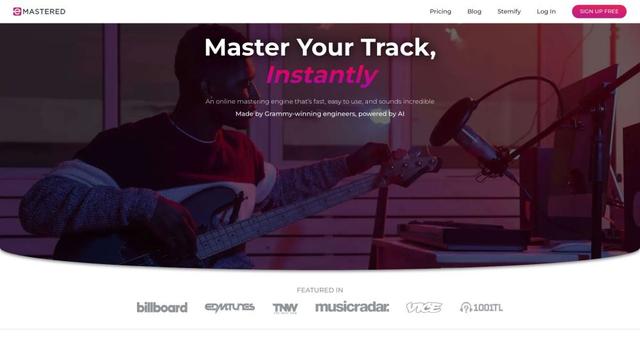
eMastered
eMastered is an AI-powered online audio mastering service that provides instant, professional sound enhancement for music tracks, developed by Grammy-winning engineers.