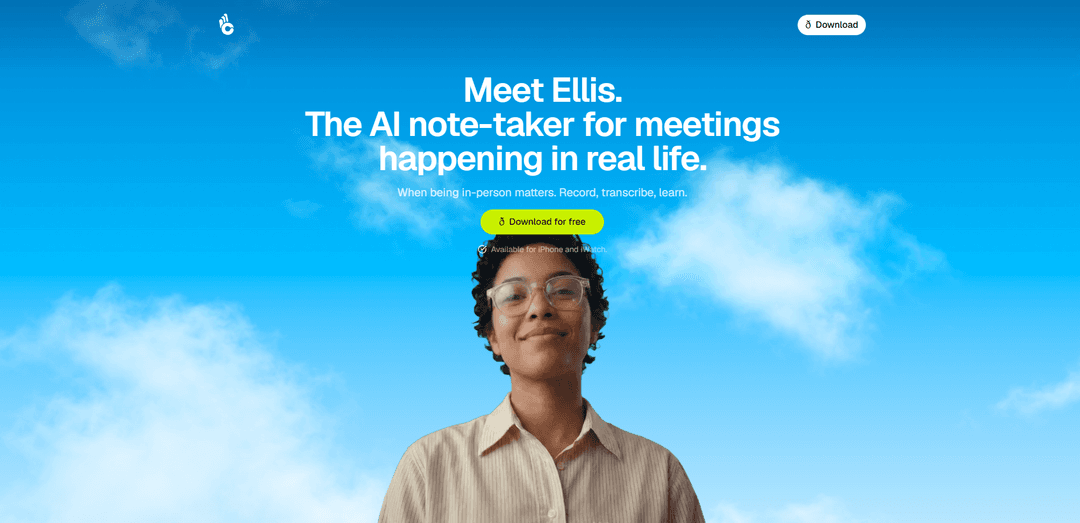
Ellis is an AI note-taker for real-life, in-person meetings that records, transcribes, and helps you learn from conversations, available on iPhone and Apple Watch.
https://www.ellis.coach/?ref=producthunt
Ellis

Product Information

Updated:Jul 9, 2026

What is Ellis

Ellis is a meeting companion designed specifically for moments when being in-person matters. Instead of focusing on video-call workflows, it helps you capture what happens in real rooms by recording conversations, turning them into transcripts, and making the content usable afterward. With a simple mobile-first experience and support for iPhone and Apple Watch, Ellis aims to reduce manual note-taking and make it easier to remember, review, and act on what was discussed.

Key Features of Ellis

Ellis is an AI note-taker designed for in-person meetings that can discreetly record, transcribe, and help you learn from conversations after they happen. Positioned as “the room doesn’t know you have it,” it focuses on capturing real-life discussions when being physically present matters, then turning those recordings into usable notes and insights. It’s available as an iPhone and Apple Watch app, making it easy to start and manage capture on the go.
In-person meeting capture: Built specifically for real-life, offline conversations—record meetings and discussions when you’re in the room and need a reliable memory aid.
Automatic transcription: Converts recorded audio into text so you can review what was said without replaying the entire conversation.
Post-meeting learning & insights: Helps you “learn” from meetings by making it easier to extract takeaways, understand what happened, and revisit key moments after the fact.
Discreet, low-friction workflow: Marketed as unobtrusive (“the room doesn’t know you have it”), aiming to reduce the social friction of taking notes or visibly recording during in-person meetings.
iPhone + Apple Watch support: Available on iPhone and Apple Watch, enabling quick start/stop and portable use in hallways, conference rooms, and on-site meetings.

Use Cases of Ellis

Sales and client meetings: Capture discovery calls in person, transcribe requirements, and review objections and next steps to improve follow-up and reduce missed details.
Product and engineering syncs: Record whiteboard-style discussions and decision-making, then use transcripts to document action items, rationale, and open questions.
Healthcare or social services intake (with consent): Support accurate documentation of in-person consultations or intake interviews by transcribing key details for later review.
Legal, consulting, and professional services (with consent): Create a searchable transcript of stakeholder meetings to aid in drafting summaries, recommendations, and deliverables.
Education and coaching sessions: Record tutoring, advising, or coaching conversations and use transcripts to track progress, commitments, and recurring themes.

Pros

Purpose-built for in-person meetings rather than only online calls
Transcription reduces manual note-taking and improves recall
Discreet, mobile-first experience with iPhone and Apple Watch support

Cons

Recording in-person conversations can raise privacy/consent and compliance concerns depending on jurisdiction and policy
Limited platform availability (only iPhone/Apple Watch mentioned)
Quality and usefulness depend on ambient noise and audio capture conditions

How to Use Ellis

1. Install Ellis: Open the App Store and install “Coach Ellis” using the official download link: https://apps.apple.com/us/app/coach-ellis/id6753657763
2. Prepare for an in-person meeting: Before the meeting starts, make sure you have your iPhone (and optionally your Apple Watch) with you, since Ellis is designed for meetings happening in real life.
3. Start recording the meeting: Open Ellis on your iPhone and begin a new session so it can record the in-person conversation.
4. Capture audio throughout the meeting: Keep Ellis running while the meeting is happening so it can continuously record what’s said.
5. Generate a transcript: After or during the session, use Ellis’s transcription capability to convert the recorded meeting audio into text.
6. Review what Ellis learned: Use the app to review the transcript and extracted learnings/insights from the meeting (the product describes this as “Record, transcribe, learn”).
7. Use Ellis on Apple Watch (optional): If you have an Apple Watch, use the watch version for quick access during in-person meetings (Ellis is listed as available for iPhone and iWatch).

Ellis FAQs

Ellis is an AI note-taker for meetings happening in real life, designed for when being in-person matters. It can record, transcribe, and help you learn from meetings.

Latest AI Tools Similar to Ellis

Ticknotes
Ticknotes
Ticknotes is an AI-powered meeting assistant that automatically records, transcribes, and generates personalized meeting summaries, action items, and key insights from audio, video, and text content.
Feta
Feta
Feta is an AI-powered meeting tool that helps product and engineering teams run efficient meetings by capturing discussions, automating tasks, and providing actionable insights through smart summaries and integrations.
Aimeet
Aimeet
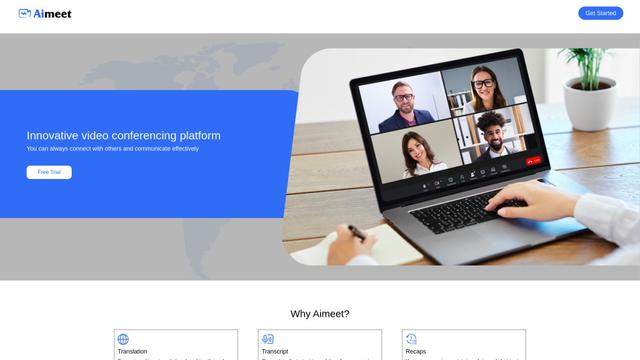
Aimeet is a comprehensive AI-powered communication platform that combines real-time translation, transcription, screen sharing, and unlimited meeting capabilities for effective virtual collaboration.
MinutesLink
MinutesLink
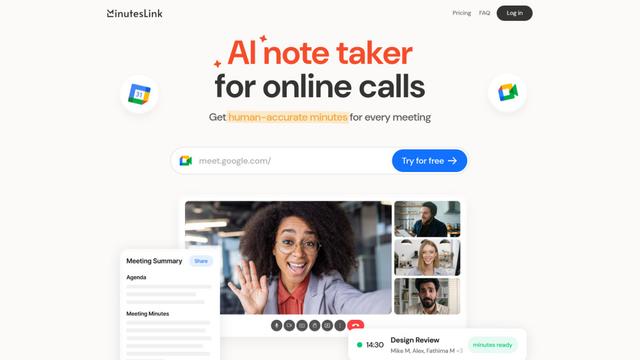
MinutesLink is an advanced AI-powered note-taking assistant that automatically records, transcribes, summarizes and organizes virtual meetings while building personalized digital avatars from meeting data.