
Dub Ninja
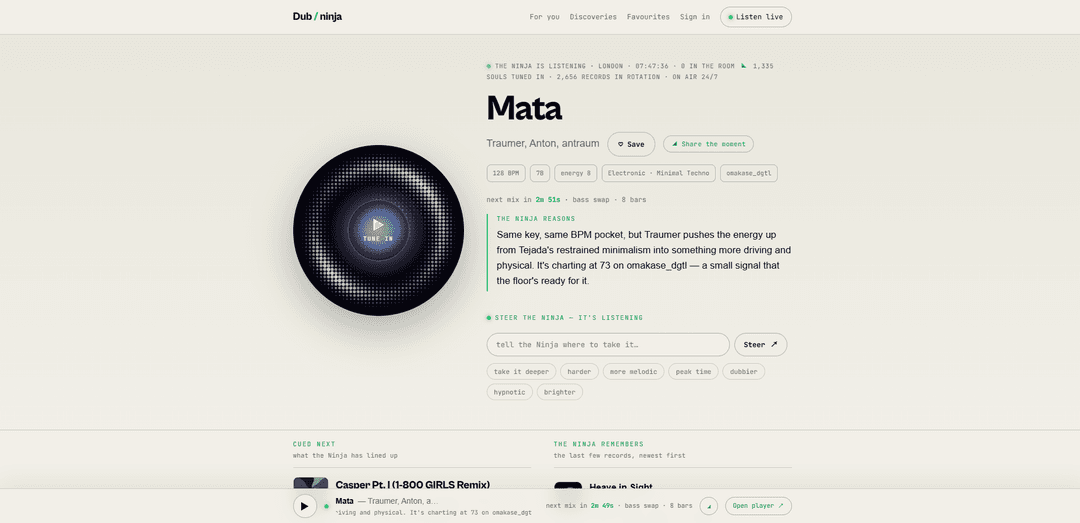
Dub Ninja is an autonomous AI DJ that plays underground electronic music 24/7, mixing tracks live and explaining in real time why each next record is the “correct” choice.
https://dub.ninja/?ref=producthunt
Product Information
Updated:Jul 8, 2026
What is Dub Ninja
Dub Ninja is a live, always-on online radio experience built around an “autonomous music intelligence” rather than a human DJ or a fixed playlist. Focused on underground electronic sounds (from techno, house, and ambient to dub techno and beyond), it continuously selects and blends tracks into a running set, while giving listeners context on the selection. Alongside the live stream, Dub Ninja lets you explore the music ecosystem around what’s playing—tracks, artists, labels, and “discoveries”—and offers sign-in features to save favorites, follow artists/labels, and personalize what the Ninja learns from you.
Key Features of Dub Ninja
Dub Ninja is an always-on autonomous AI DJ focused on underground electronic music that continuously digs for new records, analyzes each track’s musical attributes (tempo, key, energy, mood, phrasing), and mixes selections live into a nonstop stream while explaining— in real time—why each next track is the “correct” choice. It’s not a fixed playlist or scheduled show; it adapts moment-to-moment, lets listeners steer the vibe (e.g., deeper, harder, more melodic), and provides rich discovery tools across tracks, artists, labels, and sound attributes, with sign-in features to personalize and save favorites.
Autonomous 24/7 live DJ stream: Runs continuously with no schedule or static playlists—Dub Ninja selects and plays the next track live, creating an always-on radio-like experience.
Underground music digging & rotation: Crawls the underground for new electronic music daily and pulls strong cuts into an expanding catalog/rotation (thousands of tracks).
Deep audio analysis for mixing intelligence: Analyzes tracks end-to-end (tempo/BPM, key, energy, mood, phrase grid) to understand fit and enable coherent beat-matched transitions.
Real-time reasoning (“The Ninja reasons”): Explains why it chose the current/next record, making the programming transparent and helping listeners learn the logic behind transitions.
Listener steering controls: Lets the audience nudge the direction of the set (e.g., deeper, harder, more melodic, peak time, dubbier, hypnotic, brighter), influencing upcoming selections.
Discovery & library exploration tools: Browse by track/artist/label and by musical attributes like genre, BPM, key, and energy; sign-in enables saving tracks, following artists/labels, and personalized feeds.
Use Cases of Dub Ninja
Always-on background music for venues: Bars, cafés, gyms, studios, and retail spaces can run a continuous, professionally mixed electronic stream without hiring a DJ for every hour.
Music discovery for DJs and selectors: DJs can mine Dub Ninja’s underground picks, explore labels/artists, and use BPM/key/energy metadata to find compatible tracks for sets.
Soundtrack for focused work and creative sessions: Teams or individuals can use the nonstop mix as a productivity or creative backdrop, steering intensity and mood as needed.
A&R and label scouting workflow: Labels, promoters, and tastemakers can monitor emerging underground releases and quickly navigate scenes via cross-indexed genres, labels, and artists.
Community-driven online radio programming: Online communities can “shape the Ninja” together using steering controls, turning passive listening into a shared, evolving room vibe.
Pros
Truly continuous programming (no schedules/playlists) with live mixing for a radio-like experience
Transparent track selection via real-time explanations and rich metadata (BPM/key/energy/genre)
Strong discovery orientation toward underground electronic music, with deep browsing across artists/labels
Cons
Genre focus is primarily underground electronic, which may not fit broader audience tastes
Some listening features appear gated behind sign-in (e.g., longer previews, personalization/saving)
AI-driven selection may not match the narrative/emotional arc a human DJ curates for specific events
How to Use Dub Ninja
1. Open Dub Ninja: Go to https://dub.ninja/ and land on the main page where the live “signal” (the continuous mix) is available.
2. Start listening live: Click “Listen live” (or “Press play”) to start the 24/7 continuous set the Ninja is mixing in real time.
3. Read what’s playing now: On the live screen, check the currently playing track card to see the track title and artist, plus analysis tags like BPM (tempo), key, energy, and genre/label.
4. Understand the Ninja’s choices: Look for the “The Ninja reasons” section to see the narration/explanation of why the Ninja selected the current/next track.
5. Steer the Ninja’s direction: Use the “Steer the Ninja — it’s listening” controls to influence the vibe (e.g., deeper, harder, more melodic, peak time, dubbier, hypnotic, brighter).
6. Preview what’s coming next: Check the “cued next” area to see the next track the Ninja has lined up, including its BPM/key/energy/genre.
7. Explore the recent mix history: Scroll to “the Ninja remembers the last few records” to view recently played tracks, and open the full memory to browse more of what has aired.
8. Dig into a track, artist, or label: Click any track title to open its track page, or click the artist/label/genre/BPM/key links to browse related music and metadata.
9. Use discovery pages to find new music: Open “Discoveries” (e.g., https://dub.ninja/digest) to browse fresh picks and click into tracks/artists you want to explore.
10. Use the personalized feed (optional): Open “For you” (https://dub.ninja/feed). The site indicates you can sign in to unlock your own tailored feed based on your taste.
11. Sign in to unlock more features: Click “Sign in” and continue with Google or Apple to enable saving tracks, following artists/labels, and “shaping the Ninja.”
12. Unlock longer previews and save favourites: After signing in, you can unlock the full 2-minute preview on every track (instead of only the first 30 seconds) and use “Save” to add tracks to your favourites.
Dub Ninja FAQs
Dub Ninja (Dub / ninja) is an autonomous AI DJ focused on underground electronic music. It runs 24/7, chooses the next track live in real time (not from a fixed playlist), mixes continuously, and explains why it picked each record.
Popular Articles

Atoms: A Multi-Agent AI Platform That Transforms Ideas into Launch-Ready Products
May 22, 2026

Nano Banana SBTI: What It Is, How It Works, and How to Use It in 2026
Apr 15, 2026

Atoms Review — The AI Product Builder Redefining Digital Creation in 2026
Apr 10, 2026

Kilo Claw: How to Deploy and Use a True "Do‑It‑For‑You" AI Agent(2026 Update)
Apr 3, 2026
Latest AI Tools Similar to Dub Ninja
MeloHunt
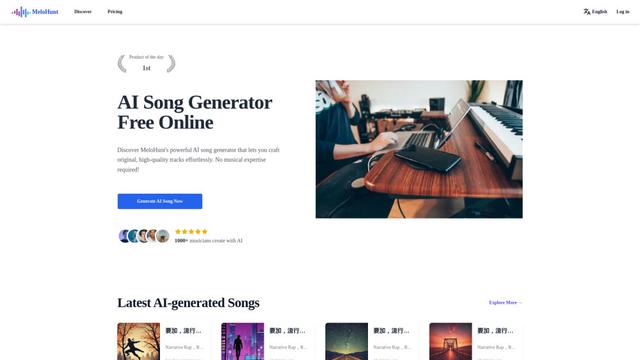
MeloHunt is a powerful AI-powered song generator that enables users to create original, high-quality music tracks without requiring any musical expertise.
ChopLab
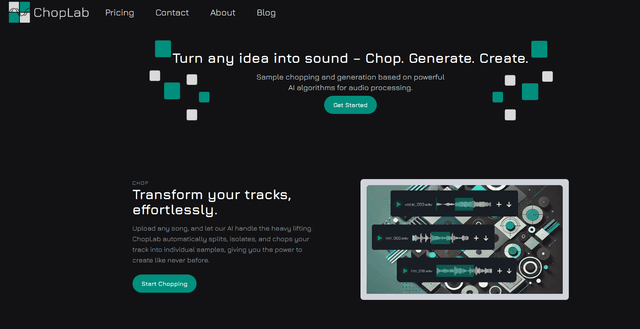
ChopLab is an AI-powered tool that enables music producers to transform audio tracks into unique samples and custom drum packs through automated splitting, isolation, and chopping processes.
MindBound Labs
MindBound Labs is an innovative platform focused on accelerating Artificial Super Intelligence (ASI) through community engagement, combining NFC cards, AI prompts, and personalization across multiple creative domains.
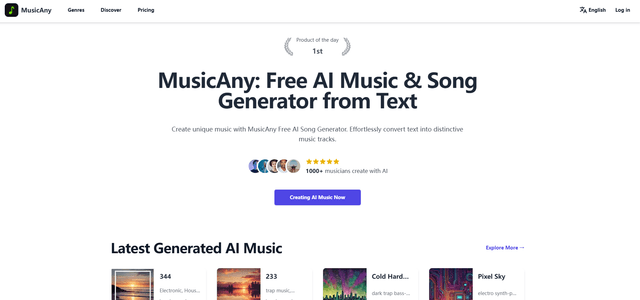
MusicAny
MusicAny is a cutting-edge free AI music generator that enables users to effortlessly create unique, royalty-free songs from text descriptions without any musical background.
Popular AI Tools Like Dub Ninja
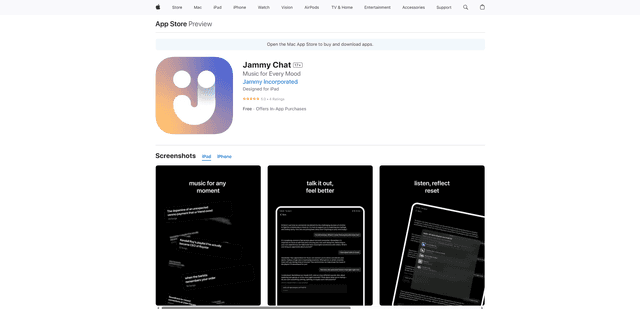
Jammy Chat
Jammy Chat is a music-infused mental health app that provides personalized playlists and emotional support by analyzing your mood through AI-powered conversations.
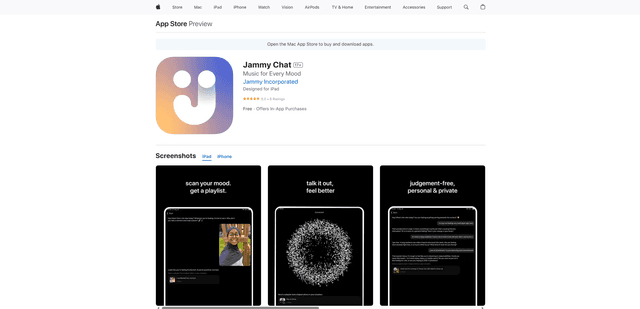
Jammy Chat
Jammy Chat is an AI-powered mental health app that scans users' facial expressions and provides personalized music playlists to help regulate emotions and improve mood.
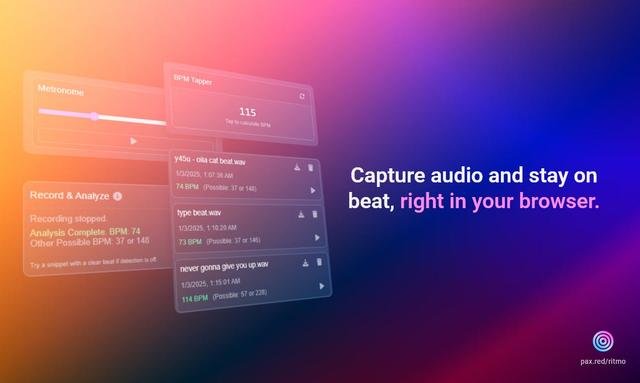
Ritmo
Ritmo is a smart audio toolkit Chrome extension that helps capture, analyze, and manage audio with features like BPM analysis, tap tempo, and metronome functionality.
Tempo-Pulse
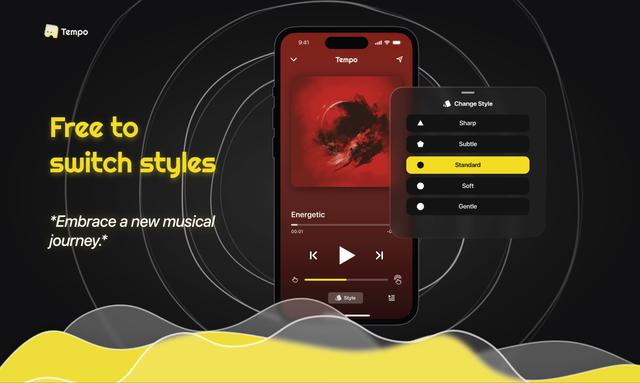
Tempo-Pulse is an AI-driven haptic music player that transforms any music into tactile sensations through innovative haptic technology, making music feelable for everyone including those who are hard of hearing.