
Dreambase.com
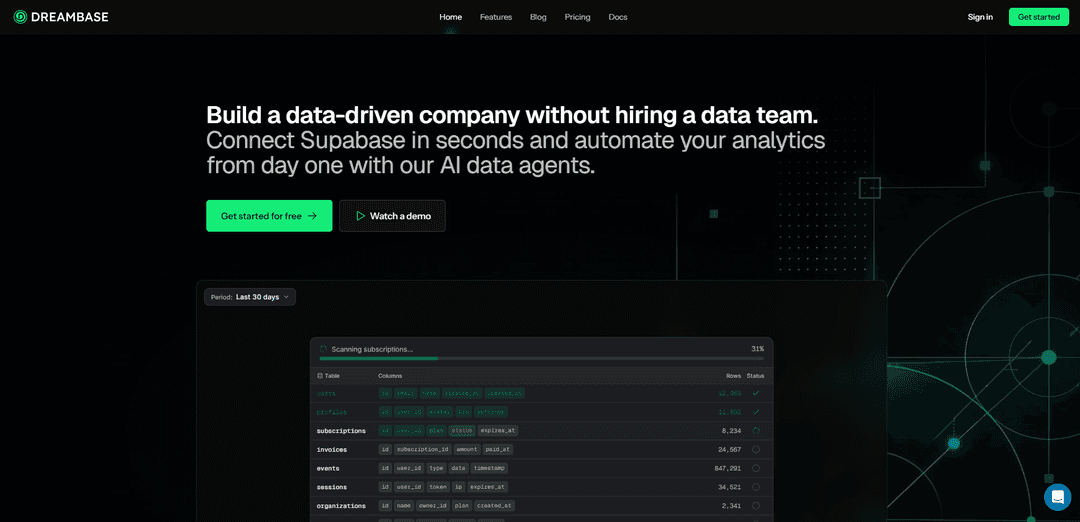
Dreambase.com is an AI-native analytics and intelligence layer built for Supabase that delivers instant dashboards, reports, and proactive insights directly from your Postgres database with minimal setup and optional MCP/API integrations.
https://dreambase.com/?ref=producthunt
Product Information
Updated:May 19, 2026
What is Dreambase.com
Dreambase.com is a Supabase-native, AI-powered product analytics and intelligence platform that treats your Supabase Postgres database as the single source of truth. Instead of relying on traditional event tracking and third-party analytics stacks, Dreambase connects to your Supabase project and generates product insights, reports, and dashboards directly from your existing tables and data. It’s designed to help teams get reliable usage and revenue analytics quickly—without building data pipelines, buying complex analytics tools, or hiring a dedicated data team.
Key Features of Dreambase.com
Dreambase.com is an AI-native, database-first analytics platform built for Supabase that connects directly to your Postgres source of truth to generate instant reports, dashboards, visualizations, and narrative insights from natural-language questions—without SQL, ETL pipelines, tracking SDKs, or data movement. It uses AI agents to explore schemas, produce accurate queries, surface trends/anomalies, and deliver shareable snapshot summaries and live dashboards, with optional extensions to external data via REST APIs, MCP servers, and Slack integrations.
Natural-language analytics (no SQL): Ask questions like retention by cohort, feature adoption, or funnel performance; Dreambase interprets your schema and generates the underlying SQL and visualizations automatically.
Database-first dashboards & reports: Create live dashboards and professional-grade reports directly on top of Supabase/Postgres data, avoiding warehouses, third-party tracking, and divergent data silos.
AI agent “virtual data team”: Specialized agents (e.g., Data Engineer, Data Analyst, Business Insights) monitor, analyze, and proactively surface anomalies, trends, and recommendations around the clock.
Quick Insights & Trends + chat refinement: Generate insights in seconds and iterate by chatting—request follow-ups, different cuts, or alternative visualizations to refine analysis without engineering tickets.
Automated snapshot summaries: Produces periodic metric snapshots with comparisons to prior periods, highlighting changes and explaining drivers with supporting charts and narrative summaries.
Integrations via API, MCP, and Slack: Pro plans can blend Supabase data with external REST APIs or remote MCP servers, and enable workflows/reporting that can be shared or built from Slack.
Use Cases of Dreambase.com
SaaS product analytics on Supabase: Track activation, retention cohorts, conversion funnels, and power-user feature engagement directly from core product tables—no Mixpanel/Amplitude setup required.
E-commerce revenue & growth monitoring: Generate revenue dashboards (AOV, orders, sessions, MoM growth) and receive automated snapshots highlighting meaningful changes and stability over time.
Internal tools & operational reporting: Build self-serve dashboards for support, ops, or finance teams from existing database tables (subscriptions, invoices, audit logs) without a data team.
Engineering & data health observability: Use the agentic layer to monitor query performance, schema/semantic context, and system health signals, helping teams keep analytics reliable and fast.
Cross-source business intelligence: Combine Supabase “source of truth” data with external systems (e.g., event tools via MCP, other SaaS APIs) to produce unified reports and executive summaries.
Pros
Minimal setup: connects directly to Supabase with no ETL, tracking SDKs, or data movement.
Accessible to non-technical teams: natural-language Q&A with dashboards, charts, and explainable metric summaries.
Single source of truth approach reduces silo drift compared to multiple analytics tools.
Extensible via API/MCP/Slack integrations for broader reporting beyond the database.
Cons
Best fit is Supabase/Postgres-centric; value may be lower for teams not using Supabase as their primary system of record.
Some advanced capabilities (integrations/advanced models) appear gated to paid tiers.
Accuracy and usefulness depend on database schema quality and how well product events are represented in tables.
How to Use Dreambase.com
1) Create a Dreambase account: Go to https://dreambase.com and sign up (e.g., Continue with Google/GitHub or email). Accept the Terms of Service and Privacy Policy to finish account setup.
2) Connect your Supabase project: In Dreambase, start the Supabase connection flow. Select the Supabase project you want (e.g., customer-app, internal-tools, staging-env) and choose the schemas you want Dreambase to analyze (e.g., public, analytics, storage).
3) Let Dreambase index and analyze your database schema: After connecting, Dreambase agents scan your Supabase schemas, map table relationships, and generate workspace schema context so queries match your real tables/columns (reducing broken SQL and hallucinated table names).
4) Ask for an analytics report in chat (no SQL required): Use the Dreambase Analytics Agent chat to request what you want (e.g., “Show me user retention by cohort for the last 90 days,” “Which features are power users engaging with most?,” “What’s our conversion funnel this month?”). Dreambase plans the report, generates the queries, and returns visualizations and insights.
5) Review the generated dashboard and insights: Open the produced report/dashboard and inspect key metrics and narrative insights (e.g., revenue, MoM growth, AOV, new customers, orders, sessions).
6) Refine the report with follow-up questions: Iterate conversationally: ask for different cuts, time windows, cohorts, filters, or alternative visualizations. Keep refining until the report matches your decision-making needs.
7) Add external data sources via API integrations (optional): In Integrations, register external REST APIs Dreambase can call during analysis. Provide a Name, API Schema (for better typing/mapping), and AI Context (so agents know when to use it). These tools become available alongside Supabase data in reports.
8) Add MCP servers for additional tools (optional): In Integrations, add Model Context Protocol (MCP) servers (Name, Type, Command/URL). Dreambase agents can then use MCP tools to combine external data with Supabase data (e.g., pairing Supabase metrics with event data from another system).
9) Use Slack integration to receive and share reports (optional): Connect Slack so Dreambase can generate and deliver report snapshots and links to live dashboards in channels, enabling quick drill-down actions based on workspace access and channel settings.
10) Use “Daily Insights” style metric snapshots (optional): Enable recurring insights so Dreambase can compare current performance to prior snapshots (e.g., 3 days ago) and summarize changes in metrics like revenue, growth rate, AOV, customers, and orders.
11) Switch models in Advanced mode (Pro+ optional): If you’re on a Pro+ plan, toggle from default chat mode to Advanced mode to use frontier models (e.g., Claude Sonnet for coding/creative tasks) during deeper explorations and custom visualizations.
12) Expand usage across teams and workflows: Create and refine dashboards for internal tools, product analytics, and monitoring. Collaborate in shared workspaces/projects so product, design, and business stakeholders can self-serve analytics directly from the Supabase source of truth.
Dreambase.com FAQs
Dreambase is an AI-native intelligence product for Supabase that starts from your real product data in your Supabase database to deliver instant insights without needing data warehouses or a data team.
Dreambase.com Video
Popular Articles

Atoms: A Multi-Agent AI Platform That Transforms Ideas into Launch-Ready Products
May 22, 2026

Nano Banana SBTI: What It Is, How It Works, and How to Use It in 2026
Apr 15, 2026

Atoms Review — The AI Product Builder Redefining Digital Creation in 2026
Apr 10, 2026

Kilo Claw: How to Deploy and Use a True "Do‑It‑For‑You" AI Agent(2026 Update)
Apr 3, 2026
Latest AI Tools Similar to Dreambase.com
TubeVoice
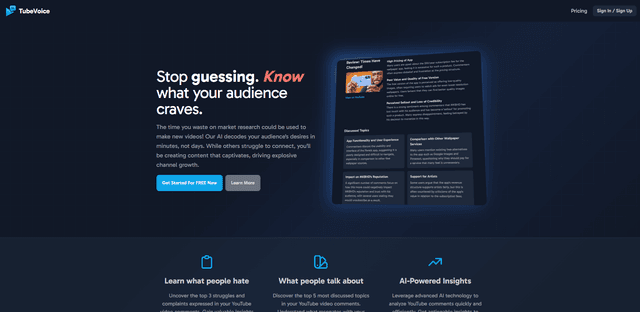
TubeVoice is an AI-powered YouTube comment analyzer that helps content creators understand their audience by providing insights from video comments through automated analysis.
ReviewPower
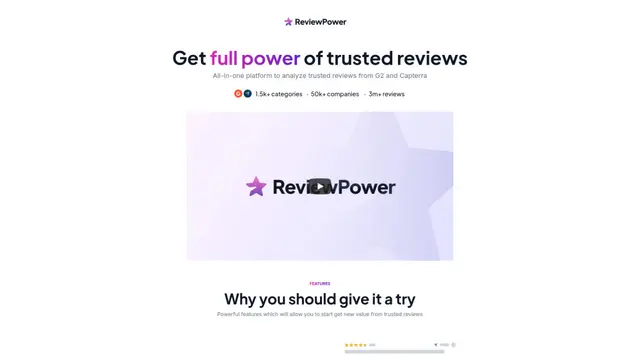
ReviewPower is an all-in-one platform that aggregates and analyzes trusted reviews from G2 and Capterra to help businesses gain valuable insights from customer feedback.

Insightfull
Insightfull is an AI-powered health tracking platform that helps users monitor symptoms, analyze health data, and receive personalized insights through symptom tracking, food logging, and medication management features.
SERPrecon
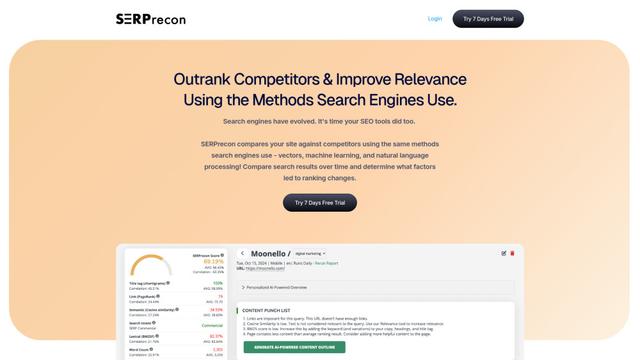
SERPrecon is an advanced SEO tool that leverages vectors, machine learning, and natural language processing to help users analyze and outrank competitors by using the same methods as modern search engines.
Popular AI Tools Like Dreambase.com
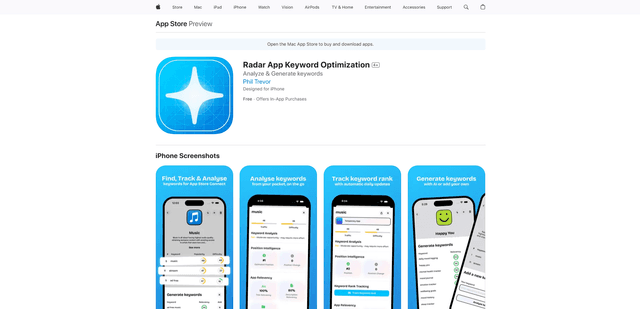
Radar
App Radar is a comprehensive app store optimization (ASO) tool that leverages AI-powered keyword research, competitor analysis, and automated tools to help improve app visibility and rankings across the Apple App Store and Google Play Store.
Ask Ad Manager by Google Ads
Ask Ad Manager is a Gemini-powered conversational agent inside Google Ad Manager that helps publishers troubleshoot issues in real time, generate custom performance reports from prompts, and navigate directly to the right settings using their own Ad Manager data.

Intercom
Intercom is an AI-powered customer service platform that provides instant support, enhances agent productivity, and delivers insights to support leaders.
Branded
Branded is a market research company that uses AI and advanced sampling techniques to provide high-quality consumer insights and data.