
Dotient
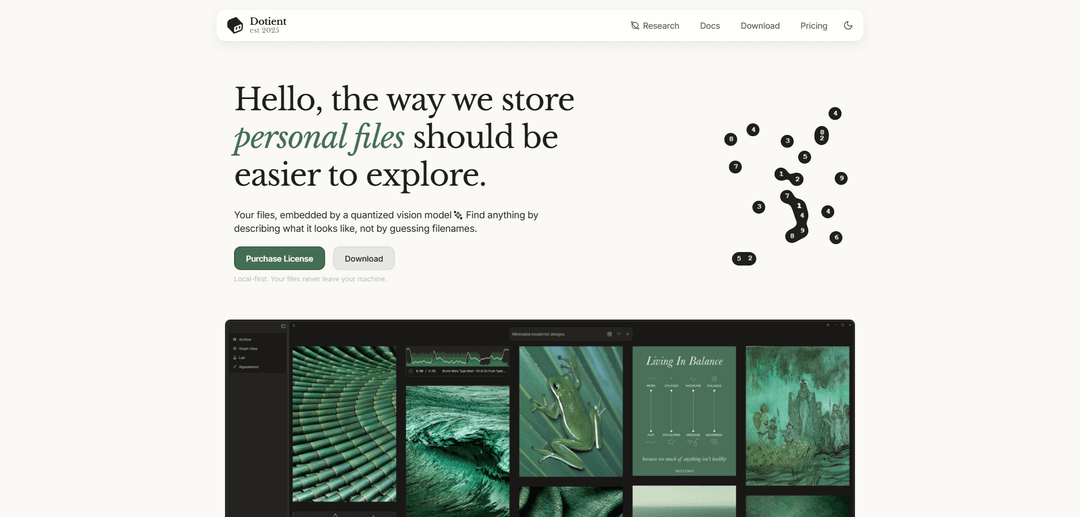
Dotient is a local-first visual file search app that uses quantized vision and text embeddings to help you find images and other files by describing what they look like, with tools like graph visualization, Cubbies, and signal tuning for smarter organization.
https://dotient.com/?ref=producthunt
Product Information
Updated:Jul 8, 2026
What is Dotient
Dotient is a desktop app designed to make exploring personal files feel effortless by letting you search visually instead of relying on filenames or manual tagging. After you import files, Dotient builds an on-device AI index so you can retrieve content using natural language queries like “beach sunset” or “Dad’s birthday.” It’s built with a strong privacy focus: it works fully offline and keeps your files on your machine, making it suitable for personal archives and professional creative libraries alike.
Key Features of Dotient
Dotient is a local-first desktop app that organizes and searches your personal files using ML-powered visual and semantic search. It indexes files offline with a quantized vision and text embedding model so you can find content by describing what it looks like instead of relying on filenames. It also provides a “bird’s eye view” via a similarity graph, plus lightweight organization tools (Cubbies) and user-driven relevance tuning (Signals) to improve future search results—while keeping data private on your machine.
Offline visual + natural-language search: Search for files by describing their visual content (e.g., “beach sunset”) rather than remembering exact filenames or folder paths.
Local-first private indexing: All processing runs on-device; embeddings and search happen offline so files and metadata don’t leave your machine.
AI embedding with quantized vision/text model: Automatically creates searchable profiles for imported files using efficient (quantized) ML models designed to run locally.
Similarity graph visualization: Explore your archive in a node graph where edges represent similarity; clusters are auto-detected to help you understand and label groups of related files.
Cubbies for organization and annotation: Group files into collections for moodboards, notes, and lightweight project organization without needing manual tagging across your whole library.
Signal tuning (user-driven relevance): Create custom “signals” by selecting examples and labeling them to fine-tune search results so Dotient learns what you mean over time.
Use Cases of Dotient
Photography & videography archive retrieval: Rapidly locate shots across thousands of folders by describing scenes, subjects, or styles—useful for editing, re-licensing, and portfolio building.
Design and art direction reference management: Search and cluster inspiration images, moodboards, and visual references; use Cubbies to annotate concepts and keep project references together.
Personal camera roll and family photo search: Find old photos without albums or tags (e.g., “Dad’s birthday”); create signals for people or recurring themes to improve recall.
PDF and document discovery by visual cues: Track down half-remembered documents (including PDFs) when you recall what they looked like rather than the exact title or location.
Creative teams’ local asset exploration: Explore local asset libraries (concept art, screenshots, exports) using similarity clusters and visual search to speed up reuse and ideation.
Pros
Local-first and offline: privacy-preserving and works without internet access.
Visual/semantic retrieval reduces reliance on filenames, folders, and manual tagging.
Graph view and clustering provide an intuitive overview of large archives.
User tuning (Signals) can improve relevance for personal, subjective categories.
Cons
Requires importing/dropping files into the app to index them, which adds an initial setup step and indexing time.
If files are moved outside the app, paths can break and may require manual path updates in rare cases.
Primarily optimized for visual discovery; users seeking full cloud sync/collaboration may find it limited.
How to Use Dotient
1) Install and open Dotient: Launch Dotient on your computer. Dotient is local-first, meaning your files stay on your machine and don’t leave your device.
2) Import files into Dotient: Drag and drop any file(s) you want to search into Dotient. This creates your local archive inside the app.
3) Let Dotient index your archive: Wait a few minutes while Dotient uses a quantized vision + text model to embed your files and build searchable profiles.
4) Search using natural language (visual search): Use the search feature to describe what you’re looking for (what it looks like) instead of relying on filenames. Example queries include phrases like “beach sunset”.
5) Explore your archive in the Graph view: Open the node graph visualization to see your archive as clusters of similar files, connected by similarity-based edges. Use the auto-detected clusters to understand and label groups.
6) Organize with Cubbies: Create Cubbies to group related files into meaningful collections. Use them to keep your archive organized and to add annotations, moodboards, todo lists, and design notes.
7) Improve results with Signal Tuning (Lab): Go to the Lab page to create Signals that fine-tune search results. If a search misses an item, select the relevant file(s), assign a label, and let Dotient learn to surface more images like them in future searches.
8) Build personal concepts for better retrieval: Create Signals for recurring people or themes (for example, a person-specific concept) by labeling multiple related photos, then search using those concepts to retrieve matching results more reliably.
Dotient FAQs
Dotient is a local-first desktop application for organizing and searching personal files using ML-powered visual search. It lets you find files by describing what they look like rather than relying on filenames.
Dotient Video
Popular Articles

Vosko AI: Localize and Dub Videos for Global Audiences
Oct 15, 2026

Atoms: A Multi-Agent AI Platform That Transforms Ideas into Launch-Ready Products
Oct 13, 2026

Nano Banana SBTI: What It Is, How It Works, and How to Use It in 2026
Apr 15, 2026

Atoms Review — The AI Product Builder Redefining Digital Creation in 2026
Apr 10, 2026
Latest AI Tools Similar to Dotient

Folderr
Folderr is a comprehensive AI platform that enables users to create custom AI assistants by uploading unlimited files, integrating with multiple language models, and automating workflows through a user-friendly interface.
InDesign Translator
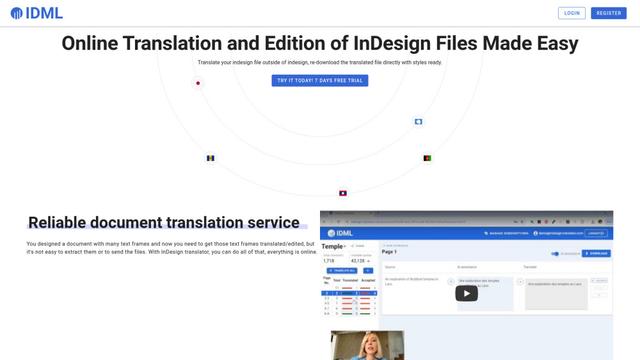
InDesign Translator is an online translation service that enables users to translate InDesign files while maintaining formatting and styles, offering AI-assisted translation and easy collaboration features without requiring translators to have InDesign installed.
Specgen.ai
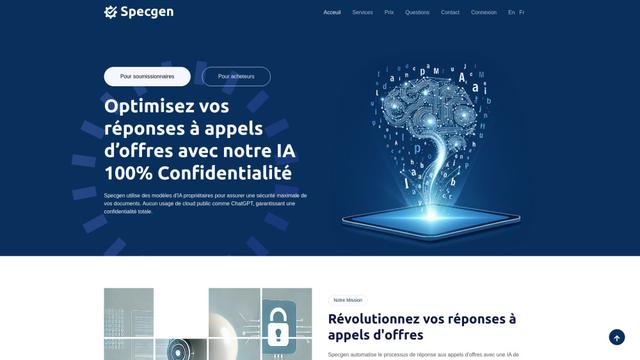
Specgen.ai is an AI-powered platform that helps businesses optimize their bid responses by automatically analyzing tender requirements and generating personalized responses while ensuring 100% data confidentiality through proprietary AI models.
TurboDoc
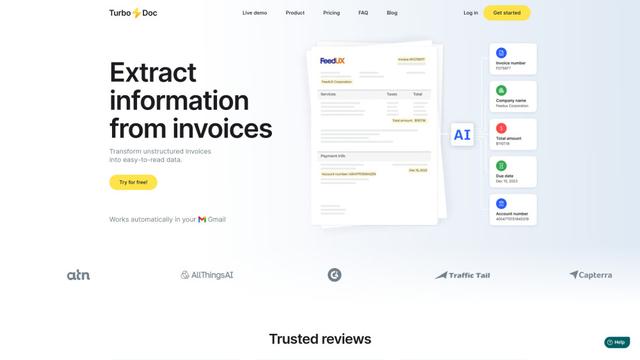
TurboDoc is an AI-powered invoice processing software that automatically extracts and transforms unstructured invoice data into organized, easy-to-read structured data through Gmail integration and intelligent document processing.
Popular AI Tools Like Dotient
R2R
R2R (Reason to Retrieve) is an advanced AI retrieval system that provides production-ready Retrieval-Augmented Generation (RAG) capabilities with multimodal content ingestion, hybrid search, knowledge graphs, and comprehensive document management through a RESTful API.

Claude Folder Upload
A Chrome extension that enables users to upload entire folders to Claude AI while intelligently preserving directory structures and file relationships, with smart filtering capabilities for irrelevant files.
Web Clipper for NotebookLM
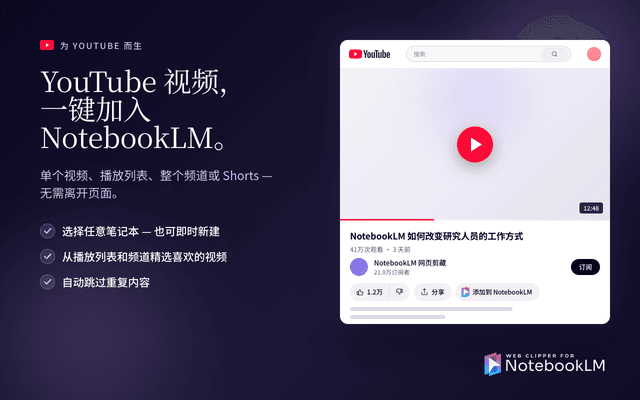
Web Clipper for NotebookLM is a Chrome extension that saves web pages, PDFs, YouTube content, social posts/threads, and even AI chat conversations directly into Google NotebookLM in one click, plus adds powerful export, sync, and notebook-management tools.
ReadHero
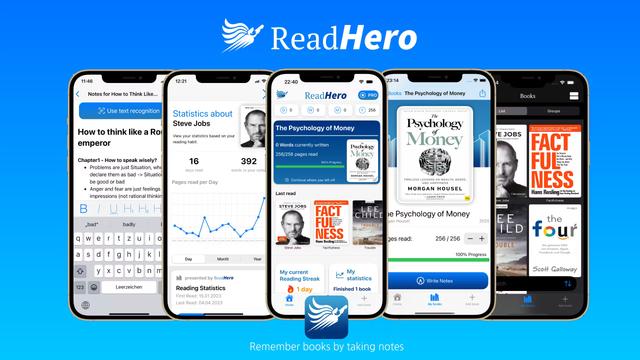
ReadHero is a comprehensive book tracking and note-taking app that helps readers remember and retain more of what they read by enabling progress tracking, note-taking, and book management all in one place.