DocuSmart AI
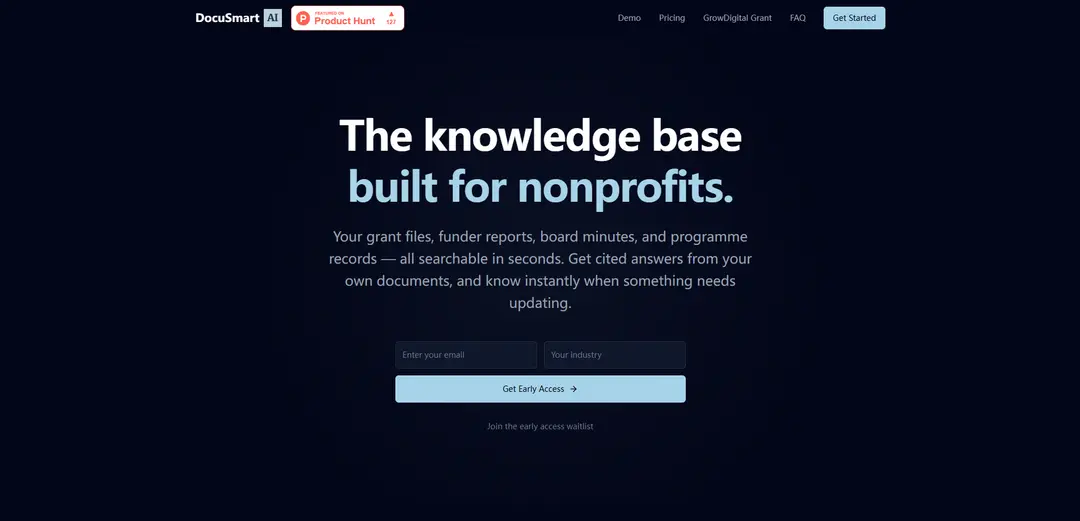
DocuSmart AI is an AI-powered document search and knowledge base for nonprofits that delivers instant, citation-backed answers across cloud drives and helps teams keep documents up to date as external requirements change.
https://www.docusmart.eu/?ref=producthunt
Product Information
Updated:Aug 8, 2026
What is DocuSmart AI
DocuSmart AI is a document intelligence platform designed for nonprofits (and also available for small businesses) that turns scattered organisational files—like grant applications, funder reports, board minutes, policies, and programme records—into a searchable knowledge base. Instead of digging through folders across tools like Google Drive, OneDrive, and Dropbox, teams can ask questions in plain English and receive clear answers that link back to the exact source document and section for verification. The product is positioned to reduce repetitive searching, preserve institutional knowledge when staff change, and support faster grant writing, reporting, and compliance work without requiring document migration or replacing existing systems.
Key Features of DocuSmart AI
DocuSmart AI is an AI-powered document search and knowledge-base layer designed primarily for nonprofits, letting teams ask questions in plain English and receive instant, citation-backed answers grounded in their own files. It connects to existing cloud storage (Google Drive, OneDrive, Dropbox) with read-only access—no migration required—indexes common document formats, and uses retrieval-augmented generation (RAG) to synthesize responses with links to the exact source sections for verification. It also helps teams stay current by checking documents against live external sources (e.g., funder websites, policy/regulatory updates), flagging what’s changed, and proposing updates that users can review and approve. The platform emphasizes enterprise-grade security (encryption, per-organization isolation) and states it does not train AI models on customer documents.
Citation-backed Q&A over your documents: Ask questions in plain English and get answers that include citations linking back to the exact document and section, enabling quick verification and reducing hallucinations.
Cloud-drive integrations (no migration): Connects via OAuth 2.0 to Google Drive, OneDrive, and Dropbox with read-only permissions; files remain in place while DocuSmart indexes them for unified search.
RAG-based retrieval for grounded accuracy: Uses Retrieval-Augmented Generation: retrieves relevant passages from your indexed documents first, then generates a synthesized answer based on those passages.
Change detection against live sources: Checks your internal documents against live external sources such as funder sites, policy updates, and regulatory changes to highlight what’s outdated and what needs attention.
Guided document updating with review control: When updates are needed, it can generate a revised version and show proposed changes; users review, approve, and download an updated copy—nothing changes automatically.
Team workflows and Slack access: Supports team access and a Slack integration (/ds command) to ask questions and receive answers with source links directly in channels/DMs, plus basic/advanced analytics on higher tiers.
Use Cases of DocuSmart AI
Nonprofit grant writing and reuse of past submissions: Quickly retrieve prior grant language, budgets, and outcome metrics scattered across drives to accelerate new applications and ensure consistency.
Funder reporting and impact measurement: Compile program outcomes and historical impact data from reports, minutes, and program records by asking targeted questions and citing the original sources.
Compliance and policy management: Find the right policy/procedure instantly and detect when policies, guidelines, or regulatory references have changed so teams can update documents before audits or reviews.
Onboarding and institutional knowledge retention: New staff can self-serve answers from board minutes, strategy docs, SOPs, and program guides—reducing dependency on long-tenured employees.
SME knowledge base for operations and client work: Small businesses can search contracts, proposals, project notes, and SOPs across shared drives to reduce interruptions and speed up delivery.
In-Slack knowledge lookup for distributed teams: Remote teams can query organizational documents from Slack without tab-switching, keeping work in-flow while still getting verifiable, linked sources.
Pros
Citations to exact document sections make answers verifiable and more trustworthy than generic chatbots.
No migration required; read-only OAuth integrations reduce operational risk and setup friction.
Change detection against live sources helps keep policies/funder guidance current without manual monitoring.
Security positioning includes encryption, per-organization isolation, and a stated policy of not training on customer documents.
Cons
Accuracy depends on the quality and completeness of the underlying documents; missing/unclear source content limits answer quality.
File format support is still evolving (some formats like Excel/PowerPoint noted as “being added”), which may limit coverage for some teams.
Pricing/usage is query-metered on lower tiers, which could become costly for heavy usage outside included limits.
How to Use DocuSmart AI
1) Join early access / get an account: Go to https://www.docusmart.eu/ and join the early access waitlist (or sign up if access is available). Once approved, log in to your DocuSmart workspace.
2) Connect your cloud storage (recommended): In DocuSmart, connect Google Drive, OneDrive, or Dropbox using OAuth 2.0. The connection is read-only—DocuSmart will not modify, move, or delete your files. You can revoke access anytime from your cloud provider’s account settings.
3) Upload documents directly (optional alternative): If you don’t want to connect a drive, upload documents directly into DocuSmart. Add key materials like grant applications, funder reports, board minutes, policies, programme guides, strategy papers, and compliance documents.
4) Confirm supported file types before indexing: Use supported formats such as PDFs, Google Docs, Google Sheets, Google Slides, and Microsoft Word documents. (Support for Excel, PowerPoint, and plain-text files is being added.)
5) Let DocuSmart index your documents: After connecting a drive or uploading files, DocuSmart indexes the content so it becomes searchable across your knowledge base—without migrating or relocating your originals.
6) Ask a question in plain English: Use the search/chat interface to ask questions like “What outcomes did we report to the Community Foundation last year?” DocuSmart uses Retrieval-Augmented Generation (RAG): it retrieves relevant passages from your documents and then generates a synthesized answer.
7) Verify answers using citations: Open the citations included with every answer to jump to the exact source document and section. Use these links to confirm accuracy and to copy exact language for grant writing, reporting, or compliance needs.
8) Use DocuSmart for common nonprofit workflows: Retrieve past grant language, impact metrics, and budget narratives; compile funder reporting details from scattered programme records; find the right policy/procedure quickly for audits; and help new staff self-serve institutional knowledge from day one.
9) Enable Slack integration (if on a plan that includes it): Install the DocuSmart app in your Slack workspace. Then use the /ds command followed by your question in any channel or DM. DocuSmart replies in Slack with a concise answer plus source links.
10) Check what’s out of date (stay current): Use DocuSmart’s change-checking feature to compare your documents against live sources (e.g., funder websites, policy updates, regulatory changes). Review what’s still accurate, what changed, and what needs attention—without manual research.
11) Generate an updated version when changes are needed: When DocuSmart flags that something needs updating, have it generate a revised version and review the proposed edits. Approve only what you trust, then download a clean updated copy—nothing changes without your approval.
12) Manage privacy and security expectations: Rely on the platform’s stated security posture: encryption at rest and in transit (AES-256), per-user and per-organisation data isolation, and a commitment that your documents are not used for AI training. If needed, review the Privacy Policy at https://www.docusmart.eu/privacy.
DocuSmart AI FAQs
DocuSmart AI is an AI-powered document search tool built for nonprofits that provides instant, citation-backed answers from an organisation’s own documents.
DocuSmart AI Video
Popular Articles

Vosko AI: Localize and Dub Videos for Global Audiences
Oct 15, 2026

Atoms: A Multi-Agent AI Platform That Transforms Ideas into Launch-Ready Products
Oct 13, 2026

Nano Banana SBTI: What It Is, How It Works, and How to Use It in 2026
Apr 15, 2026

Atoms Review — The AI Product Builder Redefining Digital Creation in 2026
Apr 10, 2026
Latest AI Tools Similar to DocuSmart AI
Folderr
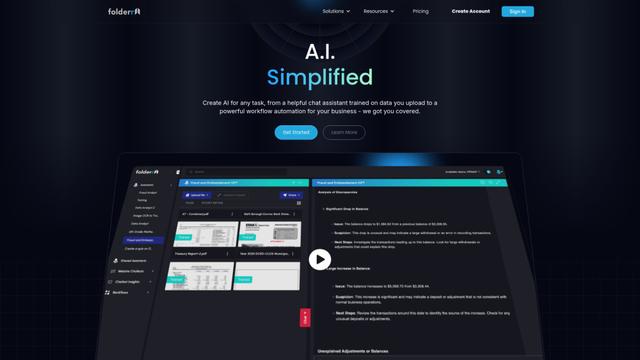
Folderr is a comprehensive AI platform that enables users to create custom AI assistants by uploading unlimited files, integrating with multiple language models, and automating workflows through a user-friendly interface.
InDesign Translator
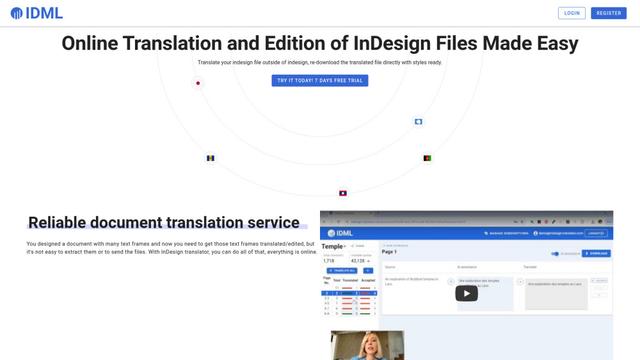
InDesign Translator is an online translation service that enables users to translate InDesign files while maintaining formatting and styles, offering AI-assisted translation and easy collaboration features without requiring translators to have InDesign installed.
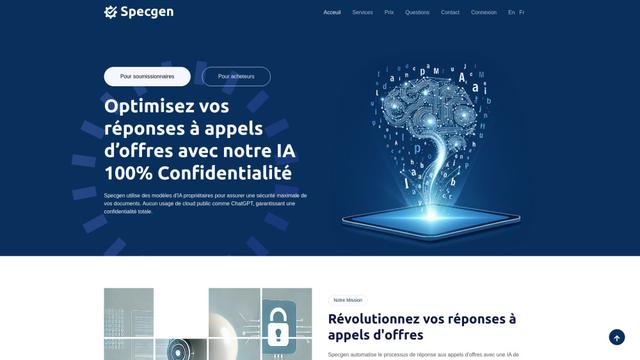
Specgen.ai
Specgen.ai is an AI-powered platform that helps businesses optimize their bid responses by automatically analyzing tender requirements and generating personalized responses while ensuring 100% data confidentiality through proprietary AI models.
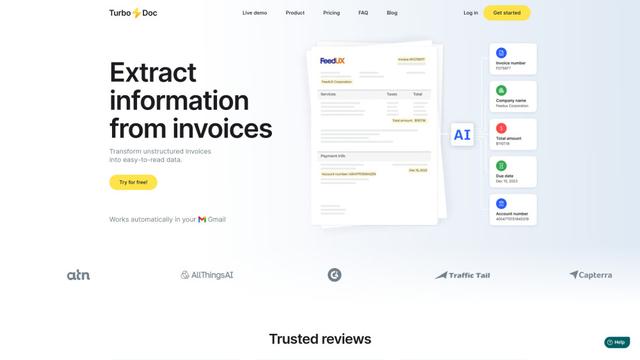
TurboDoc
TurboDoc is an AI-powered invoice processing software that automatically extracts and transforms unstructured invoice data into organized, easy-to-read structured data through Gmail integration and intelligent document processing.
Popular AI Tools Like DocuSmart AI
R2R
R2R (Reason to Retrieve) is an advanced AI retrieval system that provides production-ready Retrieval-Augmented Generation (RAG) capabilities with multimodal content ingestion, hybrid search, knowledge graphs, and comprehensive document management through a RESTful API.

Claude Folder Upload
A Chrome extension that enables users to upload entire folders to Claude AI while intelligently preserving directory structures and file relationships, with smart filtering capabilities for irrelevant files.
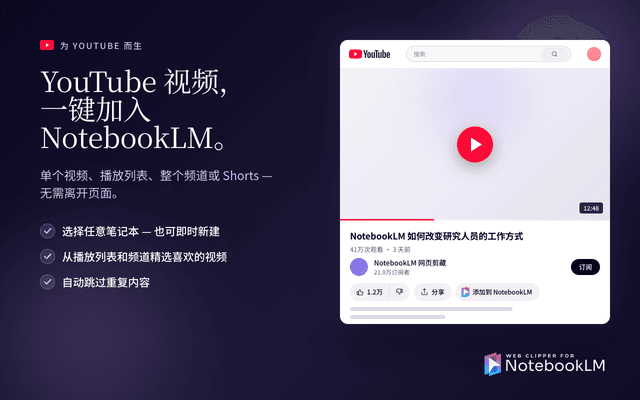
Web Clipper for NotebookLM
Web Clipper for NotebookLM is a Chrome extension that saves web pages, PDFs, YouTube content, social posts/threads, and even AI chat conversations directly into Google NotebookLM in one click, plus adds powerful export, sync, and notebook-management tools.
ReadHero
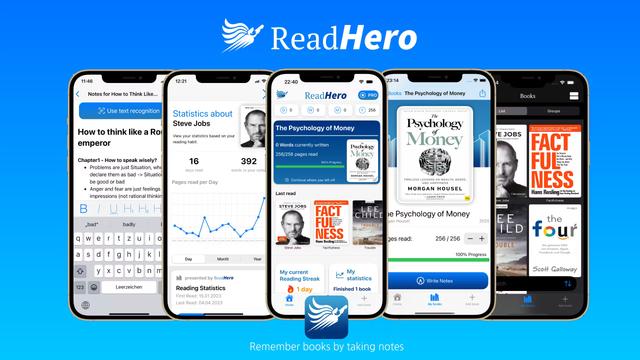
ReadHero is a comprehensive book tracking and note-taking app that helps readers remember and retain more of what they read by enabling progress tracking, note-taking, and book management all in one place.