
Dictato
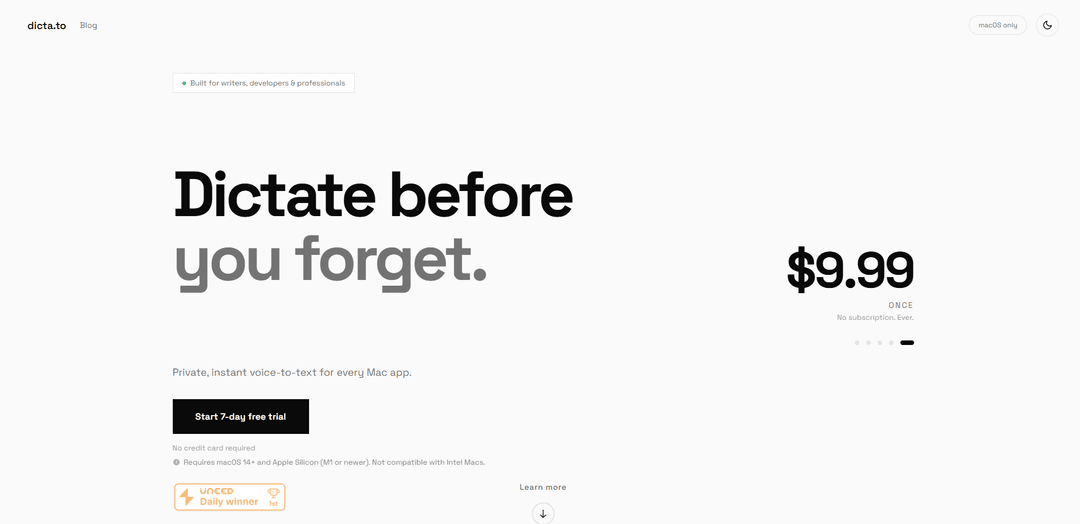
Dictato is a private, instant voice-to-text dictation app for Mac that enables real-time speech-to-text conversion across all applications with near-instant transcription and complete privacy.
https://dicta.to/?ref=producthunt
Product Information
Updated:Mar 8, 2026
What is Dictato
Dictato is a macOS application designed for writers, developers, and professionals who want to convert their speech to text efficiently. It's a menu bar-based tool that works exclusively on Apple Silicon Macs running macOS 14 or later, offering a one-time purchase model at $9.99 with no subscription required. The app supports over 25 languages with automatic detection and provides users with three different transcription engines: Whisper, Parakeet, and Apple.
Key Features of Dictato
Dictato is a private voice-to-text dictation app for Mac that offers real-time speech transcription with 80ms latency using three different engines (Whisper, Parakeet, and Apple). It works 100% on-device without cloud connectivity, supports 25+ languages with automatic detection, and integrates with any Mac application. The app is available for a one-time payment of $9.99 with no subscription fees, requiring macOS 14+ and Apple Silicon.
Real-time Transcription: Offers near-instant transcription with 80ms latency, allowing users to see text appear as they speak
Multiple Engine Options: Features three different transcription engines (Whisper, Parakeet, Apple) with support for 25+ languages and automatic language detection
Universal App Integration: Works with any macOS application where text input is possible, including email clients, word processors, code editors, and messaging apps
Privacy-First Design: Processes all audio locally on-device with no cloud connection, ensuring complete data privacy and offline functionality
Use Cases of Dictato
Legal Documentation: Lawyers can dictate confidential notes and documents while maintaining client privilege due to the private, on-device processing
Medical Record Keeping: Healthcare professionals can quickly document patient information in compliance with HIPAA requirements
Content Creation: Writers and journalists can capture thoughts and draft content at speaking speed (150 WPM) instead of typing speed (40 WPM)
Programming Documentation: Developers can efficiently document code and write comments using voice input in their preferred code editor
Pros
Complete privacy with 100% on-device processing
One-time payment with no subscription fees
No timeout limit unlike Apple's 60-second restriction
Works with any Mac application
Cons
Requires macOS 14+ and Apple Silicon hardware
Significant storage space needed for engine models (up to 2.3GB)
Limited to 2 years of updates with initial purchase
How to Use Dictato
Download and Install: Download Dictato from the official site (dicta.to). It requires macOS 14+ and an Apple Silicon Mac. Start with the 7-day free trial, no credit card required.
Initial Setup: After installation, Dictato will appear in your Mac's menu bar. The app will need to download the transcription engine models (Parakeet ~2.3GB or Whisper ~600MB) to work offline.
Configure Hotkey: Set up a global keyboard shortcut (hotkey) that you'll use to activate dictation. This can be accessed through Dictato's menu bar settings.
Choose Engine: Select your preferred transcription engine from the three options: Parakeet (recommended for European languages), Whisper (supports 99 languages), or Apple SpeechAnalyzer.
Position Cursor: Open any app where you want to dictate text and place your cursor where you want the text to appear.
Start Dictating: Press and hold your configured hotkey, speak clearly into your microphone, and watch as text appears in real-time with about 80ms latency.
Stop Dictation: Release the hotkey when you're done speaking. The transcribed text will be automatically inserted at your cursor position.
Edit if Needed: Review and edit the transcribed text as needed, as like any transcription tool, it may not be 100% accurate.
Dictato FAQs
Dictato is a voice-to-text dictation app for Mac that lives in your menu bar. You configure a global hotkey - press and hold it, speak, then release. Your speech is transcribed in real time and text appears instantly wherever your cursor is, in any application, with latency as low as 80ms.
Popular Articles

Atoms: A Multi-Agent AI Platform That Transforms Ideas into Launch-Ready Products
May 22, 2026

Nano Banana SBTI: What It Is, How It Works, and How to Use It in 2026
Apr 15, 2026

Atoms Review — The AI Product Builder Redefining Digital Creation in 2026
Apr 10, 2026

Kilo Claw: How to Deploy and Use a True "Do‑It‑For‑You" AI Agent(2026 Update)
Apr 3, 2026
Latest AI Tools Similar to Dictato

Ticknotes
Ticknotes is an AI-powered meeting assistant that automatically records, transcribes, and generates personalized meeting summaries, action items, and key insights from audio, video, and text content.

Feta
Feta is an AI-powered meeting tool that helps product and engineering teams run efficient meetings by capturing discussions, automating tasks, and providing actionable insights through smart summaries and integrations.
TranscriptionPlus
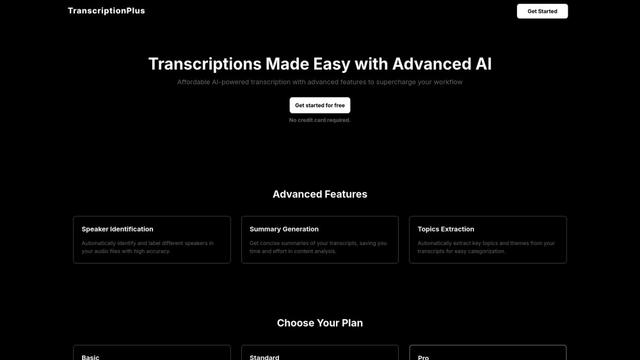
TranscriptionPlus is an AI-powered transcription service that offers accurate speech-to-text conversion with advanced features like speaker identification, summary generation, and multi-language support at affordable pricing tiers.
AudioScribe.io
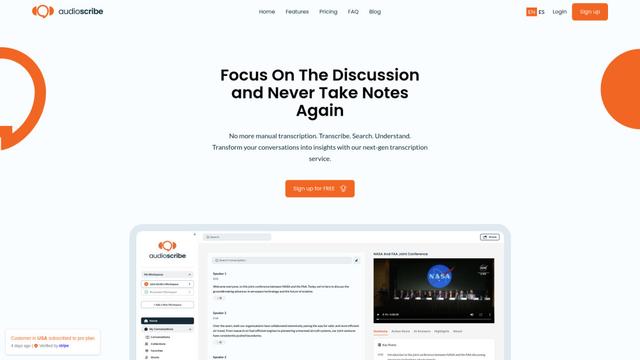
AudioScribe.io is a revolutionary AI-powered transcription service that converts audio and video content into accurate text while offering advanced features like automated meeting recording, full-text search, and multi-language support.
Popular AI Tools Like Dictato
Ghost Pepper 🌶️
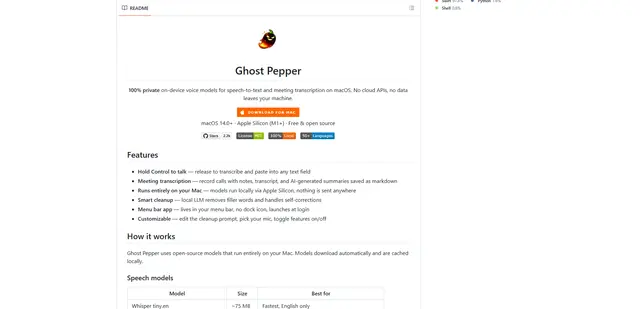
Ghost Pepper is a 100% local, privacy-focused speech-to-text and meeting transcription app for macOS that runs entirely on your Mac using open-source AI models, featuring hold-to-talk recording, intelligent text cleanup, and multi-language support without sending any data to the cloud.
Whisper AI
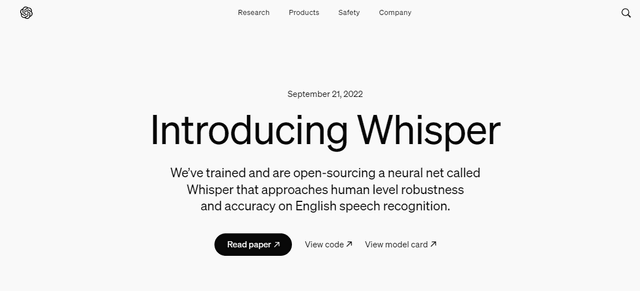
Whisper is an open-source automatic speech recognition system from OpenAI that approaches human-level accuracy and robustness for transcribing and translating speech in multiple languages.

Youtube to transcript
Youtube to Transcript is a Chrome extension that allows users to easily convert YouTube videos into text transcripts with features like multi-language support, AI-powered summarization, and downloadable formats.
inFin
inFin is a lightweight, user-friendly AI-powered voice notes app that offers unlimited recording, real-time transcription, and translation between Chinese and English, with offline capabilities and local storage for enhanced privacy.