
dictate.
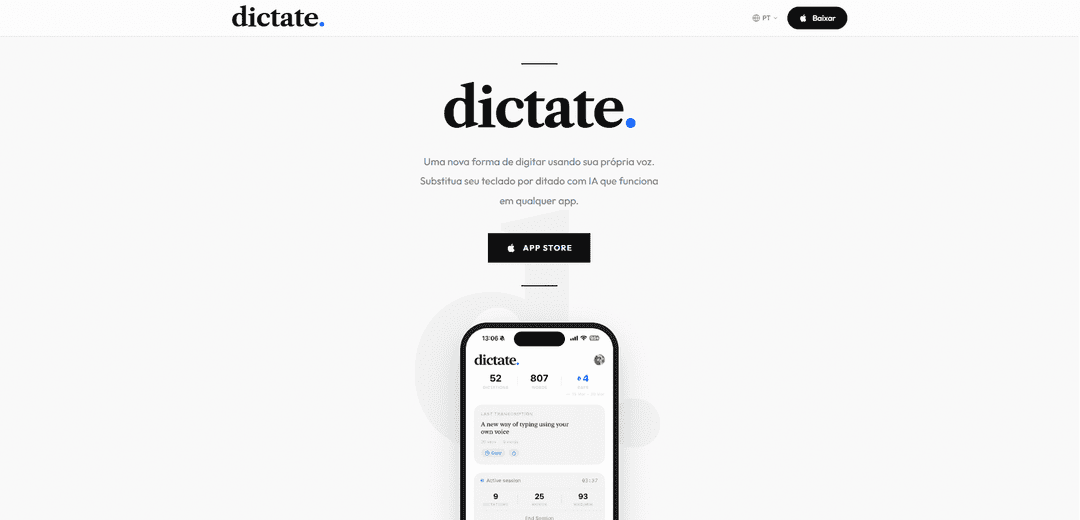
dictate. is an AI-powered voice-to-text keyboard app for iOS that enables seamless dictation across any app with multi-language support and real-time translation capabilities.
https://usedictate.app/?ref=producthunt
Product Information
Updated:Apr 8, 2026
What is dictate.
dictate. is a revolutionary iOS keyboard app that transforms how users interact with their devices by replacing traditional typing with advanced voice dictation. It integrates directly into your iPhone or iPad as a custom keyboard, allowing users to convert speech to text instantly in any application - from messages and emails to notes and documents. The app offers a free tier for basic usage and a Pro version for power users who require unlimited transcriptions and advanced features.
Key Features of dictate.
dictate. is an AI-powered voice-to-text keyboard app for iOS that enables users to convert speech to text in real-time across any application. It integrates advanced AI models like Whisper and Gemini for accurate transcription, supports multiple languages, offers real-time translation, and provides usage tracking features. The app functions as a custom keyboard replacement that works seamlessly with all iOS apps.
Universal App Integration: Functions as a custom keyboard that works in any iOS app, allowing voice typing in messages, emails, notes, and anywhere text input is needed
Advanced AI Transcription: Powered by leading AI models including Whisper and Gemini to provide fast and accurate speech recognition
Multilingual Support: Supports multiple languages including English, Portuguese, and Spanish with seamless language switching and real-time translation capabilities
Usage Analytics: Tracks transcription history, word count, and usage streaks over time to help users monitor their dictation activity
Use Cases of dictate.
Professional Communication: Enables quick composition of emails and messages for business professionals on the go
Content Creation: Helps journalists, bloggers, and social media users create content faster through voice dictation
Multilingual Communication: Assists users in communicating across language barriers with real-time translation features
Accessibility Aid: Provides an alternative text input method for users who have difficulty with traditional typing
Pros
Works seamlessly across all iOS apps
Offers accurate AI-powered transcription
Includes free tier with basic features
Cons
Limited to 70 transcriptions per week in free version
iOS only - not available for other platforms
Requires subscription for unlimited use and advanced features
How to Use dictate.
Download the app: Download and install dictate. for free from the Apple App Store
Enable dictate keyboard: Go to Settings app > General > Keyboard > Enable dictate. keyboard
Grant permissions: Ensure you've enabled Settings > Screen Time > Content Restrictions > Allowed Apps > Siri & Dictate permissions
Login to iCloud: Sign in to your iCloud account and grant permission for Dictate to access it
Switch to dictate keyboard: In any app where you want to type, switch to the dictate. keyboard by tapping the globe icon
Start dictating: Tap the microphone icon and begin speaking naturally - your words will appear as text in real-time
Use voice commands: You can use commands like 'new line', 'period', 'comma' and other punctuation marks while dictating
Switch languages: You can switch between supported languages like English, Portuguese, Spanish etc. directly from the keyboard
dictate. FAQs
dictate. is a custom keyboard that replaces your iPhone keyboard with AI-powered voice typing. It integrates with all apps and uses AI models like Whisper and Gemini for accurate speech recognition.
Popular Articles

Vosko AI: Localize and Dub Videos for Global Audiences
Oct 15, 2026

Atoms: A Multi-Agent AI Platform That Transforms Ideas into Launch-Ready Products
Oct 13, 2026

Nano Banana SBTI: What It Is, How It Works, and How to Use It in 2026
Apr 15, 2026

Atoms Review — The AI Product Builder Redefining Digital Creation in 2026
Apr 10, 2026
Latest AI Tools Similar to dictate.
MicVoice.Ai
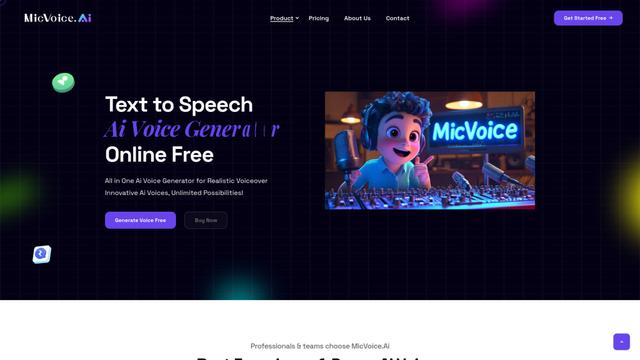
MicVoice.Ai is an all-in-one AI voice generator platform that transforms written text into high-quality, natural-sounding speech with over 5000 realistic AI voices supporting 17+ languages.
Narrai
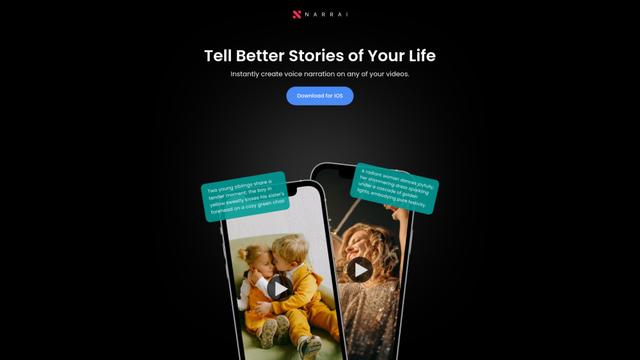
Narrai is an AI-powered mobile app that instantly creates voice narration and background music for short videos by automatically generating relevant scripts and offering multiple narrator personas.
Vagent
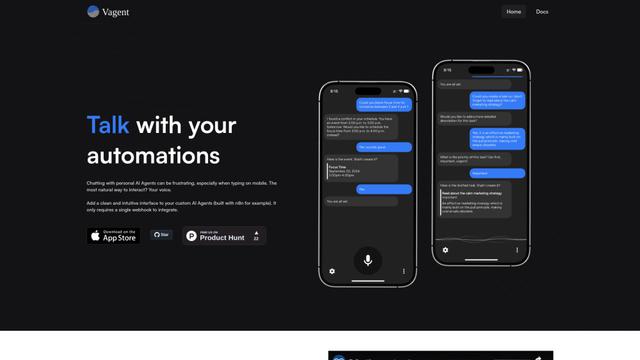
Vagent is a lightweight voice interface that enables users to interact with custom AI agents through voice commands, providing a natural and intuitive way to control automations with support for 60+ languages.
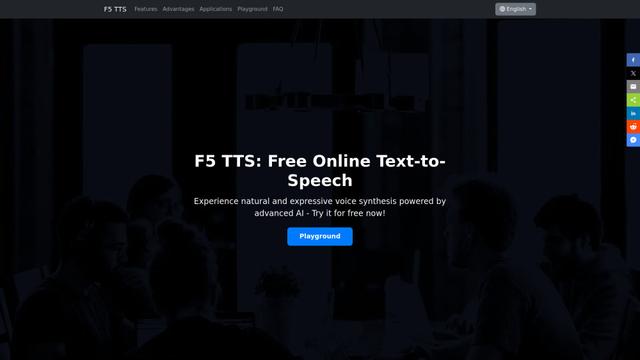
F5 TTS
F5-TTS is a state-of-the-art, non-autoregressive text-to-speech system that uses Flow Matching and Diffusion Transformer techniques to generate highly natural and expressive speech with zero-shot voice cloning capabilities.
Popular AI Tools Like dictate.
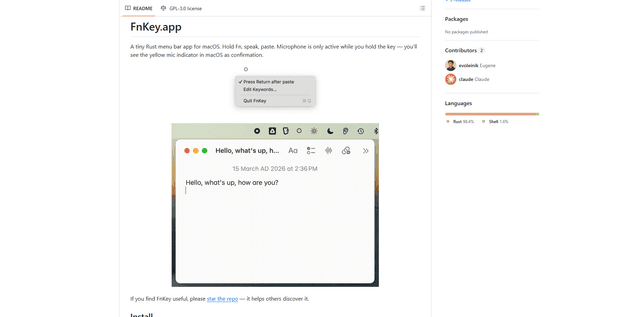
FnKey
FnKey is a lightweight macOS menu bar application that enables quick voice-to-text transcription by holding the Fn key to speak and automatically pastes the transcribed text when released.
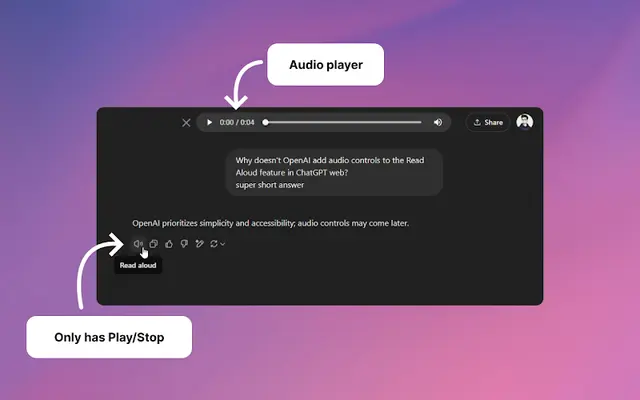
Audio player for ChatGPT
A Chrome extension that enhances ChatGPT's Read Aloud feature by adding a user-friendly audio player with basic controls like play/pause, seek bar, and duration display.
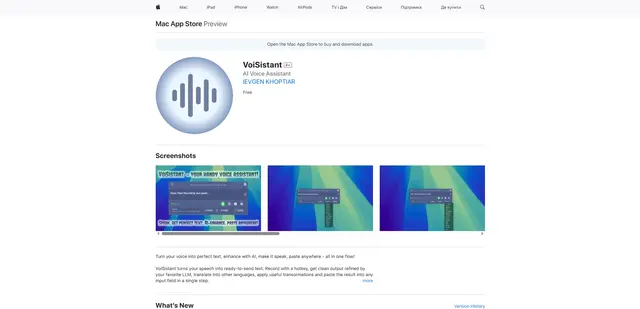
VoiSistant
VoiSistant is a comprehensive voice-to-text application that combines speech recognition, AI enhancement, translation, and text-to-speech capabilities in one seamless workflow.
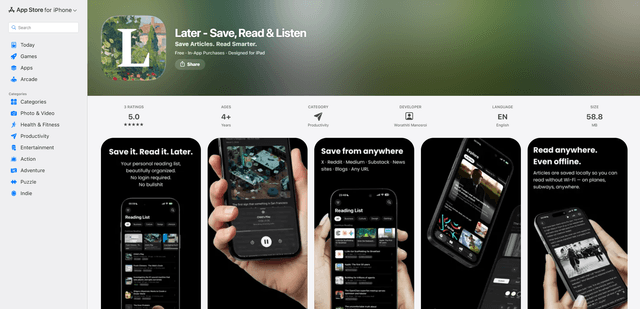
LaterAI
Later is an AI-powered read-it-later app that lets you save articles, read them in a distraction-free environment, and listen to them with natural-sounding AI voices - all while maintaining complete privacy with on-device processing.