
DepthData
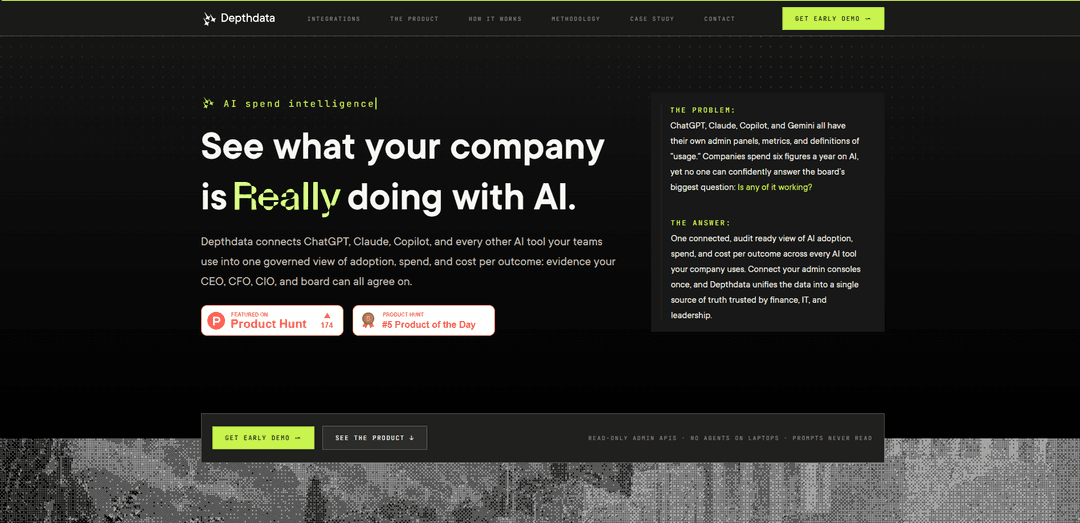
DepthData is an AI spend intelligence platform that connects your company’s AI tools (e.g., ChatGPT, Claude, Copilot, Gemini, Cursor) into one read-only, governed view of adoption, spend, and cost-per-outcome with board-ready reporting and coaching insights—without reading prompts or installing agents.
https://depthdata.vercel.app/?ref=producthunt
Product Information
Updated:Aug 8, 2026
What is DepthData
DepthData (Depthdata) helps organizations understand what they’re actually doing with AI by consolidating usage, seats, and spend across many AI products into a single source of truth. Instead of juggling multiple vendor admin consoles, it provides a unified, finance-grade view of adoption and efficiency—such as active users, token usage, model mix, idle seat waste, and cost per active user—so leaders can answer “how’s AI going?” with defensible metrics. It is designed for executive and operational stakeholders alike (CEO/CFO/CIO, finance, IT, and team leads) and emphasizes privacy by ingesting metadata only, not conversation content.
Key Features of DepthData
DepthData is an AI spend intelligence platform that connects the admin consoles of tools like ChatGPT Enterprise, Claude, GitHub Copilot, Gemini Workspace, Cursor, and others into a single, audit-ready view of AI adoption, usage depth, and spend. It normalizes vendor metrics into one governed data model (so “active user” and spend mean the same thing across tools), labels each KPI by how it’s verified (measured vs. modeled with confidence bands), and produces leadership-friendly outputs such as a workspace health score, board-ready reports, and right-sizing recommendations. DepthData is read-only by design, uses OAuth/API connections (no agents or extensions), and explicitly does not ingest or read prompt content—metadata only.
Unified AI spend & adoption ledger: Aggregates seats, roles, usage events, and spend across multiple AI vendors into one governed view, replacing the need to reconcile several separate admin dashboards and spreadsheets.
Evidence labels & defensible analytics: Every metric is tagged with how it’s verified (e.g., direct API, exports/logs, billing feeds, or modeled estimates) and includes methodology and confidence bands so numbers can stand up to CFO/board scrutiny.
Privacy-first, read-only data collection: Read-only OAuth connections to vendor admin APIs; no laptop agents, no browser extensions, no scraping, and no prompt/content ingestion—only metadata such as sessions, seats, and usage signals.
Workspace health score & executive dashboards: Rolls adoption, depth of use, and efficiency/spend into a single health score with drill-down KPIs and trends, designed to answer “how’s AI going?” at a glance.
Coaching and nudges to improve adoption: Identifies patterns of high-performing AI usage, turns them into playbooks, and routes nudges to teams with the biggest gaps—then tracks impact so enablement shows up in adoption metrics.
Right-sizing & waste detection: Surfaces idle or low-intensity seats, duplicate tool coverage, and tier mismatches; provides recommendations like reclaiming dormant licenses or downgrading tiers where output quality is likely within tolerance.
Use Cases of DepthData
Finance-led AI cost governance (any enterprise): Consolidate AI subscriptions and usage into one view to quantify total spend, cost per active user, and recoverable waste from idle seats—supporting budgeting, chargebacks, and vendor negotiations.
IT/CIO visibility and standardization: Track adoption across departments and tools, identify redundant assistants (e.g., Copilot + Cursor overlap), and standardize on fewer platforms while maintaining productivity and access controls.
Board-ready reporting for regulated industries: In sectors like financial services, healthcare, and insurance, produce audit-ready exports with transparent methodology and privacy guarantees (no prompt reading) to support governance reviews and risk committees.
Engineering tool ROI optimization: For software organizations using Copilot/Cursor/LLM suites, monitor active seats, usage depth, and tier fit; reclaim unused licenses and focus enablement on teams with low adoption but high potential impact.
Company-wide enablement and change management: Enable Learning & Development or Ops teams to identify who is stuck vs. thriving with AI, deploy targeted coaching playbooks, and measure adoption lift against the company’s own baseline over time.
Shadow AI and operational risk tracking: Maintain an AI risk register view (e.g., shadow usage estimates, prompt-quality variance signals, unused license exposure) so leadership can prioritize governance actions without inspecting employee content.
Pros
Audit-ready metrics with verification labels and published methodology, making analytics more defensible than vendor-reported dashboards.
Privacy-forward approach: metadata only, read-only connections, no agents/extensions, and explicitly no prompt ingestion.
Normalizes inconsistent vendor definitions (e.g., “active user”) into one schema, simplifying cross-tool comparisons and decision-making.
Cons
Coverage depends on what each vendor’s admin APIs expose and often requires enterprise/business tiers; some data may be “not exposed yet.”
Some outcomes/values are modeled rather than directly measured, which can introduce uncertainty even with confidence bands.
Best results require connecting multiple admin consoles and aligning internal definitions of “good” outcomes per department (setup and stakeholder coordination).
How to Use DepthData
1) Confirm you have the right vendor plans and admin access: Depthdata relies on official vendor admin APIs (often requiring Enterprise/Business tiers). Ensure you are an admin for each tool you want to connect (e.g., ChatGPT Enterprise, Claude Enterprise, GitHub Copilot, Gemini Workspace, Vercel + AI Gateway, Notion AI, Replit, Lovable).
2) Decide what you want Depthdata to answer first: Pick initial questions such as: total AI spend across tools, who is active vs. dormant, which seats are idle, cost per active user, and where overlapping tools create duplicate coverage.
3) Connect your AI tools via read-only OAuth: In Depthdata, connect each vendor using read-only OAuth into the admin console. Depthdata is designed to require no agents, no browser extensions, no scraping, and nothing installed on employee devices.
4) Run the first ingestion sync (daily read-only pulls): Depthdata performs read-only pulls from each vendor feed on a daily sync for metadata such as seats, roles, sessions, usage events, and spend. Conversation/prompt content is not ingested.
5) Review the connector coverage matrix for each vendor: Check what each vendor can and can’t expose (e.g., seats & roles, usage & adoption, spend, audit events). Depthdata explicitly shows where data is available via API, via exports/log streams, or not exposed yet.
6) Validate privacy and governance expectations internally: Confirm with stakeholders that Depthdata uses metadata only and does not read prompts. Where a vendor feed could include conversation content, Depthdata discards it at ingestion.
7) Let Depthdata normalize metrics into one governed schema: Depthdata maps tokens/credits/actions/premium requests into a single schema so definitions like “active user” are consistent across tools (instead of differing by vendor).
8) Establish your baseline (first four weeks): Depthdata measures lift against your organization’s own first four weeks (per department), rather than using vendor benchmarks or industry averages.
9) Open the Overview surface to get the workspace health score: Use the Overview to see adoption, depth, and spend rolled up into a single workspace health score, with KPI deltas and 12-week trends behind it.
10) Use Analytics to produce defensible trends: Slice adoption, depth, and spend by department, tool, or seniority. Use confidence labels and the open methodology so numbers can withstand finance/board scrutiny.
11) Identify waste and right-size licenses: Use cost per active user, idle-seat detection (e.g., no activity in 30–60 days), and overlap signals (e.g., Cursor + Copilot) to find reclaimable spend and tier-downgrade opportunities.
12) Use Coaching to close adoption gaps: Review detected usage patterns from strong AI users, convert them into playbooks, and route nudges to teams leaving value on the table. Track whether coaching changes adoption over time.
13) Use the Leaderboard to reward depth (not spam): Compare departments/individuals using depth scoring (tool breadth, chained workflows, retry patterns) rather than raw message counts, to encourage meaningful adoption.
14) Review the AI risk register and governance signals: Use the governance view to monitor operational risks such as shadow AI estimates, unused licenses, prompt-quality variance (via retry rates), workflow duplication, and data leakage exposure (noting Depthdata does not ingest prompt text).
15) Set targets and track progress to quarter-end: Define goals like weekly adoption %, cost per user, spend caps, or department activation targets. Use the goal status (on track/behind/at risk) to identify root causes (e.g., dormant seats in a specific department).
16) Export board-ready reports with methodology attached: Generate branded PDF exports that include adoption/spend breakdowns and the defensible methodology (including confidence bands where values are modeled).
17) Push data to your BI stack if needed: If you prefer internal dashboards, push normalized data into your BI environment, keeping the governed definitions and confidence labeling consistent.
18) Add new tools as they appear (connect in minutes): When a new AI tool is introduced at the company, connect it via the same read-only admin approach. Depthdata normalizes it into the same adoption/spend/value model while keeping historical continuity.
DepthData FAQs
DepthData is an AI spend intelligence platform that connects the AI tools a company uses (e.g., ChatGPT, Claude, Copilot, Gemini, Cursor, and more) into one governed, audit-ready view of adoption, spend, and cost per outcome.
Popular Articles

Vosko AI: Localize and Dub Videos for Global Audiences
Oct 15, 2026

Atoms: A Multi-Agent AI Platform That Transforms Ideas into Launch-Ready Products
Oct 13, 2026

Nano Banana SBTI: What It Is, How It Works, and How to Use It in 2026
Apr 15, 2026

Atoms Review — The AI Product Builder Redefining Digital Creation in 2026
Apr 10, 2026
Latest AI Tools Similar to DepthData
TubeVoice
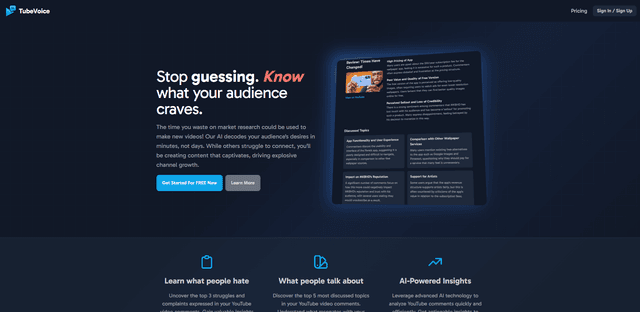
TubeVoice is an AI-powered YouTube comment analyzer that helps content creators understand their audience by providing insights from video comments through automated analysis.
ReviewPower
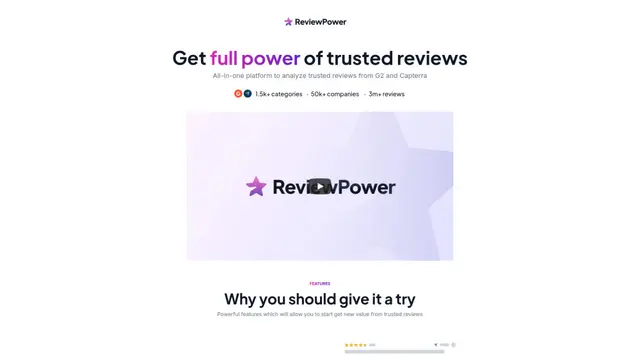
ReviewPower is an all-in-one platform that aggregates and analyzes trusted reviews from G2 and Capterra to help businesses gain valuable insights from customer feedback.
Insightfull
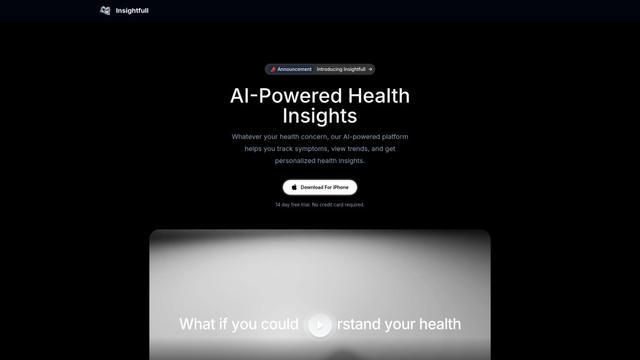
Insightfull is an AI-powered health tracking platform that helps users monitor symptoms, analyze health data, and receive personalized insights through symptom tracking, food logging, and medication management features.
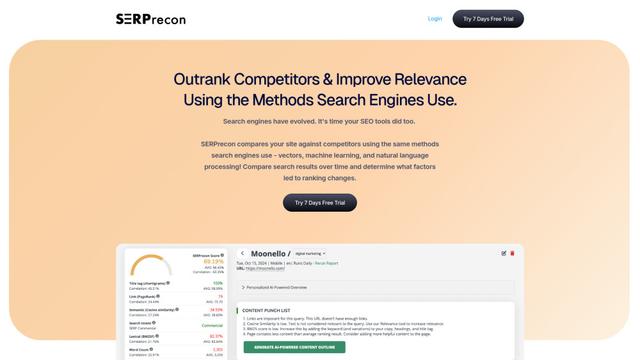
SERPrecon
SERPrecon is an advanced SEO tool that leverages vectors, machine learning, and natural language processing to help users analyze and outrank competitors by using the same methods as modern search engines.
Popular AI Tools Like DepthData
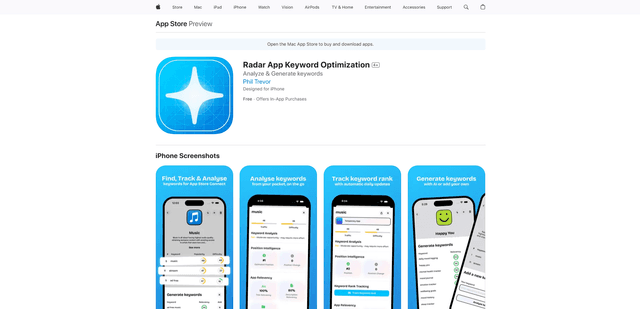
Radar
App Radar is a comprehensive app store optimization (ASO) tool that leverages AI-powered keyword research, competitor analysis, and automated tools to help improve app visibility and rankings across the Apple App Store and Google Play Store.
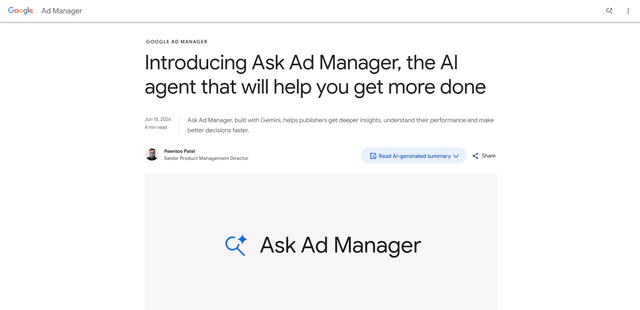
Ask Ad Manager by Google Ads
Ask Ad Manager is a Gemini-powered conversational agent inside Google Ad Manager that helps publishers troubleshoot issues in real time, generate custom performance reports from prompts, and navigate directly to the right settings using their own Ad Manager data.
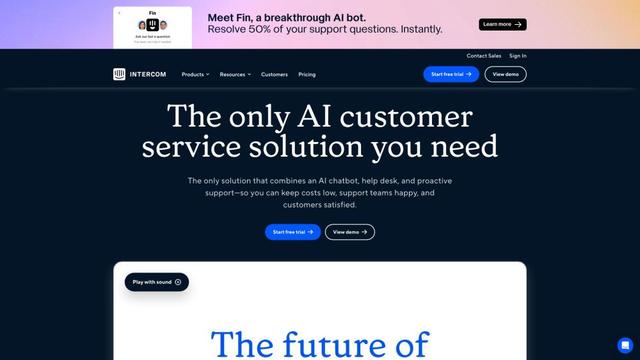
Intercom
Intercom is an AI-powered customer service platform that provides instant support, enhances agent productivity, and delivers insights to support leaders.
Branded
Branded is a market research company that uses AI and advanced sampling techniques to provide high-quality consumer insights and data.