
Davinci AI
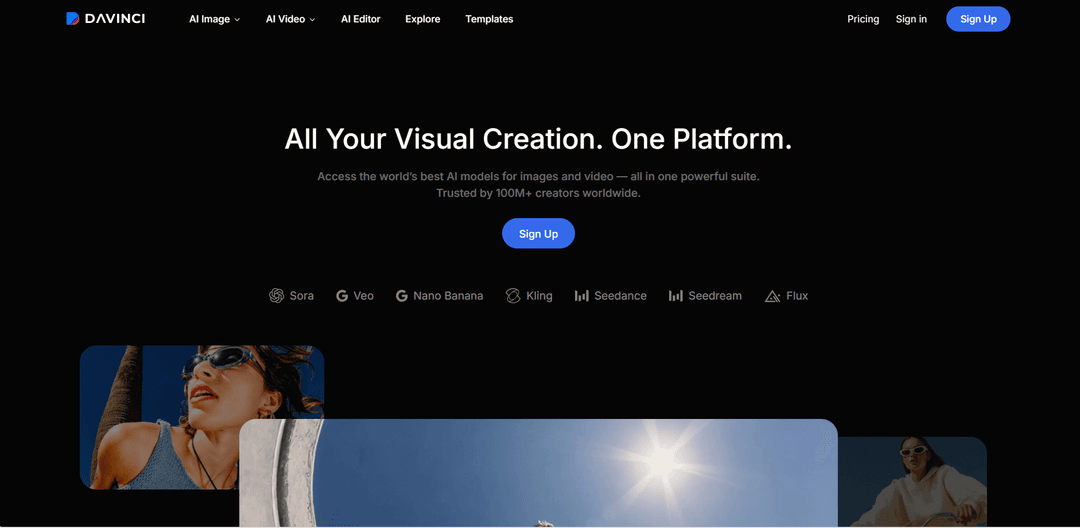
DaVinci AI is a generative media platform that brings multiple AI models together to create and edit images, videos, voiceovers, and music.
https://davinci.ai/?utm_source=aipure
Product Information
Updated:Nov 23, 2026
Davinci AI Monthly Traffic Trends
Davinci AI received 223.9k visits last month, demonstrating a Significant Decline of -20.5%. Based on our analysis, this trend aligns with typical market dynamics in the AI tools sector.
View history trafficWhat is Davinci AI
DaVinci AI, operated by HubX, is a creative platform for generating and editing digital content from one workspace. Available on the web and through mobile apps, it gives creators, designers, marketers, and businesses access to a range of AI models and tools for projects such as artwork, product visuals, social media content, and advertisements.
Key Features of Davinci AI
DaVinci AI is a generative media platform for creating and editing images, videos, music, and voiceovers in one workspace. It brings together multiple AI models, supports text prompts and reference images, and offers tools for refining, resizing, and upscaling content. The platform is available on the web and through mobile apps.
Multi-model workspace: Access and compare image and video models such as Flux, Seedream, Kling, Veo, Sora, and Seedance in one interface.
Image generation and editing: Create images from text or reference visuals, then remove backgrounds, replace objects, restyle, relight, or upscale results.
AI video creation: Generate short video clips from text or images and use editing tools to enhance, resize, or modify scenes.
Voice and music tools: Create voiceovers and music using tools for text-to-speech, voice cloning, and text-to-music generation.
Cross-channel production: Resize and adapt creative assets for social media, ads, and web formats within the editor.
Mobile access: Create and edit content on the go using the iOS and Android apps.
Use Cases of Davinci AI
Advertising campaigns: Generate product visuals, storyboards, and short video ads, then adapt them for different channels.
E-commerce product content: Enhance product photos, change backgrounds, and turn still images into promotional videos.
Social media production: Create and resize images, thumbnails, and short-form videos for recurring posts.
Brand and design concepts: Explore logo concepts, illustrations, visual styles, and campaign variations before committing to a direction.
Audio for creative projects: Generate voiceovers and music for videos, presentations, and other media projects.
Pros
Combines multiple generative models and editing tools in one workspace.
Supports image, video, voice, and music workflows on web and mobile.
Offers accessible tools for creators without extensive technical experience.
Cons
Repeated generations and revisions can consume credits and increase costs.
Outputs may require review for inaccurate text, faces, product details, or visual consistency.
Commercial use is subject to the platform's terms, model-specific restrictions, and third-party rights.
How to Use Davinci AI
1. Open DaVinci AI: Visit https://davinci.ai/ or download the DaVinci AI mobile app. Sign up or sign in to your account.
2. Choose a tool: Select the Image, Video, Music, or Voice tool that matches your project. For visual projects, choose whether to start with a text prompt or a reference image.
3. Select an AI model: Choose an available model based on your desired style, quality, settings, and credit cost.
4. Describe what you want to create: Enter a clear prompt. For an image, describe the subject and style. For a video, include the action, setting, and camera movement. For music, specify the genre, mood, tempo, and instruments.
5. Add a reference and adjust settings: If needed, upload an image and describe what to keep or change. For image-to-video, add a photo as the start image and describe the desired movement. Choose available settings such as aspect ratio or resolution.
6. Check the cost and generate: Review the displayed credit cost, then select Generate or Create. Wait for DaVinci to process your request.
7. Review and refine the result: Check the output for accuracy and quality. Revise your prompt, try another model, or use the editor to make targeted changes.
8. Download or use your creation: Save or download the finished result. Before publishing or using it commercially, review DaVinci's current terms, model-specific restrictions, and any third-party rights.
Davinci AI FAQs
DaVinci AI is a generative media platform operated by HubX. It brings multiple AI models and editing tools together in one workspace for creating images, videos, and other content.
Popular Articles

Proferex: A Cloud-Based Ad Tracking and Campaign Optimization Platform
Nov 4, 2026

How to Create Viral Talking Baby Podcast Videos with AI: Step-by-Step Guide
Nov 2, 2026
Vosko AI: Localize and Dub Videos for Global Audiences
Oct 15, 2026
Atoms: A Multi-Agent AI Platform That Transforms Ideas into Launch-Ready Products
Oct 13, 2026
Analytics of Davinci AI Website
Davinci AI Traffic & Rankings
223.9K
Monthly Visits
#158139
Global Rank
#1362
Category Rank
Traffic Trends: Aug 2024-Jun 2025
Davinci AI User Insights
00:00:46
Avg. Visit Duration
3.22
Pages Per Visit
39.63%
User Bounce Rate
Top Regions of Davinci AI
US: 13.33%
MX: 5.2%
CO: 3.85%
GT: 3.15%
ES: 3.13%
Others: 71.33%
Latest AI Tools Similar to Davinci AI
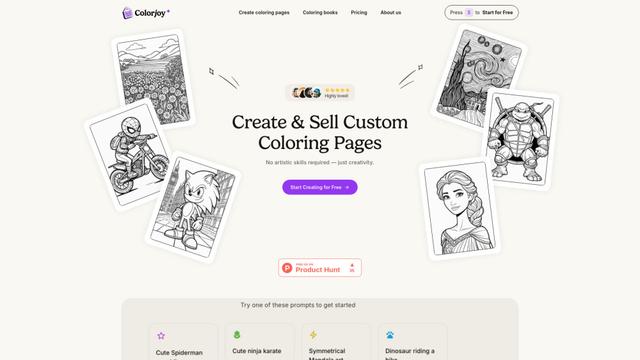
Colorjoy
Colorjoy is an AI-powered coloring page generator that transforms text prompts into customizable, high-quality coloring designs suitable for both personal and commercial use.

AiSource
AiSource is a unified platform that allows users to generate and compare images using multiple leading AI text-to-image generators in one place without requiring separate subscriptions.
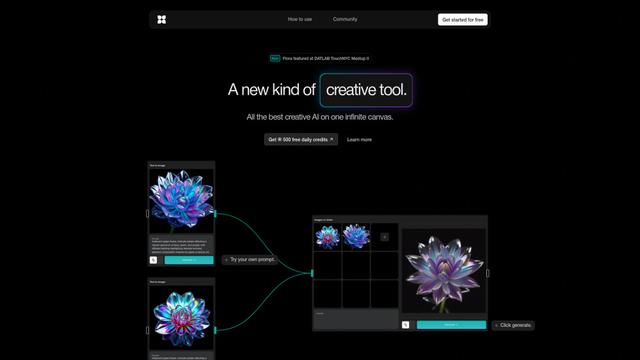
FLORA
FLORA is an innovative AI-powered creative tool that combines multiple AI capabilities on an infinite canvas to enable personalized plant identification, creative design, and interactive botanical assistance.
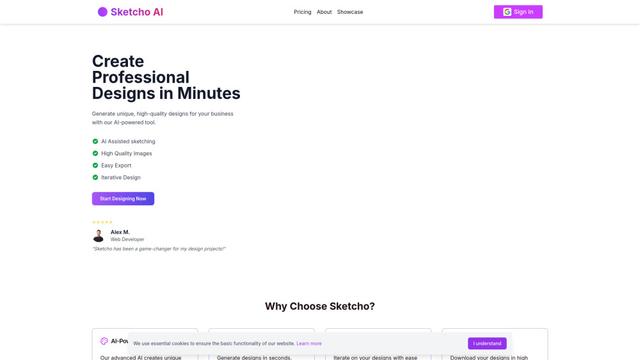
Sketcho
Sketcho is an AI-powered design tool that transforms sketches and ideas into high-quality professional designs through an intuitive interface.
Popular AI Tools Like Davinci AI
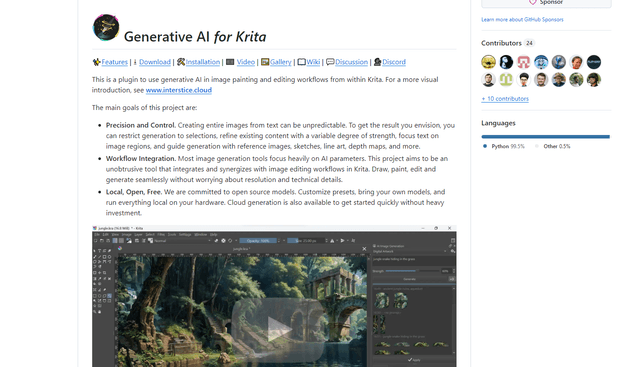
Krita
Krita is a free and open-source digital painting and illustration software that offers a wide range of professional-grade tools for artists and designers.
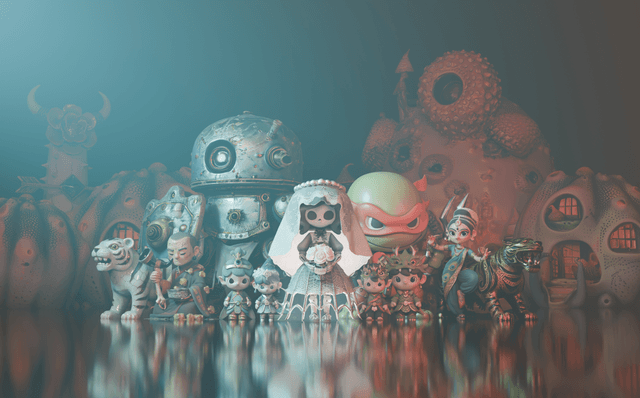
Hunyuan3D-2.1
Hunyuan3D-2.1 is Tencent's first production-ready 3D asset generation system that combines fully open-source framework with physically-based rendering (PBR) texture synthesis to create high-fidelity 3D models from images or text descriptions.
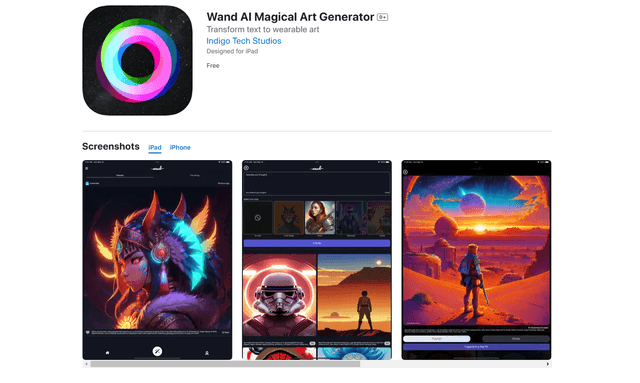
Wand AI
Wand AI is an innovative AI-powered creative tool that transforms text prompts and sketches into customizable digital artworks, designed specifically for artists and creative professionals on iPhone and iPad.
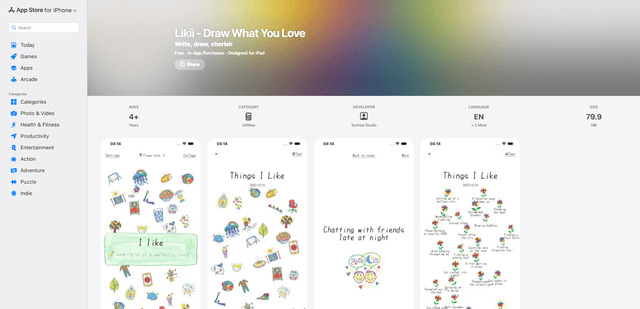
Likii
Likii is a creative journaling app that transforms written memories into beautiful crayon-style illustrations automatically.