
damnlines.com
damnlines.com is a live NYC line tracker that uses resident-hosted cameras and computer vision to show real-time queue snapshots and estimate wait times at popular restaurants and venues.
https://damnlines.com/?ref=producthunt
Product Information
Updated:May 19, 2026
What is damnlines.com
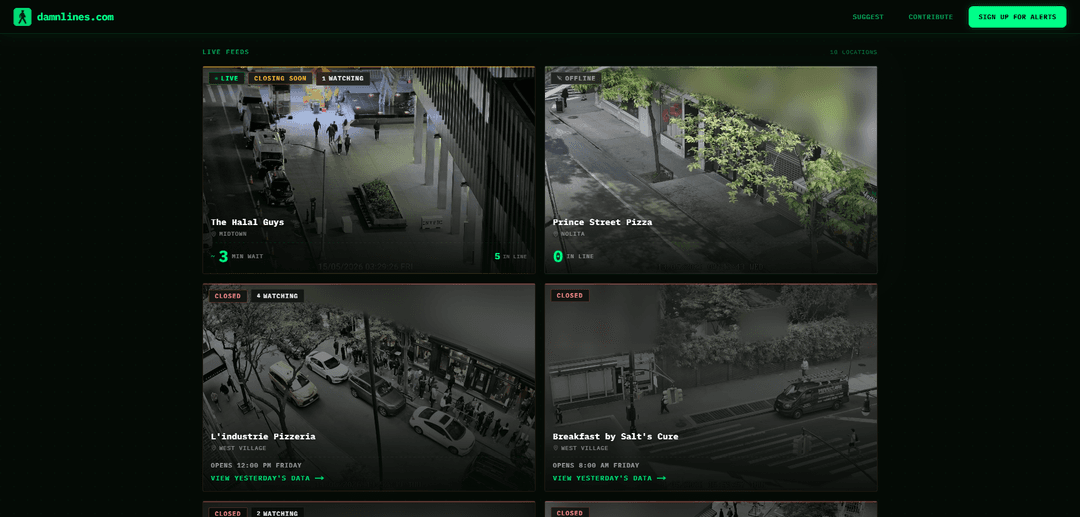
damnlines.com is a New York City–focused website that helps people avoid long waits by letting them check real-time views of lines at buzzy restaurants and venues, along with an estimated wait-time signal and historical line data. The platform publishes live “queue snapshots” for specific locations (e.g., popular pizzerias and restaurants) so users can quickly see how busy a spot is before heading over. It also invites the community to suggest and vote on new locations, while paying tenants who have a direct view of a target line to host an IP camera.
Key Features of damnlines.com
damnlines.com is a NYC-focused live line and wait-time tracker that uses resident-hosted IP cameras and computer vision to detect how many people are queued outside popular restaurants/venues, then converts those observations into real-time wait-time signals plus historical trends. Users can view live snapshots/feeds, check past line data, and help expand coverage by suggesting and voting on new locations, while the platform coordinates camera hosting (including paying tenants with a view) to build a citywide queue-monitoring network.
Live line cameras & snapshots: Provides real-time views of queues outside specific NYC hotspots via carefully positioned, resident-hosted cameras.
Computer-vision people counting: Analyzes each video frame to locate individuals and estimate how many people are currently in line.
Wait-time estimation engine: Transforms observed line length and line movement into wait-time signals; when historical data is insufficient, it falls back to a conservative per-person estimate.
Historical line analytics: Lets users review historical line data (and in some cases “yesterday’s data”) to understand typical peak times and patterns.
Community expansion (suggest & vote): Crowdsources which locations to track next via user suggestions and upvoting, helping prioritize new camera deployments.
Camera hosting program: Recruits and compensates tenants with a view of popular lines to host an IP camera, enabling coverage growth without venue installation.
Use Cases of damnlines.com
Restaurant planning for consumers: Diners can check real-time line length and estimated wait to decide where/when to eat and avoid long queues.
Tourism & city itinerary optimization: Visitors can sequence high-demand stops (restaurants, museums, events) based on current queue conditions to reduce wasted time.
Venue operations benchmarking: Restaurants/venues (or analysts) can use public line trends to understand demand surges and operational bottlenecks over time.
Neighborhood foot-traffic signals: Local businesses and planners can treat line intensity as a proxy for demand/footfall around viral destinations.
Queue-based concierge/runner services: Third parties can use live wait signals to time paid line-standing or pickup services more efficiently (noting potential ethical concerns).
Pros
Reduces uncertainty and wasted time by showing real-time queue conditions and estimated waits.
Combines live views with historical patterns to help users choose better times to visit.
Scales coverage through a community model (suggest/vote) and a tenant camera-hosting program.
Cons
Privacy and consent concerns due to filming people in public queues and retaining snapshots/aggregated statistics indefinitely (per reporting).
Potential for misuse or ethical issues (e.g., enabling paid line-reservation/line-standing ecosystems).
Operational fragility: maintaining a reliable citywide camera network requires ongoing hosting, uptime, and funding.
How to Use damnlines.com
1. Open the website: Go to https://damnlines.com to view the live line tracker homepage.
2. Browse the live camera tiles: On the homepage, scan the list of locations (each tile shows a snapshot image plus status like LIVE/CLOSED/OPENS, neighborhood, and line metrics).
3. Interpret the status (LIVE vs CLOSED vs OPENS): If a location is LIVE, you can view the current line snapshot and wait-time signals. If it is CLOSED/OPENS, the camera is off outside the operating window and you’ll typically be prompted to view prior data instead.
4. Open a specific location’s camera page: Click/tap a location tile (e.g., “L’industrie Pizzeria”, “Prince Street Pizza”, “The Halal Guys”) to open its dedicated camera page.
5. Check the real-time queue snapshot: On the camera page, view the live feed/snapshot to visually confirm how long the line is right now.
6. Use the wait-time estimate and line count: Read the displayed metrics (minutes of estimated wait and number of people in line) to decide whether to go now or later.
7. Compare multiple venues before leaving: Use your browser back button (or open multiple tabs) to compare wait times across different tracked spots and pick the shortest line.
8. View historical line data for a location: On a location page, use the option to view historical data (often shown as “View yesterday’s data” when closed) to understand typical busy times.
9. Request a new location to be tracked: Use the site’s “Request a new location” feature to suggest another restaurant/venue and submit the request.
10. Upvote community picks: Find the “Community picks” area and upvote locations you want Damn Lines to add next.
11. Host a camera (if you have a view of a line): If your apartment has a view of a popular line, use the “Host a camera / My apartment has a view of a line” option to apply; the site indicates it pays tenants to install an IP camera outside their unit.
12. Understand when cameras operate: Plan around the site’s stated operating window: cameras stream only around business hours (the site indicates they stream from about 1 hour before opening to 1 hour after closing; outside that window they are off).
damnlines.com FAQs
damnlines.com is a website that tracks live line activity for NYC restaurants and venues by showing real-time queue snapshots and wait-time signals from camera feeds.
Popular Articles

Atoms: A Multi-Agent AI Platform That Transforms Ideas into Launch-Ready Products
May 22, 2026

Nano Banana SBTI: What It Is, How It Works, and How to Use It in 2026
Apr 15, 2026

Atoms Review — The AI Product Builder Redefining Digital Creation in 2026
Apr 10, 2026

Kilo Claw: How to Deploy and Use a True "Do‑It‑For‑You" AI Agent(2026 Update)
Apr 3, 2026
Latest AI Tools Similar to damnlines.com
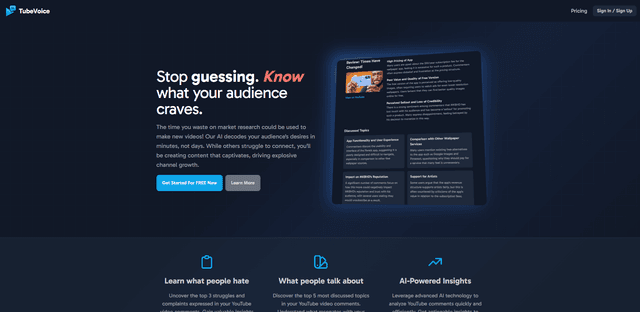
TubeVoice
TubeVoice is an AI-powered YouTube comment analyzer that helps content creators understand their audience by providing insights from video comments through automated analysis.
ReviewPower
ReviewPower is an all-in-one platform that aggregates and analyzes trusted reviews from G2 and Capterra to help businesses gain valuable insights from customer feedback.

Insightfull
Insightfull is an AI-powered health tracking platform that helps users monitor symptoms, analyze health data, and receive personalized insights through symptom tracking, food logging, and medication management features.
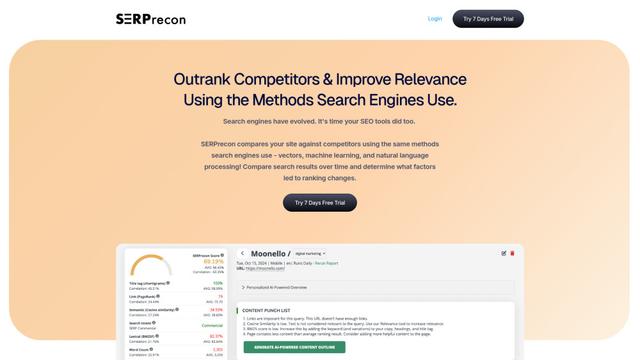
SERPrecon
SERPrecon is an advanced SEO tool that leverages vectors, machine learning, and natural language processing to help users analyze and outrank competitors by using the same methods as modern search engines.
Popular AI Tools Like damnlines.com
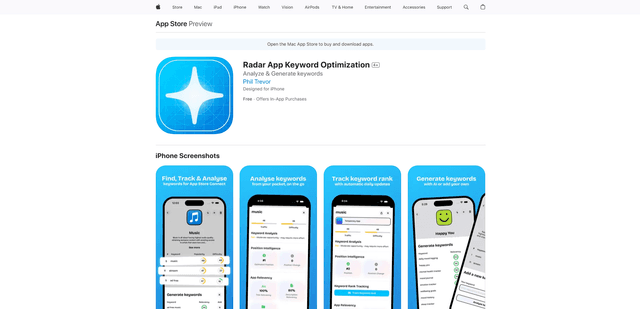
Radar
App Radar is a comprehensive app store optimization (ASO) tool that leverages AI-powered keyword research, competitor analysis, and automated tools to help improve app visibility and rankings across the Apple App Store and Google Play Store.
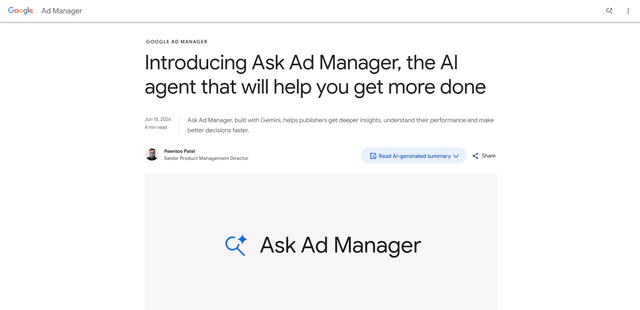
Ask Ad Manager by Google Ads
Ask Ad Manager is a Gemini-powered conversational agent inside Google Ad Manager that helps publishers troubleshoot issues in real time, generate custom performance reports from prompts, and navigate directly to the right settings using their own Ad Manager data.
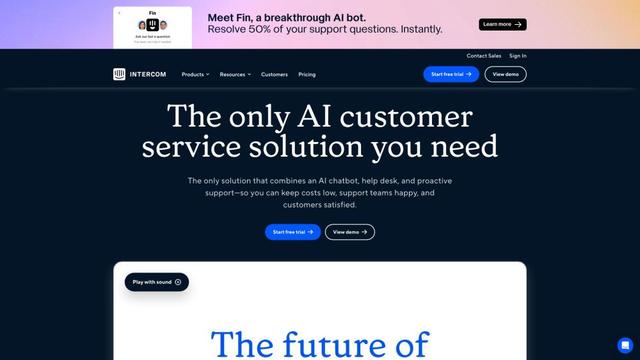
Intercom
Intercom is an AI-powered customer service platform that provides instant support, enhances agent productivity, and delivers insights to support leaders.
Branded
Branded is a market research company that uses AI and advanced sampling techniques to provide high-quality consumer insights and data.