
CueBuddy
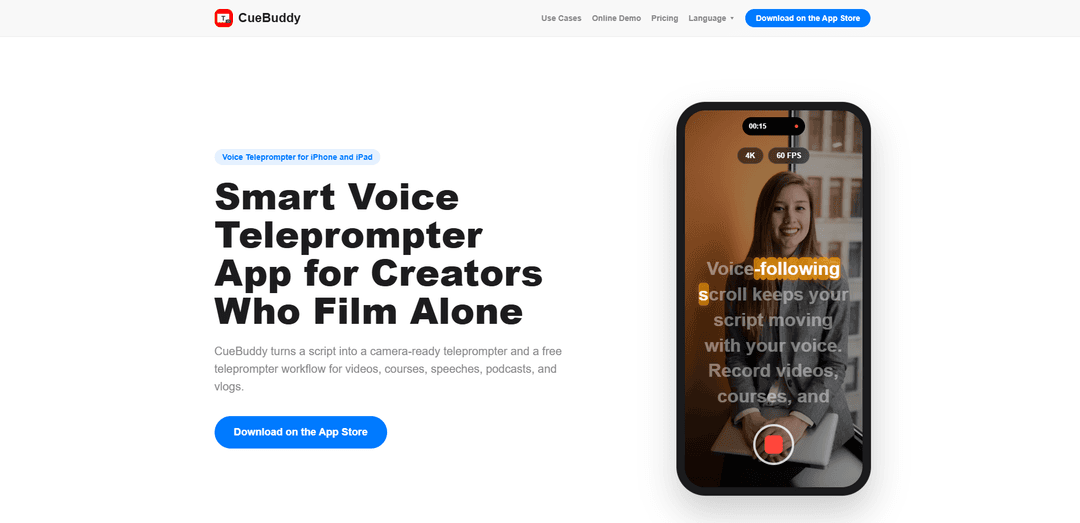
CueBuddy é um aplicativo de teleprompter inteligente que segue a voz para iPhone e iPad, que transforma roteiros em "prompting" pronto para a câmera com suporte de gravação, leitura em tela cheia e modo espelho para equipamentos de teleprompter.
https://cuebuddy.cn/?ref=producthunt&utm_source=aipure
Informações do Produto
Atualizado:Jun 16, 2026
O que é CueBuddy
CueBuddy é um teleprompter e um fluxo de trabalho de "prompting" projetado para criadores que filmam sozinhos. Ele ajuda você a transformar um roteiro escrito em um "prompt" fácil de ler na tela para vídeos "talking-head", cursos, discursos, podcasts e vlogs – reduzindo falhas de fala e mantendo seus olhos mais próximos da lente da câmera. Disponível para iPhone e iPad, o CueBuddy foca em ferramentas práticas de "prompting" e gravação, incluindo rolagem que segue a voz, controles de exibição de roteiro no dispositivo (tamanho da fonte, cores) e modo espelho para estúdio.
Principais Recursos do CueBuddy
CueBuddy é um aplicativo de teleprompter de voz inteligente para iPhone e iPad, projetado para criadores solo que precisam de um fluxo de trabalho de teleprompter pronto para a câmera. Ele transforma roteiros em um teleprompter de tela cheia com rolagem de velocidade fixa ou rolagem que segue a voz, adaptando-se ao seu ritmo de fala, ajudando a reduzir falhas de texto, pausas estranhas e movimentos oculares perceptíveis. Ele também suporta o modo espelho para equipamentos de teleprompter beam-splitter e inclui recursos de teleprompter orientados para gravação para que você possa ensaiar e capturar conteúdo de "talking-head" de forma mais suave.
Rolagem que segue a voz: Avança automaticamente o roteiro com base no seu ritmo de fala real, para que você possa pausar, reformular e continuar sem perder o fio da meada.
Modo de rolagem de velocidade: Oferece rolagem automática de velocidade fixa tradicional para um ritmo previsível; a demonstração web funciona localmente no navegador para testes rápidos.
Gravação com prompts: Construído para suportar fluxos de trabalho de gravação (vídeos "talking-head", cursos, explicativos) enquanto mantém o roteiro visível e fácil de seguir.
Teleprompter em tela cheia: Uma exibição com menos distrações, com texto grande e fundo escuro para leitura focada durante a prática, podcasts e ensaios.
Modo espelho para equipamentos de teleprompter: Inverte horizontalmente o texto para uso com configurações de vidro beam-splitter, ajudando a manter o contato visual próximo à lente da câmera.
Controles de exibição de roteiro: Inclui ajustes comuns de teleprompter como velocidade de rolagem, tamanho da fonte, cor do texto e modo de edição para iteração rápida do roteiro.
Casos de Uso do CueBuddy
Criação de vídeo solo (YouTube/vlogs): Criadores que filmam sozinhos podem ler naturalmente durante a gravação, reduzindo as refilmagens causadas por falhas de texto ou problemas de ritmo.
Conteúdo de cursos e treinamentos online: Instrutores podem estruturar as lições em seções faláveis e entregar módulos mais consistentes com menos tropeços.
Apresentações e discursos de negócios: Profissionais podem ensaiar e fazer palestras com ritmo que segue a voz, tornando pausas e reinícios mais fluidos.
Vídeos de podcast e entrevistas "talking-head": Os apresentadores podem manter roteiros, leituras de patrocinadores e pontos-chave na tela sem desviar constantemente o olhar da lente.
Configurações de teleprompter de estúdio: Equipes que usam hardware beam-splitter baseado em telefone podem ativar o modo espelho para obter o alinhamento correto do texto refletido.
Vantagens
A rolagem que segue a voz suporta uma entrega natural (pausas/retomadas) melhor do que a rolagem automática fixa para muitos oradores.
Projetado para fluxos de trabalho de gravação solo, ajudando a reduzir falhas de texto e desvios visíveis do olhar.
O modo espelho o torna prático para configurações de vidro/equipamento de teleprompter além do teleprompter casual de telefone.
Desvantagens
O teleprompter de voz depende das capacidades de reconhecimento de fala do navegador/dispositivo na demonstração web, que podem variar de acordo com o ambiente e a precisão.
A melhor experiência para captura avançada e fluxo de trabalho completo de teleprompter parece exigir o aplicativo iOS (não apenas a demonstração web).
Como Usar o CueBuddy
1) Instale o CueBuddy: Baixe o CueBuddy na App Store do seu iPhone ou iPad e, em seguida, abra o aplicativo.
2) Comece um novo roteiro: Crie ou abra um roteiro no CueBuddy colando texto ou digitando diretamente no editor de roteiros.
3) Escolha um modo de "prompting" (rolagem rápida ou seguindo a voz): Escolha entre rolagem de velocidade fixa (rolagem automática em um ritmo definido) ou rolagem que segue a voz (o roteiro avança com o seu ritmo de fala usando reconhecimento de voz).
4) Configure as definições de legibilidade: Ajuste as principais opções de exibição, como velocidade de rolagem (se estiver usando rolagem de velocidade), tamanho da fonte, cor do texto e preferências de exibição do roteiro para que o texto seja confortável de ler na câmera.
5) Ative o Modo Espelho se estiver usando vidro de teleprompter: Ative o Modo Espelho para inverter horizontalmente o texto para equipamentos de "beam-splitter"/teleprompter, de modo que ele se reflita corretamente no vidro enquanto você mantém contato visual próximo à lente.
6) Entre no "prompting" em tela cheia para uma entrega focada: Mude para o "prompting" em tela cheia para reduzir distrações e tornar o texto grande e fácil de seguir durante discursos, podcasts, gravação de cursos ou ensaios.
7) Inicie/pause o "prompting" enquanto você pratica: Comece o "prompting", depois pause e continue conforme necessário para corresponder à sua entrega natural (especialmente útil para pausas, reinícios ou reformulações).
8) Grave com "prompts" (fluxo de trabalho de gravação solo): Use o fluxo de trabalho de gravação com "prompts" do CueBuddy para gravar vídeos "talking-head", cursos, explicações de produtos, vlogs ou discursos, mantendo o roteiro próximo à câmera para menos falhas de fala e menos desvio do olhar.
9) Revise e itere: Se você perder falas ou quiser um ritmo mais suave, edite o roteiro, ajuste as configurações de fonte/rolagem e regrave seções até que a entrega pareça natural.
10) Experimente os recursos principais primeiro e depois escolha um plano, se necessário: Use os recursos gratuitos/principais do teleprompter para testar seu fluxo de trabalho e, em seguida, atualize para um plano pago se precisar de recursos adicionais.
Perguntas Frequentes do CueBuddy
CueBuddy é um aplicativo de teleprompter de voz inteligente para iPhone e iPad que transforma um roteiro em um teleprompter pronto para câmera para vídeos, cursos, discursos, podcasts e vlogs.
Artigos Populares

Como Criar Vídeos Virais de Podcast de Bebê Falante com IA: Guia Passo a Passo
Nov 2, 2026

Proferex: Uma Plataforma em Nuvem para Rastreamento de Anúncios e Otimização de Campanhas
Nov 2, 2026

Vosko AI: Localize e Duble Vídeos para Públicos Globais
Oct 15, 2026

Atoms: Uma Plataforma de IA Multiagente Que Transforma Ideias em Produtos Prontos para Lançamento
May 22, 2026
Ferramentas de IA Mais Recentes Semelhantes a CueBuddy
Callaia
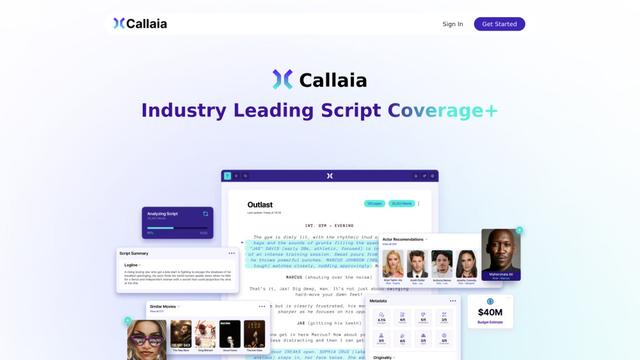
Callaia é uma ferramenta de análise de roteiros impulsionada por IA que fornece cobertura abrangente de roteiros, incluindo logline, sinopse, resumos de personagens e recomendações acionáveis em menos de um minuto por $79 por roteiro.
Narrai
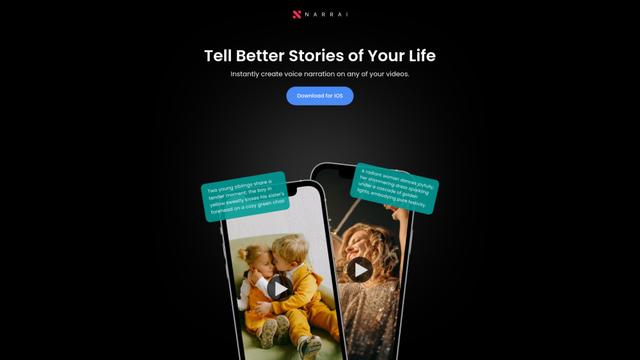
O Narrai é um aplicativo móvel impulsionado por IA que cria instantaneamente narração de voz e música de fundo para vídeos curtos, gerando automaticamente roteiros relevantes e oferecendo múltiplas personas de narradores.
THE FABLE STUDIO
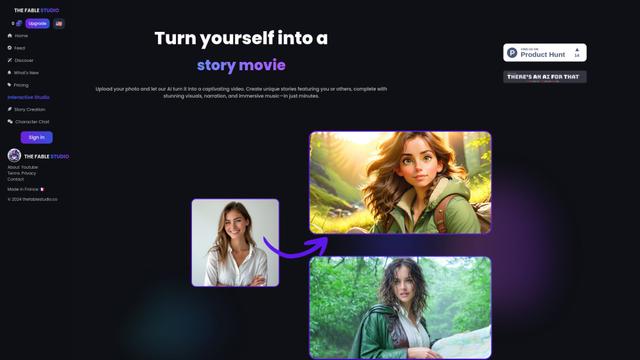
O FABLE STUDIO é uma plataforma impulsionada por IA que permite aos usuários criar, dirigir e interagir com histórias animadas usando tecnologia de IA generativa.
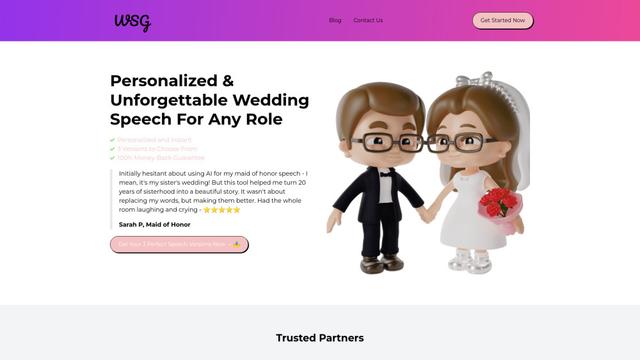
Wedding Speech Genie
Wedding Speech Genie é uma plataforma alimentada por IA que cria discursos de casamento personalizados em minutos, gerando 3 versões personalizadas com base em suas informações, ajudando os palestrantes a fazer brindes memoráveis para qualquer papel de casamento.
Ferramentas de IA Populares Como CueBuddy
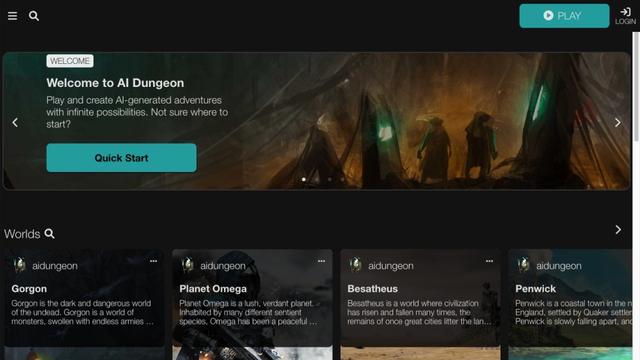
AI Dungeon
AI Dungeon é um jogo de aventura baseado em texto com IA que permite aos jogadores criar e experimentar histórias interativas infinitas em qualquer gênero.
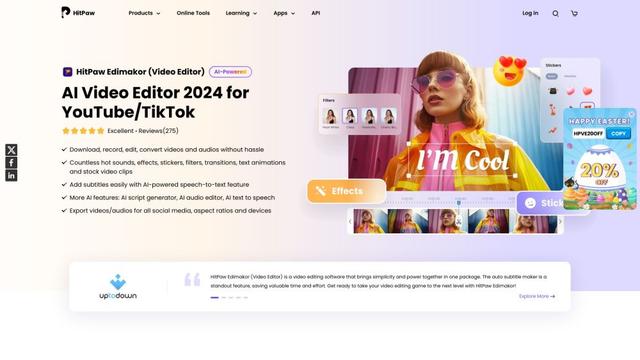
HitPaw Edimakor
HitPaw Edimakor é um poderoso editor de vídeo com inteligência artificial que combina recursos avançados como geração de roteiro com IA, fala para texto e remoção de fundo com uma interface intuitiva para edição de vídeo fácil e criativa.
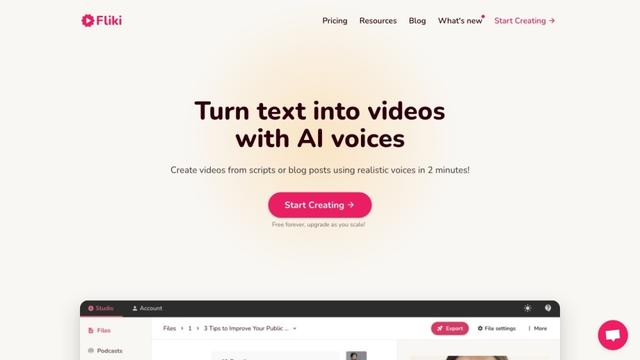
Fliki
Fliki é uma plataforma de texto para vídeo e texto para fala alimentada por IA que transforma conteúdo escrito em materiais de áudio e vídeo envolventes usando vozes realistas em mais de 80 idiomas.
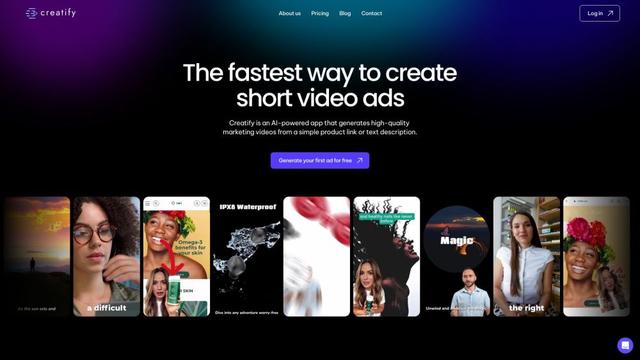
Creatify
O Creatify é uma plataforma impulsionada por IA que gera vídeos de marketing de alta qualidade a partir de URLs ou descrições de produtos, permitindo a criação sem esforço de anúncios em vídeo envolventes.