Creatune
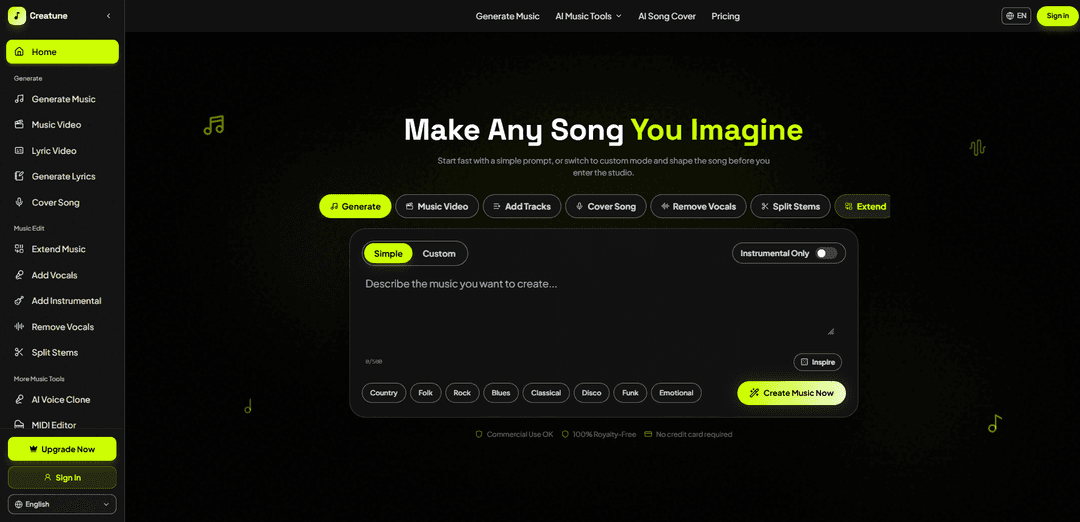
Creatune is an AI music generator that turns text, lyrics, or ideas into studio-style, royalty-free songs with optional vocals and multi-genre production in under a minute.
https://creatune.ai/?utm_source=aipure
Product Information
Updated:Aug 17, 2026
What is Creatune
Creatune is an AI music creation platform that turns a text prompt, lyrics, genre, or mood into an original song with vocals and instruments. It also provides connected tools for AI lyrics, song extension, cover creation, vocal removal, stem splitting, audio-to-MIDI, and music or lyric video generation.Ideal for content creators, podcasters, marketers, indie game teams, and musicians who need original, royalty-free, project-ready audio without traditional production overhead. Users can start free with no credit card; paid plans are available for larger workflows and commercial use.
Key Features of Creatune
Creatune is an AI-powered music generation platform that turns text prompts, lyrics, or mood/genre ideas into complete, studio-style songs in under a minute. It can generate tracks with vocals and instruments (or instrumental-only), provides tools like an AI Lyrics Generator and an AI Music Extender to continue existing generated songs from a chosen timestamp, and is positioned for fast creation of royalty-free music intended for commercial use across content and marketing channels.
Text-to-song generation: Create full, structured tracks from a simple description (genre, mood, tempo, theme), with AI handling melody, harmony, rhythm, vocals, and production in seconds.
AI vocals and instrumental options: Generate songs with male vocals, female vocals, or instrumental-only outputs designed to sound natural and release-ready.
Royalty-free commercial usage: Tracks generated on Creatune are marketed as 100% royalty-free and usable commercially (e.g., YouTube, podcasts, ads, games, social media) without licensing fees.
AI Lyrics Generator: Generate lyrics that match a chosen genre, mood, and theme, then refine and use them as inputs for song creation.
AI Music Extender (continuations): Extend a generated track by selecting a timestamp and having the AI compose a seamless continuation (new verse/bridge/outro), optionally guided by new lyrics or style tweaks.
Credit-based workflow with multiple plans: Uses a credit system across music, lyrics, audio editing, and music video workflows, with free signup credits and paid tiers that add higher limits and priority features.
Use Cases of Creatune
Creator background music for video platforms: YouTubers and short-form creators can generate original intros, background beds, and theme songs quickly without worrying about copyright strikes.
Podcast and audiobook scoring: Podcasters can produce custom intro/outro music and segment transitions tailored to the show’s mood and pacing.
Advertising and brand social content: Marketing teams can rapidly produce campaign-ready tracks matched to brand tone (uplifting pop, cinematic drama, lo-fi chill) for ads and social posts.
Indie games and app soundtracks: Game developers can generate ambient loops, level themes, and cinematic cues, and extend tracks to fit gameplay length changes.
Rapid prototyping for musicians and producers: Artists can use Creatune to quickly explore song ideas, draft lyrics, test genres, and generate demo versions before full production.
Karaoke/instrumental preparation (planned): With the “coming soon” vocal/instrument separation tools, creators can prepare karaoke-style instrumentals or isolate vocals for remix workflows.
Pros
Fast generation: produces complete tracks in under ~60 seconds from simple prompts.
Commercial-friendly positioning: marketed as royalty-free with commercial use allowed.
Multiple creation paths: supports prompt-based creation, lyric generation, and track extension for iterative workflows.
Cons
Some key tools are not yet available: features like vocal/instrument separation and cover generation are listed as “coming soon.”
Credit-based limits: usage depends on credits and plan tiers, which may constrain heavy or high-volume workflows.
Output control may be limited compared to traditional DAWs: prompt-based generation can require iteration to reach a precise creative target.
How to Use Creatune
1) Open Creatune: Go to https://creatune.ai/ and open the AI Music Generator (or choose AI Lyrics Generator / AI Music Extender depending on your goal).
2) Start a new music generation: Click into the prompt box and decide whether you want to begin from a simple text idea, full lyrics, or just a mood/genre direction.
3) Write a clear prompt (include key music details): Describe the genre, mood, tempo, theme, instruments, and vocal preference (male/female/instrumental). Example: "sad piano ballad about letting go". More detail generally improves results.
4) Choose vocals or instrumental: Select whether you want vocals (male or female) or an instrumental-only track so the output matches your intended use.
5) Pick a model (if available): If model options are shown, choose the one you want (e.g., Omni for latest sound quality, or V5.5 for consistency with older tracks).
6) Generate the track: Click Generate. Creatune’s AI composes the full song (melody, harmony, rhythm, vocals, and production) and typically returns a polished track in under 60 seconds.
7) Preview the result: Listen to the generated song in the preview player and decide whether it fits your project’s vibe, pacing, and length.
8) Download your song: Download the track in high quality (download formats depend on your plan; MP3 downloads are included on paid plans).
9) Use the track in your project (royalty-free/commercial use): Use the downloaded music in YouTube videos, podcasts, ads, games, and social media. Creatune states tracks are royalty-free and ready for commercial use.
10) (Optional) Extend a song to match a longer duration: Open AI Music Extender, upload or select a song, choose a timestamp, and generate a seamless extension (e.g., add a new verse, bridge, solo, or outro). You can add lyrics for the new section or leave it blank for instrumental extension.
11) (Optional) Extend repeatedly to build a full structure: Generate a short track first, then extend in stages (verse 2 → bridge → final chorus → outro). Each extension builds on the last for more control than a single long generation.
12) (Optional) Manage credits and plans: If you need more generations/exports, choose a plan (monthly, annual, or one-time credits). Credits activate automatically and can be used across Creatune music, lyrics, audio editing, and music video workflows. Creatune also offers free credits on signup.
Creatune FAQs
Creatune is an AI song maker that generates original music from text descriptions, ideas, or lyrics—producing complete tracks with vocals and instruments.
Popular Articles

Proferex: A Cloud-Based Ad Tracking and Campaign Optimization Platform
Nov 4, 2026

How to Create Viral Talking Baby Podcast Videos with AI: Step-by-Step Guide
Nov 2, 2026

Vosko AI: Localize and Dub Videos for Global Audiences
Oct 15, 2026

Atoms: A Multi-Agent AI Platform That Transforms Ideas into Launch-Ready Products
Oct 13, 2026
Latest AI Tools Similar to Creatune
MeloHunt
MeloHunt is a powerful AI-powered song generator that enables users to create original, high-quality music tracks without requiring any musical expertise.
ChopLab
ChopLab is an AI-powered tool that enables music producers to transform audio tracks into unique samples and custom drum packs through automated splitting, isolation, and chopping processes.
MindBound Labs
MindBound Labs is an innovative platform focused on accelerating Artificial Super Intelligence (ASI) through community engagement, combining NFC cards, AI prompts, and personalization across multiple creative domains.
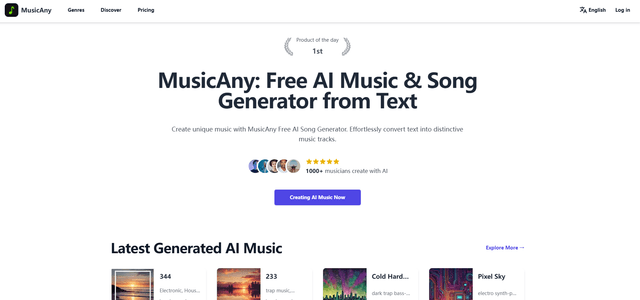
MusicAny
MusicAny is a cutting-edge free AI music generator that enables users to effortlessly create unique, royalty-free songs from text descriptions without any musical background.
Popular AI Tools Like Creatune
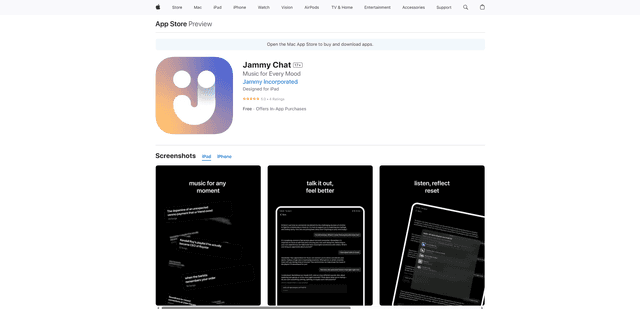
Jammy Chat
Jammy Chat is a music-infused mental health app that provides personalized playlists and emotional support by analyzing your mood through AI-powered conversations.
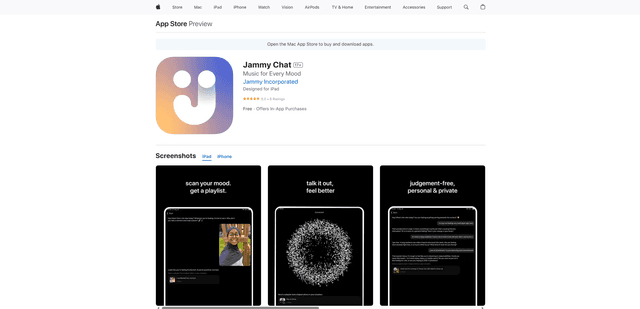
Jammy Chat
Jammy Chat is an AI-powered mental health app that scans users' facial expressions and provides personalized music playlists to help regulate emotions and improve mood.
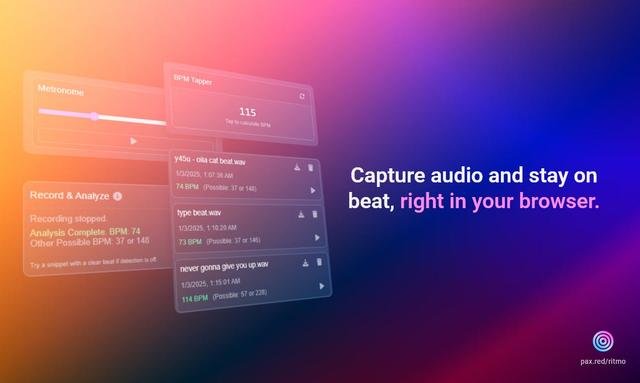
Ritmo
Ritmo is a smart audio toolkit Chrome extension that helps capture, analyze, and manage audio with features like BPM analysis, tap tempo, and metronome functionality.
Tempo-Pulse
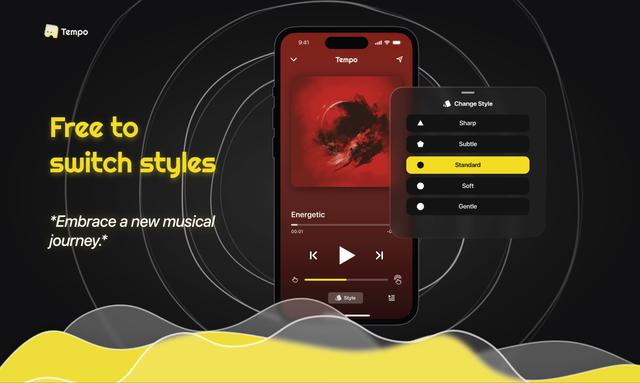
Tempo-Pulse is an AI-driven haptic music player that transforms any music into tactile sensations through innovative haptic technology, making music feelable for everyone including those who are hard of hearing.