CraftMusic AI
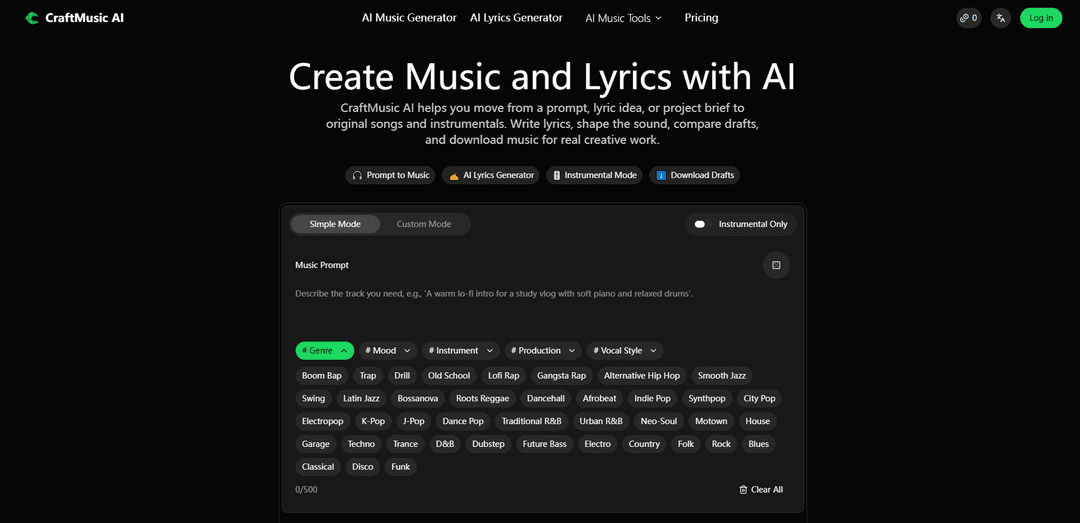
CraftMusic AI is a prompt-and-lyrics driven AI music platform that generates original songs or instrumentals, includes an AI Lyrics Generator, and lets you compare and download drafts with plan-based commercial licensing.
https://craftmusic.ai/?utm_source=aipure
Product Information
Updated:May 26, 2026
What is CraftMusic AI
CraftMusic AI is a browser-based AI music creation platform that helps creators generate original songs, instrumentals, and lyrics from simple text prompts. It is designed for content creators, musicians, podcasters, video makers, game developers, marketers, educators, freelancers, and small teams who need custom music quickly without installing software or hiring composers.
Key Features of CraftMusic AI
CraftMusic AI is an online creation suite that helps users go from a prompt, lyric idea, or project brief to original songs and instrumentals. It combines a prompt-to-music generator with an AI lyrics generator, plus workflow features to shape style (genre, mood, instruments, vocal direction), compare drafts, and download tracks for editing, testing, sharing, or publishing based on plan rights. It’s designed for both musicians and non-musicians who need usable music drafts for real projects like videos, podcasts, games, and ads, with plan-based commercial licensing and royalty-free generation for original AI audio.
Prompt-to-music generation: Generate songs or instrumentals from plain-language prompts describing the scene, mood, and purpose (e.g., intro, background bed, full track).
AI lyrics generator: Create structured lyric drafts (hooks, verses, choruses, rap lines) from themes, moods, titles, or story ideas, with editable outputs.
Instrumental-only mode: Produce vocal-free tracks suited for dialogue-heavy content like podcasts, tutorials, ads, and game scenes.
Sound and arrangement guidance: Steer results with genre/style tags, mood, instruments, pacing, and vocal direction to reduce generic outputs and better match a target vibe.
Draft comparison and downloads: Generate multiple options, compare versions, keep the best direction, and download audio drafts for further editing and project integration.
Plan-based publishing and licensing clarity: Start with free credits, then upgrade for more generations/downloads and commercial-use rights tied to your subscription plan.
Use Cases of CraftMusic AI
YouTube and social video background music: Create intros, outros, and background beds tailored to a video’s pacing and mood without relying on stock loops.
Podcast scoring and narration beds: Generate instrumental tracks that sit under voice content, supporting tone without competing with dialogue.
Indie game and interactive media scenes: Draft scene-based cues (tension, exploration, victory) quickly from prompts and iterate by comparing multiple generations.
Marketing and advertising content: Produce music for ads, product videos, and branded social edits, checking plan rights for commercial publishing needs.
Songwriting demos for musicians: Turn lyric ideas into quick song drafts, test different styles/arrangements, and download versions to develop in a DAW.
Education and creative prototyping: Help educators and creators rapidly prototype music examples for lessons, presentations, or concept testing.
Pros
Two core tools cover the main workflow: lyric writing plus song/instrumental generation.
Strong practical workflow: generate multiple drafts, compare, and download for real projects.
Supports non-musicians with simple prompts while still offering direction controls (genre/mood/instruments/vocals).
Commercial licensing is included with paid plans, providing clearer publishing permissions.
Cons
Commercial use depends on your plan; free/personal tiers may not cover monetized or client work.
Output quality and “non-generic” results rely heavily on prompt specificity and musical direction provided.
Downloads and generation volume are plan-limited, which may constrain high-output teams on lower tiers.
How to Use CraftMusic AI
1. Open CraftMusic AI: Go to https://craftmusic.ai/ and choose what you want to make: Music (songs/instrumentals) or Lyrics.
2. Choose your creation path: Select either the AI Music Generator (to create songs or instrumentals) or the AI Lyrics Generator (to write hooks, verses, choruses, or rap lines).
3. Start a track with the “Describe the Job” approach: Describe what the music is for (e.g., YouTube intro, podcast bed, game scene, ad cue, social edit, demo, background music). This helps the generator match structure and intent.
4. Pick a mode in the Music Generator: Choose Simple Mode for quick results or Custom Mode for more control. If you don’t want vocals, enable Instrumental Only / Instrumental Mode.
5. Write a strong music prompt: In the Music Prompt field, describe the mood, genre/style tags, pacing, and arrangement ideas. Include details like instruments and where the track will be used to avoid generic results.
6. (Optional) Add or paste lyrics to turn lyrics into a song: If you want a vocal song, generate lyrics in the AI Lyrics Generator (or paste your own lyrics) and then use them in the AI Music Generator while specifying vocal direction and backing style.
7. Shape the direction with musical controls: Refine the output by adding clearer direction: genre, mood, instruments, vocal style, and arrangement guidance (e.g., intro build, chorus lift, calmer bridge).
8. Generate drafts: Run the generation to produce song drafts or instrumentals from your prompt/lyrics. Create multiple options so you can compare different directions.
9. Compare versions and keep the best fit: Listen to the generated drafts and choose the one with the strongest hook, mood, or best match for your project’s use case.
10. Revise and regenerate as needed: Adjust your prompt (more specific mood, instruments, pacing, or usage context) and generate again until the draft matches what you hear in your head.
11. Download the track: When ready, download the generated audio for editing, testing, sharing, or publishing (downloads and usage rights depend on your plan).
12. Confirm usage rights before publishing commercially: If you plan to monetize or use the track for client work/ads/games/public releases, check the commercial-use rights included with your active plan and the license page.
CraftMusic AI FAQs
CraftMusic AI is an online tool that helps you generate original songs or instrumentals from a prompt, lyric idea, or project brief, and also provides an AI Lyrics Generator to create structured lyric drafts.
Popular Articles

Proferex: A Cloud-Based Ad Tracking and Campaign Optimization Platform
Nov 4, 2026

How to Create Viral Talking Baby Podcast Videos with AI: Step-by-Step Guide
Nov 2, 2026

Vosko AI: Localize and Dub Videos for Global Audiences
Oct 15, 2026

Atoms: A Multi-Agent AI Platform That Transforms Ideas into Launch-Ready Products
Oct 13, 2026
Latest AI Tools Similar to CraftMusic AI
MeloHunt
MeloHunt is a powerful AI-powered song generator that enables users to create original, high-quality music tracks without requiring any musical expertise.
ChopLab
ChopLab is an AI-powered tool that enables music producers to transform audio tracks into unique samples and custom drum packs through automated splitting, isolation, and chopping processes.
MindBound Labs
MindBound Labs is an innovative platform focused on accelerating Artificial Super Intelligence (ASI) through community engagement, combining NFC cards, AI prompts, and personalization across multiple creative domains.
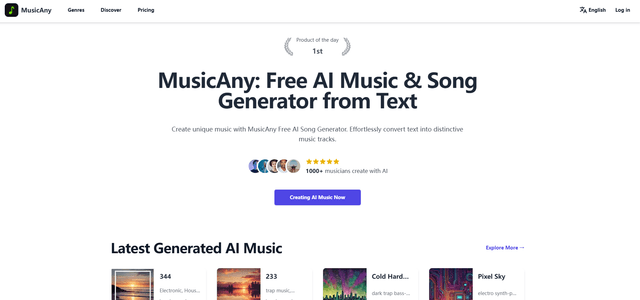
MusicAny
MusicAny is a cutting-edge free AI music generator that enables users to effortlessly create unique, royalty-free songs from text descriptions without any musical background.
Popular AI Tools Like CraftMusic AI
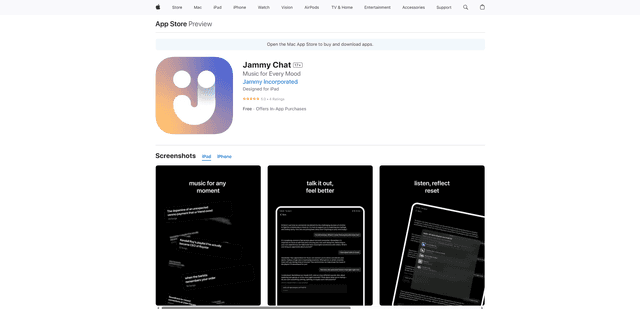
Jammy Chat
Jammy Chat is a music-infused mental health app that provides personalized playlists and emotional support by analyzing your mood through AI-powered conversations.
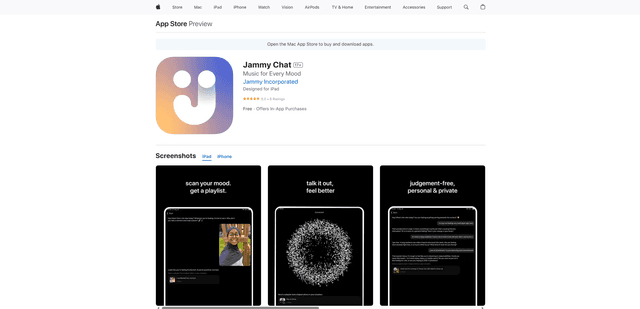
Jammy Chat
Jammy Chat is an AI-powered mental health app that scans users' facial expressions and provides personalized music playlists to help regulate emotions and improve mood.
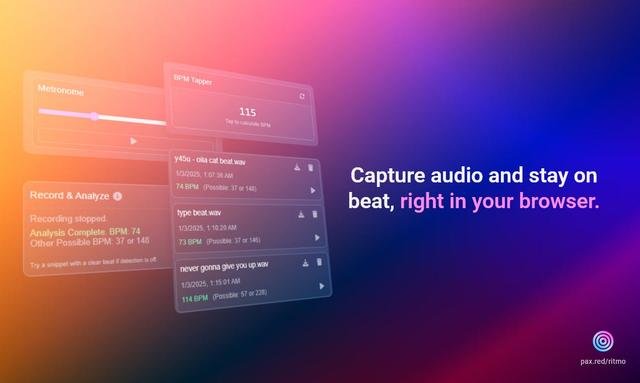
Ritmo
Ritmo is a smart audio toolkit Chrome extension that helps capture, analyze, and manage audio with features like BPM analysis, tap tempo, and metronome functionality.
Tempo-Pulse
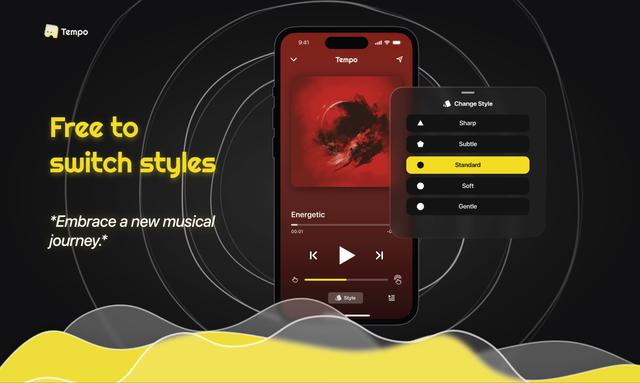
Tempo-Pulse is an AI-driven haptic music player that transforms any music into tactile sensations through innovative haptic technology, making music feelable for everyone including those who are hard of hearing.