
Microsoft Copilot Health
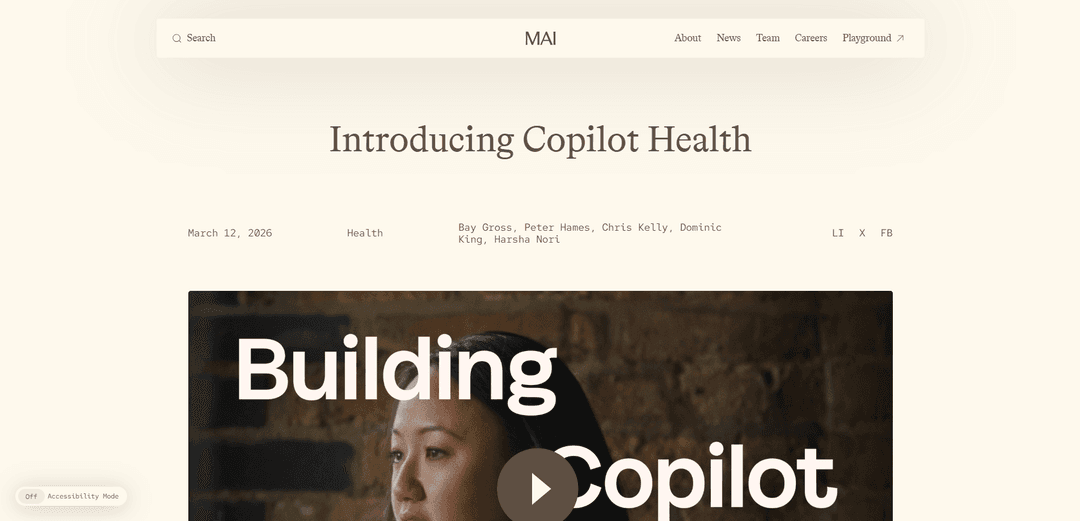
Microsoft Copilot Health is a dedicated, secure health experience inside Copilot that unifies your medical records, lab results, and wearable data to provide trustworthy, citation-backed, personalized health insights and help you find care providers.
https://microsoft.ai/news/introducing-copilot-health?ref=producthunt
Product Information
Updated:May 19, 2026
What is Microsoft Copilot Health
Microsoft Copilot Health is a health-focused space within Microsoft Copilot designed to help people make sense of the health information they already have—such as test results, visit summaries, medications, and trends from wearables—so they can act on clearer insights and prepare for more productive conversations with clinicians. Launched with a careful, phased rollout, it is positioned as a supportive companion rather than a replacement for medical professionals, with clear labeling and an explicit statement that it is not intended to diagnose, treat, or prevent disease. Copilot Health emphasizes trustworthy information with clear citations and integrates provider search so users can locate clinicians by specialty, location, languages spoken, and insurance coverage.
Key Features of Microsoft Copilot Health
Microsoft Copilot Health is a dedicated, secure health experience inside Copilot that helps people make sense of their personal health information by bringing together medical records, lab results, and wearable-device data into a single profile. It provides personalized, actionable insights and plain-language explanations to help users prepare for appointments and make better-informed decisions, while emphasizing it is not a diagnostic or treatment tool. The service prioritizes trustworthy, cited health information, offers provider search via real-time U.S. directories, and includes privacy controls such as data isolation from general Copilot, encryption, and the ability to disconnect/delete connected data; Microsoft also states Copilot Health data is not used for model training.
Separate, secure health workspace: Creates an isolated “health” space within Copilot for discussing sensitive topics like lab results and medical records, with additional privacy and safety controls beyond general Copilot.
Unified personal health profile: Aggregates health records, wearable metrics, and user-provided history into one coherent view so users can understand patterns and context across otherwise fragmented data.
Wearable and wellness integrations (50+ devices): Connects to data such as activity, sleep, and vital-sign trends from more than 50 wearable sources (e.g., Apple Health, Oura, Fitbit) to surface wellness indicators and trends.
EHR connectivity via HealthEx (50,000+ U.S. organizations): Pulls visit summaries, medication lists, and test results from electronic health records across a large network of U.S. hospitals and provider organizations, subject to user consent.
Trustworthy answers with citations: Elevates information from credible health organizations across 50+ countries and provides clear citations and links to sources, aiming to reduce misinformation and improve transparency.
Care navigation and provider search: Connects to real-time U.S. provider directories, enabling searches by specialty, location, languages spoken, and insurance coverage to help users find appropriate care.
Use Cases of Microsoft Copilot Health
Patient appointment preparation: Helps individuals summarize recent labs/visits, translate medical jargon, and generate focused questions to make clinical appointments more efficient and productive.
Chronic condition self-management support: Surfaces trends across medications, symptoms, labs, and wearable data (e.g., sleep/activity changes) to help users monitor routines and discuss potential adjustments with clinicians.
Family caregiver coordination: Supports caregivers (with appropriate access/consent) by organizing a loved one’s records and explaining results, improving readiness for specialist visits and care planning.
Wellness and habit coaching from wearables: Turns wearable streams into understandable insights (sleep consistency, activity patterns) and reminders (e.g., upcoming appointments) to encourage healthier routines.
Health education and decision support: Provides cited, plain-language explanations of common conditions, tests, and terminology to reduce confusion and help users evaluate next steps (without replacing professional care).
Care discovery and access optimization: Enables consumers to identify in-network clinicians and appropriate specialties quickly, which can reduce delays in accessing care—useful for urgent-but-non-emergency situations.
Pros
Strong privacy posture (separate health space, encryption, access controls, ability to disconnect/delete; stated not used for model training).
Combines fragmented sources (EHR + labs + wearables) into a single narrative, improving comprehension and continuity.
Emphasis on trustworthy, cited information and clinically informed development (internal clinical team + external physician panel; ISO/IEC 42001 certification).
Improves care navigation via real-time U.S. provider directories and insurance-aware search.
Cons
Not a diagnostic tool—users may still expect medical conclusions, and misinterpretation risk remains if users over-rely on AI outputs.
Availability limitations at launch (U.S., English, adults 18+; phased rollout/waitlist) restrict immediate accessibility.
Data-sharing sensitivity: connecting EHR and wearable data to a consumer platform increases perceived privacy/security risk despite safeguards.
Quality and completeness depend on integrations and underlying records; gaps or inconsistencies in EHR/wearable data can affect insights.
How to Use Microsoft Copilot Health
1) Confirm eligibility and availability: Copilot Health is launching first in English in the United States for adults aged 18+. Ensure you’re in the U.S., using English, and have access to Microsoft Copilot on the web or iOS (Copilot Health is rolling out in phases).
2) Join the Copilot Health waitlist (if you don’t have access yet): Open Microsoft’s announcement page for Copilot Health and select “Join the waitlist.” Follow the prompts to register for early access as it rolls out.
3) Open Copilot and enter the Copilot Health experience: Once enabled for your account, open Microsoft Copilot and navigate to the dedicated Copilot Health area (described by Microsoft as a separate, secure space within Copilot).
4) Review the “separate, secure space” and privacy controls: Before adding data, review the product’s privacy/safety posture: Copilot Health conversations and data are isolated from general Copilot, protected with encryption in transit and at rest, and you can manage/delete your information. Microsoft states your Copilot Health data is not used for model training.
5) Connect wearable data sources (optional): In Copilot Health, add a wearable connector to import activity levels, sleep patterns, vital signs, and trends from supported devices/services (Microsoft cites 50+ wearables, including Apple Health, Oura, and Fitbit). Grant permissions when prompted.
6) Connect your electronic health records (optional): Use the health records connection flow to link records from participating U.S. hospitals/provider organizations (Microsoft cites 50,000+ via HealthEx). Authenticate with your provider/portal as prompted and approve access to items like visit summaries, medication lists, and test results.
7) Add lab results sources (optional): If you use supported lab services, connect them so Copilot Health can include comprehensive lab test results (Microsoft mentions Function). Follow the connector prompts to authorize access.
8) Build out your health history and goals in conversation: Use chat to provide context that may not be in connected records (e.g., symptoms you’ve noticed, goals like improving sleep, relevant history). Copilot Health is designed to turn your records + wearables + history into a coherent, understandable narrative.
9) Ask Copilot Health to explain medical terms and results: Paste or reference a lab/test result or a visit summary and ask for a plain-language explanation, what the numbers/terms commonly mean, and what questions to ask your clinician. Copilot Health emphasizes clear explanations and source citations.
10) Request personalized insights across your combined data: Ask Copilot Health to look for patterns and trends (e.g., sleep vs. activity, changes over time in vitals, medication timeline vs. symptoms). Request “actionable insights” and suggested discussion points for your next appointment.
11) Use citations to verify information: When Copilot Health provides medical information, open the cited sources to validate what you’re reading. Microsoft states it elevates credible health organizations across many countries and includes clear citations with links to source material (including expert-written answer cards such as Harvard Health).
12) Find clinicians and care options (U.S.): Use the provider search capability to find clinicians by specialty, location, languages spoken, and insurance coverage. Microsoft states Copilot Health connects to real-time U.S. provider directories for this.
13) Prepare for a doctor visit: Ask Copilot Health to summarize your recent records and trends, list your top concerns, and generate a concise set of questions to bring to your appointment so you can use clinician time more effectively.
14) Manage, disconnect, or delete your data anytime: If you want to stop using a data source, disconnect connectors (EHR/wearables) instantly from within Copilot Health. Use the available controls to manage and delete your Copilot Health information when you choose.
15) Keep expectations aligned with intended use: Use Copilot Health to understand information, organize data, and support conversations with professionals. Microsoft states Copilot Health is not intended to diagnose, treat, or prevent diseases and is not a substitute for professional medical advice.
Microsoft Copilot Health FAQs
Copilot Health is a separate, secure space within Microsoft Copilot designed to make sense of your personal health information and deliver personalized health insights you can act on. It is intended to help you prepare for better conversations with clinicians, not to replace them.
Microsoft Copilot Health Video
Popular Articles

Atoms: A Multi-Agent AI Platform That Transforms Ideas into Launch-Ready Products
May 22, 2026

Nano Banana SBTI: What It Is, How It Works, and How to Use It in 2026
Apr 15, 2026

Atoms Review — The AI Product Builder Redefining Digital Creation in 2026
Apr 10, 2026

Kilo Claw: How to Deploy and Use a True "Do‑It‑For‑You" AI Agent(2026 Update)
Apr 3, 2026
Latest AI Tools Similar to Microsoft Copilot Health
DocAI
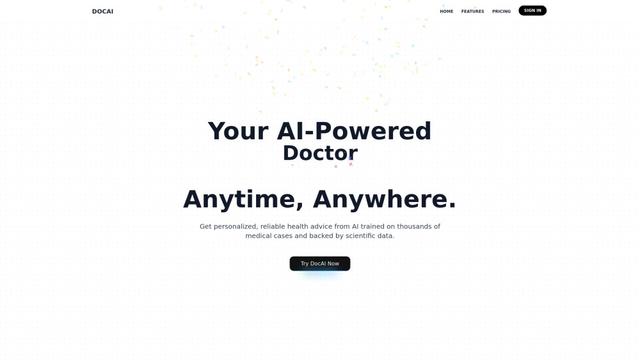
DocAI is an AI-powered platform that offers intelligent document processing, medical consultation analysis, and personalized healthcare solutions through advanced machine learning technologies.
Nutrecity
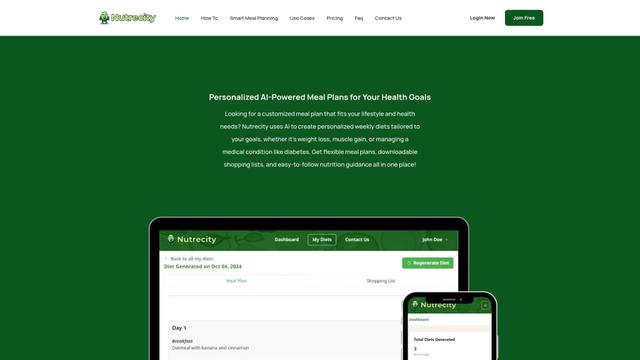
Nutrecity is an AI-powered meal planning platform that creates personalized nutrition plans tailored to individual health goals, dietary preferences, and restrictions while providing comprehensive nutritional tracking and reporting.
Fit Aura
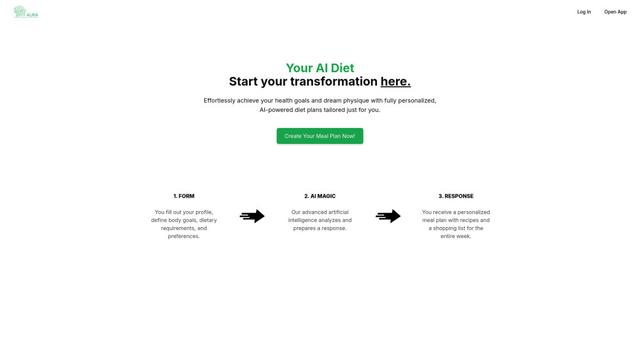
Fit Aura is an AI-powered diet and nutrition platform that creates personalized meal plans, generates recipes, and helps track fitness progress for achieving health goals.
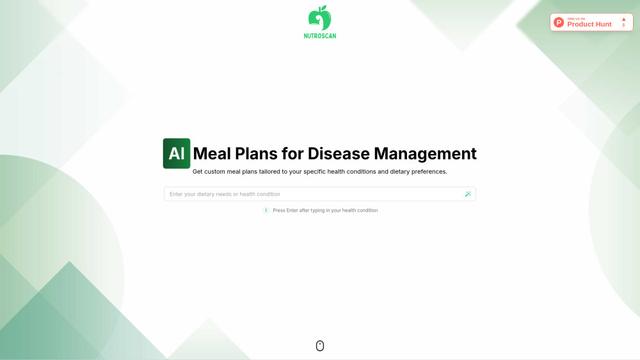
Nutroscan
Nutroscan is an AI-powered meal planning platform that generates personalized nutrition plans based on individual health conditions, dietary preferences, and nutritional needs.
Popular AI Tools Like Microsoft Copilot Health
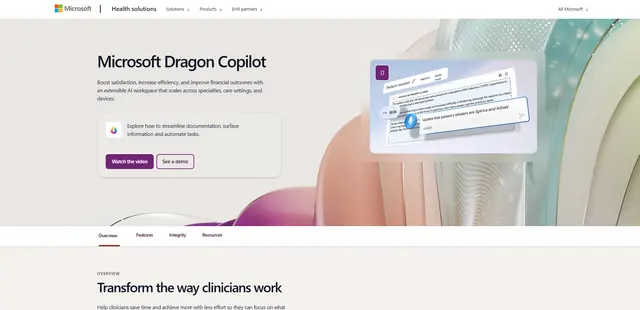
Microsoft Dragon Copilot
Microsoft Dragon Copilot is an AI-powered clinical workflow assistant that combines natural language voice dictation, ambient listening capabilities, and generative AI to streamline documentation, surface information, and automate tasks across healthcare settings.
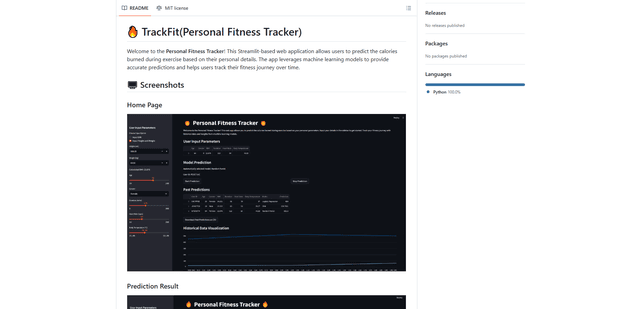
TrackFit
TrackFit is a comprehensive AI-powered fitness tracking system that combines smartwatch sensor data, machine learning models, and personalized analytics to help users monitor workouts, track progress, and improve exercise form in real-time.
HealthyAI - Nutrition Scanner
FreemiumHealthcare
HealthyAI is an AI-powered nutrition scanner app that helps users make healthier food choices by providing instant ingredient analysis, nutritional breakdowns, and personalized recommendations through barcode scanning and photo recognition technology.
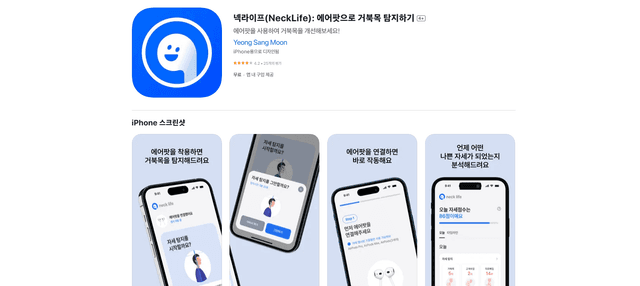
Neck-Life
FreemiumHealthcare
Neck-Life is an innovative app that uses AirPods sensors to monitor neck posture in real-time and helps prevent 'tech neck' through timely alerts and personalized settings.