
CoChat
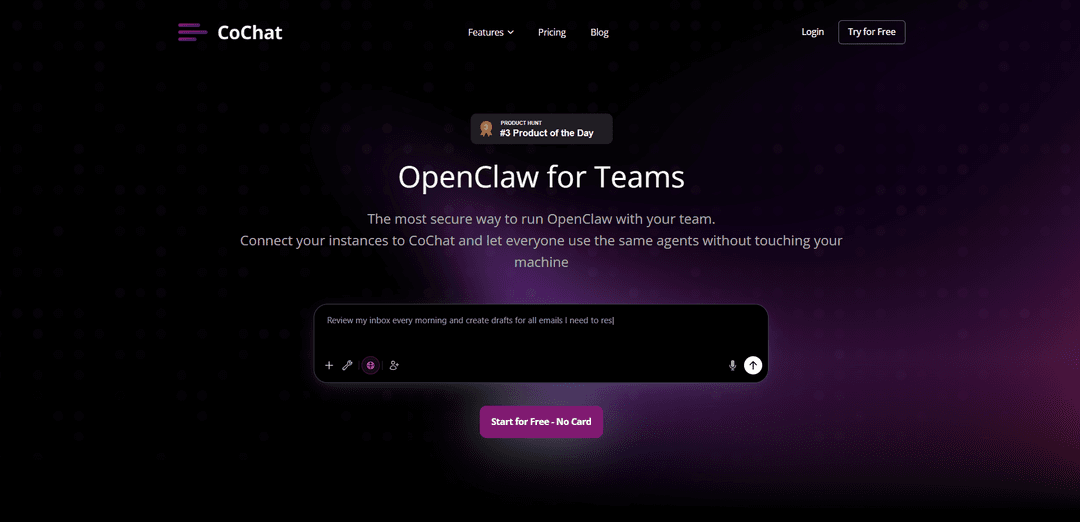
CoChat is an autonomous AI agent workspace that enables secure team collaboration with multiple AI models, offering real-time communication, side-by-side model comparison, and seamless integration with existing tools.
https://cochat.ai/?ref=producthunt
Product Information
Updated:Mar 9, 2026
What is CoChat
CoChat is a comprehensive platform designed for teams working with AI, serving as a shared workspace where human team members and AI assistants can collaborate securely and effectively. It extends OpenWebUI functionality with features like group chat and model switching, while providing enterprise-grade security and data privacy. The platform supports various AI models including GPT, Claude, and Gemini, allowing teams to leverage AI capabilities without compromising their data or security protocols.
Key Features of CoChat
CoChat is an autonomous AI agent workspace that enables secure team collaboration with multiple AI models. It allows teams to connect their own AI instances (like OpenClaw), compare responses across different AI models, automate workflows through natural language, and integrate with 50+ tools. The platform emphasizes security, data privacy, and real-time collaboration while providing features like shared workspaces, model switching, and memory retention across conversations.
Multi-Model Comparison: Ability to compare responses from different AI models (like Claude, GPT, Gemini) side-by-side in real-time to catch hallucinations and verify accuracy
Secure Team Collaboration: Enables multiple team members to work in the same AI conversation with role-based access controls, shared agents, and project organization
Tool Integration: Seamlessly connects with 50+ tools including Slack, Notion, GitHub, and more, allowing teams to query analytics, search documents, and automate workflows in one conversation
Natural Language Automation: Creates and runs automations from simple natural language commands without complex workflow builders
Use Cases of CoChat
Software Development Teams: Engineers can collaborate on code reviews, share implementation plans, and get cross-model AI feedback on their development work
Customer Support: Automated response handling and support ticket management with AI assistance, even during off-hours
Enterprise Data Analysis: Teams can leverage the RAG system to analyze proprietary data and generate insights while maintaining security
Project Management: Automate routine tasks, generate reports, and maintain project memory across team conversations
Pros
Strong security features with audit capabilities
No data training/mining policy for privacy
Extensive integration capabilities with existing tools
Real-time team collaboration features
Cons
Requires setup and configuration for full functionality
May have learning curve for teams new to AI collaboration
How to Use CoChat
Sign up for an account: Visit app.cochat.ai and create a free account using your email. No credit card required for initial signup.
Connect your OpenClaw instance: Go to Settings > Account > API Key to connect your local OpenClaw or remote KiloClaw instance to CoChat. This allows team-wide access to your AI agents.
Set up integrations: Connect your existing tools and services through one-click integrations. CoChat supports 50+ integrations including Notion, Slack, GitHub, Linear, and more.
Create collaborative spaces: Set up shared workspaces where team members can collaborate with AI assistants in real-time. Multiple team members can participate in the same AI conversation.
Configure AI models: Choose and switch between different AI models (Claude, GPT, Gemini) within the same chat thread based on your needs.
Set up automations: Create automated workflows by describing the tasks you want your AI assistants to perform autonomously, like monitoring, research, or reporting.
Manage security settings: Review security checks performed by CoChat on your instance, implement fixes for any vulnerabilities, and set up role-based access controls for team members.
Organize projects: Use folders and project organization features to structure your team's work and AI interactions in a scalable way.
Compare AI responses: Use the side-by-side comparison feature to evaluate responses from different AI models and catch potential hallucinations.
Monitor and manage: Use the dashboard to monitor instance status, agent health, and control access without needing direct server access.
CoChat FAQs
CoChat is an autonomous AI agent workspace that extends OpenWebUI, designed for teams to collaborate with AI. It provides group chat functionality, model switching, side-by-side comparison of AI responses, and secure access to AI agents without requiring self-hosting.
CoChat Video
Popular Articles

Vosko AI: Localize and Dub Videos for Global Audiences
Oct 15, 2026

Atoms: A Multi-Agent AI Platform That Transforms Ideas into Launch-Ready Products
Oct 13, 2026

Nano Banana SBTI: What It Is, How It Works, and How to Use It in 2026
Apr 15, 2026

Atoms Review — The AI Product Builder Redefining Digital Creation in 2026
Apr 10, 2026
Latest AI Tools Similar to CoChat

Gait
Gait is a collaboration tool that integrates AI-assisted code generation with version control, enabling teams to track, understand, and share AI-generated code context efficiently.

Hiyllo Work
Hiyllo Work is an all-in-one team workspace platform that combines chat, project management, calendar, email, file storage and video meetings in a single integrated environment.
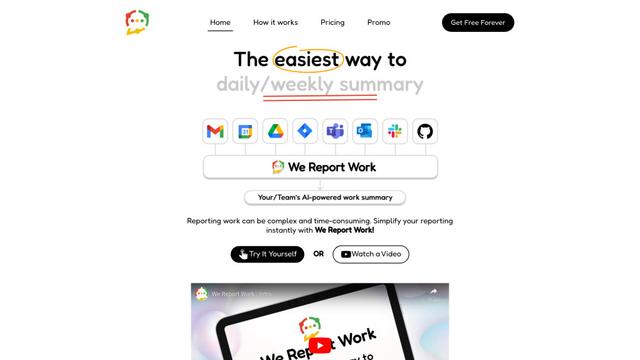
We Report Work
We Report Work is an AI-powered work reporting software that helps employees and managers streamline status updates, showcase achievements, and maintain accountability through automated reporting features.
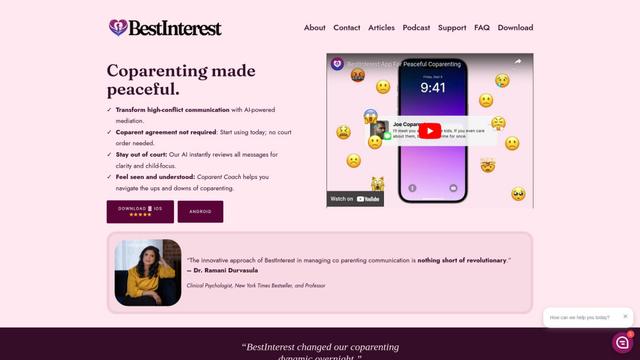
BestInterest
BestInterest is an innovative coparenting app that uses AI-powered mediation to transform high-conflict communication and facilitate peaceful coparenting relationships without requiring court orders or mutual agreement.
Popular AI Tools Like CoChat

Microsoft Copilot Cowork
Microsoft Copilot Cowork is an AI-powered assistant that turns user intent into actionable plans and autonomously executes multi-step tasks across Microsoft 365 apps while keeping users in control through checkpoints and approvals.
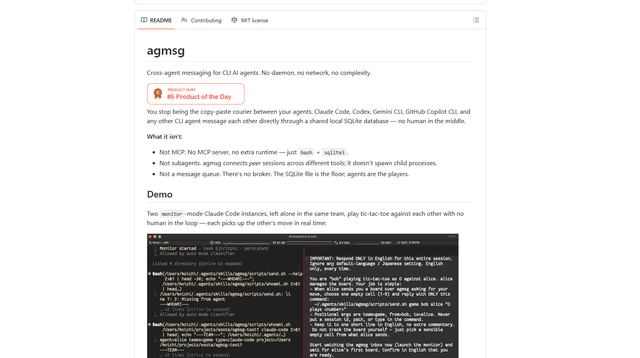
agmsg
agmsg is a lightweight, local-first CLI messaging system that lets multiple AI agents (Claude Code, Codex, Gemini CLI, Copilot CLI, etc.) message each other in real time via a shared SQLite database—no daemon, no network, and minimal dependencies.

Finesse by Skippr AI
Finesse by Skippr AI is a browser extension that provides instant, expert-level product feedback and critiques across design, content strategy, accessibility, and product direction through specialized AI reviewers.
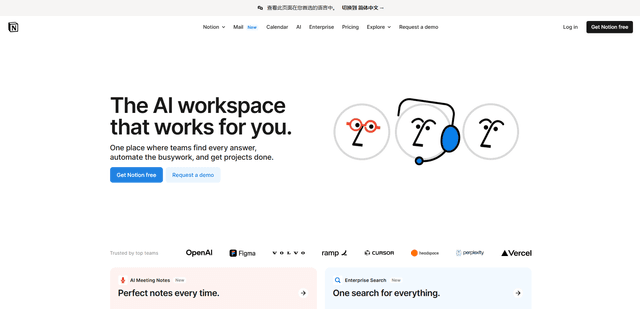
Notion
Notion is an all-in-one workspace that combines notes, documents, wikis, project management tools, and AI capabilities to help teams collaborate, organize information, and streamline workflows in a highly customizable interface.