
CloudFuze
CloudFuze is an enterprise cloud migration and SaaS/AI governance platform that securely moves data and AI conversation context across 40+ clouds while preserving critical metadata like permissions, links, timestamps, and versions.
https://www.cloudfuze.com/migrate-from-claude-to-gemini/?ref=producthunt
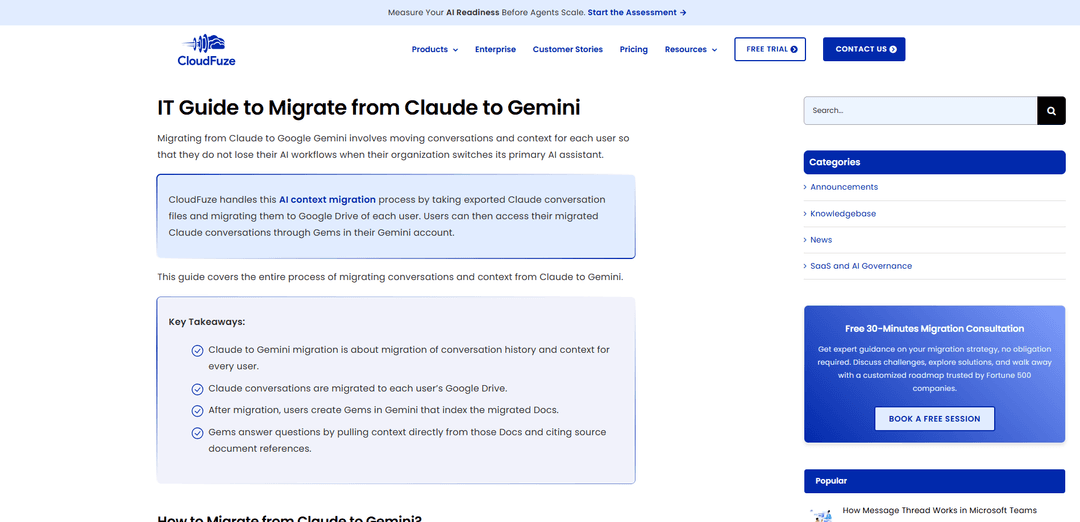
Product Information
Updated:Aug 8, 2026
What is CloudFuze
CloudFuze is a comprehensive cloud migration solutions provider built to help organizations move and consolidate content across major productivity and storage ecosystems such as Google Workspace, Microsoft 365, Slack, Box, Dropbox, and more. It supports large-scale, enterprise-ready migrations of files, folders, emails, chats, and tenant configurations, with a strong focus on maintaining structure and fidelity during transitions. In addition to traditional content migration, CloudFuze also addresses the emerging need to preserve AI workflows by migrating AI conversations, context, and related artifacts between assistants such as Claude, Gemini, and Microsoft 365 Copilot.
Key Features of CloudFuze
CloudFuze is an enterprise cloud migration and SaaS/AI governance platform that helps organizations move data and collaboration workloads across 40+ systems (e.g., Google Workspace, Microsoft 365, Slack, Box, Dropbox) while preserving critical metadata such as permissions, timestamps, versions, and shared links. It also supports emerging “AI context migration” scenarios—migrating assistant conversation history and artifacts (e.g., Claude/Copilot/Gemini) into destination environments like Google Drive/OneDrive and making them usable again via Gemini Gems or Copilot agents—so users retain AI-driven workflows during cloud or cross-tenant transitions.
Cross-platform cloud migration engine: Transfers files, folders, emails, chats, and even tenant configurations across 40+ supported platforms, designed to scale from small moves to petabyte-level enterprise migrations.
Metadata and sharing preservation: Maintains key collaboration metadata (permissions, timestamps, versions, external shares/shared links, and comments) to reduce disruption and keep content usable post-migration.
AI conversation/context migration: Migrates AI assistant histories and artifacts (e.g., Claude→Gemini, Copilot→Gemini, Gemini→Copilot, Gemini→Gemini) by exporting/converting conversations into destination-friendly formats (e.g., Google Docs/OneNote) stored in users’ drives.
User mapping and controlled execution: Provides automated and manual user mapping (often by email), plus dry-run testing, reporting, and validation workflows to reduce errors at scale.
Incremental (delta) migration and sync: Supports ongoing change capture during long migrations via incremental/delta runs, and can sync clouds one-way or two-way for backup or coexistence scenarios.
SaaS & AI governance (CloudFuze Manage): Helps discover and govern sanctioned/unsanctioned apps (Shadow IT/Shadow AI), enforce policies, manage user lifecycles, and optimize SaaS licensing spend from a central dashboard.
Use Cases of CloudFuze
Claude to Gemini migration for Google Workspace standardization: When an organization switches its primary assistant from Claude to Gemini, CloudFuze migrates exported Claude conversations into each user’s Google Drive and enables retrieval via Gemini Gems that index the migrated Docs.
Microsoft 365 to Google Workspace consolidation (Copilot to Gemini): During suite consolidation, CloudFuze exports Copilot conversation history to Google Docs in Drive, letting teams continue referencing prior AI work inside Gemini using Gems for indexed, source-cited answers.
Google Workspace cross-tenant migration (Gemini to Gemini): For mergers/re-orgs requiring tenant-to-tenant moves, CloudFuze exports Gemini conversations (e.g., via Vault workflows) and migrates them as Google Docs to the destination tenant so users retain AI history/context.
Google Workspace to Microsoft 365 transitions (Gemini to Copilot): When moving to Microsoft 365, CloudFuze converts Gemini conversations into OneNote files in OneDrive and surfaces them in Copilot via a conversation assistant/agent approach.
Regulated industry migrations with continuity requirements: Healthcare, finance, and legal teams can migrate collaboration data while preserving permissions/metadata and maintaining auditability, reducing operational risk during platform changes.
IT governance and cost optimization after migration: Post-migration, IT can use CloudFuze Manage to discover Shadow IT/AI usage, enforce governance policies, and reduce SaaS spend through license optimization.
Pros
Broad platform coverage (40+ systems) for content, collaboration, and tenant migrations.
Strong focus on preserving collaboration-critical metadata (permissions, versions, timestamps, links).
Differentiated AI context migration paths (Claude/Copilot/Gemini) to maintain user productivity workflows.
Cons
AI assistant migration often requires post-migration setup (e.g., creating Gemini Gems or deploying agents) rather than a fully native in-app conversation restore.
Some AI platforms lack native export/import, so migrations depend on conversions (e.g., to Google Docs/OneNote) and may not replicate the original chat UI experience.
Pricing is subscription-based and can vary by data volume/users/migration type, which may require scoping to estimate accurately.
How to Use CloudFuze
1. Export conversations from Claude: From Claude, export the conversation history for the users you plan to migrate and download the export as a ZIP file (this ZIP is the input CloudFuze will ingest).
2. Connect Google Workspace in CloudFuze Migration Agent: Open the CloudFuze Migration Agent and connect the destination Google Workspace tenant using Super Admin credentials so CloudFuze can write migrated files into users’ Google Drive.
3. Select the Claude → Gemini migration path: In the Migration Agent, choose the migration path specifically labeled for Claude to Gemini so the tool applies the correct parsing and destination formatting.
4. Upload the Claude export ZIP into CloudFuze: In the Migration Agent chat dashboard, click the Claude export ZIP upload option, upload the ZIP, wait for CloudFuze to upload and parse it, then click Continue.
5. Map Claude users to Google Workspace users: For each Claude user, select the corresponding destination Google user account to ensure each person’s conversations land in the correct Google Drive.
6. Run a dry migration (recommended): In Migration Options, run a dry migration first to preview what will migrate and identify issues before executing the real migration.
7. Run the actual migration: After reviewing the dry run results, start the actual migration so CloudFuze converts and migrates Claude conversations into Google Docs stored in each user’s Google Drive.
8. Review migration reports and validate results: When the migration completes, check CloudFuze migration reports for errors and validate that the migrated conversation Docs appear in the expected Google Drive locations and are accessible in Gemini.
9. Copy Gem instructions from CloudFuze: In the CloudFuze Migration Agent, copy the Gem Instructions provided for post-migration setup (these instructions are used to configure Gemini to query the migrated Docs).
10. Create a Gem in Gemini: In Gemini, create a new Gem, paste the copied Gem Instructions, and give the Gem a name.
11. Link the migrated conversation files to the Gem: In Gemini Gem setup, add the migrated conversation files by selecting the Google Drive folder where CloudFuze saved the conversations as Google Docs and link that folder to the Gem.
12. Save the Gem and query migrated conversations: Save the Gem so it can index the linked Google Docs; users can then ask questions about their migrated Claude conversations, and the Gem will pull context from the Docs and provide source references.
CloudFuze FAQs
CloudFuze provides cloud migration as well as SaaS and AI management and governance solutions, helping organizations migrate data and govern SaaS apps and AI agents in their cloud environments.
CloudFuze Video
Popular Articles

Vosko AI: Localize and Dub Videos for Global Audiences
Oct 15, 2026

Atoms: A Multi-Agent AI Platform That Transforms Ideas into Launch-Ready Products
Oct 13, 2026

Nano Banana SBTI: What It Is, How It Works, and How to Use It in 2026
Apr 15, 2026

Atoms Review — The AI Product Builder Redefining Digital Creation in 2026
Apr 10, 2026
Latest AI Tools Similar to CloudFuze
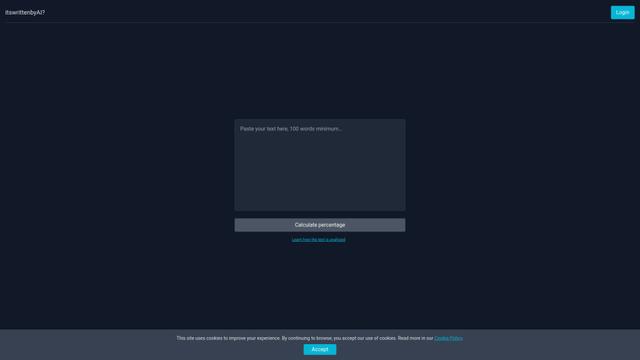
Itswrittenbyai
Itswrittenbyai is an AI detection tool that helps identify content generated by popular AI models like ChatGPT, Claude, and Gemini.
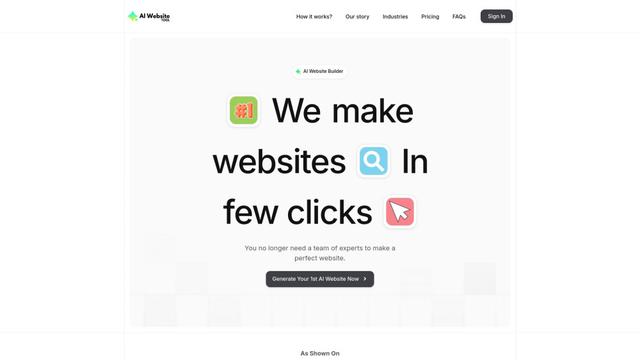
AI Website Tool
AI Website Tool is an AI-powered website builder that creates professional websites in minutes by automatically generating business-focused copy, custom visuals, and responsive designs with just a few clicks.

Progressa.ai
Progressa.ai is an AI-powered social media automation platform that streamlines content creation, scheduling, and engagement across multiple platforms with 24/7 functionality.
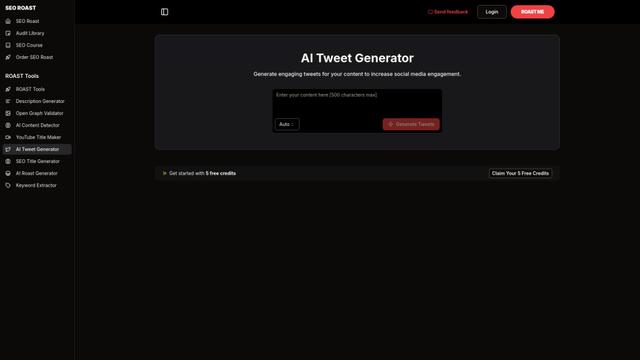
AI Tweet Generator
An AI-powered tool that automatically generates engaging, witty, and personalized tweets by leveraging natural language processing to help users create compelling social media content in seconds.
Popular AI Tools Like CloudFuze

undash
Undash is a lightweight Chrome extension that automatically removes long em dashes (—) from AI-generated text to make it feel more natural and human-like.

Pre-AI Search - Filter Google AI Content
Pre-AI Search is a Chrome extension that helps users filter out AI-generated content from Google search results by focusing on content published before the rise of AI content generation.
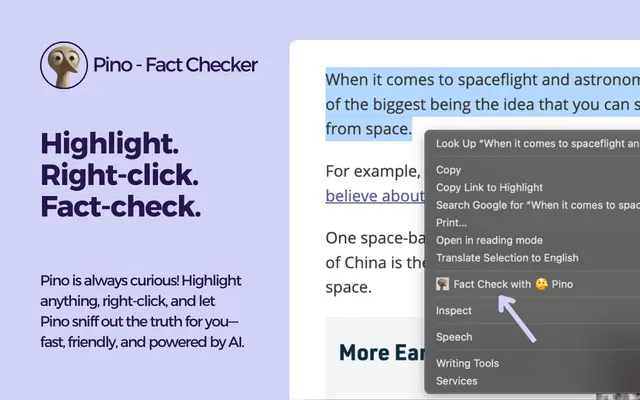
Pino - Fact Checker
Pino is an AI-powered Chrome extension that enables instant fact-checking of any text with truth scores, detailed analysis, and reliable sources through a simple highlight-and-click interface.
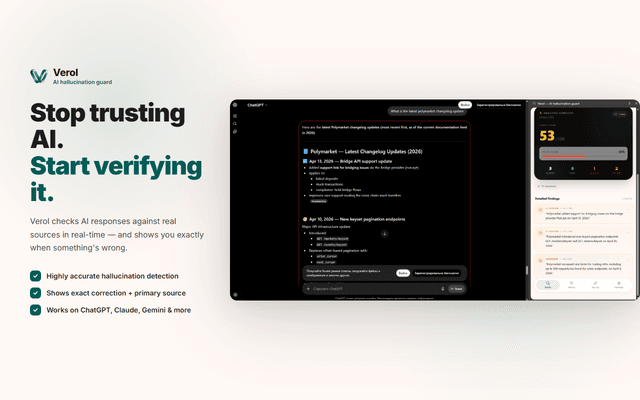
Verol
Verol is a Chrome extension that provides real-time AI fact-checking and hallucination detection for ChatGPT, Claude, Gemini, and Grok, using inline annotations, confidence scoring, and source traceability to verify model outputs as they’re generated.